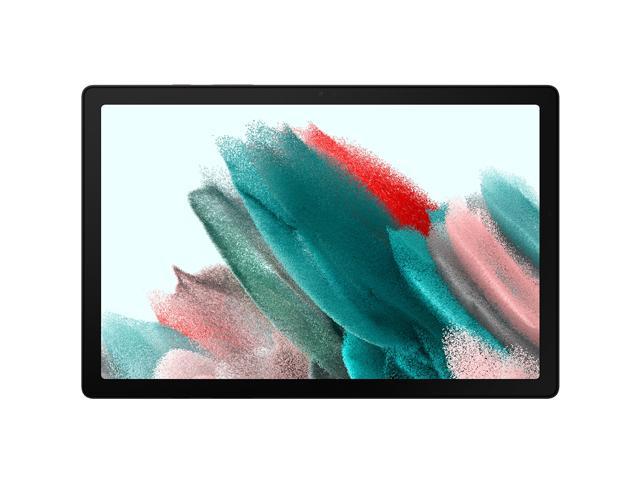
here!
here!
I’m your shopping assistant for PC builds, upgrades, and everything tech.
Got questions? Ask away!
Start a conversation
here!
I’m your shopping assistant for PC builds, upgrades, and everything tech.
Got questions? Ask away!
Start a conversation









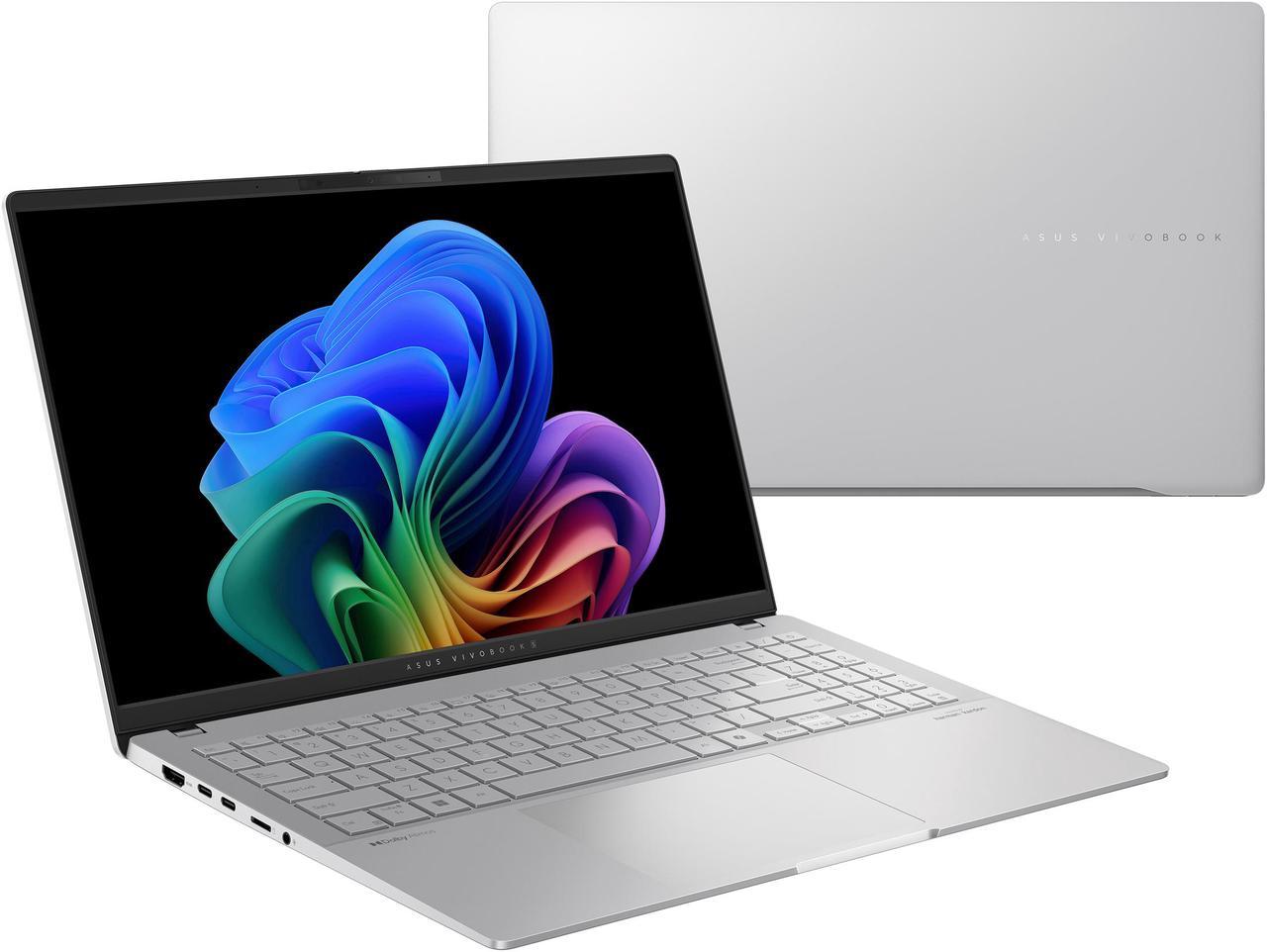
Copilot+ PCs. A New AI Era Begins - New AI superpowers. Discover the power of Recall (preview), improved Windows search, and Click to Do (preview) on Copilot+ PCs. Effortlessly locate past content, perform natural searches, and interact with text and images – all while ensuring your data remains private and you stay productive1
Slim, powerful, and stylish - the Modern 15 H C2RM is loaded with all you need to pursue your passions in work. Let its amazing performance help you conquer any task and add more flair to your daily productivity!
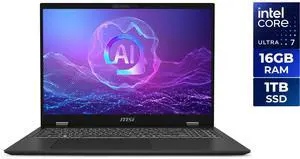
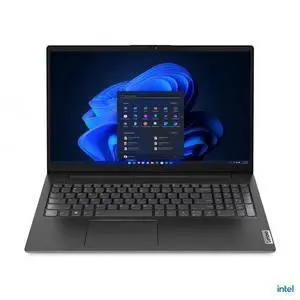
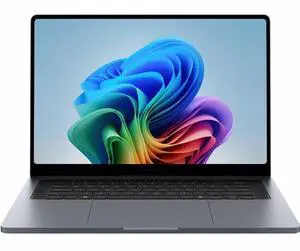

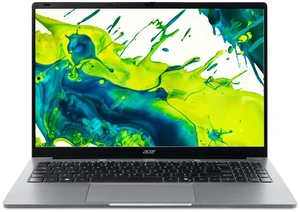
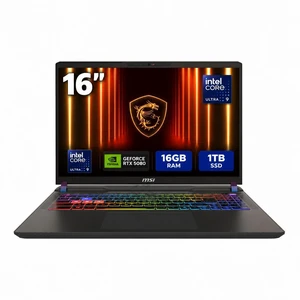
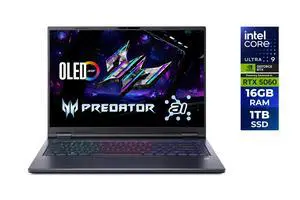
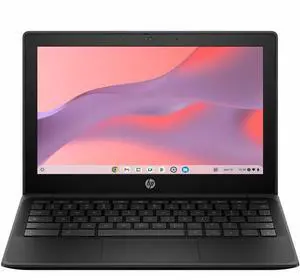
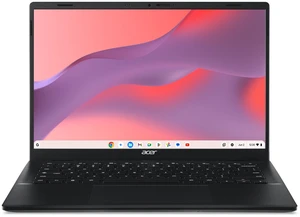
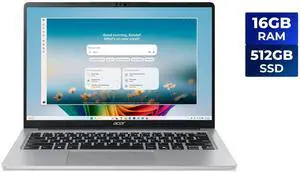
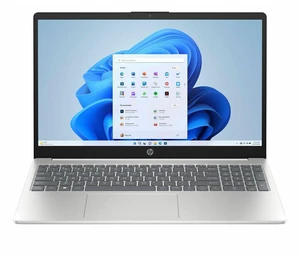
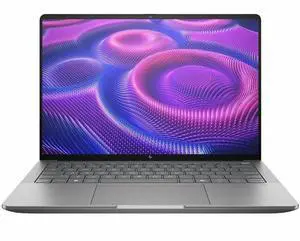
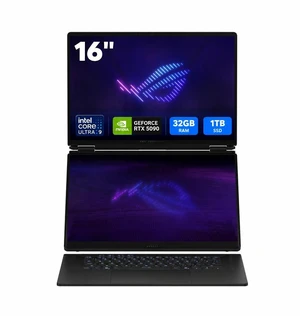
Explore a wide selection of Dell, ASUS, and HP laptops equipped with the latest Intel i5/i7, Ryzen 9, and RTX 4000 series GPUs. Whether you need a powerful machine for gaming, a versatile 2-in-1 for work, or a reliable notebook for study, find the right fit for your needs at Newegg.
The CPU dictates much of your laptop’s performance, influencing everything from app responsiveness to battery longevity. With Intel’s 12th Gen processors and AMD’s Ryzen 7000 series powering today's laptops, you’re looking at significant improvements in multi-core performance and energy efficiency. Intel’s hybrid architecture combines performance cores with efficient cores optimized for multitasking, while Ryzen’s latest chips boost clock speeds and integrated graphics performance. When shopping, decide if you want a processor tuned for raw power—ideal for gaming or content creation—or a balanced chip that maximizes battery life for everyday tasks. This decision will shape your laptop’s capabilities for years to come.
For professionals who demand the utmost from their notebooks, specialized options abound. Content creators will appreciate Creator Laptops / Notebooks equipped with UHD panels and pro-grade graphics to speed up heavy editing and rendering tasks. Developers working with AI-assisted coding tools might explore the Copilot PC Laptop line for enhanced multitasking supported by Microsoft AI integrations. For those balancing portability with power, Thin and Light Laptops offer excellent performance without the bulk.
Newegg shopping tip: When choosing a laptop, focus on balancing processor power with battery life based on your typical use—gaming and video editing need strong CPUs and GPUs, while everyday tasks benefit more from longer runtimes. Also, consider screen size and portability to match how often you'll be on the go versus using it at a desk.
Powerhouse machines with Intel Core i7/i9 or AMD Ryzen 9 processors, UHD displays, and pro-grade GPUs tailored for video editing, 3D rendering, and digital art workflows.
Designed for reliability and security, these laptops feature business-class CPUs, enhanced encryption, and long battery life to keep your workday seamless.
Weighing under 3 lbs and boasting up to 12th Gen processors, these sleek laptops balance performance with portability for professionals on the move.
Starting your laptop search can feel overwhelming with so many options out there. Whether you need a device for school, work, or everyday use, focusing on the basics helps. Look first at the processor type—Intel 12th Gen or AMD Ryzen 7000 chips deliver solid performance and efficiency. Consider screen size and portability; a lightweight model is easier to carry around, while a bigger display is better for multitasking and media. Battery life is another crucial factor—aim for a laptop that can keep up with your daily routine without constant charging. To explore a wide range of options designed to fit all needs, check out All Laptop.
If gaming is your main goal, you'll want a laptop that packs serious power and speed. Look for models with the latest Intel i7/i9 or Ryzen 9 processors paired with discrete NVIDIA RTX 4000-series GPUs to handle fast-paced, graphics-heavy games. A high-refresh-rate screen ensures smooth visuals, while ample RAM and SSD storage keep load times fast and gameplay responsive. Many gaming laptops also feature aggressive cooling systems to prevent overheating during long sessions. For top-tier gaming rigs crafted to maximize your in-game experience, browse our Gaming Laptops selection.
For professionals who rely on their laptops for work, security, and reliability top the list. Business-class laptops come equipped with CPUs designed for long uptime and smooth multitasking, along with hardware encryption and privacy features to protect sensitive data. Strong battery life and lightweight designs make them ideal for on-the-go productivity. Many models also include robust connectivity options and durable builds to withstand daily commuter wear and tear. Discover models optimized for business needs with our curated Business Laptops.
Research more: Thinking about a new laptop? Check out Newegg Insider's detailed buying guides to get a solid understanding of specs, brands, and features before making your choice.
Last Updated: October 2026 | Newegg Laptop / Notebook Buying Guide
Gaming laptops pack more powerful graphics and faster processors but tend to be heavier and bulkier. Ultrabooks are slim and lightweight, perfect for everyday tasks, but won’t handle demanding games as well.
Absolutely, SSDs make your laptop boot up faster and load programs quickly, which greatly improves overall speed. HDDs offer more storage at a lower cost but feel noticeably slower during use.
Honestly, the terms are mostly interchangeable nowadays. Laptops used to be bigger and more powerful, while notebooks were lighter and portable, but now both generally mean a portable computer you can carry around.
Battery life varies a lot, but most everyday laptops last anywhere from 5 to 10 hours on a single charge depending on usage, screen brightness, and the kind of tasks you’re doing.
It depends on how you plan to use it—if you need something portable, go for 13-14 inches, but if you want a better viewing experience for work or gaming, a 15-17 inch screen might suit you better.
You can find solid options between $400 and $700 that handle browsing, streaming, and basic office tasks without breaking the bank.
Look for consistent positive feedback on build quality, battery life, and performance. If multiple users mention overheating, crashes, or short battery life, those are red flags.
People often complain about keyboard durability, screen brightness, and fan noise. It's wise to check if these problems come up repeatedly before making a decision.
When you power on your laptop, follow the on-screen instructions to select your language, connect to Wi-Fi, and sign in with or create a Microsoft or Apple account. This process will activate your system and help you access essential updates and features.
To maximize battery life, start by adjusting your screen brightness to a comfortable yet lower level, close unused apps running in the background, and use power-saving modes found in your system settings. Avoid leaving the laptop plugged in at 100% all the time to keep the battery healthy.
“ The cons are to be expected and this laptop replaced the steam deck as well as my PC ”
Acer Nitro V16 16.0" WUXGA 180Hz Gaming Laptop, Intel Core 7 240H, GeForce RTX 5060, 32GB DDR5, 512GB PCIe Gen 4 SSD, Windows 11 Home ANV16-72-73C7“ Very good laptop and definitely worth the purchase. ”
MSI CROSSHAIR A16 Gaming Laptop - 16" QHD+ 240hz - AMD Ryzen 9-8940HX - GeForce RTX 5060 - 32GB DDR5 RAM - 1TB SSD (D8WFKG-015US)“ Obviously, an 18-inch performance laptop is not something you buy because you want an ultralight machine with all-day battery life. ”
MSI Raider - 18" GeForce RTX 5080 Laptop GPU - AMD Ryzen 9 9955HX3D - 32GB DDR5 5600MHz Memory - 2 TB SSD - Wi-Fi 7 Windows 11 Pro - Gaming Laptop - 120 Hz Mini LED (Raider A18 HX A9WIG-082US )“ If you just want a light gaming laptop (can't play on crazy high graphics), this is a good bang for the buck and allows you to have portability in laptop form. ”
KurieTim Gaming Laptop AMD Ryzen 7 5825U(2.0-4.5GHz), 15.6" FHD Display, 32GB DDR4 RAM 1TB NVMe SSD Laptop Computer with Backlit KB, Fingerprint Unlock, Webcam Switch“ Decent laptop little expensive but it's probably just cause im new to laptops ”
GIGABYTE GAMING A18 Gaming Laptop - 165Hz 2560x1600 WQXGA - NVIDIA GeForce RTX 5070 - AMD Ryzen 7 260 - 1TB SSD with 32GB DDR5 RAM - Windows 11 Home - Black Steel (3WHK3USC64SH)“ Laptop monitor pretty good as well. ”
Hasee T8 Pro-16'' GeForce RTX 5070 Laptop GPU, Intel i7-14700HX-5.5GHz, AI Ready Gaming Laptop, 16GB DDR5 RAM, 1TB SSD, 16'' 180Hz QHD 100%sRGB IPS, RGB KB, WiFi7,BT5.4,Win11 Home“ This laptop is great. ”
HP Victus 15 Gaming Laptop, 15.6" FHD 144Hz Display, Intel Core i5-13420H 8-core Processor, NVIDIA GeForce RTX 4050 6GB Graphic, Wi-Fi 6 Backlit Keyboard, 32GB DDR4 1TB PCIe SSD, Windows 11 Pro“ This laptop is the best one of 5 very good computers from Msi I have owned over the years hands down. ”
MSI Vector - 16" GeForce RTX 5080 Laptop GPU - Intel Core Ultra 9 275HX - 32GB Memory - 2 TB SSD - Wi-Fi 7 Windows 11 Pro - Gaming Laptop - 240 Hz (Vector 16 HX AI A2XWIG-058US )