here!
here!
I’m your shopping assistant for PC builds, upgrades, and everything tech.
Got questions? Ask away!
Start a conversation
here!
I’m your shopping assistant for PC builds, upgrades, and everything tech.
Got questions? Ask away!
Start a conversation


Limited time offer, ends 11/01
Limited time offer, ends 11/01
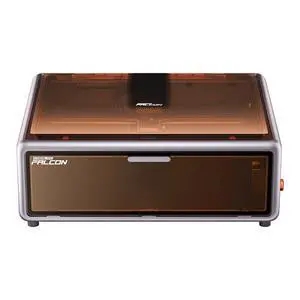
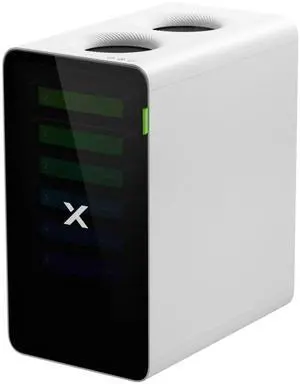
$25 promotional gift card w/ purchase, limited offer
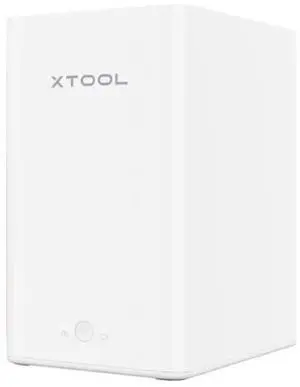
$5 promotional gift card w/ purchase, limited offer
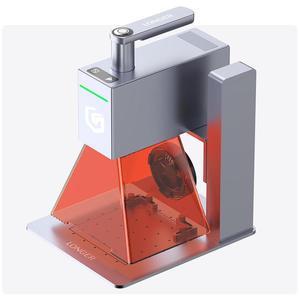
Limited time offer, ends 11/19
Explore a selection of precise laser engravers and compatible accessories designed for hobbyists and professionals. Choose from Ortur and NEJE models with adjustable power options to customize your engraving projects.
The single most critical technical factor for laser engravers is their power output, typically measured in watts. This determines not only the types of materials you can engrave or cut but also the speed and quality of the results. For example, higher wattage enables better performance on harder materials like metals, while lower wattages are sufficient for softer substrates like wood and leather. Adjustable power settings add versatility, allowing fine-tuning based on detail, depth, and material hardness. Since Ortur and NEJE models offer a range of wattage options, carefully consider your primary application before choosing one to achieve both efficiency and precision in your work.
For professionals and developers pushing the boundaries of laser engraving, integrating laser engravers into complex workflows is key. Models compatible with open-source firmware support custom scripting for automation and precision control, essential in prototype development or batch production environments. Moreover, hybrid solutions combining additive and subtractive techniques are emerging, and you can explore these innovations through the 3D Printing & Maker category, where laser engravers intersect with 3D printing technology. Leveraging these advanced tools allows for unprecedented customization and rapid iteration cycles in your professional projects.
Newegg shopping tip: When choosing a laser engraver, pay close attention to the power output and supported materials to ensure it fits your project needs. Also, consider compatibility with software and available accessories like rotary attachments to expand your creative options.
Discover precision craftsmanship with Maker laser engravers featuring advanced diode lasers perfect for detailed wood, acrylic, and metal etching projects.
Explore hybrid tools combining 3D printing and laser engraving, ideal for prototype development with flexible material compatibility and layered design finesse.
Narrow down your laser engraver options using Power Search filters including wattage, working area, and compatible software to find the perfect workflow fit.
If you’re new to laser engraving, the world of laser engravers and accessories might seem a bit overwhelming at first. These precision tools use focused laser beams to etch designs onto a variety of materials, including wood, acrylic, leather, and even some metals. Starting with a user-friendly model like those from Ortur or NEJE can help ease the learning curve with intuitive interfaces and flexible power adjustments. For your first project, consider simple designs on wood or acrylic, and make sure you’re comfortable with safety precautions such as eye protection and proper ventilation. If you want to explore your options before committing, our Maker category offers a clear overview of entry-level devices designed for DIY enthusiasts and hobbyists.
Entrepreneurs and small business owners often turn to laser engravers to add unique customization and branding to their products. Whether you’re personalizing promotional items, crafting custom gifts, or marking your logo on packaging, the versatility of laser engraving is a huge asset. Models from Ortur and NEJE provide adjustable power settings to work with diverse materials, helping produce professional-quality results right from your workspace. Consider a laser engraver with a larger working area if you need to handle medium-sized inventory regularly. A well-chosen device in this category can accelerate your workflow and significantly reduce costs compared to outsourcing engraving jobs.
Artists and makers value laser engravers as creative tools that extend their craft beyond traditional methods. With capabilities to etch delicate, intricate patterns onto wood, glass, or metal, these machines enable the making of bespoke artworks, jewelry, and decorative pieces. Hybrid tools that combine 3D printing and laser engraving open doors to innovative mixed-media designs, making the 3D Printing & Maker options especially appealing for experimental creators. Such versatility encourages pushing the boundaries of both form and technique in personalized intensities and detailed etching.
Research more: When choosing a laser engraver, consider the material types and project sizes you plan to work with, as these factors influence the power and precision you’ll need. For deeper insights into features and comparison tips, check out the Newegg Insider buying guides tailored to laser engravers and their accessories.
Last Updated: September 2026 | Newegg Laser Engraver & Accessories Buying Guide
CO2 lasers generally offer more power and work better on a wider range of materials like wood, acrylic, and glass, while diode lasers are quieter, cheaper, and great for lighter projects such as engraving plastic or paper.
Ortur machines are often more affordable and DIY-friendly, good for users comfortable tuning settings, whereas Glowforge models come ready to use with user-friendly software and higher precision but at a premium price.
Most laser engravers can handle wood, acrylic, leather, paper, and some plastics. Higher-powered models might also cut thin metals, but that depends on the wattage and laser type.
It’s important to consider the working area of the engraver based on the size of the items you want to customize. Small desktop models suit jewelry or small crafts, while larger machines are necessary for bigger signs or panels.
Focus on a machine with adjustable power settings and compatibility with multiple materials; CO2 lasers are generally great for wood and acrylic, while fiber lasers handle metals better. Also, check if it has good software support to customize designs easily.
If you’re new to laser engraving, kits can be a solid value because they usually include everything you need to get started. But if you already know what you want or have specific needs, buying the machine and accessories separately lets you customize your setup more precisely.
Most laser engravers can last for years if properly maintained, but cheap models might have parts that degrade faster. Checking user reviews for comments on durability and motor life can give a good sense of how long a particular model will hold up.
People often mention problems with focus consistency, software glitches, or poor customer support. Look for reviews that talk about how well the machine holds its calibration over time and if replacement parts are easy to get.
First, carefully unpack and assemble any parts if needed, then connect it to your computer using the recommended software. Run a few test engravings on scrap material to calibrate settings like speed and power before working on your final project.
Regularly clean the lens and mirrors to prevent residue buildup, and check that belts and rails are properly tensioned and lubricated. Keeping accessories in good shape helps avoid misalignments and ensures your engraving stays sharp and precise.
“ Only tested it with the android app but very impressed and happy with it. ”
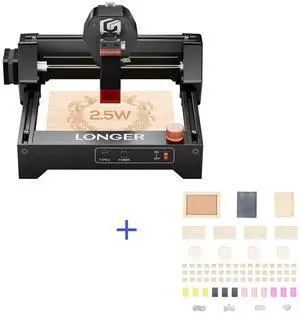
Rosewill Mini Laser Engraver, 2.5W Diode Laser Engraving & Cutting Machine, 12000mm/min High Speed, 0.04mm Compressed Spot, ,130x140mm Engraving Area,Portable Engraver Eye Protection“ I am very impressed with what I am able to make after learning the process. ”
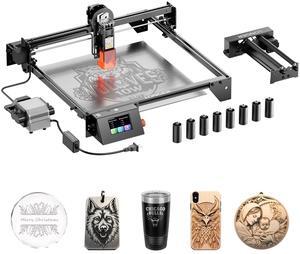
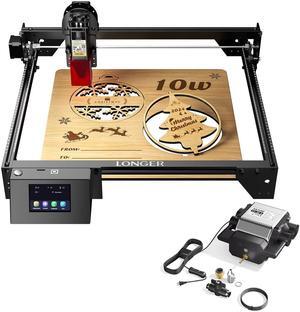
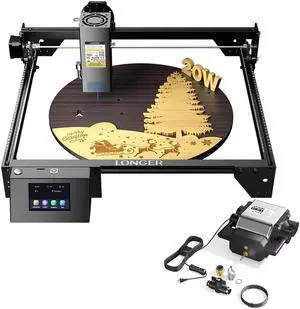
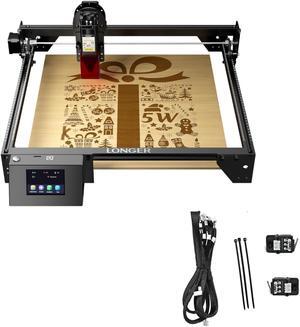
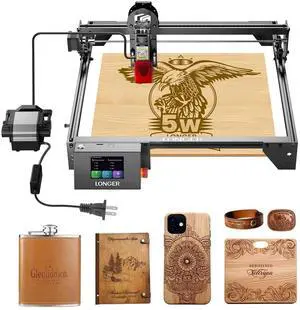
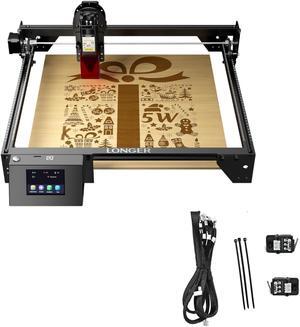
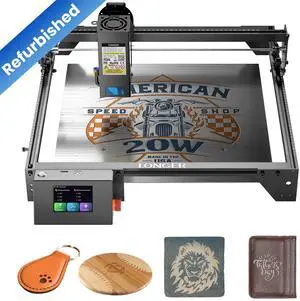
LONGER RAY5 Engraver, 40W Engraving Cutting Machine for Metal and Wood, 5w Cutter and Engraver Machine, 15.7x15.7inch, 3.5-inch Color Touch Screen, Offline Engraving / Cutting