here!
here!
I’m your shopping assistant for PC builds, upgrades, and everything tech.
Got questions? Ask away!
Start a conversation
here!
I’m your shopping assistant for PC builds, upgrades, and everything tech.
Got questions? Ask away!
Start a conversation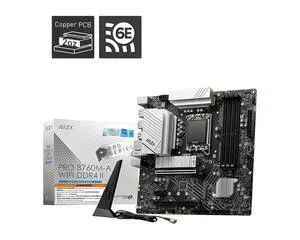

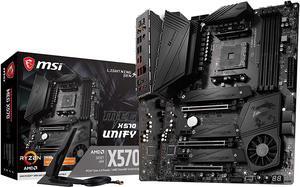
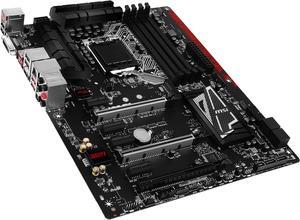
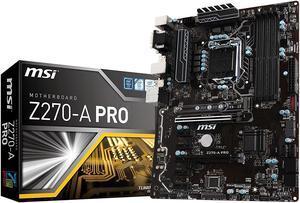
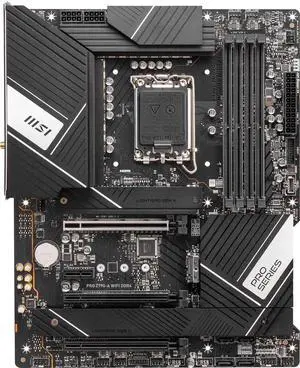
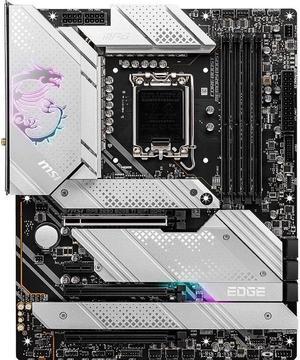
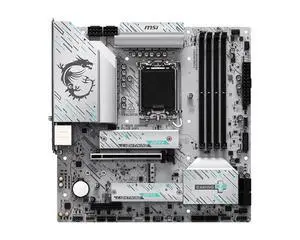
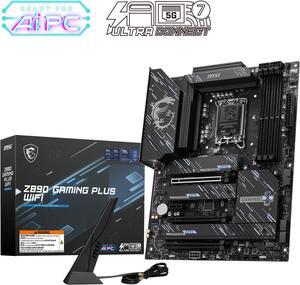
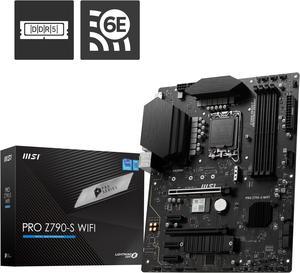
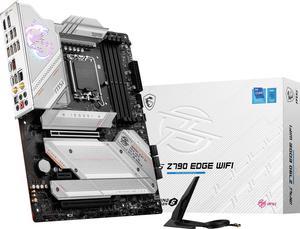
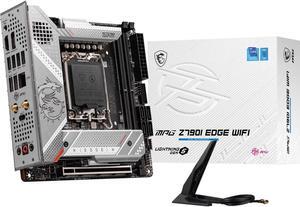
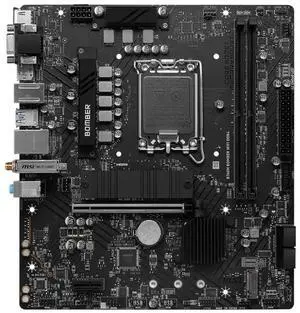
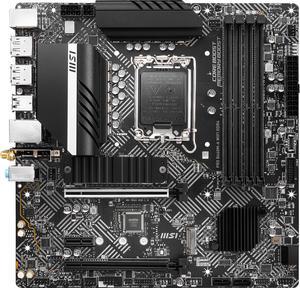
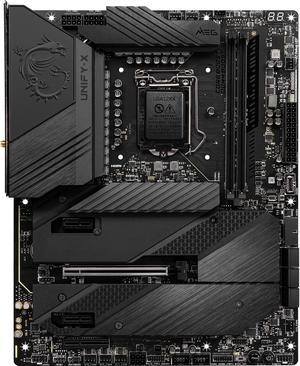
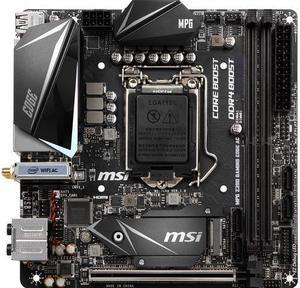
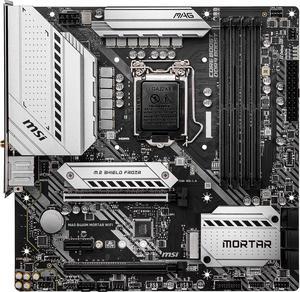
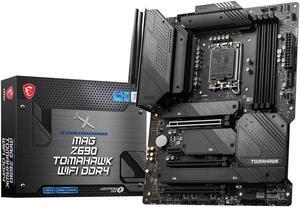
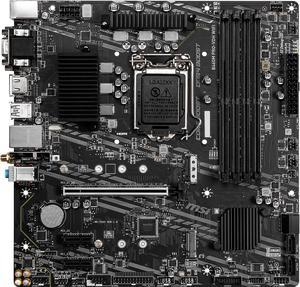
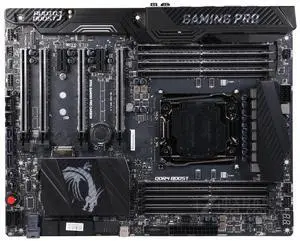
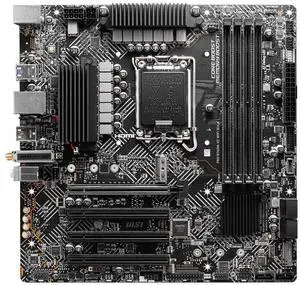
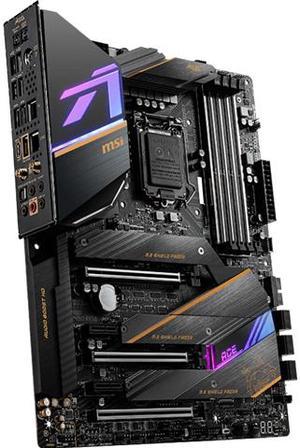
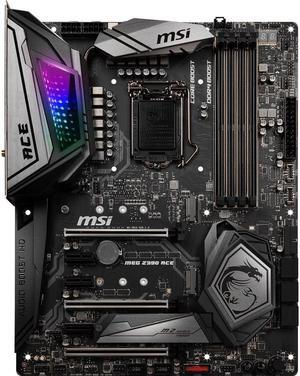
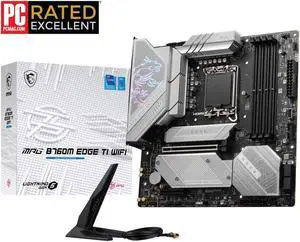
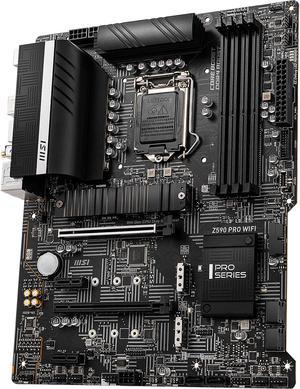
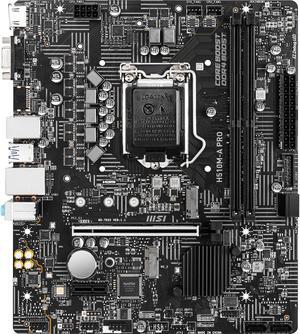
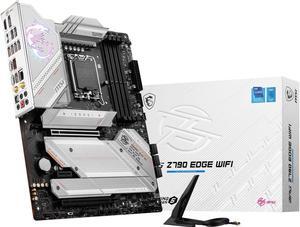
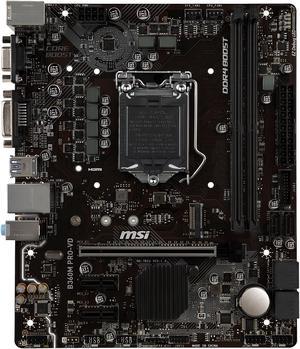
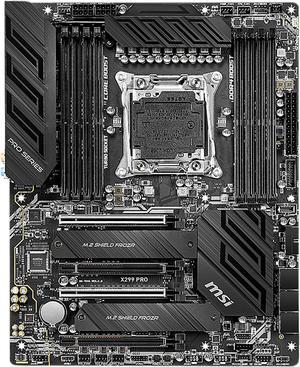
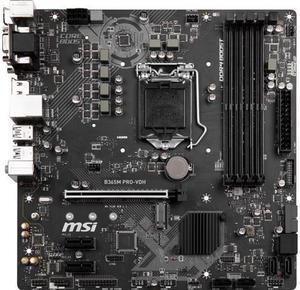
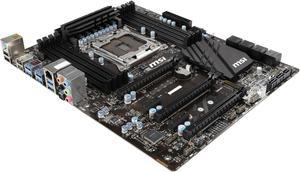
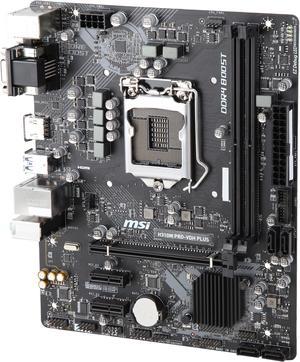
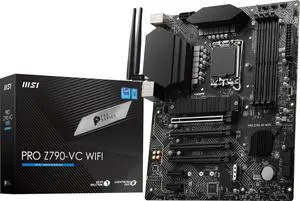
Upgrade computer systems with MSI Intel® motherboards and compatible CPUs for improved graphics and speed. Consider the size of the computer case when choosing different sized Intel motherboards from Advanced Technology eXtended (ATX) to embedded (ATXe) or Information Technology eXtended mITX for a proper fit. For a smaller case, use an Intel Mini ITX motherboard (mITX). If you are building a budget computer or a computer suitable for general word processing and using the internet, an Intel Micro ATX motherboard (mATX) or an mITX motherboard work well. Gamers, digital artists and designers will get more out of an ATX Intel motherboard that offers multiple ports and slots for upgrades.
For gamers and digital artists, an ATX Intel motherboard provides a lot of computing power and allows for expansion. For those who need even more power and expansion room, the ATXe is an appropriate option. Slot additional random access memory (RAM) into these two and other Intel motherboards as needed. Make sure that the slots match the type of RAM that you have or would like to purchase. DDR4 slots will only take DDR4 and DDR3 slots are only compatible with DDR3 RAM. Overclockable motherboards offer additional performance beyond their original capacity. These motherboards have chipset numbers beginning with Z, and the processor name will end in K which indicates that it's one of Intel's unlocked processors.
For gaming, choose an Intel MSI motherboard designed to be fast, have excellent graphics and a very low latency rate. Low latency helps the machine process large amounts of information with minimal delay, helping users make quick decisions during multiplayer games and reducing lag. Build computers for use as servers using server motherboards. These motherboards have plenty of memory slots to handle running multiple programs from different machines. Get specific with development boards for use as microcontrollers, to play videos or music, or to function as a server. If you only need a computer for the basics and do not have any need for future expansion, choose one of the mITX or mATX motherboards. A full-size ATX motherboard offers space for peripherals, additional graphics cards and memory, helping meet current needs and provide space for future upgrades.
Certain motherboards have built-in Wi-Fi® and Bluetooth® capabilities or both, or space to add the appropriate adapters for optimizing connections. Choose a motherboard with enough PCI Express (PCIe) slots, or if you need a computer that supports legacy hardware, PCI slots. Install multiple graphics cards at once in an MSI Intel motherboard with Scalable Link Interface (SLI) support for clear graphics and images. If you need to use several external devices, select a motherboard with enough USB ports and front panel USB headers. Accommodate the newer USB-C connections by choosing a motherboard with at least one compatible port for quick data transfers.