• In Stock
  • Sold by Newegg
  • Make an Offer
  • New
Brands
Show More
Price
Show More
Type
All Top Brands
Availability
Condition
Sold by
Useful Links
Show More
Customer Ratings
  • Featured Brands

    See Deals from Logitech
Sort By:
View:
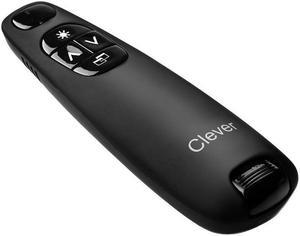
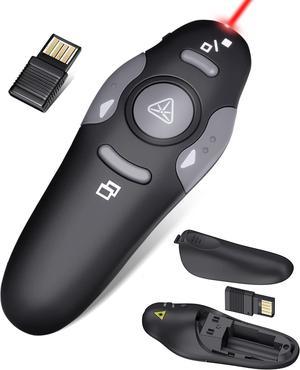
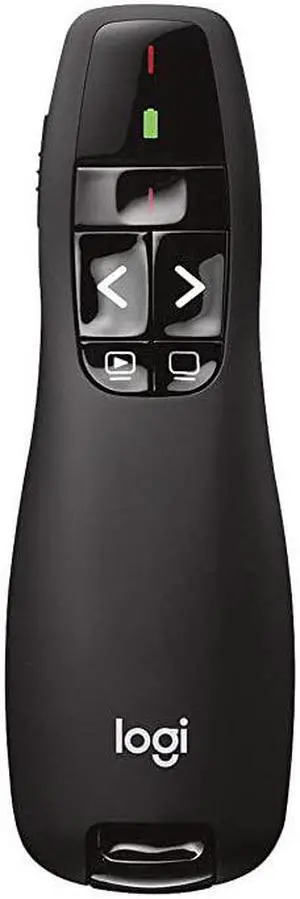
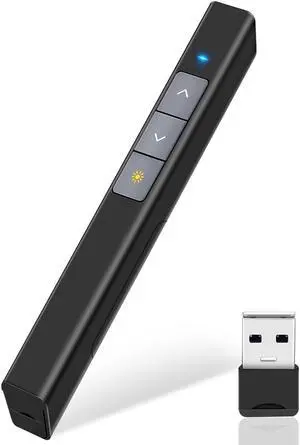
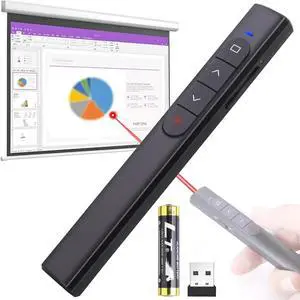
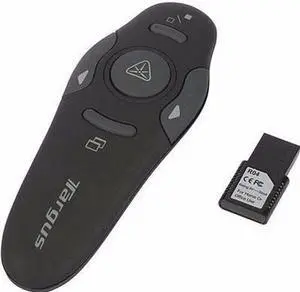
Wireless Presentation Remote Clicker with Laser Pointer
Quick View
Wireless Presentation Remote Clicker with Laser Pointer
  • Type: 2.4 GHz Wireless
  • Model #: SANOXY-PPT-1a
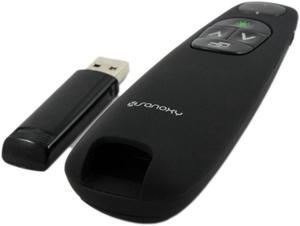
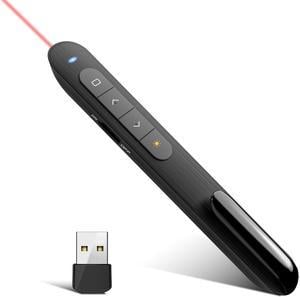
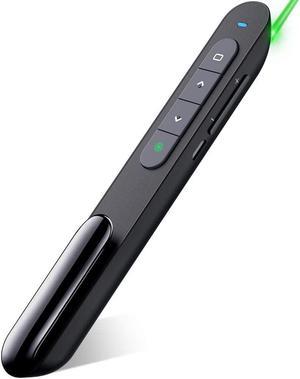
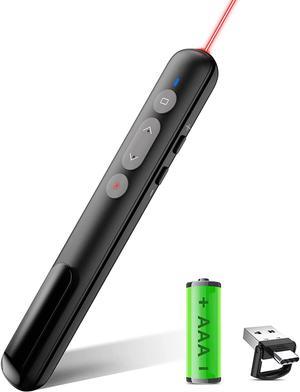
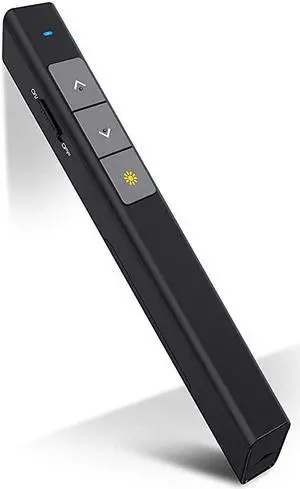
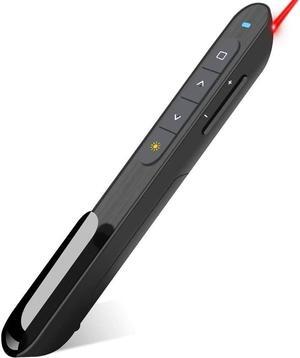
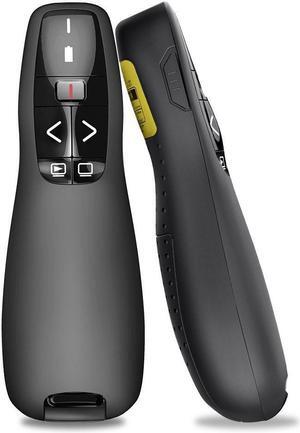
Red Light Wireless Presenter, Powered by AAA (Not Included) Hyperlink Volume Control Presentation Clicker, RF 2.4GHz PowerPoint Clicker Presentation Remote Control Slide Clicker
Quick View
Red Light Wireless Presenter, Powered by AAA (Not Included) Hyperlink Volume Control Presentation Clicker, RF 2.4GHz PowerPoint Clicker Presentation Remote Control Slide Clicker

Limited time offer, ends 02/24

  • Type: 2.4 GHz Wireless
  • Power Supply: 1 x AAA Battery
  • Receiver Interface: USB
  • Laser Pointer Supported: Yes
  • Model #: D0620210428ES
  •  
  • $27.99 
  • Free Shipping
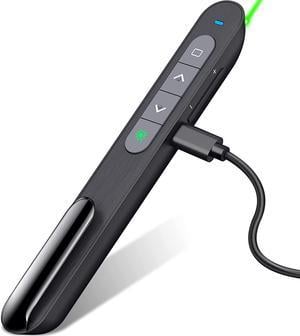
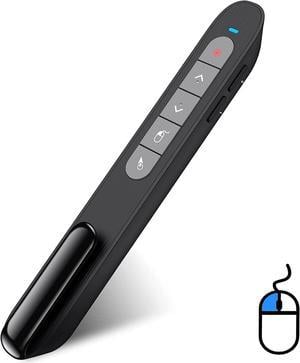
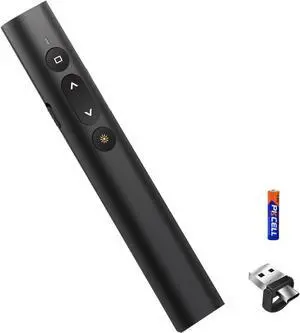
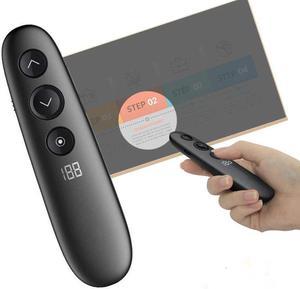
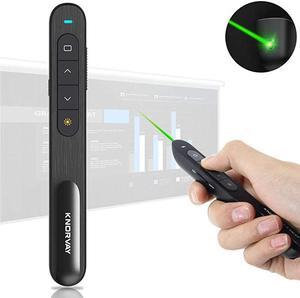
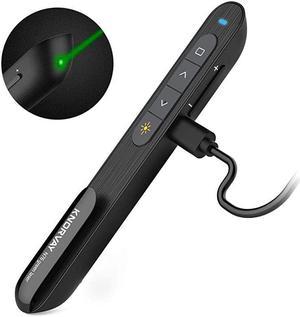
Wireless Presenter Highlighting MagnifyMac Digital Pointer Air Mouse Function USB Rechargeable Presentation Clicker
Quick View
  • $129.59 - $130.99
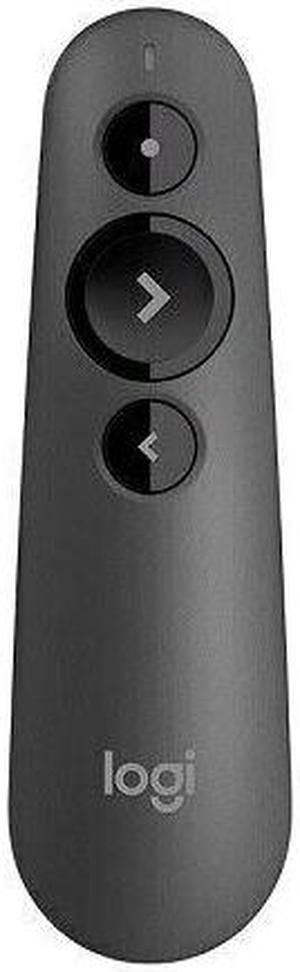
Logitech Spotlight Presentation Remote - Gold
Quick View
Logitech
Logitech Spotlight Presentation Remote - Gold
  • Brand: Logitech
  • Type: Both Bluetoothand 2.4GHz Wireless
  • Power Supply: Rechargeable Lithium Polymer
  • Operating Time: Up to 3 months
  • Model #: 910-004860
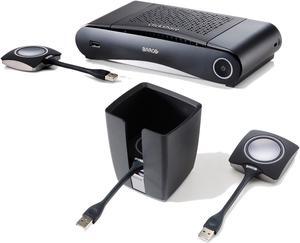
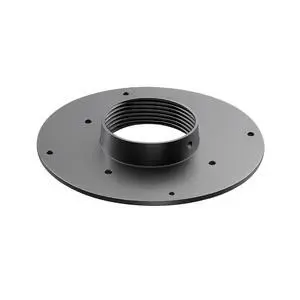
SCREENBEAM 960 MOUNTING KIT
Quick View
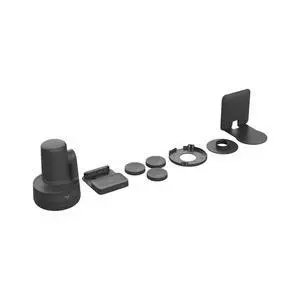
SCREENBEAM 960 MOUNTING KIT
  • Type: N/A
  • Color: Black
  • Features: The ScreenBeam 960 Mounting Kit allows a ScreenBeam 960 wireless display receiver to be mounted, either utilizing the magnetic strip located in the center of the mounting kit unit, of with the optional adhesive (3M VHB sticker). Contents include one clear polybag containing: ScreenBeam 960 Mounting Kit Quick Setup Guide
  • Weight: 0.35
  • Model #: SB960MOUNT
Kensington K72425AM Presenter Expert with Cursor Control, Backlit Joystick & Red Laser Pointer
Quick View
Kensington K72425AM Presenter Expert with Cursor Control, Backlit Joystick & Red Laser Pointer
  • Type: Drawer Cabinets
  • Receiver Interface: USB
  • Control: Cursor Control
  • Laser Pointer Supported: Red Laser Pointer
  • Model #: K72425AM
  • $57.25 - $60.40
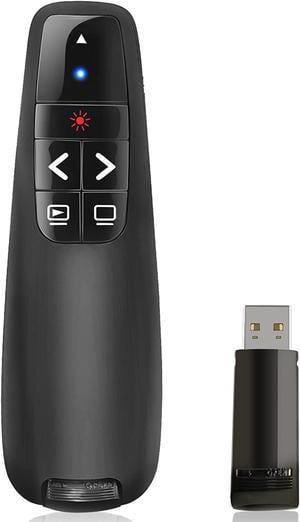
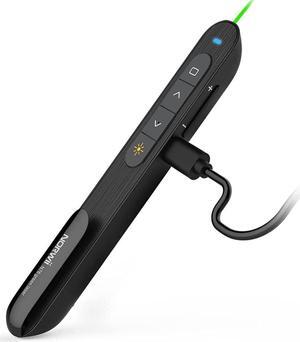
StarTech.com Wireless Presentation Remote with Green Laser Pointer - 90 ft. (27 m) - Black - PRESREMOTEG
Quick View
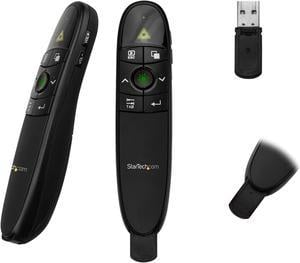
StarTech.com Wireless Presentation Remote with Green Laser Pointer - 90 ft. (27 m) - Black - PRESREMOTEG
  • Type: 2.4 GHz Wireless
  • Power Supply: 2 x AAA Batteries
  • Distance: Up to 90.0 Feet
  • Receiver Interface: USB Type-A (4 pin) USB 2.0
  • Model #: PRESREMOTEG
  •  
  • $54.53 
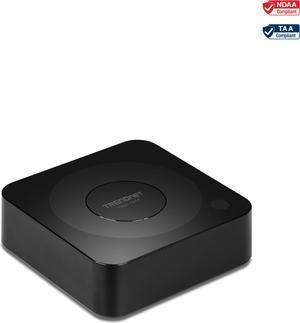
TRENDnet TWP-100R1K, 4K Wireless Presenter Kit with Audio Support
Quick View
TRENDnet TWP-100R1K, 4K Wireless Presenter Kit with Audio Support
  • Features: • 4K HD resolution • 5.1 Audio support over HDMI cable • Compatible with Windows™ and Mac® • Works with Android and iOS devices • Connects up to 32 devices • HDMI 1.4 compliant with HDCP 1.4 support • Plug-and-play • NDAA / TAA compliant (U.S. and Canada only)
  • Weight: 2.7500
  • Model #: TWP-100R1K
SmallRig 3646B Multifunctional Teleprompter
Quick View
  •  
  • $127.99 
  • Free Shipping
DVDO C6 4K Ultra HD All-in-One Video Conference Camera with AI Voice Tracking, Black
Quick View
  •  
  • $999.00 
  • Free Shipping
Prompter People Q-Pro 17 Teleprompter
Quick View
  •  
  • $2,100.00 
  • Free Shipping
Datavideo TP300-IP Teleprompter Kit for iPad & iPad2
Quick View
  •  
  • $599.00 
  • Free Shipping
AMX Presentation Connectivity and Transport Kit FG1010710
Quick View
  •  
  • $1,030.00 
POLY G7500 4K CODEC-WIRELESS PRESENTATIO 7200-85760-001
Quick View
  •  
  • $749.99 
  • Free Shipping
Poly G7500 4K Codec-Wireless PresentatIO 7200-85740-001
Quick View
  •  
  • $3,577.97 
  • Free Shipping
Logitech Spotlight Presentation Remote - Gold
Quick View
Logitech
Logitech Spotlight Presentation Remote - Gold
  • Type: Both Bluetoothand 2.4GHz Wireless
  • Power Supply: Rechargeable Lithium Polymer
  • Operating Time: Up to 3 months
  • Distance: Up to 100 Feet
  • Model #: C910-004860
  •  
  • $140.38 
  • Free Shipping

A wireless presenter, also known as a presentation remote, can give you confidence and make changing slides, starting video or audio and pointing to specific areas on the screen more convenient, especially if you are working by yourself. The lack of cables and wires also make for a neater setup. Being able to move around or at least step away from the computer can help to make your presentation more effective as you are able to engage with the audience or even get them involved with the proceedings. Along with KVM switches, a presentation remote can become an essential part of any presenter's kit.


Transmit Distance Leaves You Free to Engage With the Audience


These days, anything less than a 5-meter range wireless presenter is rare. Most Bluetooth® remotes will have a transmit distance of 30 feet (9 meters), which is adequate for those who prefer not to walk around too much or only do presentations in smaller rooms. No other hardware is needed for Bluetooth presenters--simply pair it with the computer. Radio frequency (RF) or wireless USB presenters work with a USB receiver and can transmit from 50 feet (15 meters) through 100 feet (30 meters). This makes them suitable for those who prefer to walk around the stage or into the audience while giving the presentation. A 2.4 GHz wireless presenter, whether Bluetooth or RF, also has the added benefit of not actually needing to point in a particular direction to make it work, unlike the older infrared remotes, so there is never any need to turn your back on the audience.


Functionality That Enhances Presentations

Remotes can come with fewer functions such as simply allowing you to click to the next slide or can have a combination of functions such as including a pointer, a mouse (cursor), a timer, controlling the music, and allowing you to keep track of the battery life of the remote and computer. The type of presentations that you do strongly influences which features you should choose when purchasing a wireless presenter. For example, pointers are great for showing particular areas of interest during the presentation. A cursor function can be useful for turning on webcams if there are interviews with people not in the room. It also allows you to be able to control the computer unencumbered, especially when paired with a set of gaming headphones. Depending on the design, there may be different buttons for each function or two buttons can be pushed simultaneously to perform a particular function. These buttons can be spread out across the surface of the remote, or be at the top or sides. Being able to access the buttons easily helps ensure you deliver a smooth, professional performance.


Ergonomics for Comfort and Ease of Use

The size and shape of each remote varies. Along with function and accessibility, size and shape are relevant considerations. After all, you want to be comfortable and relaxed while presenting. Choose from long, short, wide-format, square, rounded, or pen-style presentation remotes.