




 here!
I’m your shopping assistant for PC builds, upgrades, and everything tech.
Got questions? Ask away!
Start a conversation
here!
I’m your shopping assistant for PC builds, upgrades, and everything tech.
Got questions? Ask away!
Start a conversationShipped by Newegg







Any questions? Ask CelesteSM will help you find out quickly.


We want to ensure your holiday shopping this year is hassle-free. That’s why we’re automatically extending our return policies on almost every product! For purchases placed between November 1st, 2026 and December 31, 2026 you will have until January 31, 2027 to return your product.
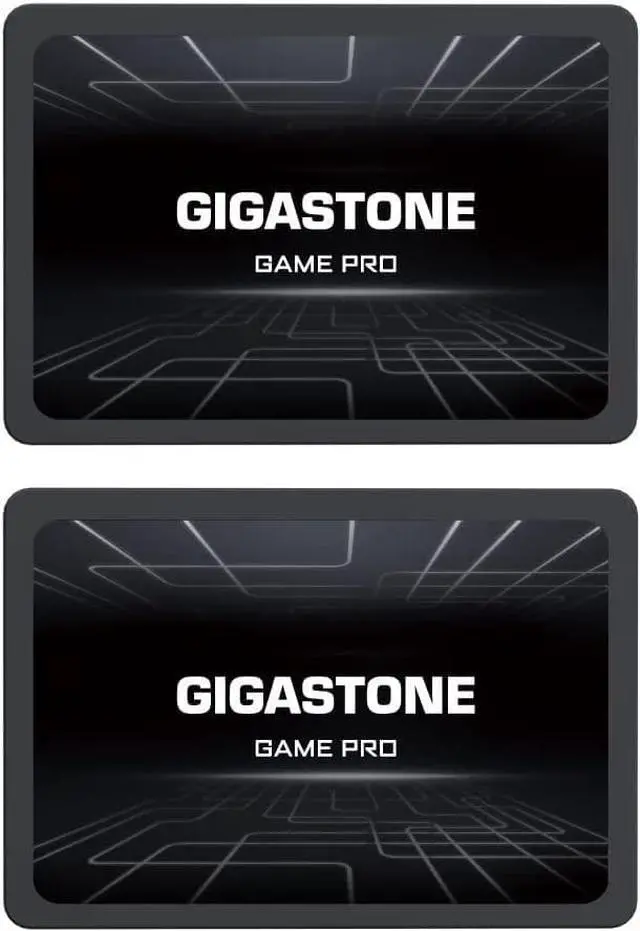
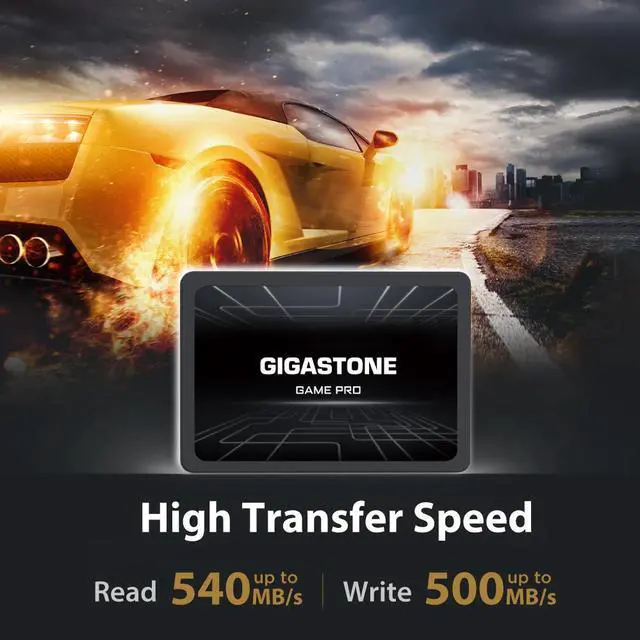
The Gigastone Game Pro 2-Pack is a pair of 1TB 2.5-inch SATA III internal SSDs with read speeds up to 540 MB/s, suited to upgrading compatible PS4 consoles, desktops, and laptops that use a 2.5-inch SATA drive.
| Attribute | Value |
|---|---|
| Best For | Consumer storage and gaming use in PS4 consoles, laptops, and desktop PCs |
| Capacity And Pack Size | Two 1TB SSDs, for 2TB combined capacity |
| Interface And Form Factor | 2.5-inch internal SSD with a SATA III interface supporting up to 6 Gb/s |
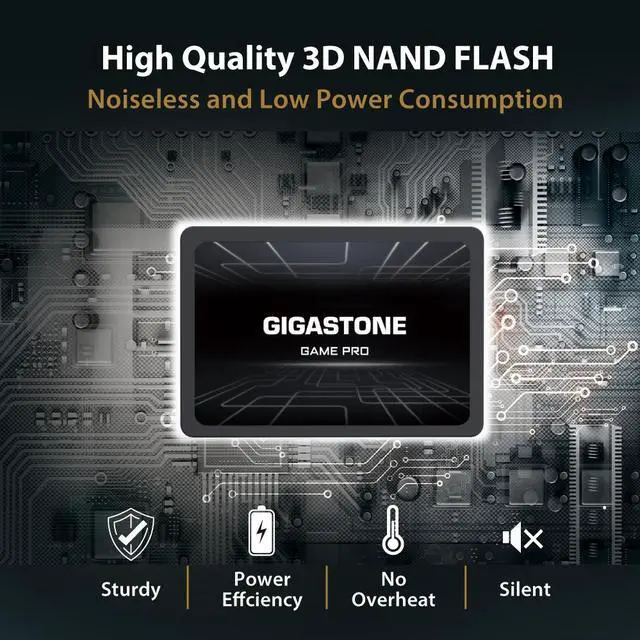
| NAND And Cache | 3D NAND with SLC cache; listed cache memory is 6GB |
| Read And Write Performance | Sequential speeds up to 540 MB/s read and 540 MB/s write; random 4KB performance up to 95,000 IOPS read and 90,000 IOPS write |
| Endurance And Reliability | 500 TBW, 1,500,000-hour MTBF, and shock resistance up to 1,500G; the listing also states waterproof and dust resistant, with a 3-year limited warranty |
| Power Consumption | Up to 30 mW idle; active consumption averages 2.5W and reaches a maximum of 4.0W |
| Physical Specifications | 100 × 69.85 × 10.16 mm; 45.35 g |
| Model Identifiers | Gigastone Game Pro; model GS-SSD-GamePro-1TB-2PK-B |
Q: Gigastone Game Pro vs Samsung 870 EVO: which 1TB SATA SSD should I choose?
A: Choose the Gigastone Game Pro when its two-pack offer or price makes it the better value and you need a 2.5-inch SATA drive. Choose the Samsung 870 EVO if its published five-year limited warranty and rated 560 MB/s read and 530 MB/s write speeds are priorities. The Gigastone lists up to 540 MB/s read and write and a three-year limited warranty; actual prices should be compared at purchase.
Q: Gigastone Game Pro vs Crucial MX500: which 1TB SATA SSD makes more sense?
A: Both are 2.5-inch SATA SSD options with similar advertised sequential speeds. The Gigastone lists up to 540 MB/s read and write; Crucial rates the MX500 at up to 560 MB/s read and 510 MB/s write. Choose the Gigastone if its bundle or price suits your needs; choose the MX500 if you prefer its published five-year limited warranty. Check current pricing and warranty terms before buying.
Q: Should I replace my hard drive with the Gigastone Game Pro SSD?
A: Choose the Gigastone Game Pro if your computer or compatible PS4 model accepts a 2.5-inch SATA drive and you want an SSD for system or game storage. In game-loading tests, an SSD generally loaded games faster than a mechanical HDD, although results varied by game. Keep an HDD in consideration when maximizing bulk storage capacity is more important than faster loading.
Q: Gigastone Game Pro SATA SSD vs NVMe SSD: which should I buy for gaming?
A: Choose the Gigastone Game Pro for a system that uses a 2.5-inch SATA bay, or when you need a SATA replacement drive. Choose an NVMe SSD if your system supports the required M.2 NVMe connection and faster large-file transfers matter. Gaming benchmarks show that the gap in game load times between SATA and faster NVMe drives can be modest in many tested games, so compatibility and workload should guide the choice.
Q: Will this SSD fit and work as an internal drive in my PS4?
A: The 2.5-inch SATA III format matches the type of drive commonly asked about for PS4 upgrades, but this listing has conflicting thickness information: the title says 7 mm, while the specification table says 10.16 mm. Confirm the actual thickness with the seller and check your console model before buying. Replacing the drive also requires setting it up for the console.
Q: Will it work in my laptop or desktop?
A: It is a 2.5-inch SATA III SSD, so it is suitable for a computer with a compatible 2.5-inch SATA bay and connection. Check your computer’s specifications first. A desktop may also require a mounting adapter or SATA cable, depending on its case and available connections.
Q: Can I clone my existing drive and boot from this SSD?
A: The provided product information does not say that cloning software, a USB-to-SATA cable, or an operating system is included. Cloning or installing an operating system is a separate setup step; check that you have the needed software and connection method for your computer.
Q: How fast is it, and will I notice a difference?
A: The listed maximum sequential speeds are up to 540 MB/s for both reading and writing. Actual performance depends on the computer or console and the task. It is intended as an HDD replacement, but the listed maximum speed does not guarantee a specific reduction in boot or game-loading times.


