• In Stock
  • Sold by Newegg
  • Make an Offer
  • New
  • Combo Deals Only
Brands
Show More
Price
Show More
App-Enabled
Thunderbolt 3
Sold by
All Top Brands
Availability
Condition
Current Promotion
Discount
Useful Links
Customer Ratings
  • Featured Brands

    See Deals from GIGABYTESee Deals from MSISee Deals from Sapphire TechSee Deals from XFXSee Deals from ZOTAC
Sort By:
View:
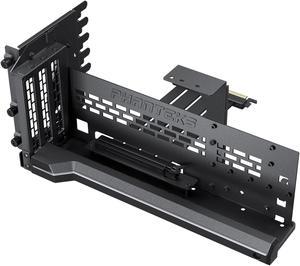
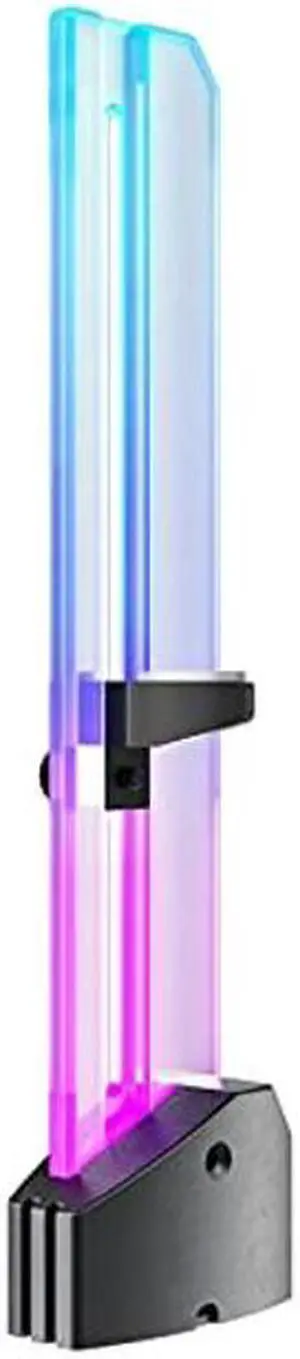
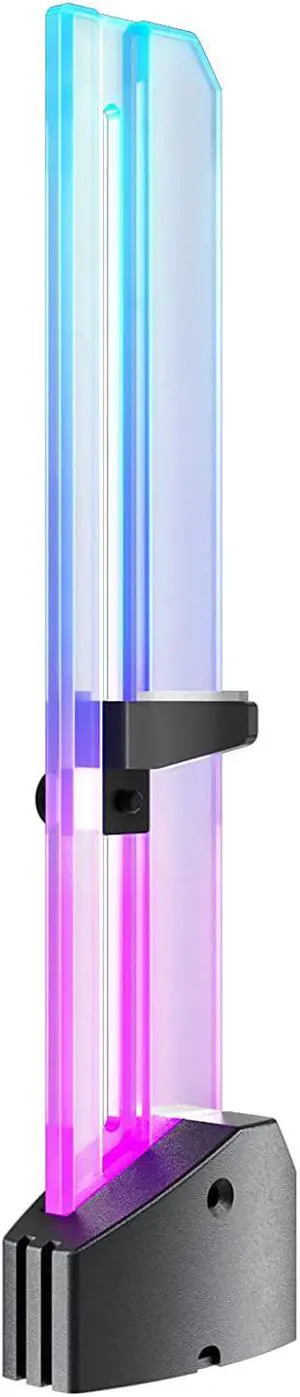
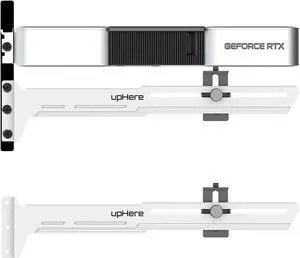
Phanteks Premium GEN4 Vertical GPU Bracket, DRGB Lighting, Adjustable tilt position 15 to 30 degrees, White
Quick View
Phanteks Premium GEN4 Vertical GPU Bracket, DRGB Lighting, Adjustable tilt position 15 to 30 degrees, White
  • Color: White
  • Specifications: Material: Powder coated steel Chassis support: Chassis with open PCI slot design Application: Vertical GPU placement, tilt possible between 15-30 degrees PCI-e generation: PCIe 4.0 PCI Slot Required: 7 GPU Thickness Support: unrestricted GPU Length Support: 365mm Integrated Lighting: D-RGB LED strip, 15 LED chips LED Strip Power Draw: 0.20A
  • Model #: PH-PGPUKT4.0_DWT01
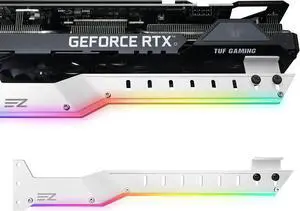
Phanteks Premium GEN4 Vertical GPU Bracket, DRGB Lighting, Adjustable tilt position 15 to 30 degrees, Black
Quick View
Phanteks Premium GEN4 Vertical GPU Bracket, DRGB Lighting, Adjustable tilt position 15 to 30 degrees, Black
  • Color: Black
  • Specifications: Material: Powder coated steel Chassis support: Chassis with open PCI slot design Application: Vertical GPU placement, tilt possible between 15-30 degrees PCI-e generation: PCIe 4.0 PCI Slot Required: 7 GPU Thickness Support: unrestricted GPU Length Support: 365mm Integrated Lighting: D-RGB LED strip, 15 LED chips LED Strip Power Draw: 0.20A
  • Model #: PH-PGPUKT4.0_DBK01
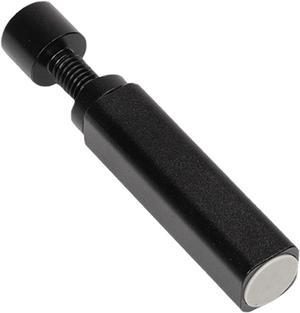
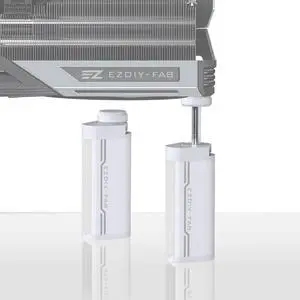
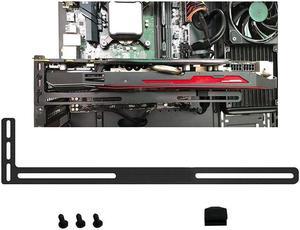
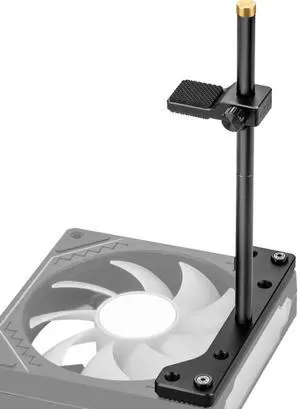
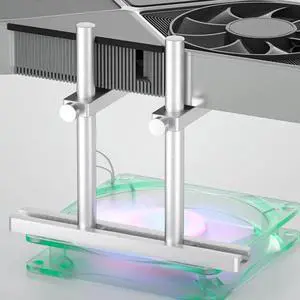
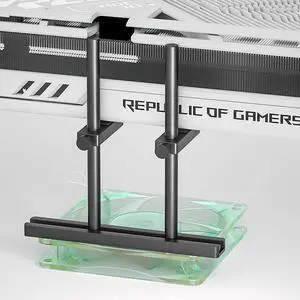
GPU Support Bracket Graphics Card GPU Brace Support, Video Card Sag Holder Bracket Universal VGA Graphics Card Holder for Computer Cases GPU Stand Magnetic Graphics Card Bracket
Quick View
GPU Support Bracket Graphics Card GPU Brace Support, Video Card Sag Holder Bracket Universal VGA Graphics Card Holder for Computer Cases GPU Stand Magnetic Graphics Card Bracket
  • Features: aluminum alloy Material: The video card sag holder bracket/GPU support bracket graphics card sag brace/universal VGA graphics card stand holder with magnet and rubber pad/graphics card support GPU support bracket/video card GPU sag bracket/graphics card GPU brace support is made of aluminum alloy, it is stable and durable, provides firm and
  • Model #: AU-XVBML7894
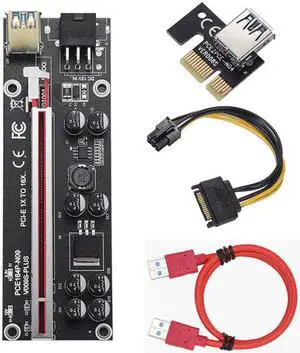
6pcs/set VER009S Plus PCI-E Riser Card PCI Express 1X to 16X USB 3.0 Cable SATA to 6Pin Connector for Graphics Video Card Mining
Quick View
6pcs/set VER009S Plus PCI-E Riser Card PCI Express 1X to 16X USB 3.0 Cable SATA to 6Pin Connector for Graphics Video Card Mining

Limited time offer, ends 03/22

  • Color: Red
  • SLI Bridge: 2-Way
  • Option: 0 Slot Spacing HB SLI
  • Model #: C-LX460
  •  
  • $188.88 
  • Free Shipping
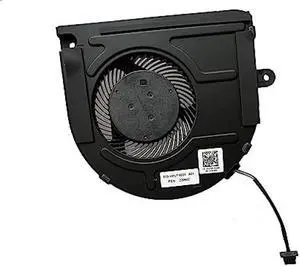
FOR BSB0712HD-00G0J 6033B0082301 L97191-001 FOR Mini Z2 G5 GPU Cooling DFS200912AP0T 12V
Quick View
  •  
  • $26.19 
  • Free Shipping
  • $24.99 - $26.19
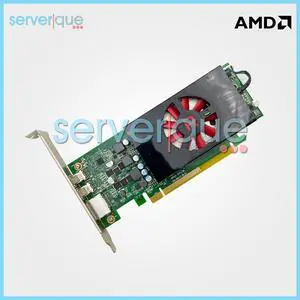
DELL AMD Radeon HD 7570 Graphics Card 1GB GDDR5 04C5DK
Quick View
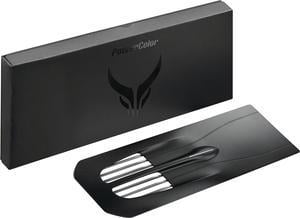
PowerColor Intrusive Swappable Backplate for Red Devil RX 7000 Series
Quick View
PowerColor
Open Box PowerColor Intrusive Swappable Backplate for Red Devil RX 7000 Series
  • Part Number: Intrusive swappable backplate
  • Color: Black
  • Model #: SBP-790001
  • $29.99
  •  
  • $25.99 
  • Save: 13%
  • $9.38 Shipping
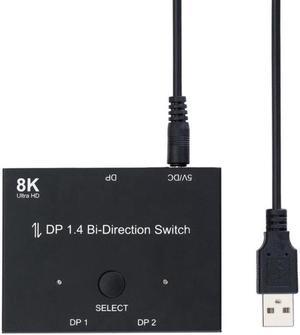
Displayport 1.4 KVM Switch Splitter 8K@30Hz 4K@120Hz 1x2 or 2x1 Bi-direction Switch Splitter DP Converter for Source and Display
Quick View
  •  
  • $44.89 
  • Free Shipping
Msii Graphics Card shell Suitable for GeForce GTX 1050 Ti 4GB GDDR5 PCI,black
Quick View
  •  
  • $167.00 
  • Free Shipping
GTX 750 Ti 2GB For ASUS Graphics Card Original  128Bit GDDR5 Video Cards for nVIDIA Geforce GTX 750Ti Cards 1050 GTX750 TI
Quick View
  •  
  • $275.99 
  • Free Shipping
HP T7T58AA AMD FirePro W4300 Graphic Card - 4 GB GDDR5 - Low-profile
Quick View
  •  
  • $149.99 
  • Free Shipping

Video card accessories help you to make the most out of your GPU. SLI and Crossfire bridges allow for adding two or more graphics cards to your computer, boosting its video performance. If you don't feel like opening your PC to add a new GPU, you can use external graphics card enclosures. VGA adapters let you connect your new GPU to older monitors. 

GPU Bridges Use Multiple Graphics Cards, Improving the Performance of Your Gaming PC

A GPU bridge lets you install multiple workstation graphics cards at the same time to boost the performance of your gaming PC. This boost will improve your gaming experience with higher frame rates and better graphics. There are two technologies to make multiple GPUs work together: scalable link interface (SLI) and Crossfire. The first one works with graphics cards from Nvidia®, while the latter works with GPUs from AMD.

External Graphics Cards Enclosures Let You Add a Desktop GPU to Your Laptop

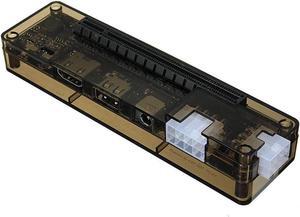
Opening your computer and installing multiple GPUs requires not only time and know-how, but also enough space in the case of the computer. Therefore, it may not be the best solution for smaller laptops. Luckily, external graphics card (eGPU) enclosures allow connecting a desktop video card to a laptop. These graphics card accessories can hold and provide power to one or multiple GPUs. Most models connect to the PC via a Thunderbolt connection, and to the video cards with a PCI connection. eGPU enclosures also feature fans to cool down the GPU. Be sure you know what kind of VGS cooling system is in the build.

Expansion Slots Allow Additional Graphics Cards

To install a new graphics card on your PC, you need an expansion slot on your motherboard. The most common expansion slots used for video cards are the PCI ones. They allow the GPU to bypass the CPU, improving the overall performance of the computer. AGP slots provide more bandwidth than PCI, resulting in better graphics. PCI Express expansion slots use a newer standard that offers faster data transfer rates and even better performance. With PCI Express, it's also possible to connect two video cards to your motherboard. Most modern graphics cards are compatible with PCI Express, while the older ones are more likely to have PCI or AGP connectors. 

HDMI®, DVI and VGA Cables Connect Your GPU to the Monitor

Most graphics cards use HDMI, DVI or VGA cables to communicate with the monitor. HDMI is the most recent standard, and it can carry high-quality audio and video signals. The DVI standard only transmits digital video signals, so you'll need a separate cable for audio. VGA is the oldest standard, and it only supports analog signals. Some gaming video cards support the DisplayPort™ connection standard, which offers excellent video quality like the HDMI standard. If you need to connect an older monitor to a new video card, you can use a VGA adapter. VGA splitters, instead, allow connecting the GPU to two different monitors for gaming or productivity.

Bestselling Video Card Accessories Reviews:

Robert S.
9/15/2025 2:23:58 PM
Excellent Quality Vertical GPU Bracket With Some Issues

“ The packaging was secure and presented the bracket and accessories as an item of this price tier should be shown. ”

Phanteks Premium GEN4 Vertical GPU Bracket, DRGB Lighting, Adjustable tilt position 15 to 30 degrees, White
Justin M.
6/9/2025 10:48:48 PM
Simple but effective

“ I like the fact the video card is supported in two spots while many braces only support one spot on the card. ”

GPU Support Bracket Dual Brace: Fan mounting Adjustable Aluminum Graphics Card GPU Sag Bracket Video Card Stand Holder Graphics Card Bracket, Support Big GPU - Black 128mm