

Your Browsing History




Featured Brands





Quick View
#1 Best Seller
in 30 days
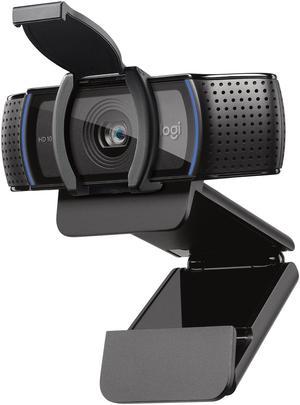
Logitech C920s HD Pro 1080p Webcam with Privacy Shutter, Stereo Mic, Full HD Video Calling & Streaming for PC/Mac- Brand: Logitech
- Interface: USB
- Video Capture Resolution: 1920 x 1080
- Frame Rate: 30 fps
- Model #: 960-001257
- $69.99
- $54.99 –
- Save: 21%
- More options from $54.99 - $93.63
- Free Shipping
Quick View
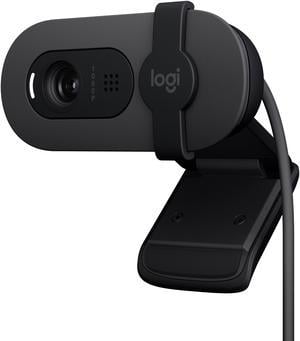
Logitech Brio 100 Full HD 1080p Webcam, Auto-Light Correction, Built-In Mic, Plug & Play USB Camera for PC & Laptop
- Brand: Logitech
- Name: Brio 100 Full HD Webcam
- Interface: USB
- Image Sensor: -
- Model #: 960-001580
- $39.99
- $29.99 –
- Save: 25%
- More options from $28.88 - $61.95
- Free Shipping
Quick View
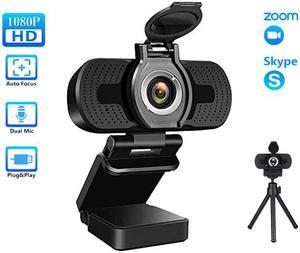
TROPRO 1080P Webcam for PC, Full HD Computer Camera with Cover, USB Web Cam with Microphone, Cover, Expandable Tripod, Streaming Camera for Skype, Streaming, Teleconference etc.
- Color: Black
- Max. Image Resolution: 1920 x 1080
- Video Capture Resolution: 1920 x 1080
- Frame Rate: 30 fps
- Model #: WC002
- $35.98
- $22.99 –
- Save: 36%
- Free Shipping
Quick View
in 30 days
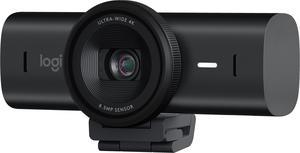
- Brand: Logitech
- Interface: USB 3.0
- Image Sensor: Advanced Autofocus
- Max. Image Resolution: 4K/30fps (3840x2160 pixels)
- Model #: 960-001558
- $199.99
- $169.99 –
- Save: 15%
- More options from $169.99 - $267.76
- Free Shipping
Quick View
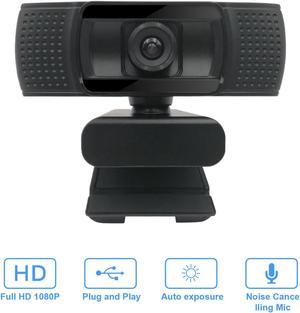
1080p HD Fixed Focus Webcam, USB Camera with Microphone Free Cover Slide, Mini Plug and Play Video Calling Computer Camera, Built-in Mic, Flexible Rotatable Clip(The Tripod not included)
- Image Sensor: RGB & Depth
- Max. Image Resolution: 1920 x 1080
- Video Capture Resolution: 1920 x 1080
- Operating Systems Supported: Works with Windows 7/8/10, Mac OSX 10.7 and Android 4.0 or higher version operation systems.
- Model #: Anivia CF920
- $13.78 –
- More options from $13.78 - $32.99
- Free Shipping
Quick View
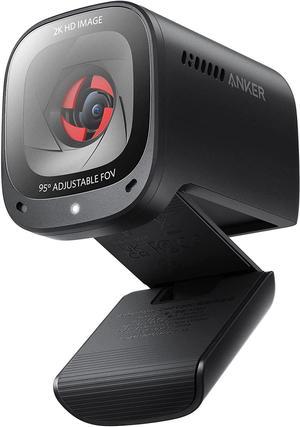
Anker PowerConf C200 2K USB Webcam, Webcam for Laptop, Computer Camera, with AI-Noise Canceling Microphones, Stereo Mics, Adjustable Field of View, Low-Light Correction, Built-in Privacy Cover
+ $30 off w/ promo code EDF43539, limited offer
- Image Sensor: CMOS
- Max. Image Resolution: 1920 x 1080
- Video Capture Resolution: 1920 x 1080
- Color: Black
- Model #: A3369011
- $99.99 –
- Free Shipping
Quick View
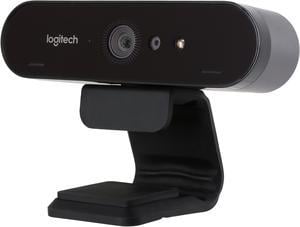
Logitech Brio 4K Webcam, Ultra 4K HD Video Calling, Noise-Canceling mic, HD Auto Light Correction, Wide Field of View, Works with Microsoft Teams, Zoom, Google Voice, PC/Mac/Laptop/Macbook/Tablet
- Brand: Logitech
- Name: BRIO Ultra HD Pro Business Webcam
- Interface: USB
- Effective Pixels: 13
- Model #: 960-001105
- $169.99 –
- Free Shipping
Quick View
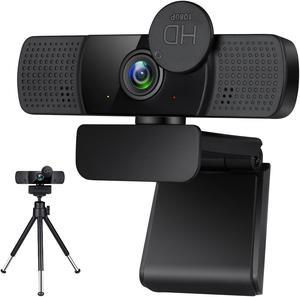
TROPRO Tw8 Webcam with Microphone, 1080P Full HD Computer Camera for PC with Cover, Expandable Tripod, USB Web Camera with Cover for Video Calls, Streaming, Skype, Zoom, Teleconference
- Image Sensor: CMOS
- Max. Image Resolution: 1920 x 1080
- Video Capture Resolution: 1920 x 1080
- Frame Rate: 30 fps
- Model #: WC005
- $41.98
- $27.99 –
- Save: 33%
- Free Shipping
Quick View
in 30 days
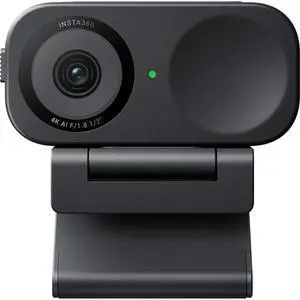
Insta360 Link 2C Pro 4K Ultra HD AI-Powered Webcam, Graphite Black- Model #: CINSABPB-LINK2CPRO01
- $199.99
- See price in cart
- More options from $169.99 - $228.84
- Free Shipping
Quick View

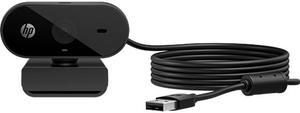
- Brand: HP
- Name: 320
- Model: 53X26AA#ABL
- Interface: USB
- Model #: 53X26AA#ABL
- $41.99
- $31.99 –
- Save: 23%
- More options from $31.99 - $43.54
- Free Shipping
Quick View
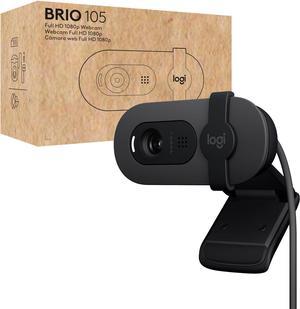
Logitech Brio 105 Full HD 1080p Business Webcam with Auto-Light Balance, USB-A, Privacy Shutter, Easy Set-Up, Compatible with Windows, macOS, ChromeOS
- Brand: Logitech
- Interface: USB
- Image Sensor: 2 megapixels CMOS image sensor
- Max. Image Resolution: 1920 x 1080
- Model #: 960-001579
- $42.47 –
- More options from $34.99 - $72.38
- Free Shipping
Quick View
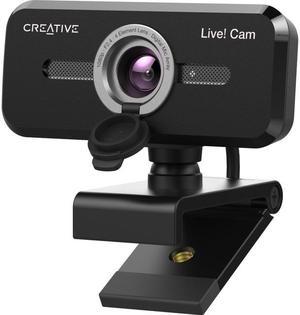
Creative Labs Live! Cam Sync 1080p V2 Webcam
- Brand: Creative
- Name: VF0880
- Model: 73VF088000000
- Interface: USB 2.0/3.0
- Model #: 73VF088000000
- $39.99
- See price in cart
- More options from $29.99 - $66.09
- Free Shipping
Quick View
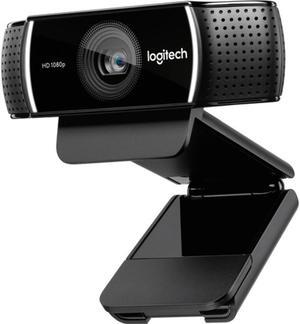
Logitech C922 Pro Stream Webcam 1080P Camera for HD Video Streaming & Recording 720P at 60Fps with Tripod Included
- Brand: Logitech
- Interface: USB
- Image Sensor: CMOS
- Frame Rate: Full HD 1080p/30fps HD 720p/60fps
- Model #: 960-001087
- $82.00
- $81.55 –
- More options from $74.99 - $163.54
- Free Shipping
Quick View
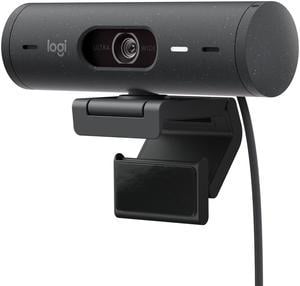
Logitech Brio 500 HD 1080p Webcam 4 Megapixels Graphite (960-001493)
- Brand: Logitech
- Frame Rate: 60 fps
- Color: Graphite
- Model #: 960-001493
- $107.30
- $103.55 –
- More options from $95.99 - $159.48
- Free Shipping
Quick View
in 30 days
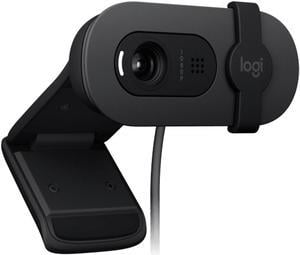
Logitech BRIO 90 Wired HD Webcam, 60 fps/1080p Live Streaming Camera with Auto Light Balancing, Integrated Privacy Lens Cap, Built-in Microphone, for Windows /macOS /ChromeOS, 2MP, Black- Brand: Logitech
- Name: BRIO 90
- Model: BRIO 90 BLACK
- Interface: USB
- Model #: 004 BRIO90 BLACK
- $31.55 –
- More options from $31.55 - $37.99
- Free Shipping
Quick View
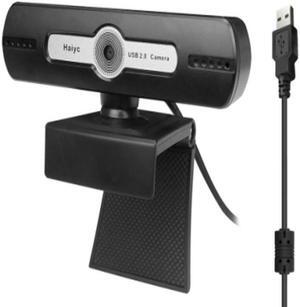
Lenovo (Lecoo) WEC01 Webcam, USB 2.0, 720p HD Camera, Built-in Mic

- Part Number: WEC01/BLK
- Color: Black
- Max. Image Resolution: 1280 x 720
- Video Capture Resolution: 1280 x 720
- Model #: WEC01/BLK
- $9.99 –
- Free Shipping
Quick View
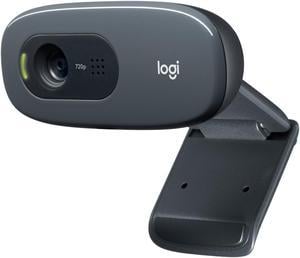
Logitech C270 HD Webcam, HD 720p, Widescreen HD Video Calling, HD Light Correction, Noise-Reducing Mic, For Skype, FaceTime, Hangouts, WebEx, PC/Mac/Laptop/Macbook/Tablet - Black
- Brand: Logitech
- Name: C270
- Interface: USB 2.0
- Max. Image Resolution: 3.0 MP (Software Enhanced)
- Model #: 960-000694
- $20.95 –
- More options from $20.95 - $59.29
- Free Shipping
Quick View
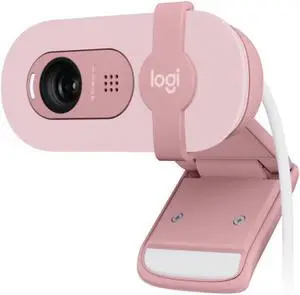
Logitech BRIO 90 Wired HD Webcam, 60 fps/1080p Live Streaming Camera with Auto Light Balancing, Integrated Privacy Lens Cap, Built-in Microphone, for Windows /macOS /ChromeOS, 2MP, pink
- Brand: Logitech
- Name: BRIO 90
- Model: BRIO 90 PINK
- Interface: USB
- Model #: 006 BRIO90 PINK
- $35.00 –
- More options from $35.00 - $39.99
- Free Shipping
Quick View
in 30 days
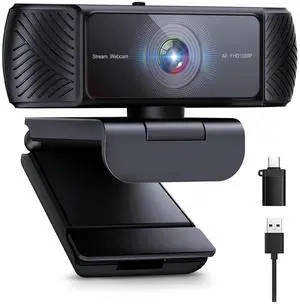
Streaming Webcam for PC - 1080P HD Webcam with Microphone, Privacy Cover, AutoFocus, Noise Cancellation, Auto Light Correction, USB Computer Web Camera, Plug and Play, for Laptop, Desktop, Mac- Name: webcam
- Interface: USB 2.0
- Image Sensor: CMOS
- Max. Image Resolution: 1920x1080, 1280 * 720, 640x480 etc
- Model #: 680C
- $36.99
- See price in cart
- Free Shipping
Quick View
in 30 days
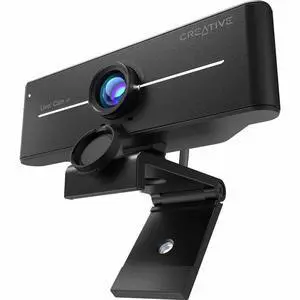
Creative Live! Cam 4K UHD USB Webcam w/ Backlight Compensation - Up to 60 FPS, 95° Wide-Angle Lens, Privacy Lens, Built-in Mics, Plug & Play for PC and Mac- Model #: 73VF099000000
- $75.49
- $54.99 –
- Save: 27%
- More options from $54.99 - $133.00
- Free Shipping
Quick View
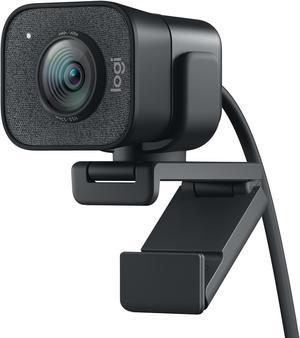
Logitech for Creators StreamCam Premium Webcam for Streaming and Content Creation, Full HD 1080p 60 fps, Premium Glass Lens, Smart Auto-Focus, for PC/Mac – Graphite
- Brand: Logitech
- Name: StreamCam Plus
- Interface: USB Type C
- Max. Image Resolution: 1920 x 1080
- Model #: 960-001280
- $169.99
- $99.99 –
- Save: 41%
- More options from $99.99 - $204.34
- Free Shipping
Quick View
in 30 days
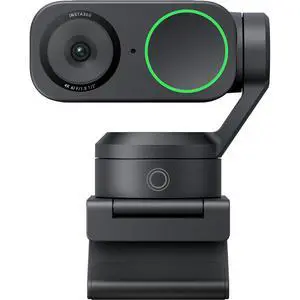
Insta360 Link 2 Pro 4K Ultra HD 2-Axis Gimbal AI-Powered Webcam, Graphite Black- Model #: CINSABPA-LINK2PRO01
- $249.99
- See price in cart
- More options from $209.99 - $376.16
- Free Shipping
Quick View
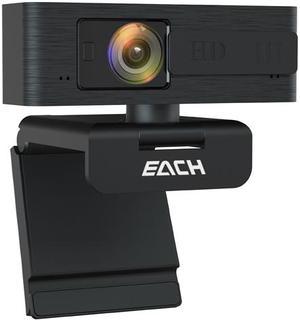
EACH Full HD Webcam 1080p Webcam Autofocus Camera HDR USB Webcam with Privacy Cover Widescreen Video Calling and Recording for Computer Laptop PC Skype Stream
- Image Sensor: CMOS
- Max. Image Resolution: 1920 x 1080
- Video Capture Resolution: 1920 x 1080
- Frame Rate: 30 fps
- Model #: CA603
- $29.99 –
- Free Shipping
Quick View
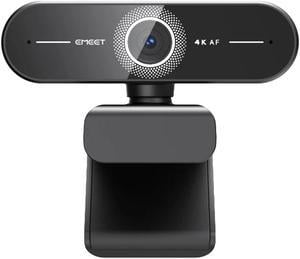
eMeet SmartCam C60E Ultra HD 4K/2K/1080P Webcam with Auto Focus - Black EMC6EU-LD
- Max. Image Resolution: 4K@30fps 2K@30fps 1080p@60fps
- Video Capture Resolution: 4K@30fps 2K@30fps 1080p@60fps
- Frame Rate: 4K@30fps 2K@30fps 1080p@60fps
- Part Number: EMC6EU-LD
- Model #: EMC6EU-LD
- $46.99
- See price in cart
- More options from $42.99 - $47.81
- Free Shipping

Quick View
Webcam 1080P with Microphone HD Web Cam, USB Computer Web Camera Video Cam for Streaming Gaming Conferencing Mac Windows PC Laptop Desktop
- Image Sensor: CMOS
- Max. Image Resolution: 1920 x 1080
- Video Capture Resolution: 1920x1080
- Frame Rate: 30 fps
- Model #: SXT02
- $12.66 –
- More options from $12.66 - $14.73
- Free Shipping

Quick View
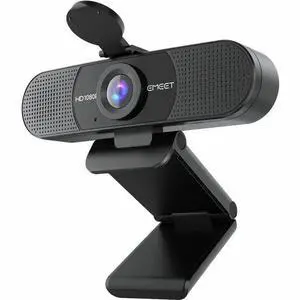
EMEET C960 - 1080P Webcam with 2 Noise Reduction Mics - 90deg Field of View - Plug and Play and compatible with all OS - EMC9BF-LD
- Brand: EMEET
- Name: EMEET C960
- Max. Image Resolution: 1920 x 1080
- Video Capture Resolution: 1920 x 1080
- Model #: EMC9BF-LD
- $39.99
- See price in cart
- More options from $35.81 - $36.99
- Free Shipping
Quick View
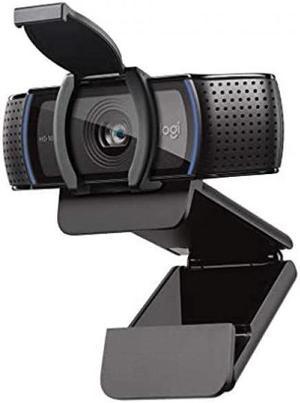
Logitech C920e HD 1080p Business Webcam 3.0 Megapixels Black (960-001401)
- Brand: Logitech
- Name: C920e
- Interface: USB 3.0
- Image Sensor: CCD
- Model #: 960-001401
- $54.99
- $53.99 –
- More options from $53.99 - $107.86
- Free Shipping
Quick View
in 30 days
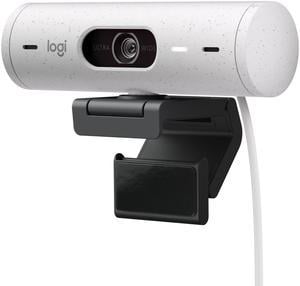
- Brand: Logitech
- Name: BRIO 500
- Interface: USB-C plug-and-play
- Max. Image Resolution: 1920 x 1080
- Model #: 960-001427
- $118.70
- $110.77 –
- Save: 6%
- More options from $110.77 - $158.94
- Free Shipping


Quick View
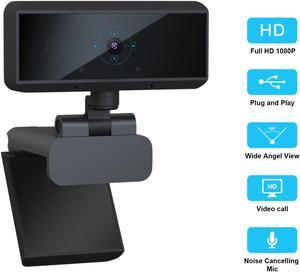
Anivia 1080p HD Auto Focus Webcam, USB Desktop Laptop Camera, Mini Plug and Play Video Calling Computer Camera, Built-in Mic, Flexible Rotatable Clip
- Image Sensor: CMOS
- Max. Image Resolution: 1920 x 1080
- Video Capture Resolution: 1920 x 1080
- Color: Blue
- Model #: AN-H178
- $19.99 –
- More options from $19.99 - $32.99
- Free Shipping
Quick View
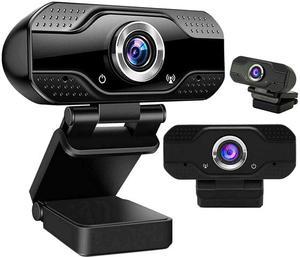
Webcam with Microphone for Desktop, 1080P HD USB Computer Cameras with Privacy Shutter & Webcam Tripod, Streaming Webcam with Flexible Rotable Wide Angle Webcam for PC Zoom Video/Gaming/Laptop
- Max. Image Resolution: 1920 x 1080
- Video Capture Resolution: 1920 x 1080
- Frame Rate: 30 fps
- Color: Black
- Model #: webcam21910
- $15.99 –
- More options from $13.00 - $29.00
- Free Shipping
Quick View
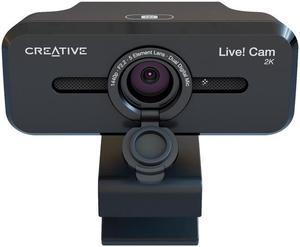
Creative Labs Live! Cam Sync 2K Webcam
- Color: Black
- Frame Rate: 30 fps
- Parts: 1 Year
- Model #: 73VF090000000
- $49.99
- $39.99 –
- Save: 20%
- More options from $39.99 - $77.61
- Free Shipping
Quick View
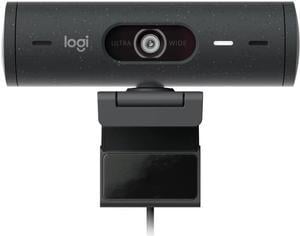
Logitech BRIO 505 Webcam - 4 Megapixel - 60 fps - Graphite - USB Type C - 1920 x 1080 Video - Auto-focus - 4x Digital Zoom - Microphone - Notebook, Display Screen, Monitor
- Brand: Logitech
- Parts: 3 Year
- Model #: 960-001522
- $129.99 –
- More options from $129.99 - $245.09
- Free Shipping
Quick View
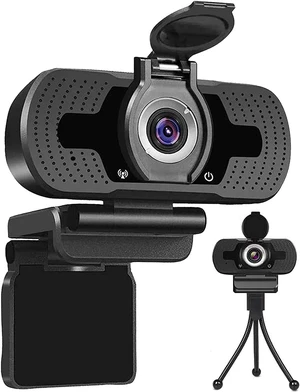
2020 Webcam with Microphone Privacy Cover Tripod , 1080P Full HD Webcam Streaming Computer Web Camera for PC Laptop Desktop cheaper then logitech c920 c920s c615 c525 c922x
- Max. Image Resolution: 1920 x 1080
- Frame Rate: 30 fps
- Focus Settings: Autofocus
- Operating Systems Supported: Windows XP/ 7/8/ 8.1, Win 10 and higher, Android V5.0, OS,Vista, MAC OS10.6 or higher. It widely connects with PC, Desktop, Laptop, Mac, Mac Book, Smart TV, and LCD Monitors. supports mass social media and game Apps, like SKY GO, Netflix, OBS, Xbox, YouTube, Facebook, Face Time and more
- Model #: OZ001
- $10.00 –
- Free Shipping
When choosing a webcam, you need to take several facts into consideration. Streaming, USB, desktop or laptop, and HD webcams are some of the options available, all of which vary in quality and features. Frame rate and resolution are two essential features that affect the quality of your picture. Other webcam attributes to consider include auto-focus, a microphone, visual effects, lens, and with which OS the webcam is made for. Consider the purpose your webcam will serve to choose the right product for your filming needs.
HD Webcams Have High Frame Rate and Resolution for Great Video Quality
With rapid technological advances, most webcams offered today capture high definition video. 720p is the lowest resolution that HD screens support. Today, 1080p is the most common; 4K is the highest resolution. Full HD, or FHD, is 1080p, and 4K is Ultra HD (UHD). Frame rate is another vital webcam attribute. Fifteen frames per second (fps) is the lowest number that can stream video. The most common rate is 30 fps, and 60 fps is also available. The highest frame rate is 120 fps and produces the smoothest video.
Additional Webcam Features Can Improve Your Recording Experience
Streaming webcams that bundle lighting and a microphone into one package makes shopping for a webcam much easier. An external microphone can provide even higher quality audio and capture delicate sounds and noises from a distance. Additional lighting and accessories can create the ideal light for optimal filming conditions. Conversely, some webcams can film well in dim light. A glass camera lens can also improve your picture quality for professional or important videos. Some webcams have visual effects like video filters or different backgrounds, which allows you to be more creative with your filmmaking. Autofocus is another important webcam feature that keeps the camera focused on the subject as it moves. A flexible camera mount is essential for anyone who wants to record at different angles.
Correct System Requirements Ensure Your New Webcam Will Work
Your computer operating system (OS) needs to support the webcam you choose in order for it to work. A newer operating system or updated version is more likely to support more modern, higher-quality streaming webcams. A high-resolution computer monitor or TV that is compatible with your webcam recording resolution will stream the best possible picture. A monitor that supports 4K resolution will display the incredible UHD picture. A lower resolution monitor supports lower resolution pictures. Resolution support is one of the few differences between webcams for laptops and desktop computers; a desktop computer may support higher resolution videos. Laptop or desktop aside, most webcams are USB compatible and support USB webcams, and most laptops and desktop computers have multiple USB ports. The more ports a computer has, the more webcams and accessories you can use at the same time and allows for the possibility of a high-quality video.
Bestselling Webcam Reviews:
Bradford W.
11/30/2025 8:16:52 AM
Nice generic webcam
“ Nice generic webcam, does 1080p 30FPS, very good price. ”
1080P HD Webcam Desktop Laptop Computer PC Camera Built in Microphone Clip-On Video Conferencing Video Calling Web Cam USRon M.
9/25/2025 4:21:50 AM
Great product was very easy to install and use.
“ I recommend it if you need a webcam. ”
Logitech C920s HD Pro 1080p Webcam with Privacy Shutter, Stereo Mic, Full HD Video Calling & Streaming for PC/MacTyler L.
7/2/2025 11:41:27 AM
Camera great, but doesn't stick to my monitor
“ Great webcam overall, but the sticky part never stuck to my monitor and have had to do some DIY work to get it to stay up without falling constantly ”
Logitech BRIO 505 Webcam - 4 Megapixel - 60 fps - Graphite - USB Type C - 1920 x 1080 Video - Auto-focus - 4x Digital Zoom - Microphone - Notebook, Display Screen, MonitorDale N.
1/26/2025 12:25:57 PM
Plug and Play Easy
“ Without a "better" replacement, the Brio is still the top of the heap for business webcams. ”
Creative Labs Live! Cam Sync 2K Webcam