
Your Browsing History





Featured Brands






Quick View
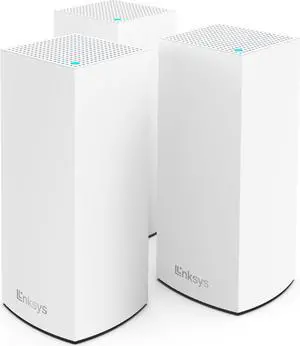
Linksys Atlas WiFi 6 Router Home WiFi Mesh System, Dual-Band, 6,000 Sq. ft Coverage, 802.11ax, 75+ Devices, Speeds up to (AX3000) 3.0Gbps - MX20MS3, 3-Pack
- Model #: 694782964348
- $204.99 –
- $5.99 Shipping
Quick View
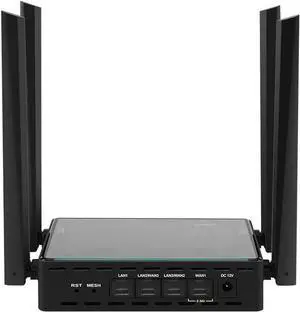
wifi7 Openwrt Router MLO Dual-Band MESH Networking 2.5G 3X1G WAN 128MB+512MB Easy Aggregation to Reach 2000 megabits TF Slot (1 Host + 1 CAT7 10G Cable)
- Model #: GODSB0FH6MYLQK
- $160.99 –
- Free Shipping

Quick View
Generic WiFi 6 Mesh Router Gen 3 Compatible with Star-Link Standard Kit and Mini, White, High-Speed Wireless Internet.Coverage Around 2000 sq. ft.
- Model #: 680952990187
- $258.99 –
- $5.99 Shipping
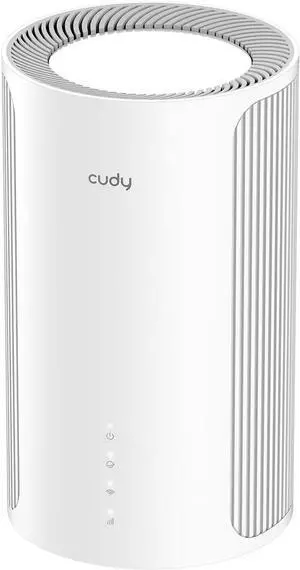
Quick View
Cudy Tri-Band WiFi 7 BE11000 Whole Home Mesh System, 6-Stream 10 Gbps, 4 × 2.5G Ports, MU-MIMO, Multi-VPN, Cudy APP, Smart Internal Antennas, M11000 1-Pack
- Model #: GODSB0FH9WKDZN
- $360.99 –
- Free Shipping
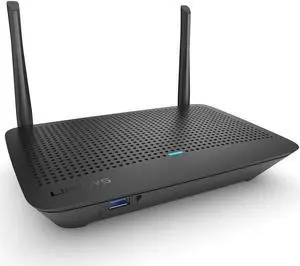
Quick View
Linksys Mesh Wifi 5 Router, Dual-Band, 1,200 Sq. ft Coverage, Supports Guest WiFi, Parent Control,12+ Devices, Speeds up to (AC1300) 1.3Gbps - MR6350
- Model #: 9435761191918
- $98.99 –
- $5.99 Shipping
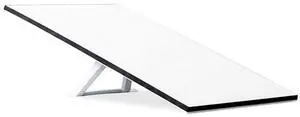
Quick View
STARLINK Standard Kit AX Tri Band Wi-Fi System - High-Speed, Low-Latency Internet
- Model #: 273961996273
- $558.99 –
- $5.99 Shipping
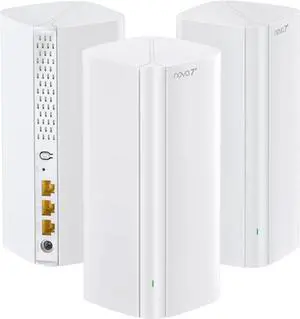

Quick View
Mesh Router for Starlink Gen 3 with WiFi 6 | Works with Gen 1/2 Rectangular Dish and Gen 3 Flat Dish, White, UTR-32
- Model #: 694782054988
- $287.99 –
- $5.99 Shipping
Quick View
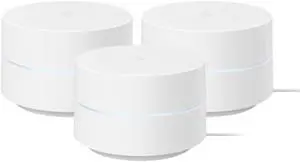
Google WiFi - AC1200 - Mesh WiFi Router System Bundle (3-Pack) - 4500 Sq Ft Coverage - Retail Packaging - Easy Setup, Seamless Signal for Smart Home Devices - Snow
- Model #: 680952062853
- $223.99 –
- $5.99 Shipping
Quick View
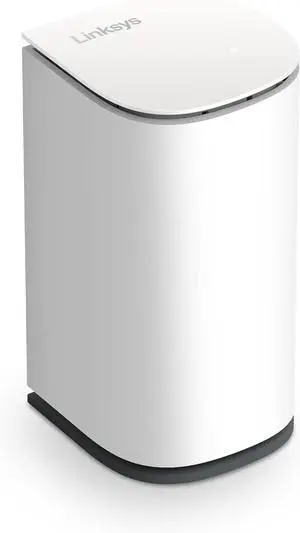
Linksys Velop Micro Mesh WiFi 6 Add-on Node - Dual Band WiFi Range Extender & Booster
- Model #: 9359014270017
- $111.99 –
- More options from $109.99 - $111.99
- $5.99 Shipping
Quick View
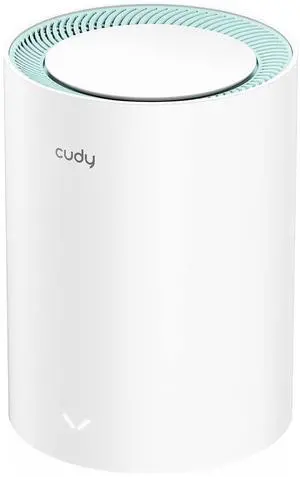
Cudy AC1200 Gigabit Whole Mesh WiFi System, Dual Band, WiFi Extender, High Gain Antennas, VPN, Cloudflare, Connect Up to 100 Devices, M1300 1-Pack
- Model #: 884945155571
- $63.99 –
- $5.99 Shipping
Quick View
Google Nest WiFi Router 3 Pack (2nd Generation) 4x4 AC2200 Mesh Wi-Fi Routers with 6600 Sq Ft Coverage
- Model #: L2505XB08F1YPMS1
- $643.99 –
- Free Shipping
Quick View
(Single Pod) PE1 AC1200 Wi-Fi Pod Mesh Range Extender Compatible with Cox Panoramic Rental Router Only, Not with Customer Owned Routers (1 x Gigabit Port)
- Model #: GODSB09RJXFR23
- $167.99 –
- Free Shipping
![Zyxel WiFi 7 BE5100 NebulaFlex Access Point | 4-Stream Dual-Radio | For Small Business | Smart Mesh MLO | 2.5GbE | Power Adapter Included | Nebula-App/Cloud or Standalone [NWA50BE]](https://c1.neweggimages.com/productimage/nb300/C42AD25121002T5F078.jpg "Zyxel WiFi 7 BE5100 NebulaFlex Access Point | 4-Stream Dual-Radio | For Small Business | Smart Mesh MLO | 2.5GbE | Power Adapter Included | Nebula-App/Cloud or Standalone [NWA50BE]")
Quick View
Cudy M1300 3-Pack AC1200 Gigabit Whole Mesh WiFi System, Dual Band, WiFi Extender, High Gain Antennas, VPN, Cloudflare, Connect Up to 100 Devices
- Model #: 652843918884
- $149.99 –
- $5.99 Shipping
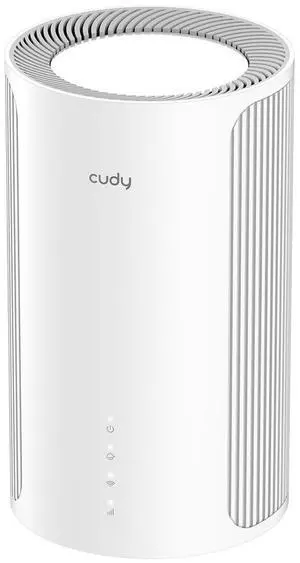
Quick View
Cudy Tri-Band WiFi 7 BE11000 Whole Home Mesh System, 6-Stream 10 Gbps, 4 × 2.5G Ports, MU-MIMO, Multi-VPN, Cudy APP, Smart Internal Antennas, M11000 1-Pack
- Model #: 680952042626
- $294.99 –
- $5.99 Shipping
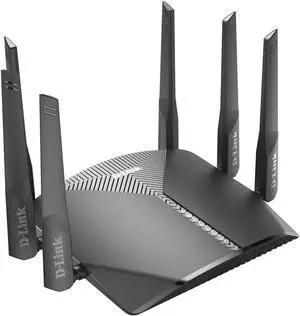
Quick View
D-Link WiFi Router AC3000 Mesh Smart Internet Network Voice Control, MU-MIMO Tri Band Gigabit Gaming Mesh (DIR-3040-US)
- Model #: 9359014200229
- $108.99 –
- $5.99 Shipping
Quick View
(3 Pack) PE1 AC1200 Wi-Fi Pod Mesh Range Extender Compatible with Cox Panoramic Rental Router Only, Not with Customer Owned Routers (1 x Gigabit Port), White
- Model #: GODSB09RJZM8KN
- $198.99 –
- Free Shipping
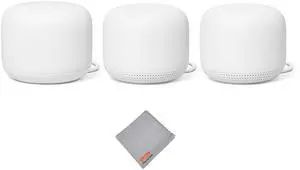
Quick View
Nest WiFi Router and 2 Points - WiFi Extender with Smart Speaker - Works with Google WiFi (3 Pack) White
- Model #: 652843940069
- $373.99 –
- $5.99 Shipping
![Zyxel Multy X Tri-Band AC3000 Whole Home Wi-Fi Mesh System. Router and Satellite - Pack of 2 [WSQ50]](https://c1.neweggimages.com/productimage/nb300/V0GYD2412290CCVFPF6.jpg "Zyxel Multy X Tri-Band AC3000 Whole Home Wi-Fi Mesh System. Router and Satellite - Pack of 2 [WSQ50]")
Quick View
Zyxel Multy X Tri-Band AC3000 Whole Home Wi-Fi Mesh System. Router and Satellite - Pack of 2 [WSQ50]
- Model #: LEMPB075F7YKJ6
- $607.99 –
- Free Shipping
Quick View
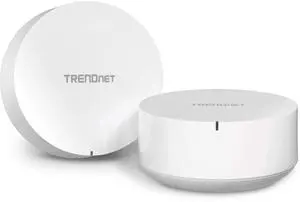
TRENDnet AC2200 WiFi Mesh Router System, TEW-830MDR2K,2 x AC2200 WiFi Mesh Routers, App-Based Setup, Expanded Home WiFi(Up to 4,000 Sq Ft. Home),Supports 2.4Ghz/5G,White
- Model #: 652843913964
- $209.99 –
- $5.99 Shipping
Quick View
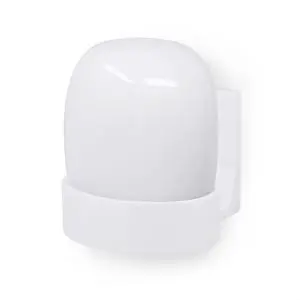
Wall Mount for Google Nest WiFi Pro 6E Mesh Router, Easy to Install Holder Bracket, Reduce Interference & Clutter, Adhesive & Screw-in Mounting
- Model #: 478643923923
- $39.99 –
- $5.99 Shipping

Quick View
Google Nest WiFi Pro - Wi-Fi 6E - Reliable Home Wi-Fi System with Fast Speed and Whole Home Coverage - Mesh Router - Non-Retail Packaging - 2 Pack - Snow
- Model #: 694782025438
- $329.99 –
- $5.99 Shipping
Quick View
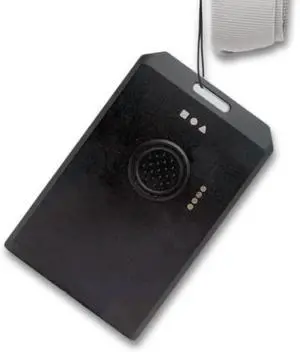
WisMesh Tag from RAKwireless & MOKOSmart, Meshtastic Compatible Card Sized Node, 868/915 MHz, IP66 Waterproof, LoRa Device, 1000mAh Battery
- Model #: GODSB0FYHPTPZD
- $90.99 –
- Free Shipping
Learning about Whole-Home Mesh Wi-Fi Systems
Seamless Coverage in Every Room
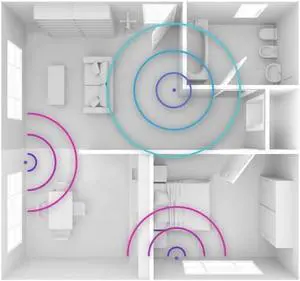
Mesh Wi-Fi uses two or more nodes to blanket your home with a single, fast network—no manual switching between SSIDs as you move. Explore Newegg’s mesh Wi-Fi systems for condos, multi-story homes, and offices that struggle with dead zones. If you only need one access point, see wireless routers; for small gaps, a Wi-Fi extender may help.
When to Choose Mesh
Large or complex layouts: Long hallways, multiple floors, or dense walls benefit from distributed nodes.
Many devices: Smart TVs, consoles, cameras, and IoT gear share bandwidth more efficiently on a mesh.
Roaming made simple: Phones and laptops hand off automatically between nodes with minimal drop-offs.
Popular Mesh System Types
Dual-Band: Budget-friendly; best with short distances or Ethernet backhaul between nodes.
Tri-/Quad-Band: Adds a dedicated radio for node-to-node traffic, keeping speeds high in busy homes.
Wi-Fi 6/6E/7 Mesh: Modern efficiency (OFDMA, MU-MIMO), wider channels, and lower latency for streaming and gaming.
Placement & Setup Tips
Start with two or three nodes: one by the modem, others halfway toward weak areas and off the floor. Where possible, wire nodes back to a switch for the most stable backhaul—see LAN & PoE switches and Cat6/Cat6a cables. Use the app to enable WPA3, create a guest SSID, and schedule updates.
Performance Tip: Ethernet backhaul > tri-band wireless backhaul > dual-band wireless. If you have wired rooms or a home run to a closet, take advantage of it.
Choosing the Best Mesh for Your Home
Balance coverage, speed, and budget. Smaller apartments can use a 2-pack; larger or multi-level homes often need 3–4 nodes. If you work from home or game, look for multi-gig WAN/LAN and low-latency features. For patios or detached garages, pair your mesh with outdoor-rated wireless access points. Have fiber runs between buildings? Add SFP/SFP+ transceivers to keep links fast and electrically isolated.
Essential Accessories
Mesh Wi-Fi Systems – Two- and three-packs for full-home coverage without dead zones.
Wireless Access Points – Ceiling/outdoor APs to push signal to garages, patios, and sheds.
LAN & PoE Switches – Power APs and wire node backhaul for maximum stability.
Ethernet Cables – Cat6/Cat6a/Cat7 for high-speed, low-latency connections.
Networking Deals – Save on mesh kits and accessories.
FAQs
Is mesh faster than one powerful router?
For whole-home movement and distant rooms, a multi-node mesh usually holds speed better than a single router thanks to shorter hops and smarter roaming.
Do I need tri-band or quad-band?
If nodes connect wirelessly, tri-/quad-band keeps a dedicated backhaul so client speeds stay high. With Ethernet backhaul, dual-band can be a great value.
How many nodes should I buy?
As a rule of thumb: up to ~1,800 sq. ft. (2-pack), 1,800–3,500 sq. ft. (3-pack), larger/multi-story or thick walls (3–4+ nodes). Place nodes where they still see a strong signal from the previous one.
Bestselling Whole Home / Mesh Wifi Reviews:
Anonymous
6/29/2025 1:50:34 AM
Very pleased with this product
“ This mesh wifi kit gave me the signal strength I was looking for in the entire house. ”
TP-Link Deco X50(3-pack) AX3000 Whole Home Mesh WiFi 6 System WhitePaul D.
1/8/2025 7:31:31 AM
Easy setup, great coverage
“ I would definitely recommend this for someone that needs more speed out of their mesh system and better coverage. ”
TP-Link Deco AXE5400 Tri-Band WiFi 6E Mesh System(Deco XE75) - Covers up to 5500 Sq.Ft, Replaces WiFi Router and Extender, AI-Driven Mesh, New 6GHz Band, 2-PackHsu
10/15/2024 10:50:08 PM
Great product~
“ The MSI Roamii BE Lite Mesh WiFi 7 System is fantastic! ”
MSI Roamii BE Lite Mesh System - 2 Pack (WiFi 7, BE 5000, Up to 5,800 sq.ft. of Coverage, Supporting 120+ Devices, 2.5Gbps Ethernet Port, MU-MIMO MLO)wyman l.
10/10/2024 8:20:17 PM
Extremely stable router.
“ The WiFi signal has strong penetration, and the mesh network can cover the whole house, including the backyard and the front yard. ”
MSI Roamii BE Lite Mesh System - 2 Pack (WiFi 7, BE 5000, Up to 5,800 sq.ft. of Coverage, Supporting 120+ Devices, 2.5Gbps Ethernet Port, MU-MIMO MLO)Patrick R.
9/28/2024 2:32:00 PM
Seems faster than my netgear nighthawk but
“ I just updated to 2 gigabit down and 2 gigabit up fiber and I wanted a mesh WiFi system that could match those speeds. ”
TP-Link Deco AXE5400 Tri-Band WiFi 6E Mesh System (Deco XE75 Pro) - 2.5G WAN/LAN Port, Covers up to 5500 Sq.Ft, Replaces WiFi Router and Extender, AI-Driven Mesh, New 6GHz Band, 2-PackAnonymous
7/19/2024 7:11:37 AM
Easy to use and greatly improved internet coverage
“ I have 2 Decos and they cover the whole house with ease. ”
TP-Link AX3000 Whole Home Mesh WiFi 6 System, Dual-Band with Smart Antennas, MU-MIMO, HomeShield Security Deco X55(3-Pack)Charles b.
11/25/2023 7:29:06 AM
Great upgrade old wireless router was 6 years old
“ Covers the whole house ”
TP-Link Deco X55 Pro(3-Pack) Dual Band WiFi 6 AX3000 Whole Home Mesh SystemTYLER S.
8/5/2023 9:22:59 PM
Great coverage of a large house and property
“ I used the DECO X55 (3-pack) as router and mesh wifi for a customer with a large house, over 4500 sq ft on two floors, plus a need for coverage in both the front and back yards for security cameras. ”
TP-Link AX3000 Whole Home Mesh WiFi 6 System, Dual-Band with Smart Antennas, MU-MIMO, HomeShield Security Deco X55(3-Pack)