here!
here!
I’m your shopping assistant for PC builds, upgrades, and everything tech.
Got questions? Ask away!
Start a conversation
here!
I’m your shopping assistant for PC builds, upgrades, and everything tech.
Got questions? Ask away!
Start a conversation
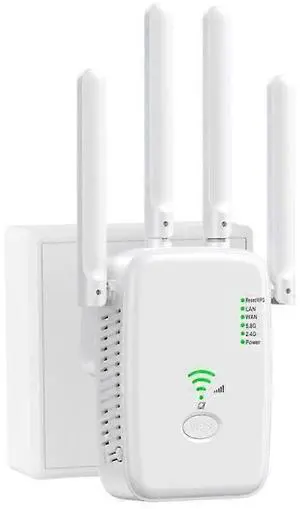
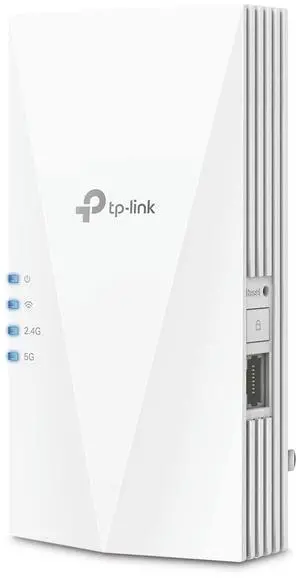

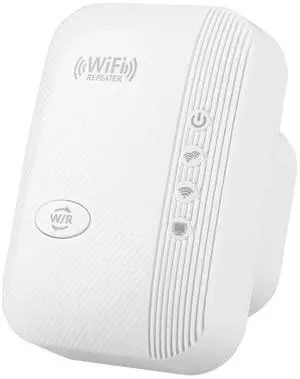
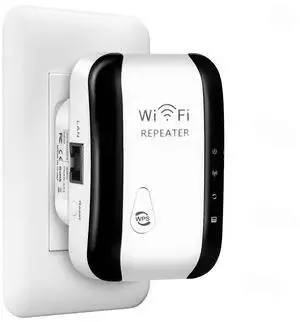
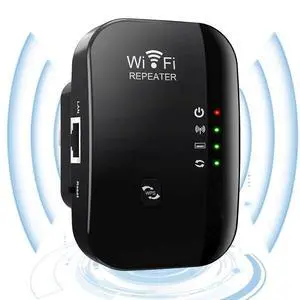
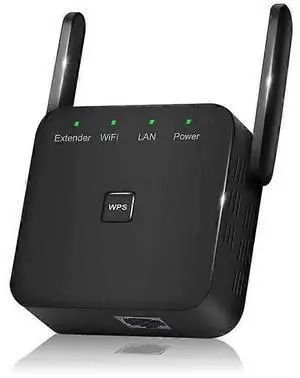
Limited time offer, ends 10/22
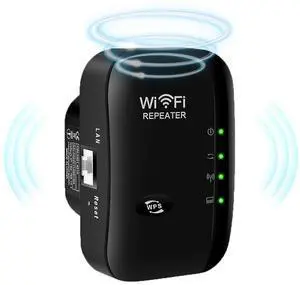
Limited time offer, ends 10/22
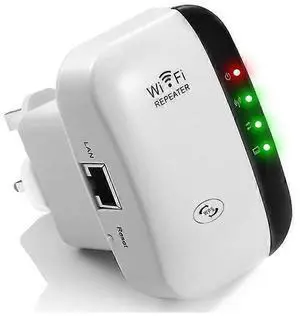
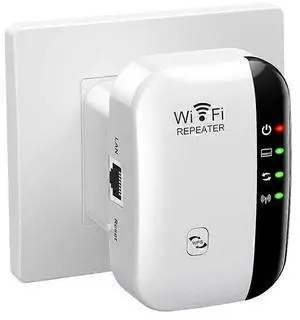
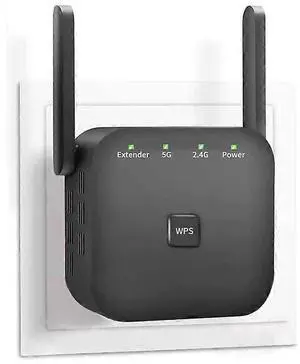
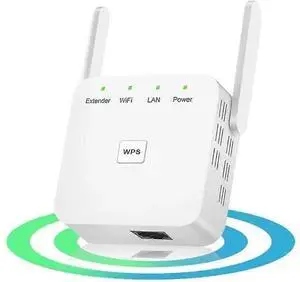
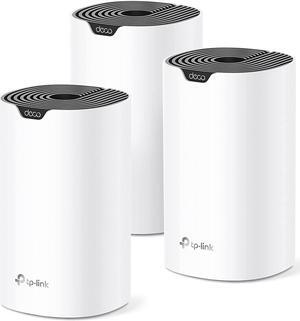
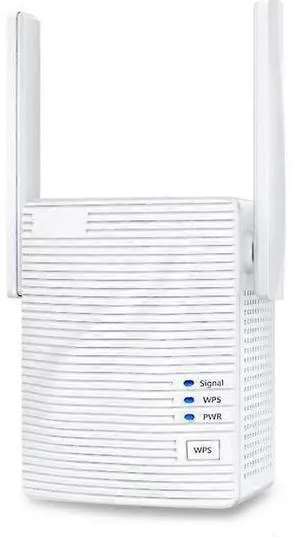
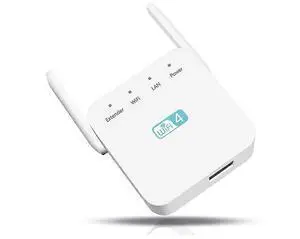
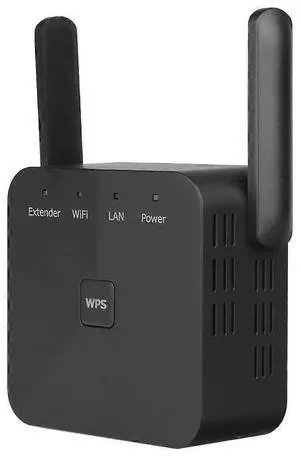
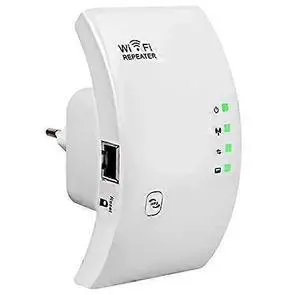
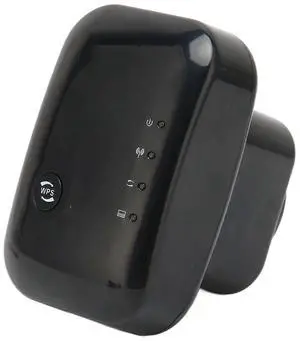
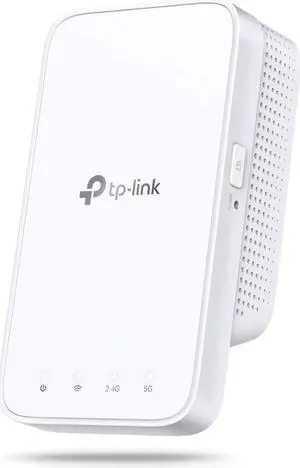
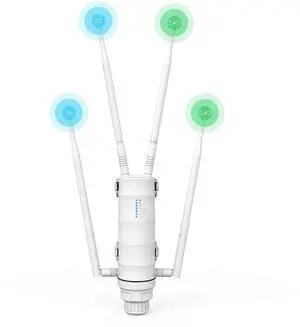
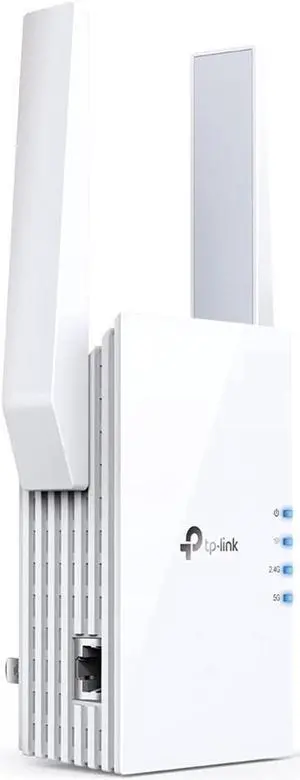
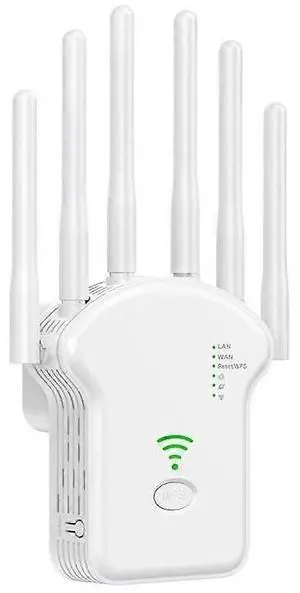
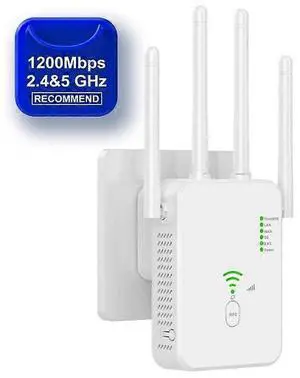
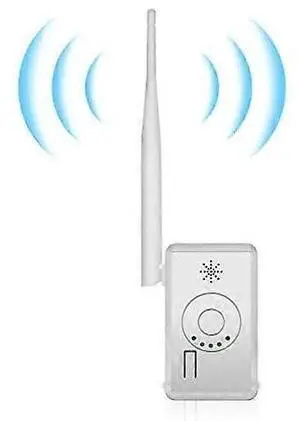
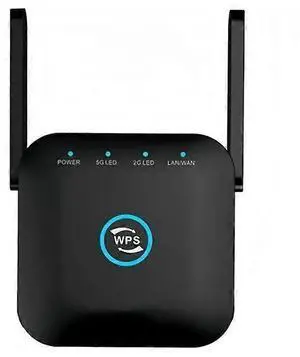
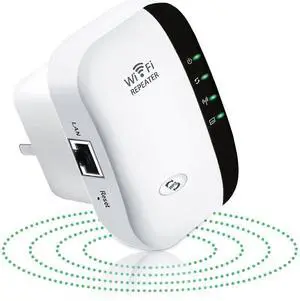
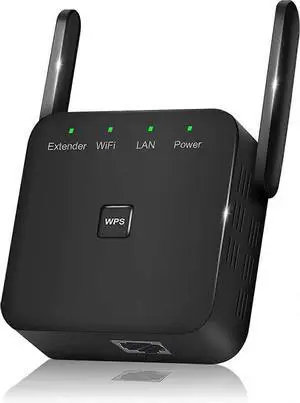
A Wi-Fi range extender/repeater relays your existing signal to reach farther rooms, while a media bridge links Ethernet-only devices (PCs, TVs, consoles) to Wi-Fi. If you prefer a single SSID and seamless roaming across the whole home, consider a mesh Wi-Fi system; extenders are a fast, budget-friendly fix for specific dead zones.
Range Extender (Repeater): Creates a new wireless hop to increase coverage. Tri-band models reserve a dedicated backhaul to keep speeds high.
Media Bridge (Wireless Bridge): Connects Ethernet devices to Wi-Fi via a wireless link; great for smart TVs, game consoles, and desktops far from the router.
AP Mode: Some extenders can become a wired access point when you run an Ethernet line to the device—best performance and stability.
Bands & Backhaul: Dual-band works for light use; tri-band or Ethernet backhaul prevents bandwidth halving on the relay link.
Roaming & Security: For smoother hand-offs, look for 802.11k/v/r support; choose WPA3 where available.
Ports & Power: One or more Gigabit LAN ports help hard-wire TVs/PCs; PoE isn’t common on extenders—use a nearby outlet or a UPS for uptime.
Place the extender midway between your router and the weak area—still within a strong signal (2–3 bars). Avoid thick walls/metal, and try a different outlet if speeds dip. For the best results, use Cat6/Cat6a cables for wired backhaul or to run AP mode.
Start with your coverage goal and client types. Use a range extender to fix one or two dead spots quickly, a media bridge to wire up non-Wi-Fi devices, or a whole-home mesh kit for consistent roaming across large homes. For offices or multi-floor houses, an Ethernet drop feeding AP mode often outperforms pure repeating.
Single-radio repeaters often share airtime and can reduce throughput. Tri-band extenders or Ethernet backhaul maintain higher speeds.
Use a mesh kit for whole-home coverage and seamless roaming; choose an extender for quick, targeted fixes to one or two rooms.
Halfway between the router and the dead zone, still within good signal (2–3 bars). Avoid thick walls/metal; try another outlet if speeds drop.
A media bridge provides Wi-Fi to Ethernet-only devices and doesn’t broadcast a new SSID. To create Wi-Fi, use AP mode or a dedicated access point.
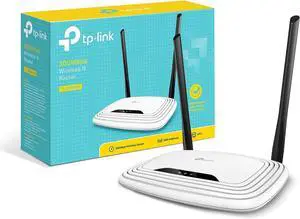
“ I purchased the TP link and the signal has been great and although the red light is on I'm still getting a really good signal inside the camper. ”
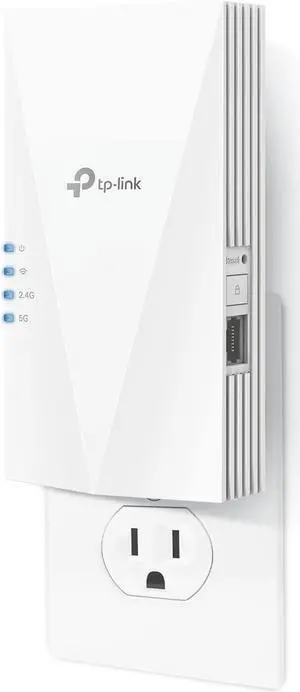
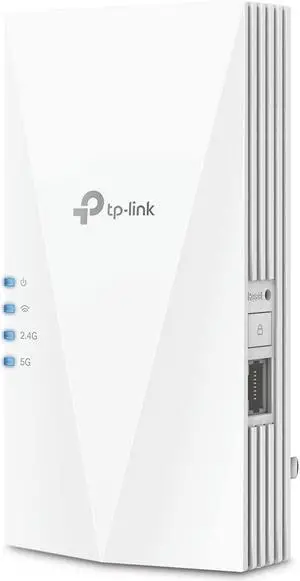
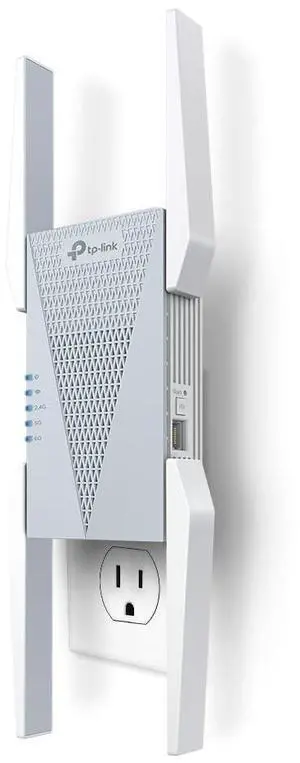
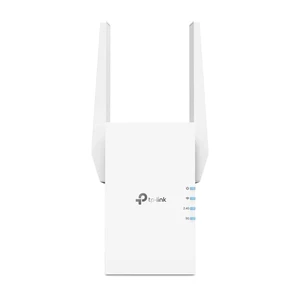
TP-Link RE715X AX3000 Mesh WiFi 6 Extender