• In Stock
  • Sold by Newegg
  • Make an Offer
  • New
  • Combo Deals
Brands
Show More
Price
Show More
Wireless Data Rates
Show More
WPA/WPA2
Antenna
Interface
All Top Brands
Availability
Condition
Current Promotion
Discount
Sold by
Useful Links
Customer Ratings
  • One Plan. Total Coverage.
Sort By:
View:
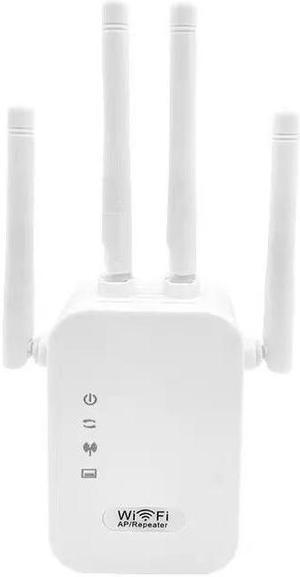
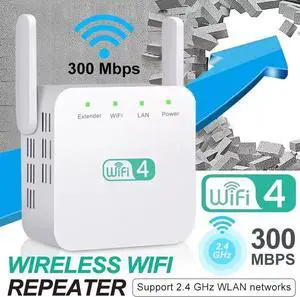
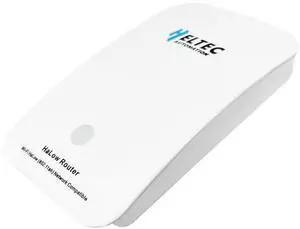
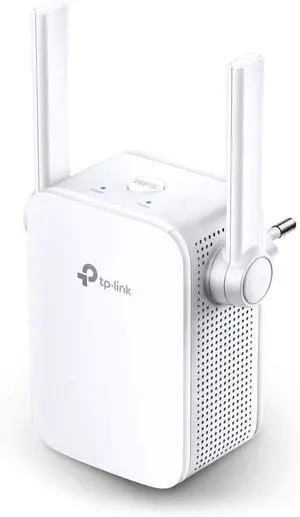
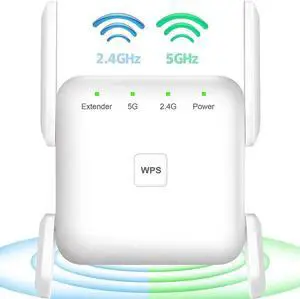
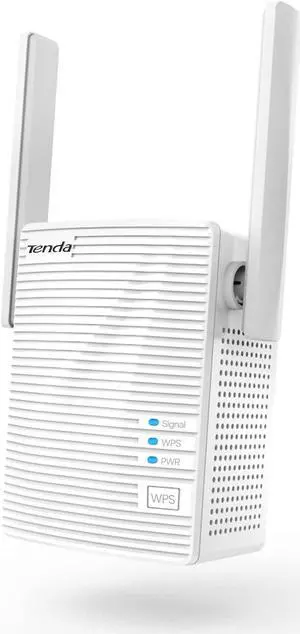
300Mbps Router WiFi Repeater Network Range Extender Booster N300 Single Increase Dual External Antennas EU US AU UK Plug
Quick View
300Mbps Router WiFi Repeater Network Range Extender Booster N300 Single Increase Dual External Antennas EU US AU UK Plug
  • Wireless Data Rates: N300 / Up to 300Mbps
  • WiFi Generation: Wi-Fi 4
  • Wireless Standard: IEEE 802.11n
  • Model #: 1-Router0674
  •  
  • $28.08 
  • Free Shipping
Perle Network Extender
Quick View
Perle Network Extender
  • Type: Network Extender
  • Length: 10.000
  • Specifications: TECHNICAL SPECIFICATIONS: General Information ManufacturerPerle Systems, Inc Manufacturer Part Number06003834 Manufacturer Website Addresshttp://www.perle.com Brand NamePerle Product NameNetwork Extender Product TypeNetwork Extender Physical Characteristics Height5.5" (139.7 mm) Width7" (177.8 mm) Length10" (254 mm)
  • Dimensions: 3.000
  • Model #: 06003834
EX-1S1110-RJ 10/100/1000 ENET  CTLREXTENDER RJ45 VDSL
Quick View
EX-1S1110-RJ 10/100/1000 ENET CTLREXTENDER RJ45 VDSL
  • Type: Other
  • Weight: 1
  • Model #: 06003534
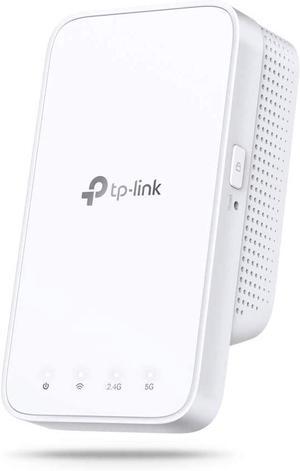
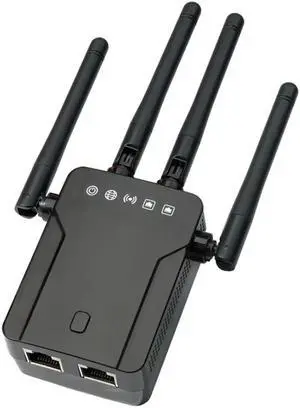
Wireless WiFi Repeater Wifi Extender 300Mbps Wi-Fi Amplifier 802.11N/B/G Booster Repetidor WiFi Reapeter Access Point
Quick View
Wireless WiFi Repeater Wifi Extender 300Mbps Wi-Fi Amplifier 802.11N/B/G Booster Repetidor WiFi Reapeter Access Point
  • Covered Area: Unobstructed 50M
  • Wireless Data Rates: RJ45
  • Adapter Ports: RJ45
  • Adapter Wireless Data Rates: 300m
  • Model #: CCOOC-0046051
  •  
  • $16.82 
  • Free Shipping
300Mbps WiFi Repeater Wireless-N AP Router Extender Signal Booster Range Signal Repeater
Quick View
  •  
  • $29.99 
  • Free Shipping
Network Wireless Range Expander 300M US Plug Wi Fi N 802.11N Repeater White
Quick View
  •  
  • $39.99 
  • Free Shipping
D-Link DAP-1520 IEEE 802.11n 750 Mbps Wireless Range Extender
Quick View
  •  
  • $39.77 
WiFi Range Extender Internet Booster Network Router Wireless Signal Repeater
Quick View
  •  
  • $54.99 
  • Free Shipping
ZyXEL Wireless N Plug  and  Play 300Mbps Range Extender (WRE2205 Version 2) (WRE2205)
Quick View
  •  
  • $239.32 
  • Free Shipping
Wilson Electronics Wideband Directional Antenna 700-2700 MHz, 50 Ohm (314411)
Quick View
  •  
  • $127.06 
  • Free Shipping
USB 3.0 Universal Docking Station, 13 in 1 Laptop Docking Station Dual Monitor for Windows and Mac, USB C Docking Station with HDMI, VGA, DVI, 6X USB 3.0, Gigabit Ethernet, Audio
Quick View
USB 3.0 Universal Docking Station, 13 in 1 Laptop Docking Station Dual Monitor for Windows and Mac, USB C Docking Station with HDMI, VGA, DVI, 6X USB 3.0, Gigabit Ethernet, Audio
  • Features: 13-in-1 USB Docking Station:Acodot USB dock designed with 13 ports included Ethernet, HDMI, DVI, 6x USB 3.0, PC/host, power input, headphone and microphone. All in one meets the needs of your tedious work, making your work and life more convenient. NOTE: please install driver before use. Dual HD Monitors:Built-in HDMI and DVI outputs, support resolutions up to 2560x1440 @ 60Hz, allowing you to enjoy super clear image on a bigger screen. Extra DVI-HDMI converter lets you to connect dual HDMI monitors at the same time. Wide Compatibility:Universal docking station compatible with Windows 11, 10, 8.x and 7, and MacOS 10.14 or later. Plug and play driver installation via Windows Update; manual driver installation on macOS.NOTE: Dock does not charge host PC. Fast Data Transfer:USB-C Multiport Adapter offer 6 x USB 3.0 ports for simultaneously connecting multiple USB pe...
  • Model #: HU-USB13900
UniFi nanoHD Internal 1733Mbits Power Over Ethernet PoE White WLAN Access poin
Quick View
  •  
  • $199.99 
  • Free Shipping
WiFi Range Extender Internet Booster Network Router Wireless Signal Repeater
Quick View
  •  
  • $54.99 
  • Free Shipping
UniFi nanoHD Internal 1733Mbits Power Over Ethernet PoE White WLAN Access poin
Quick View
  •  
  • $199.99 
  • Free Shipping
airCube ISP Wi-Fi Access Point (ACB-ISP-US)
Quick View
  •  
  • $54.00 
  • Free Shipping

Learn about Wireless Range Extenders & Media Bridges

Eliminate Dead Zones the Right Way

A Wi-Fi range extender/repeater relays your existing signal to reach farther rooms, while a media bridge links Ethernet-only devices (PCs, TVs, consoles) to Wi-Fi. If you prefer a single SSID and seamless roaming across the whole home, consider a mesh Wi-Fi system; extenders are a fast, budget-friendly fix for specific dead zones.

Extender vs. Repeater vs. Media Bridge

Range Extender (Repeater): Creates a new wireless hop to increase coverage. Tri-band models reserve a dedicated backhaul to keep speeds high.

Media Bridge (Wireless Bridge): Connects Ethernet devices to Wi-Fi via a wireless link; great for smart TVs, game consoles, and desktops far from the router.

AP Mode: Some extenders can become a wired access point when you run an Ethernet line to the device—best performance and stability.

Key Buying Factors

Bands & Backhaul: Dual-band works for light use; tri-band or Ethernet backhaul prevents bandwidth halving on the relay link.

Roaming & Security: For smoother hand-offs, look for 802.11k/v/r support; choose WPA3 where available.

Ports & Power: One or more Gigabit LAN ports help hard-wire TVs/PCs; PoE isn’t common on extenders—use a nearby outlet or a UPS for uptime.

Placement Tips

Place the extender midway between your router and the weak area—still within a strong signal (2–3 bars). Avoid thick walls/metal, and try a different outlet if speeds dip. For the best results, use Cat6/Cat6a cables for wired backhaul or to run AP mode.

Performance Tip: If you stream 4K or game online, prefer a tri-band extender or a media bridge with Gigabit Ethernet. When possible, pair with a modern Wi-Fi 6/7 router.

Choosing the Best Device for Your Network

Start with your coverage goal and client types. Use a range extender to fix one or two dead spots quickly, a media bridge to wire up non-Wi-Fi devices, or a whole-home mesh kit for consistent roaming across large homes. For offices or multi-floor houses, an Ethernet drop feeding AP mode often outperforms pure repeating.

Accessories & Tools

Essential Accessories

Newegg Networking Tools & Promotions

Deals & Tools: Looking to save or plan a full setup? See current networking deals for discounts on extenders, bridges, routers, and accessories.

FAQs

Will an extender cut my speed in half?

Single-radio repeaters often share airtime and can reduce throughput. Tri-band extenders or Ethernet backhaul maintain higher speeds.

Mesh system or extender—which should I choose?

Use a mesh kit for whole-home coverage and seamless roaming; choose an extender for quick, targeted fixes to one or two rooms.

Where should I place a range extender?

Halfway between the router and the dead zone, still within good signal (2–3 bars). Avoid thick walls/metal; try another outlet if speeds drop.

Can a media bridge create Wi-Fi?

A media bridge provides Wi-Fi to Ethernet-only devices and doesn’t broadcast a new SSID. To create Wi-Fi, use AP mode or a dedicated access point.