here!
I’m your shopping assistant for PC builds, upgrades, and everything tech.
Got questions? Ask away!
Start a conversation
here!
I’m your shopping assistant for PC builds, upgrades, and everything tech.
Got questions? Ask away!
Start a conversation
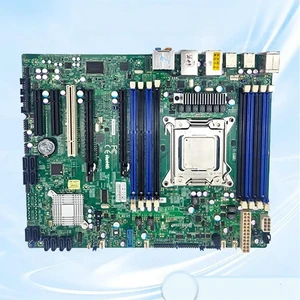
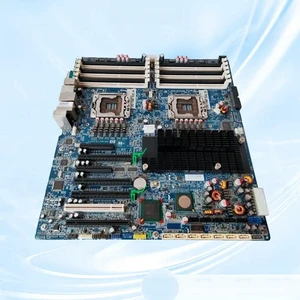
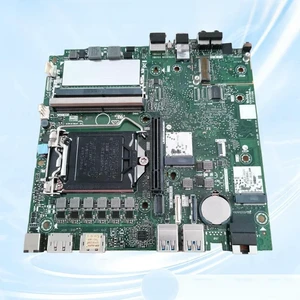
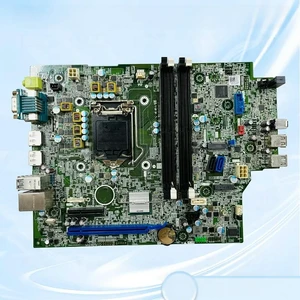

OUT OF STOCK
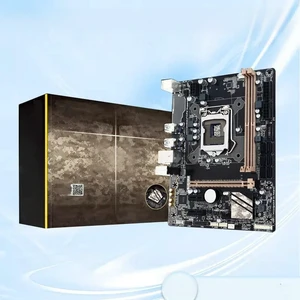
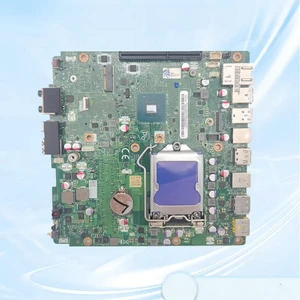
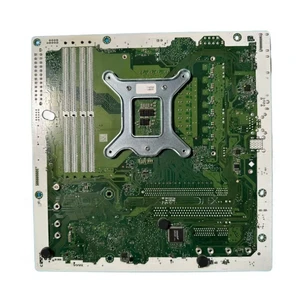
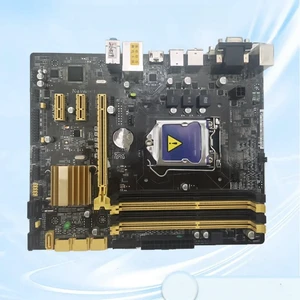
Workstation motherboards support multi-core processors, ECC memory, and advanced I/O options designed for professionals in engineering, 3D rendering, and data analysis. This page helps you find reliable boards that enable robust performance, expandability, and stability for demanding workloads.
In a workstation environment, memory isn't just about size—it's about reliability and error resilience. ECC memory support on workstation motherboards prevents data corruption by detecting and correcting memory errors, which is indispensable for professionals working with sensitive datasets or running long simulation builds. Beyond ECC, dual or quad-channel memory architecture significantly boosts bandwidth, allowing CPUs to process data-intensive tasks more efficiently. Many workstation boards also support large maximum RAM capacities, enabling complex multitasking and virtualization. Prioritizing these memory specifications ensures your system maintains uptime and delivers consistent performance under demanding workloads, such as 3D rendering, scientific modeling, or video editing.
Professionals building high-end systems for AI training, content creation, or engineering simulations require motherboards that seamlessly integrate with top-tier components. For example, an AI Workstation motherboard must support the latest PCIe lanes to accommodate multi-GPU setups and ultra-fast NVMe storage, drastically cutting down processing times. Additionally, professional workflows benefit from features like onboard RAID controllers for data redundancy and reliable multi-channel networking for high-speed data transfer. Consulting the Workstation Components category can help you assemble a system optimized for your specific software and performance needs.
Newegg shopping tip: Focus on the type and number of PCIe slots, memory support, and chipset compatibility to match your CPU and workload requirements. Also, check for robust power delivery and cooling features if you plan to run demanding tasks or multiple GPUs.
Explore top-tier workstation components built for multi-core processors and ECC memory support, ensuring peak reliability and performance under heavy professional workloads.
Build or upgrade an AI workstation that harnesses the latest PCIe 4.0 GPUs, NVMe storage, and DDR5 RAM to accelerate machine learning model training and inference.
Narrow down your ideal workstation motherboard using powerful filters—chipset, socket type, expansion slots, and memory channels—to match your precise build specifications.
Stepping into the world of workstation motherboards can feel a bit overwhelming at first, but it’s all about matching your hardware needs to your workload. These motherboards are designed to support high core-count CPUs, error-correcting code (ECC) memory, and robust connectivity options for professional-grade builds. Unlike standard consumer boards, workstation motherboards prioritize stability and expandability, making them ideal for tasks that demand consistent performance. If you're just starting your build, explore our Workstation Components page to understand compatible parts and key features.
Video editors, 3D artists, and animators demand motherboards that can handle multi-threaded workflows and large memory capacities without hiccups. Workstation motherboards tailored for creatives typically support multiple GPUs, expansive DDR4 or DDR5 RAM, and fast NVMe storage configurations. This setup accelerates rendering times, enables smooth real-time previews, and facilitates multitasking across creative applications. Investing in a quality workstation motherboard ensures your creative pipeline stays fluid, enhancing productivity and output quality during intensive projects.
Users engaged in CAD design, simulation, or scientific computing often require workstation motherboards that emphasize reliability and precision. These motherboards support ECC memory to detect and correct data corruption, which is crucial when working with sensitive calculations or large datasets. Additionally, expanded PCIe lanes and robust power delivery are important to accommodate compute accelerators and high-speed storage devices critical in these fields. Prioritizing a stable foundation leads to fewer computational errors and system crashes, saving time on mission-critical tasks.
Research more: When choosing a workstation motherboard, consider your needs for CPU compatibility, expansion slots, and memory support to ensure smooth handling of intensive tasks. For a deeper dive into the features and options available, check out Newegg Insider’s buying guides—they offer detailed insights to help you make an informed decision.
Last Updated: October 2026 | Newegg Workstation Motherboards Buying Guide
ASUS motherboards are often praised for their robust build quality and extensive BIOS options, making them reliable for intensive workloads, while Gigabyte models tend to offer competitive pricing with solid performance, though sometimes with fewer advanced features.
For video editing, a high-end single CPU motherboard usually provides better software compatibility and efficiency, whereas multi-socket boards excel in multitasking environments but can be more expensive and complex to set up.
Workstation motherboards are designed to handle more powerful CPUs, larger amounts of memory, and advanced connectivity options to support professional-grade tasks like 3D rendering and data analysis, unlike standard desktop boards which prioritize general use.
Yes, many workstation motherboards have multiple PCIe slots allowing for multi-GPU setups, which can boost performance in specialized applications such as video editing, CAD, or scientific simulations.
Check the motherboard’s CPU socket type and chipset compatibility to match your processor model. Manufacturers list supported CPUs in the product specs, so make sure your chosen CPU is on that list before buying.
It depends on your workload; if you need reliability, multi-core support, and expandability for professional tasks, investing a bit more can save headaches later. But for lighter or occasional use, a mid-range board might be sufficient.
Workstation motherboards are built to handle heavier workloads and longer runtimes, so they tend to be more reliable under continuous use, but it's still important to check reviews for reported hardware failures or BIOS stability issues.
Watch out for recurring issues like overheating, BIOS bugs, or compatibility problems with certain CPUs or memory. Also, see if users mention the quality of onboard components such as VRMs and network controllers, as these affect long-term stability.
Check the motherboard’s CPU socket and memory specifications carefully; they must match your processor type and RAM speed. Also, consult the manufacturer's QVL (Qualified Vendor List) for tested compatible RAM modules.
Make sure to install the latest BIOS updates, enable XMP profiles for your RAM, and configure your BIOS settings to prioritize performance or stability depending on your workflow needs.
“ I love it and would recommend it. ”
ASUS ProArt Z890-CREATOR WIFI Z890 LGA 1851 ATX Motherboard, Intel® Core™ Ultra Processor Series 2 Ready, 16+2+1+2 stages, PCIe® 5.0, DDR5, Thunderbolt™ 5 Type-C®, 10+2.5 Gb LAN, WiFi 7, 5x M.2, AI OC“ I wanted a board with 10G NIC and this is one of few that have it. ”
ASUS ProArt X870E-CREATOR WIFI AMD AM5 X870E ATX Motherboard PCIe 5.0 x16 slots with full support for next-gen GPUs, 16+2+2 power stages, DDR5, dual USB4, 10 Gb & 2.5 Gb LAN, WiFi 7, four M.2 slots“ Overall I am happy with this board and would recommend it. ”
ASUS ProArt Z890-CREATOR WIFI Z890 LGA 1851 ATX Motherboard, Intel® Core™ Ultra Processor Series 2 Ready, 16+2+1+2 stages, PCIe® 5.0, DDR5, Thunderbolt™ 5 Type-C®, 10+2.5 Gb LAN, WiFi 7, 5x M.2, AI OC“ Love this board and setup. Highly recommend! ”
ASUS ProArt X870E-CREATOR WIFI AMD AM5 X870E ATX Motherboard PCIe 5.0 x16 slots with full support for next-gen GPUs, 16+2+2 power stages, DDR5, dual USB4, 10 Gb & 2.5 Gb LAN, WiFi 7, four M.2 slots“ I would recommend it! ”
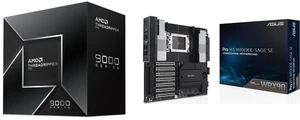
ASUS Pro WS WRX90E-SAGE SE EEB Workstation motherboard, AMD Ryzen™ Threadripper™ PRO 7000 WX-Series Processors, ECC R-DIMM DDR5, 32 power-stage,7xPCIe 5.0 x 16, PCIe 5.0 M.2, 10 Gb and 2.5 Gb LAN“ Very good board been using Asus boards since 1996 highly recommended ”
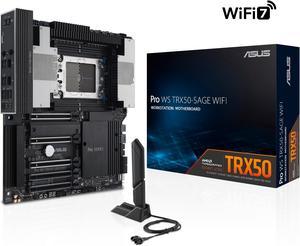
ASUS Pro WS TRX50-SAGE WIFI CEB Workstation motherboard, AMD Ryzen™ Threadripper™ PRO 7000 WX-Series Processors,ECC R-DIMM DDR5, 36 power-stage, WiFi 7,PCIe 5.0 x 16, PCIe 5.0 M.2, 10 Gb and 2.5 Gb LAN, multi-GPU support.“ I would recommend this board to anyone as long as they are aware of the RAM requirements. ”
GIGABYTE TRX50 AERO D sTR5 AMD TRX50 EATX Motherboard - DDR5, PCIe 5.0 M.2, PCIe 5.0, USB4 Type-C, Wi-Fi 7, Marvell 10GbE