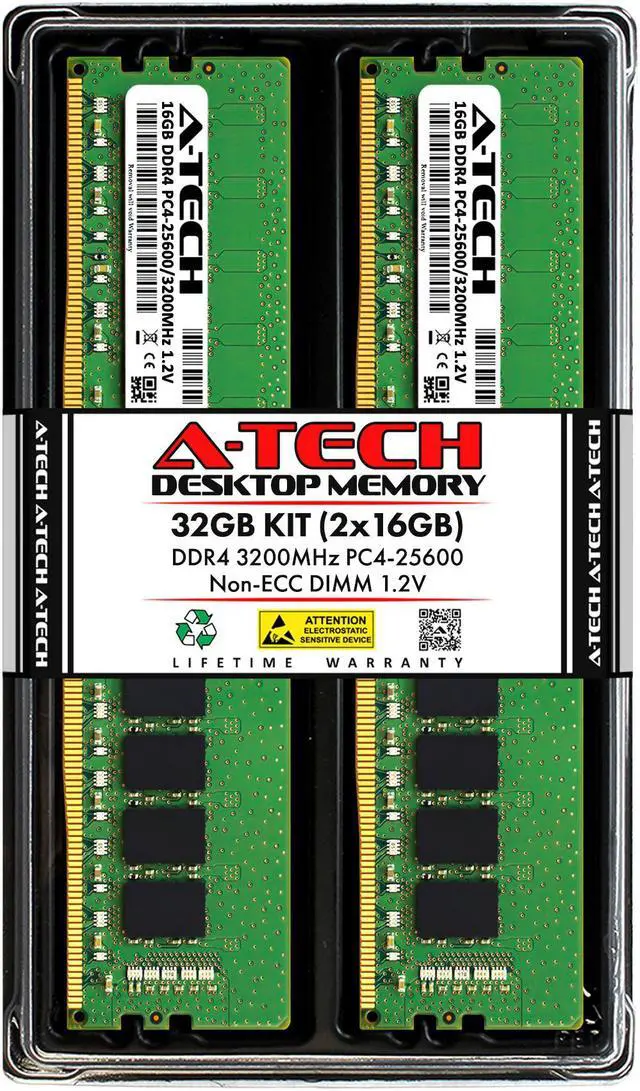
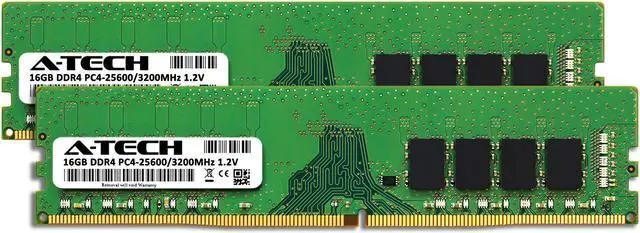
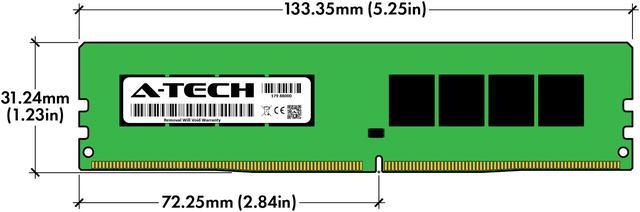
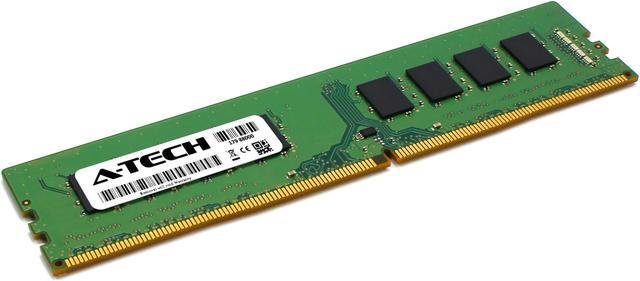
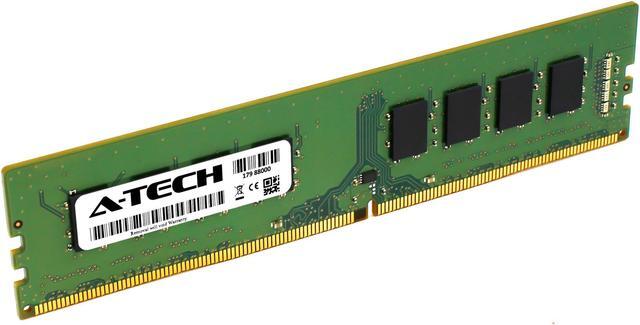
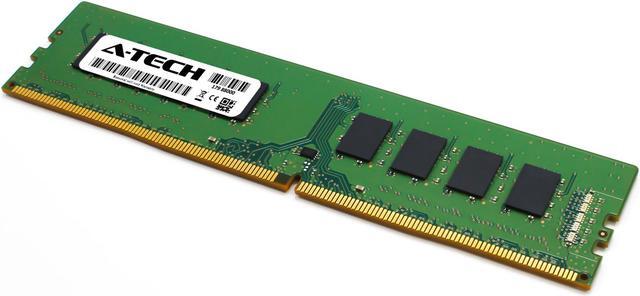
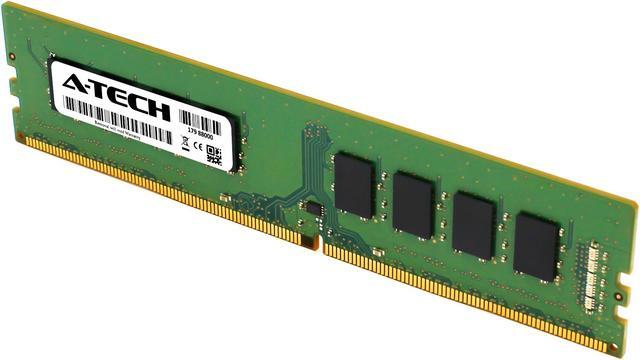
The A-Tech 32GB DDR4-3200 desktop memory kit includes two 16GB unbuffered, non-ECC DIMMs for compatible desktop PCs using 288-pin DDR4 memory. It suits users upgrading supported AMD- or Intel-based systems.
Recommended For
- Owners of a compatible DDR4 desktop whose 8GB or 16GB setup feels constrained when gaming with a browser, voice chat, or other apps open; this kit raises capacity to 32GB.
- DDR4 desktop users who keep many work apps and browser tabs open at once and want more memory headroom without replacing their motherboard or platform.
- Desktop owners with two available memory slots who want a matched 2×16GB kit and dual-channel configuration, provided their motherboard and processor support this DDR4 speed and capacity.
- People keeping an existing DDR4 gaming PC who need more memory capacity; this is an upgrade for a compatible DDR4 system, not a way to add RAM to a DDR5 platform.
Real-World Use Scenarios
- When a DDR4 desktop user keeps many browser tabs, office apps, and chat or meeting tools open together, 32GB can provide more room for that workload; it is most likely to help if memory use is already running high.
- For gaming with Discord, a browser, or music running in the background, 32GB gives the game and other apps more memory to share; it does not guarantee higher frame rates if the system was not short on RAM.
- On a compatible DDR4 gaming PC that is nearing its 16GB memory limit, moving to 32GB may help avoid memory-related stutters in some demanding games; the benefit varies by game and system.
- For light photo editing or graphics work, 32GB can leave room for editing software and other everyday apps to stay open together; larger or more complex projects may need more memory.
- For hobby video editing with lighter footage, such as H.264 8-bit 4:2:0, 32GB can be a reasonable starting point; demanding, long, or RAW-heavy projects may benefit from 64GB or more.




 here!