



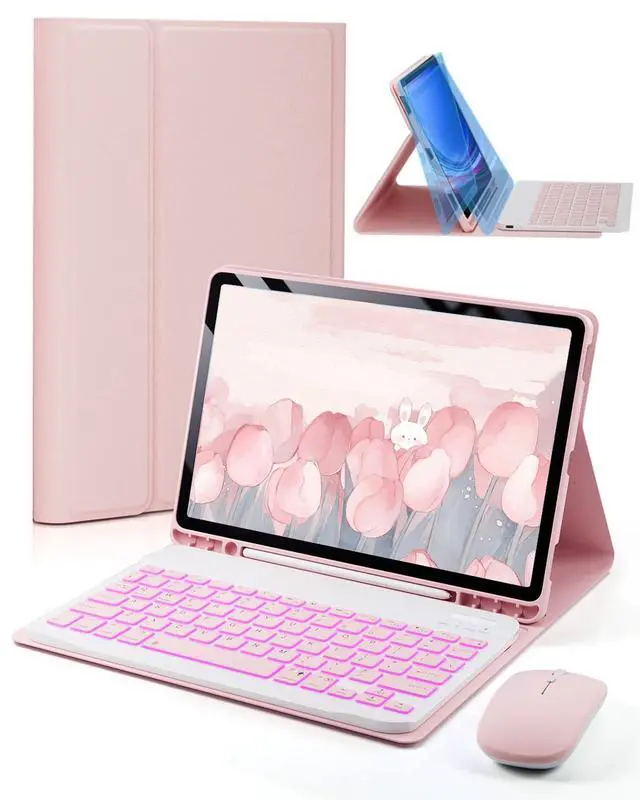


Keyboard for Samsung Galaxy Tab A11/ A9 8.7-inch
Merchant Video


How do l check my tablet model?
Go to "Settings" on your tablet
Click on the "About tablet"
Find the model number
Which tablet models are compatible with this product?
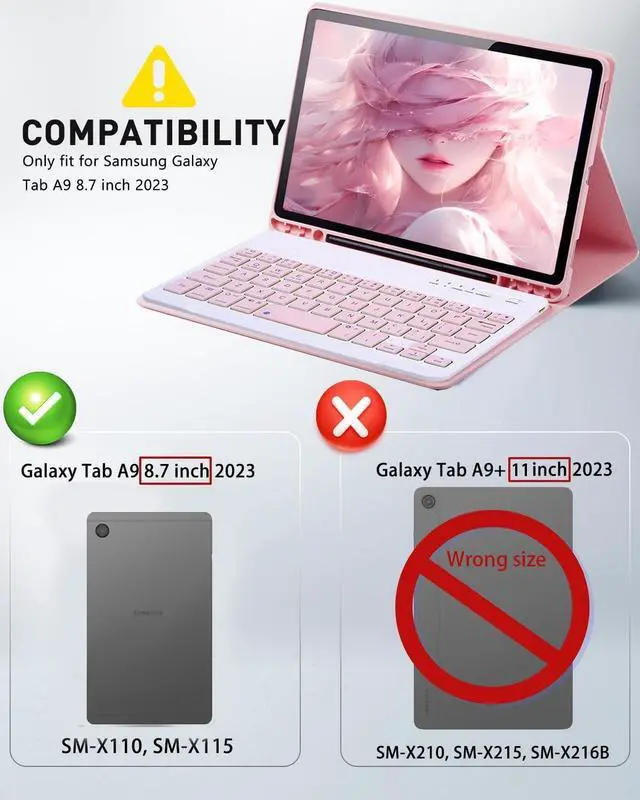
Tab A9 8.7-inch_Models: SM-X110, SM-X115
How do I use a wireless keyboard and mouse?
Keyboard
-Turn on the keyboard switch and click the "Connect" button- Search for "Bluetooth keyboard" in Bluetooth to connect.
Mouse
- Turn on the mouse switch.- Search for “BT5.2 mouse" in Bluetooth to connect.
What should pay attention to before using a keyboard and mouse?
When the keyboard and mouse are low on power, the connection signal will become weak and cannot connect.
Please charge the keyboard and mouse for two hours using the cable provided before use to ensure product performance.
My keyboard won't charge, what should I do?
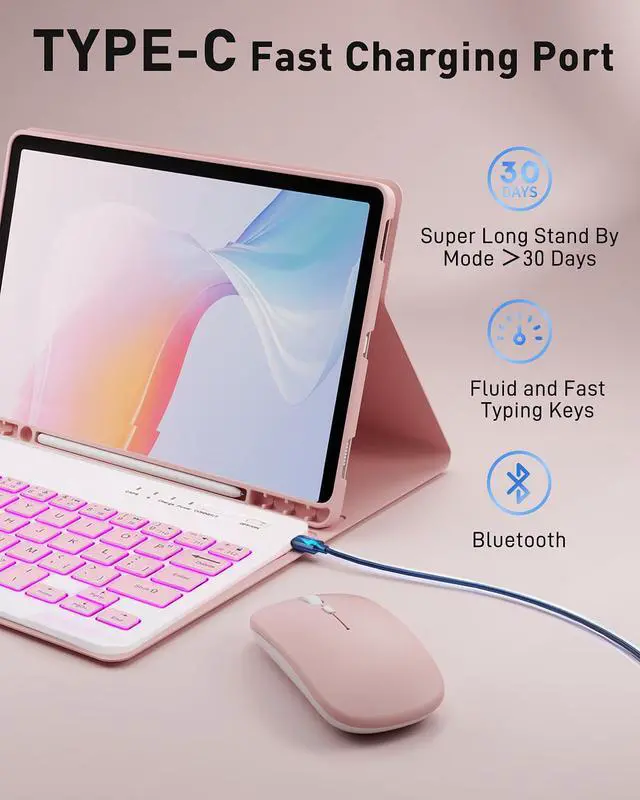
The charging power of the keyboard is 5V 2A.
Please use the Type-C power cable and charging head provided by us to charge the keyboard.
Note: Don't use a high power charging head as it may damage the keyboard's battery and prevent charging.


Keyboard for Samsung Galaxy Tab A11/ A9 8.7-inch
Merchant Video


How do l check my tablet model?
Go to "Settings" on your tablet
Click on the "About tablet"
Find the model number
Which tablet models are compatible with this product?
Tab A9 8.7-inch_Models: SM-X110, SM-X115
How do I use a wireless keyboard and mouse?
Keyboard
-Turn on the keyboard switch and click the "Connect" button- Search for "Bluetooth keyboard" in Bluetooth to connect.
Mouse
- Turn on the mouse switch.- Search for “BT5.2 mouse" in Bluetooth to connect.
What should pay attention to before using a keyboard and mouse?
When the keyboard and mouse are low on power, the connection signal will become weak and cannot connect.
Please charge the keyboard and mouse for two hours using the cable provided before use to ensure product performance.
My keyboard won't charge, what should I do?
The charging power of the keyboard is 5V 2A.
Please use the Type-C power cable and charging head provided by us to charge the keyboard.
Note: Don't use a high power charging head as it may damage the keyboard's battery and prevent charging.