WD Elements 16TB USB 3.0 Desktop External Hard Drive WDBWLG0160HBK-NESN Black
  •  
  • $499.99 –
  • Save: 21%
  • $28.99
  • Free 90-day Returns
  • Price alert
    NAS Builder
    Newegg PC Builder
    Shop it at NeweggBusiness.

    Meet Your Seller

    Get Educated

    Make informed decisions with expert advice. Learn More

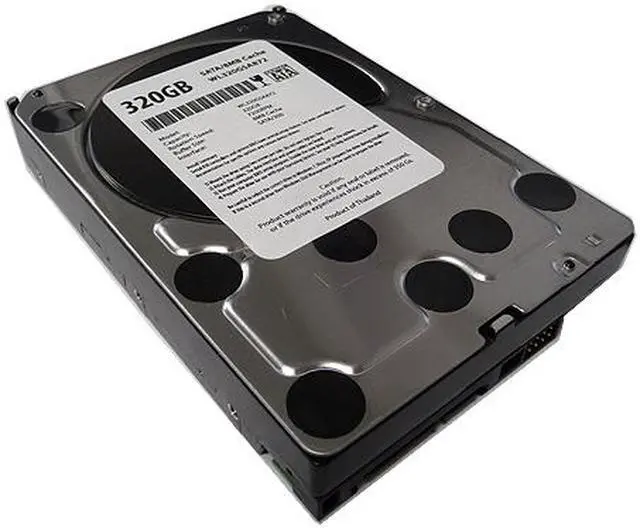
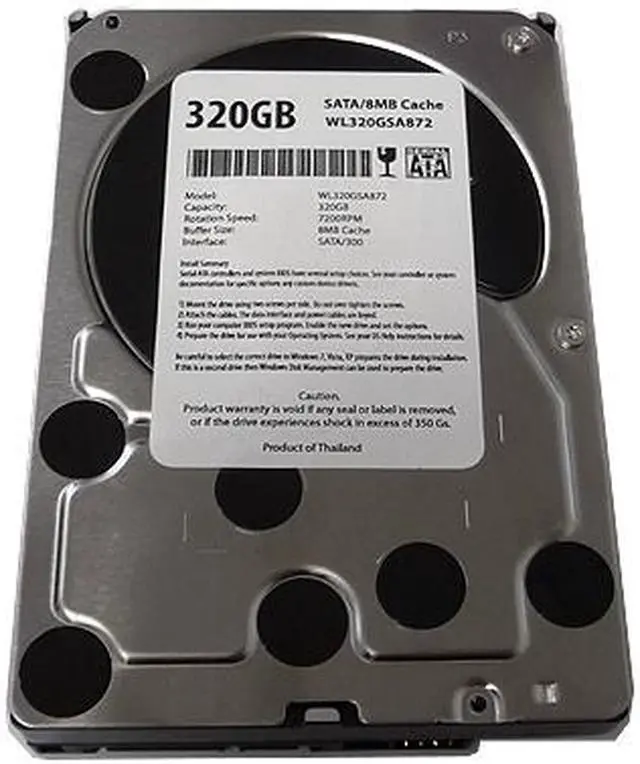
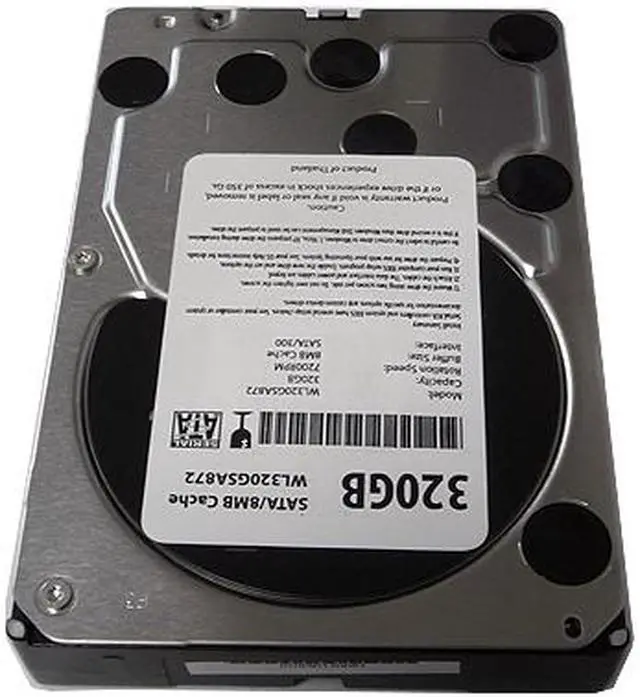
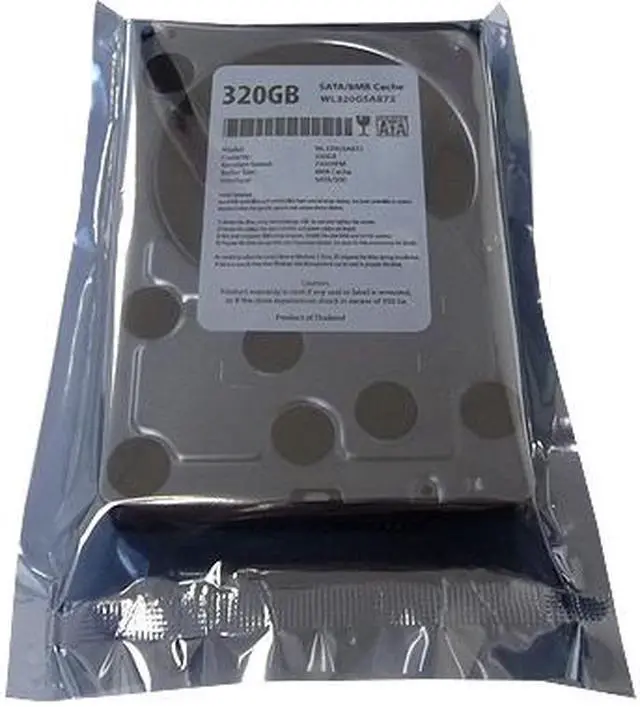
    WL 320GB 8MB Cache 7200RPM SATA2 3.5" Internal Desktop Hard Drive (For DELL, HP, Compaq, eMachine, IBM, Gateway) -1 Year Warranty

    • 7200 RPM 8MB Cache
    • SATA 3.0Gb/s
    • For Daily Computing
    • 1 Year Warranty from Reseller
    • Retail or OEM packing may vary
    🔥Don't forget your OS, we have Windows 11 OEM, Download and USB versions available
    +
    +
    Overview
    Specs
    Reviews (11)
    See all Q & A

    Any questions? Ask CelesteSM will help you find out quickly.

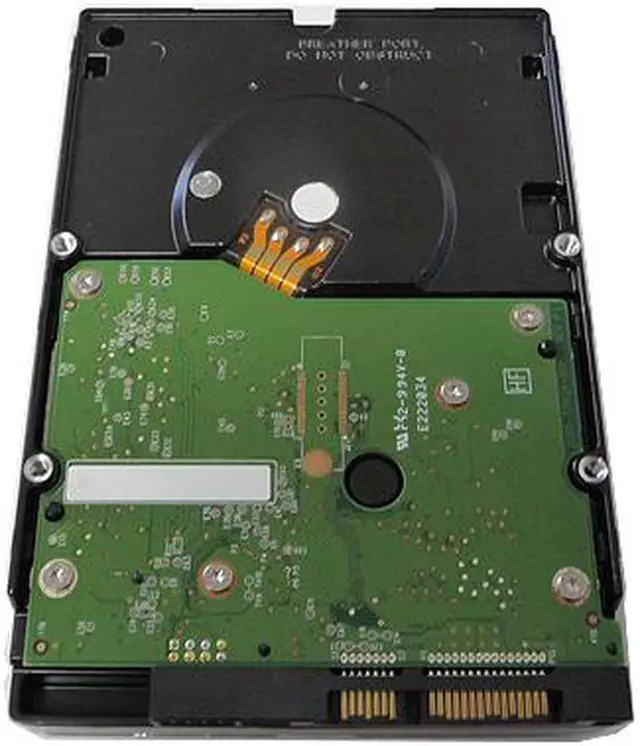
    This is a White Label 320GB SATA2 3.5" desktop hard drive featuring with 7200RPM, 8MB cache desktop hard drive with 1 year warranty. A white label product is a product made by major hard drive company that manufactured for other companies (OEM Hard Drive Reseller/VAR/System Integrator) re-brand to make it appear as if they made it or for large volume special application.
    Application: •Desktop PC with SATA interface •External Storage •NAS •CCTV
    DVR Features:
    •Capacity: 320GB
    •Buffer: 8MB
    Cache •Rotation Speed: 7200RPM
    •Interface: SATA 3.0G b/s •Form
    Factor: 3.5" Desktop Hard Drive

    Warranty & Returns

    Warranty, Returns, And Additional Information

    Warranty

    • Please contact the Seller directly for warranty information. Warranty information may also be found on the Manufacturer's website.
    • CONTACT

    Return Policies

    Manufacturer Contact Info

    LOADING...

    The WL320SATA872 is a 320GB 3.5-inch internal desktop hard drive with a 7200 RPM spindle, 8MB cache, and SATA 3.0Gb/s interface, suited to everyday computing or replacing a drive in a compatible desktop.

    Recommended For

    • Owners repairing a compatible older desktop who need a 3.5-inch SATA drive for basic storage; check the computer’s drive bay and SATA connection before ordering.
    • People refurbishing an older desktop for light, everyday tasks who need a basic mechanical drive rather than a fast system drive.
    • Desktop owners adding a secondary drive for files or older games they do not need to load quickly.

    Real-World Use Scenarios

    • To restore storage in an older desktop with a compatible 3.5-inch SATA bay, install the drive for everyday files and basic computing; the experience will depend on the computer and drive condition.
    • As a secondary drive, use it for documents, photos, music, and other files that do not need to stay on the main drive; this adds separate storage, within the drive’s 320GB capacity.
    • Keep older or less-played games and installers on the drive to free faster storage for current tasks; expect game loading to take longer than it would from an SSD.
    • Use it in a compatible, powered 3.5-inch SATA-to-USB enclosure to access or move files from a desktop drive on another computer; the enclosure must provide the drive’s power.