




 here!
I’m your shopping assistant for PC builds, upgrades, and everything tech.
Got questions? Ask away!
Start a conversation
here!
I’m your shopping assistant for PC builds, upgrades, and everything tech.
Got questions? Ask away!
Start a conversation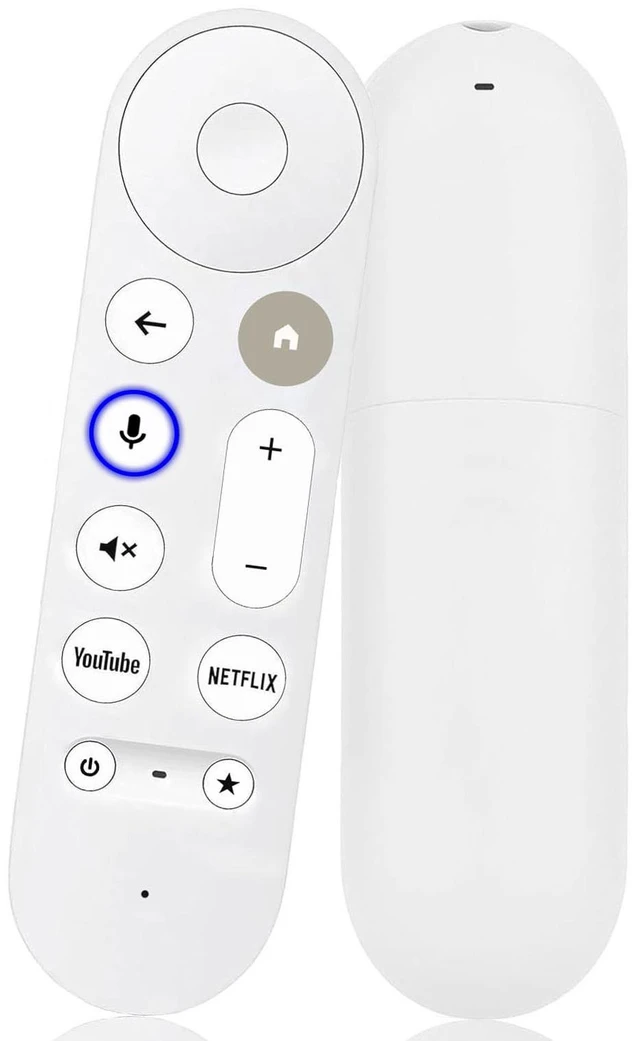



Any questions? Ask CelesteSM will help you find out quickly.
Compatibility
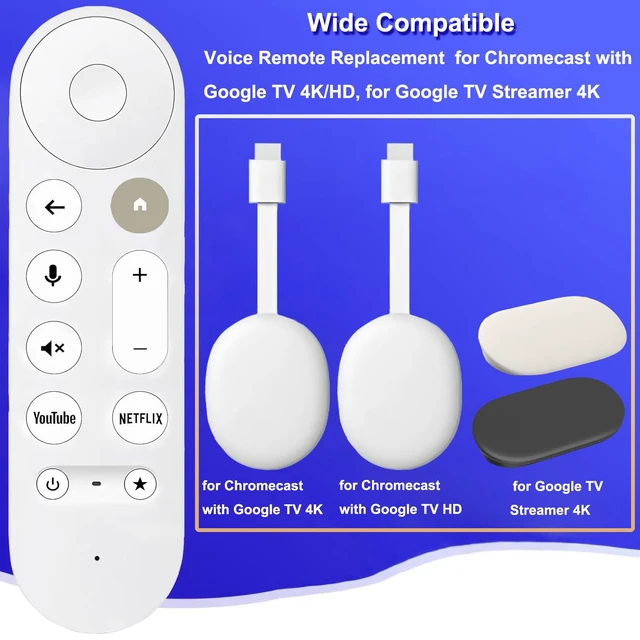
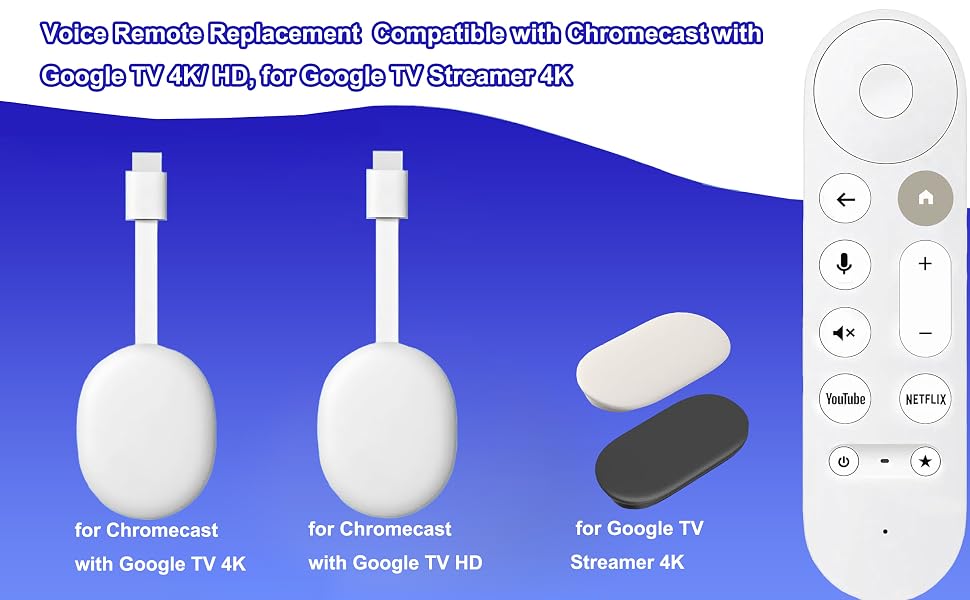
Voice Replacement Remote Control ONLY Compatible with Chromecast with Google TV Remote (4K/HD), for Google TV Streamer (4K) Box
NOTE: Not compatible with Mecool TV box. Only one remote can be paired at a time. Chromecast device is not included, Voice Remote Only (without AAA Batteris).
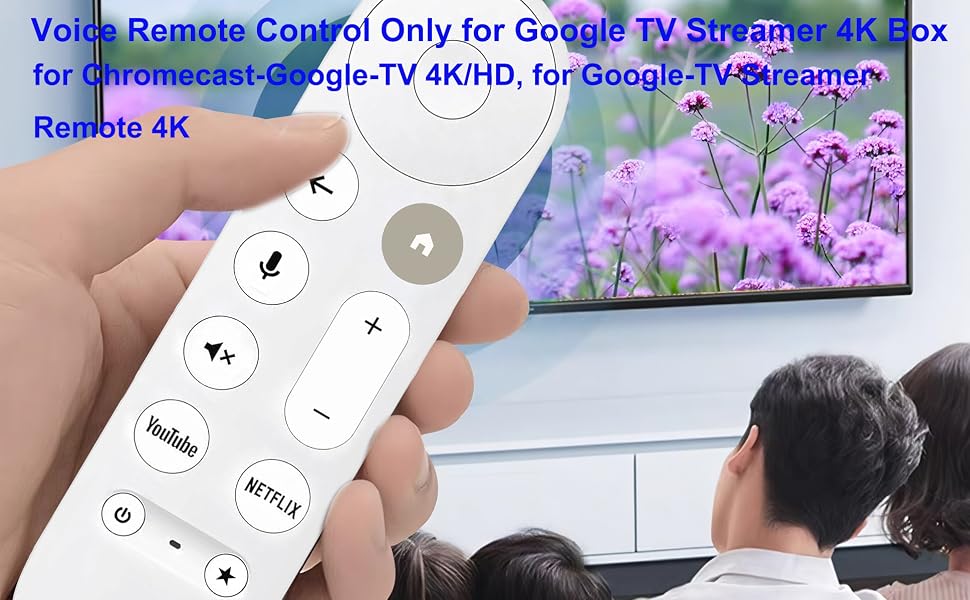
Easy To Pair
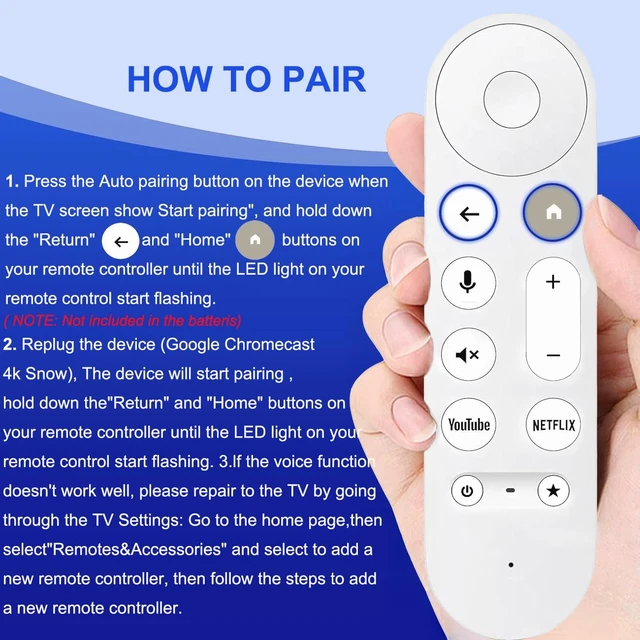
1.Press the Auto pairing button on the device when the TV screen show Start pairing", and hold down the "Return" and "Home" buttons on your remote controller until the LED light on your remote control start flashing.
2.Replug the device (Google Chromecast 4k Snow), The device will start pairing ,hold down the"Return" and "Home" buttons on your remote controller until the LED light on your remote control start flashing. 3.lf the voice function doesn't work well, please repair to the TV by going through the TV Settings: Go to the home page,then select"Remotes&Accessories" and select to add a new remote controller, then follow the steps to add a new remote controller
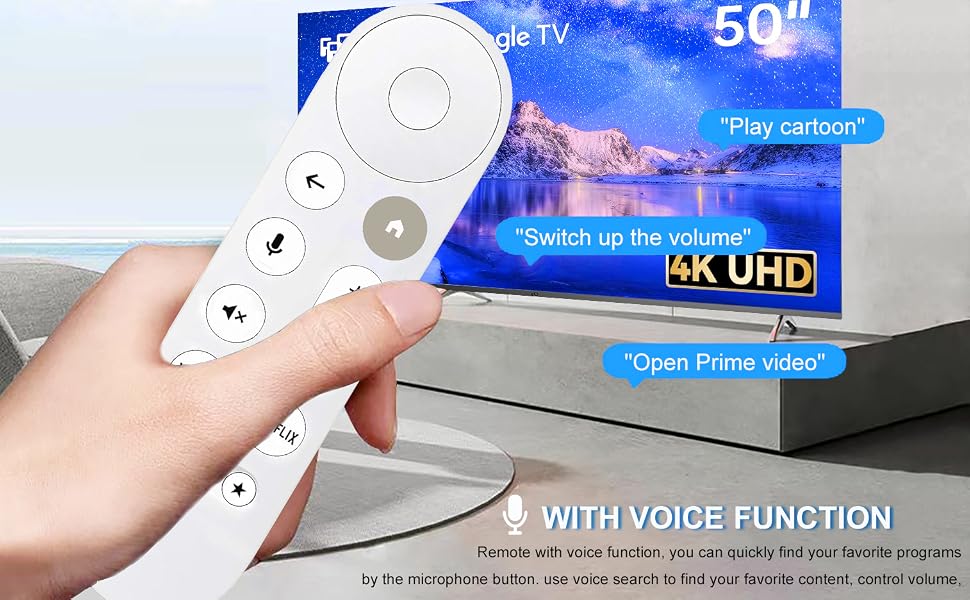
Voice Search Functions
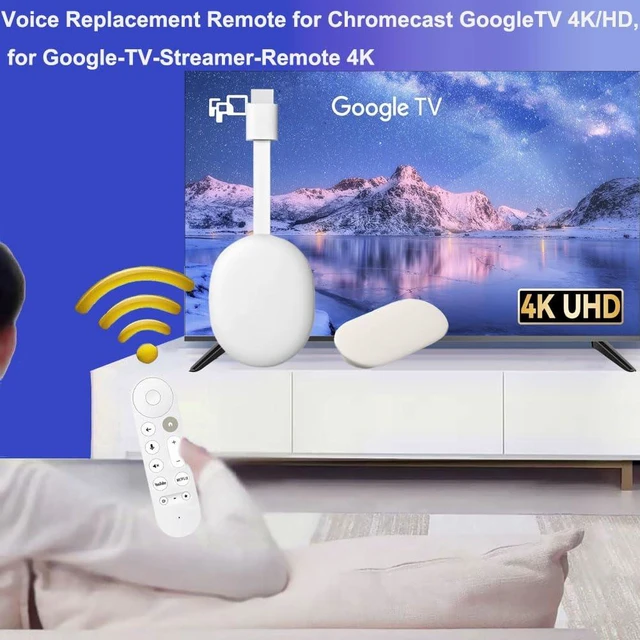
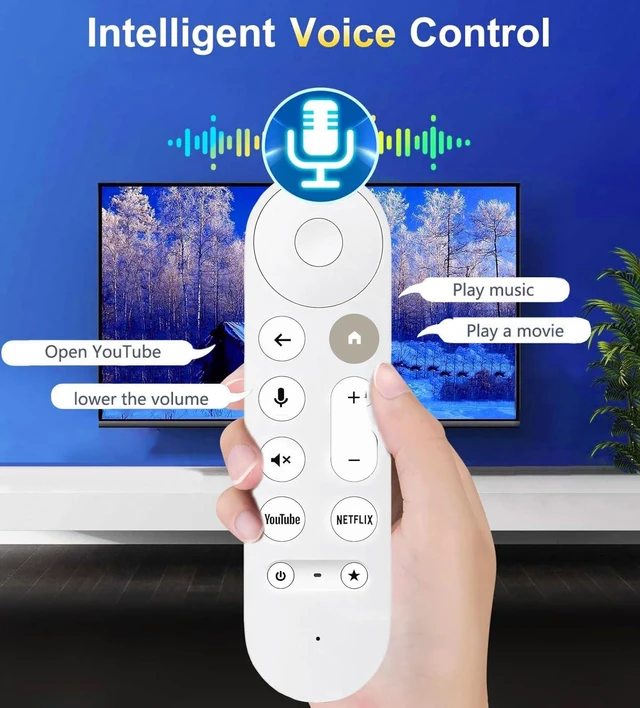
Replacement for Google TV Streamer 4K Box Remote has a voice search feature, which quickly recognizes and keeps speaking. You can quickly operate and adjust the volume, switch the programs you need, and you can search through voice to get the channels you want to watch, which is perfect for the elderly and children.
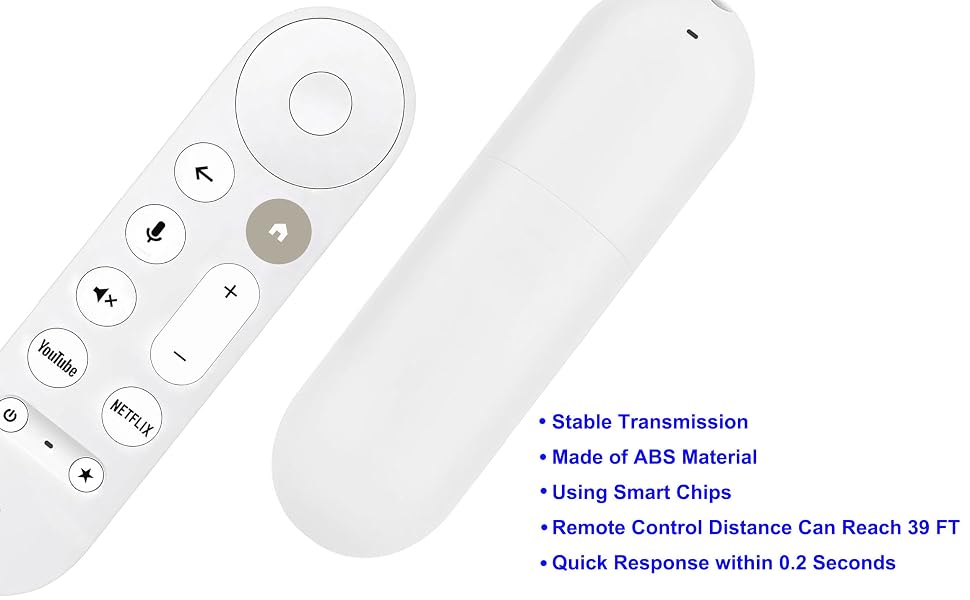
Durable Material
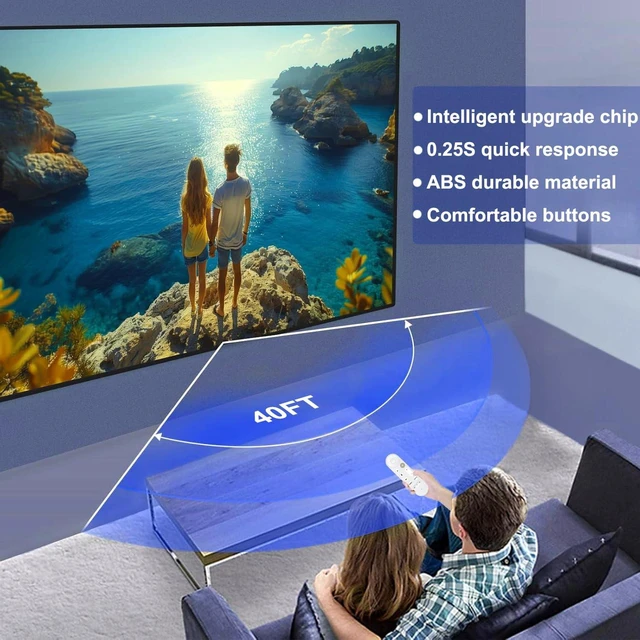
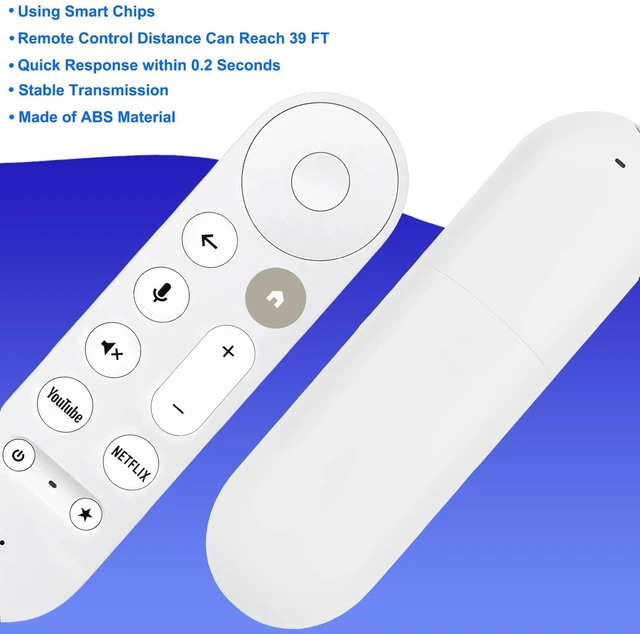
Remote control Strong technology, multi-angle sensing, Newly upgraded chip that can extend transmission distance by over 39 feet, respond quickly in 0.25 seconds. Made of ABS and silicone, ABS improves durability.
Compatibility
Voice Replacement Remote Control ONLY Compatible with Chromecast with Google TV Remote (4K/HD), for Google TV Streamer (4K) Box
NOTE: Not compatible with Mecool TV box. Only one remote can be paired at a time. Chromecast device is not included, Voice Remote Only (without AAA Batteris).
Easy To Pair
1.Press the Auto pairing button on the device when the TV screen show Start pairing", and hold down the "Return" and "Home" buttons on your remote controller until the LED light on your remote control start flashing.
2.Replug the device (Google Chromecast 4k Snow), The device will start pairing ,hold down the"Return" and "Home" buttons on your remote controller until the LED light on your remote control start flashing. 3.lf the voice function doesn't work well, please repair to the TV by going through the TV Settings: Go to the home page,then select"Remotes&Accessories" and select to add a new remote controller, then follow the steps to add a new remote controller
Voice Search Functions
Replacement for Google TV Streamer 4K Box Remote has a voice search feature, which quickly recognizes and keeps speaking. You can quickly operate and adjust the volume, switch the programs you need, and you can search through voice to get the channels you want to watch, which is perfect for the elderly and children.
Durable Material
Remote control Strong technology, multi-angle sensing, Newly upgraded chip that can extend transmission distance by over 39 feet, respond quickly in 0.25 seconds. Made of ABS and silicone, ABS improves durability.



