




 here!
here!
I’m your shopping assistant for PC builds, upgrades, and everything tech.
Got questions? Ask away!
Start a conversation
here!
I’m your shopping assistant for PC builds, upgrades, and everything tech.
Got questions? Ask away!
Start a conversation



Any questions? Ask CelesteSM will help you find out quickly.
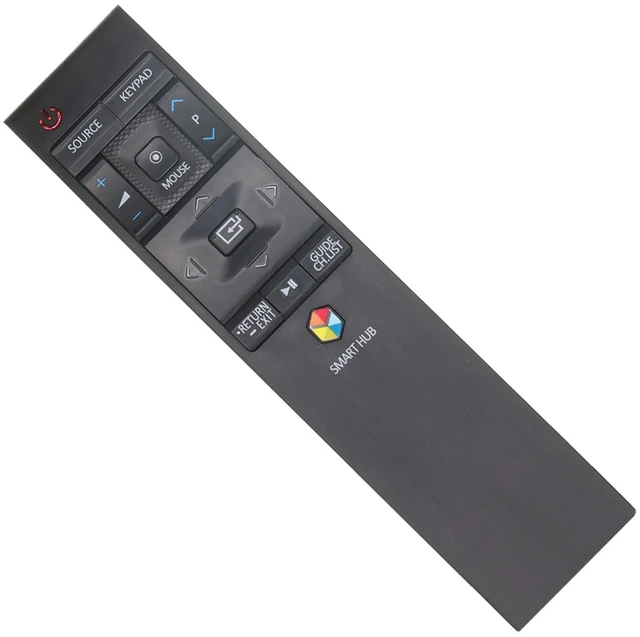
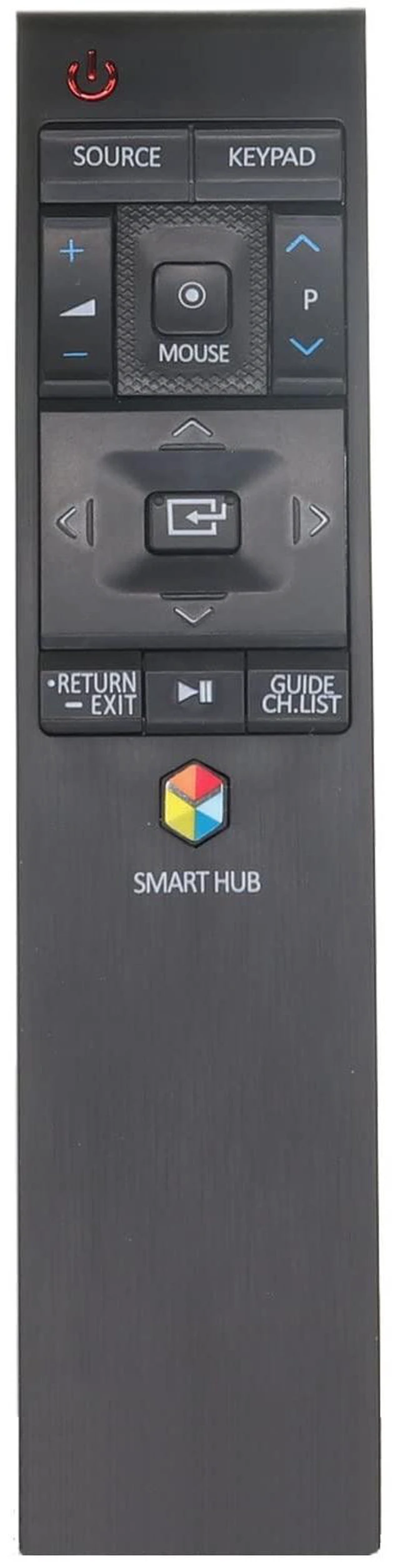
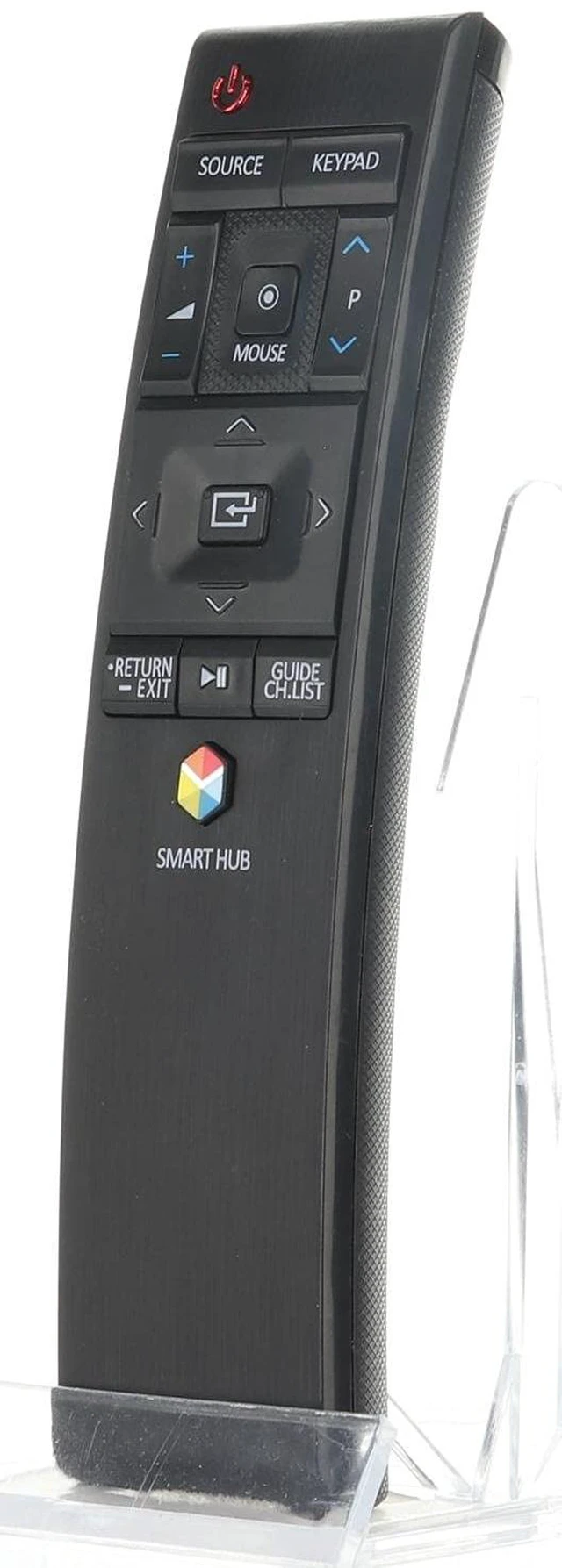
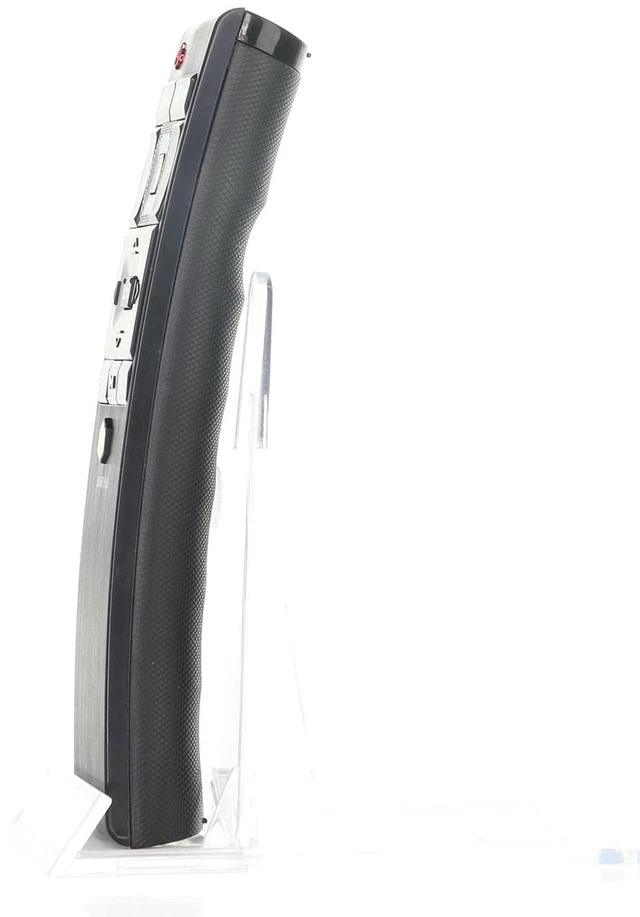
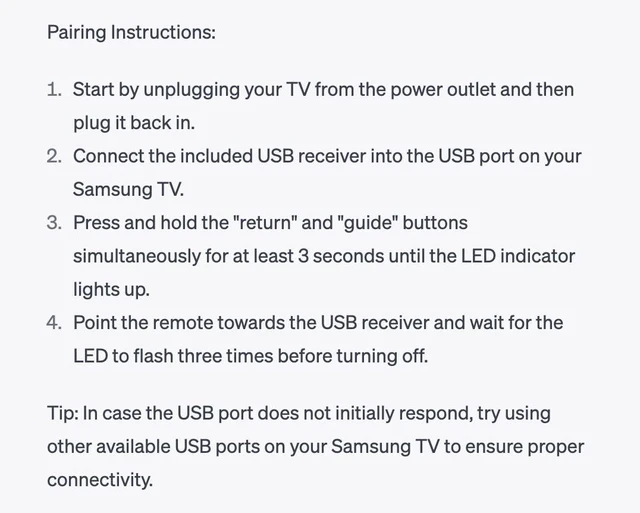
Introducing the Anderic RR1220E Remote Control, the perfect solution for Samsung TVs that require a similar style remote. With its advanced features and convenient USB dongle connectivity, this remote is designed to enhance your TV viewing experience. - Seamless Compatibility: The Anderic RR1220E remote is specifically designed to replace Samsung remotes such as BN5901220E, BN5901220J, and BN5901220A. Enjoy the same functionality and control with this reliable replacement remote. - RF Connectivity: The RR1220E remote comes with a USB dongle that connects to your Samsung TV via RF (radio frequency) transmission. This means you can control your TV from anywhere within range, without the need for direct line-of-sight. - Pointer Operation: Experience the convenience of pointer operation with the RR1220E remote. Easily navigate menus, select options, and browse content on your Samsung TV using the intuitive pointer function. Effortlessly navigate through apps, settings, and more with precision and ease. - Voice Functionality Not Supported: While the RR1220E remote offers a range of advanced features, please note that it does not support voice functionality. However, it provides a comprehensive solution for all other remote control operations. Pairing Instructions: 1. Start by unplugging your TV from the power outlet and then plug it back in. 2. Connect the included USB receiver into the USB port on your Samsung TV. 3. Press and hold the "return" and "guide" buttons simultaneously for at least 3 seconds until the LED indicator lights up. 4. Point the remote towards the USB receiver and wait for the LED to flash three times before turning off. Tip: In case the USB port does not initially respond, try using other available USB ports on your Samsung TV to ensure proper connectivity.


