
Your Browsing History




Any questions? Our AI beta will help you find out quickly.
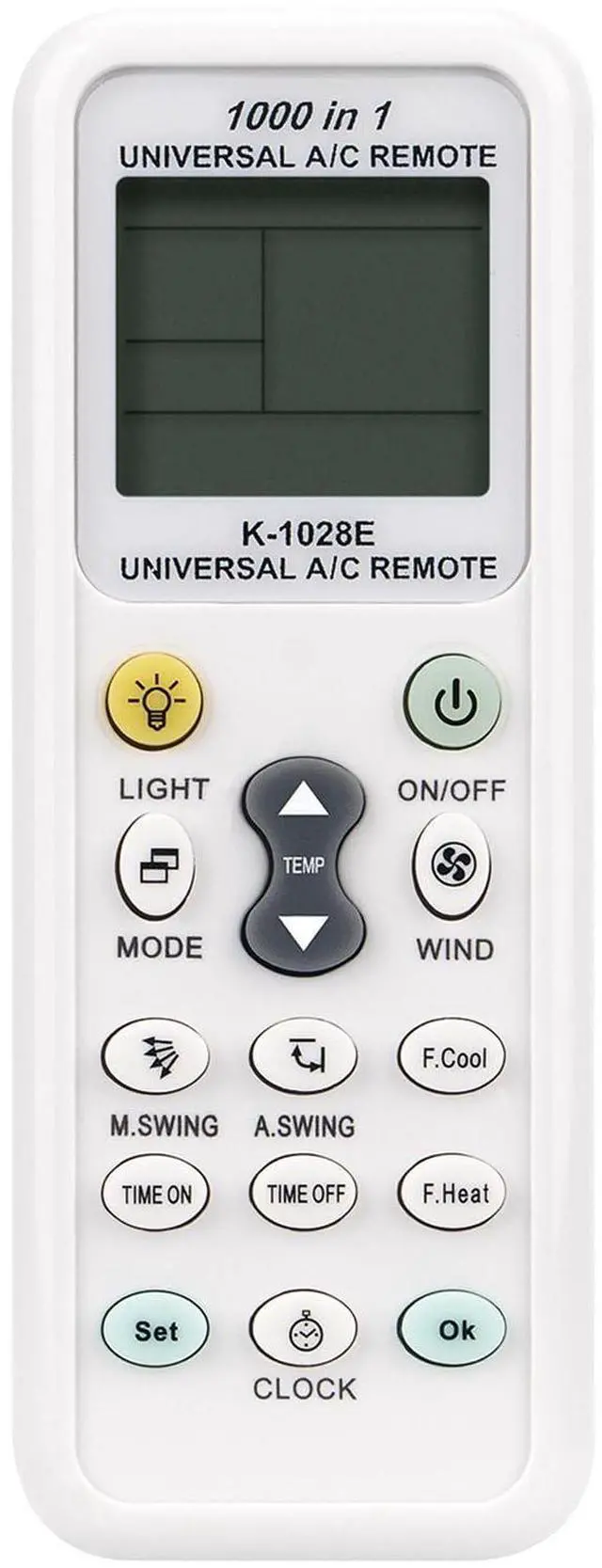
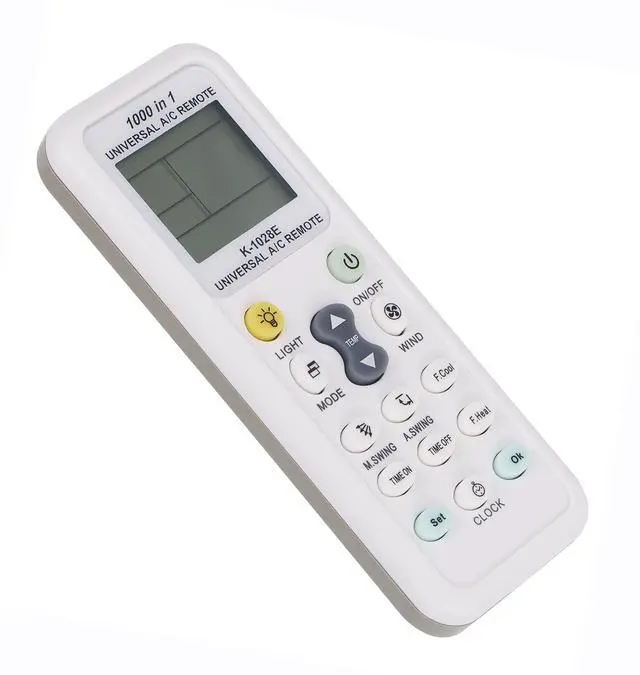
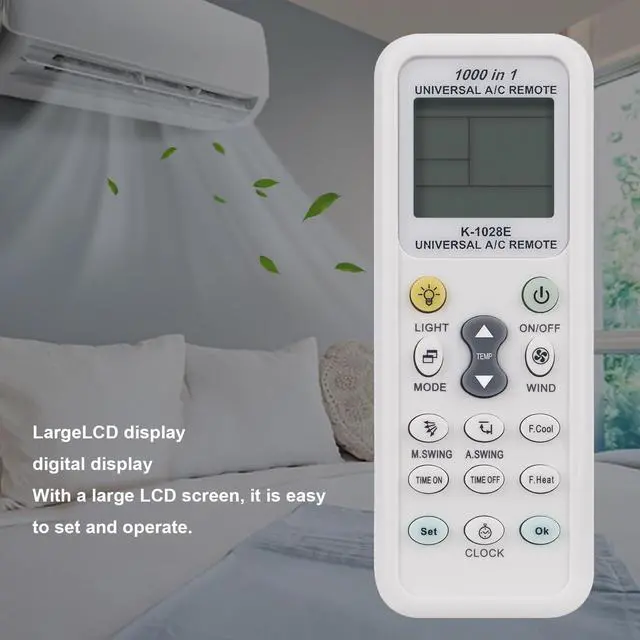
Universal AC Remote Control Replacement Compatible with Compatible withSHARP/MITSUBISHI/MIDEA/GREE/TOSHIBA/KELON/CHANGHONG/HAIER/SANYO/ CHIGO/HITACHI/LG/HISENSE/DAIKIN/PAMASONIG/SAMSUNG/FUJITSU/CHUNLAN/SHINCO/CARRIER/AUX/AUCMA/SoleusAir/ Wall GE/ keanu / cloud comfort Split Wall Air Conditioner / SoleusAir Portable AC Unit
Emerson Quiet Kool 10,000 BTU EARC10RE1
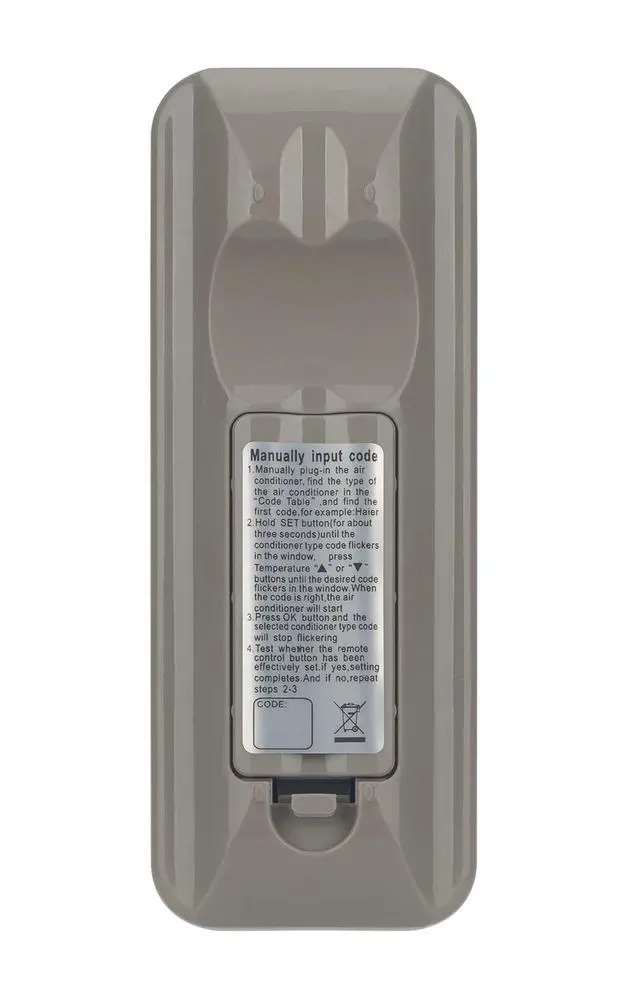
Setup remote control with code entry
Step 1: Hold the SET key (for about 3 seconds) until the code flashes in the display.
Step 2: Press TEMP+ or TEMP until the code you want to choose appears. If the code is recognized by your A/C unit, it will emit a short beep.
Step 3: Press the OK key and the code will stop flashing.
Step 4: Check whether the keys on the remote work normally. If not, repeat the procedure until a suitable code is found.
Notes:
When the codes are separated by a '-' sign, it means you have to try all the codes between the first and the last number (e.g., AITE 296-299 -- you have to test codes 296, 297, 298 and 299).
If none of the codes work with your air conditioner or if your brand is not listed, proceed with the 'Code Search' below the code table.
| Brand | AULCMEET |
| Special Feature | Ergonomic |
| Color | white |
| Max Number of Supported Devices | 1 |
| Compatible Devices | Air Conditioner |
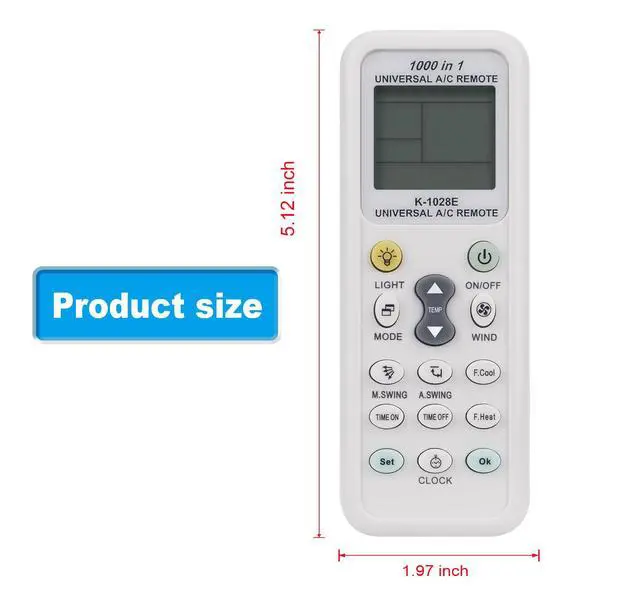
| Product Dimensions | 6.1 x 2 x 0.7 inches |
| Item Weight | 1.94 ounces |
| Item model number | 7b9e12ae-bc8d-4d6b-a364-ae7119208c20 |
| Date First Available | July 29, 2022 |
| Manufacturer | AULCMEET lnc |