




 here!
here!
I’m your shopping assistant for PC builds, upgrades, and everything tech.
Got questions? Ask away!
Start a conversation
here!
I’m your shopping assistant for PC builds, upgrades, and everything tech.
Got questions? Ask away!
Start a conversation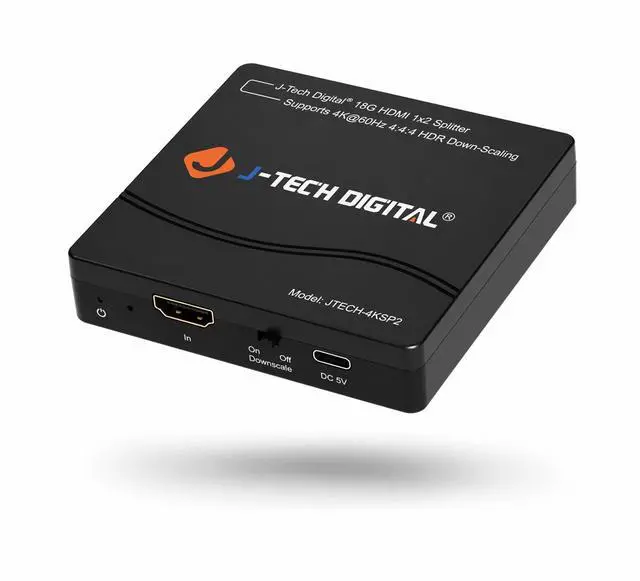



Any questions? Ask CelesteSM will help you find out quickly.
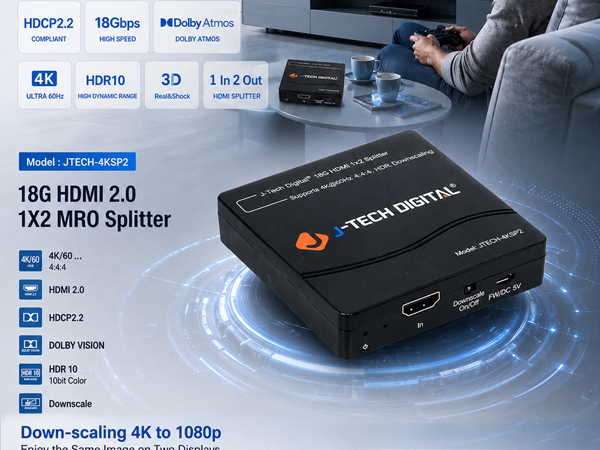
Features/Specifications:
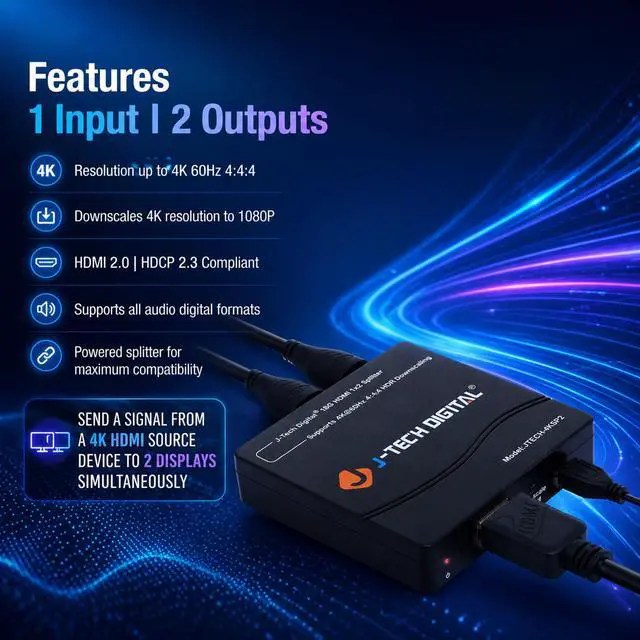
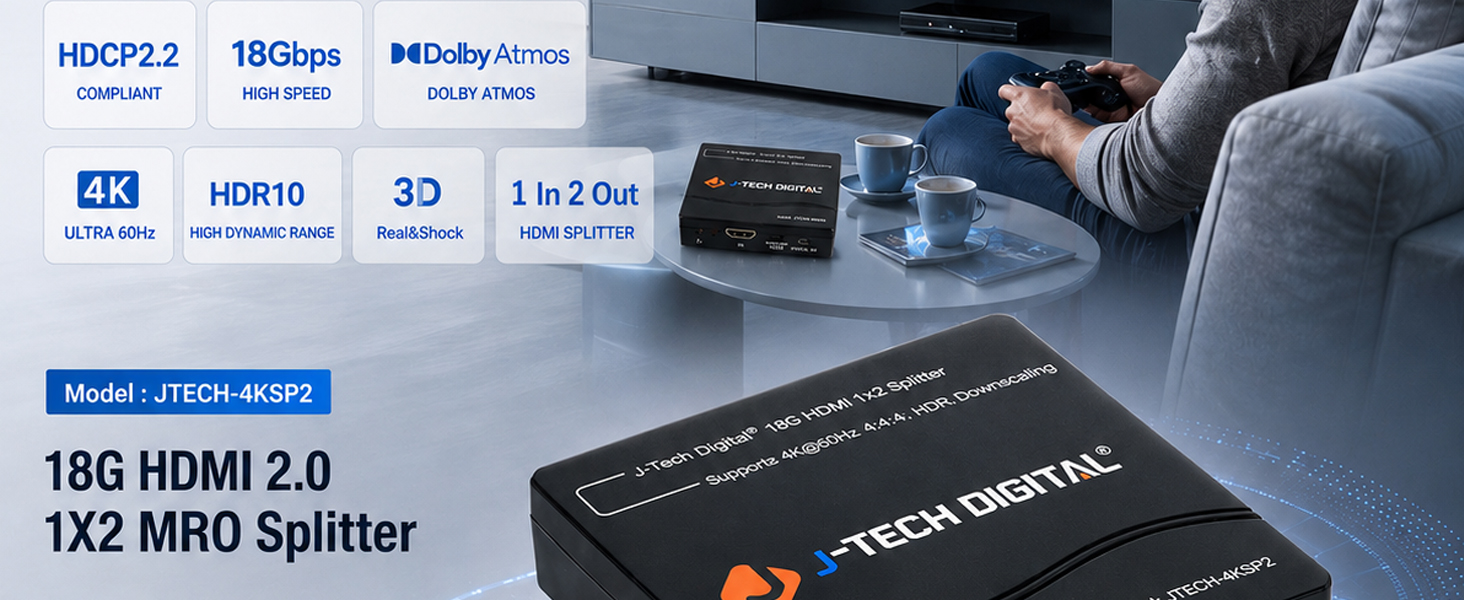
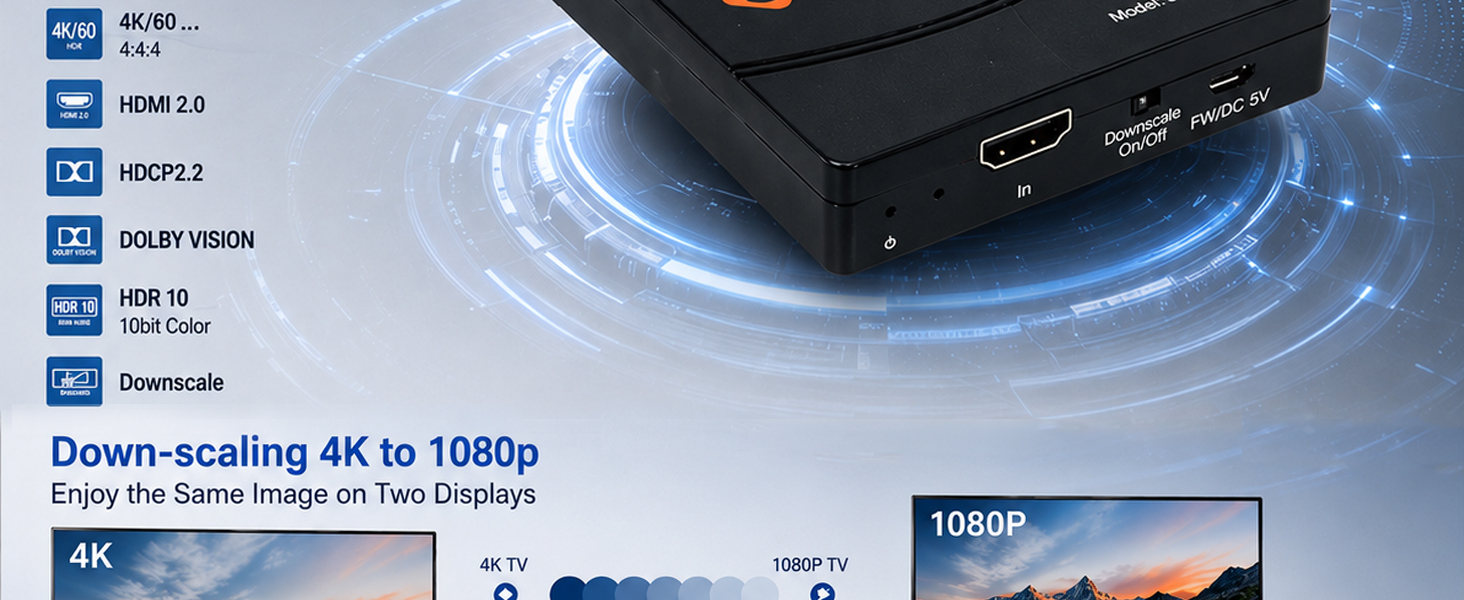
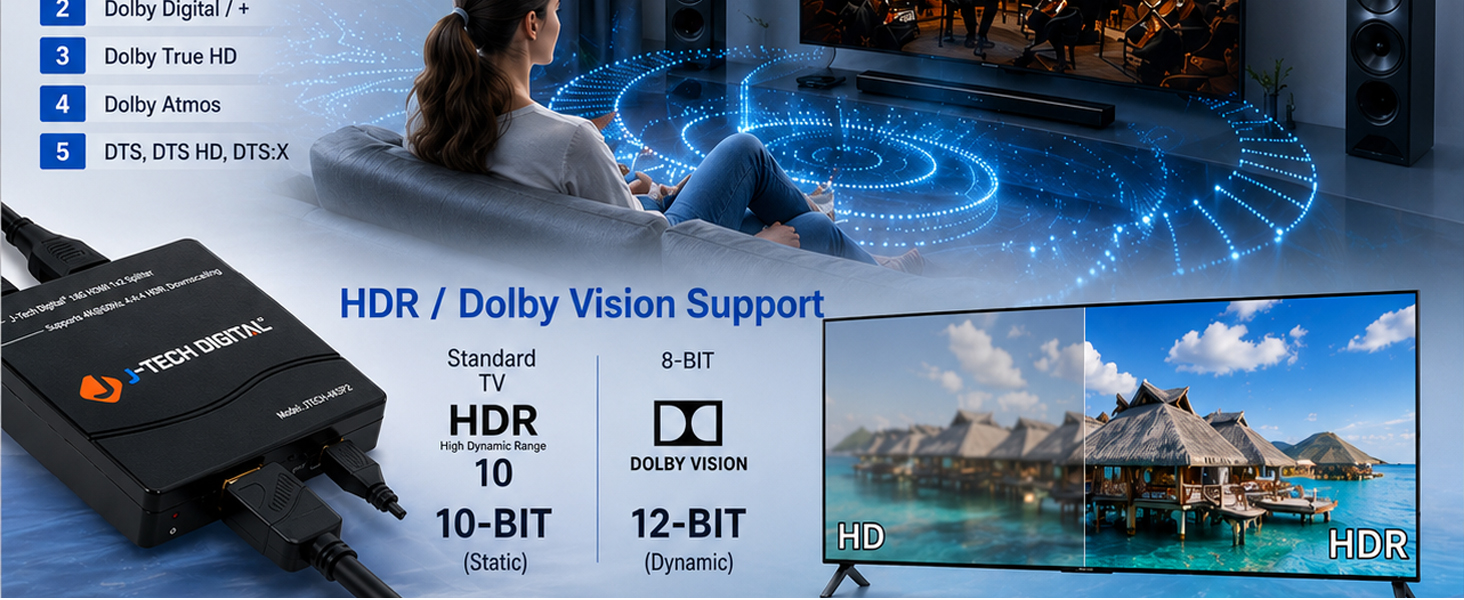
• Supports up to 4K/60 Hz 4:4:4 HDR 10 and Dolby Vision
• HDCP 2.3 Compliant
• Built in signal equalizer (allows for the use of longer-range HDMI cables)
• EDID copy priority follows Output 1 > Output 2
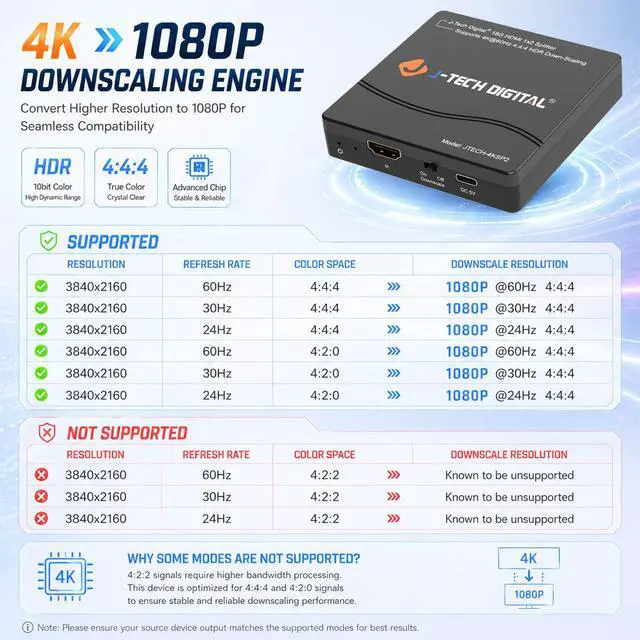
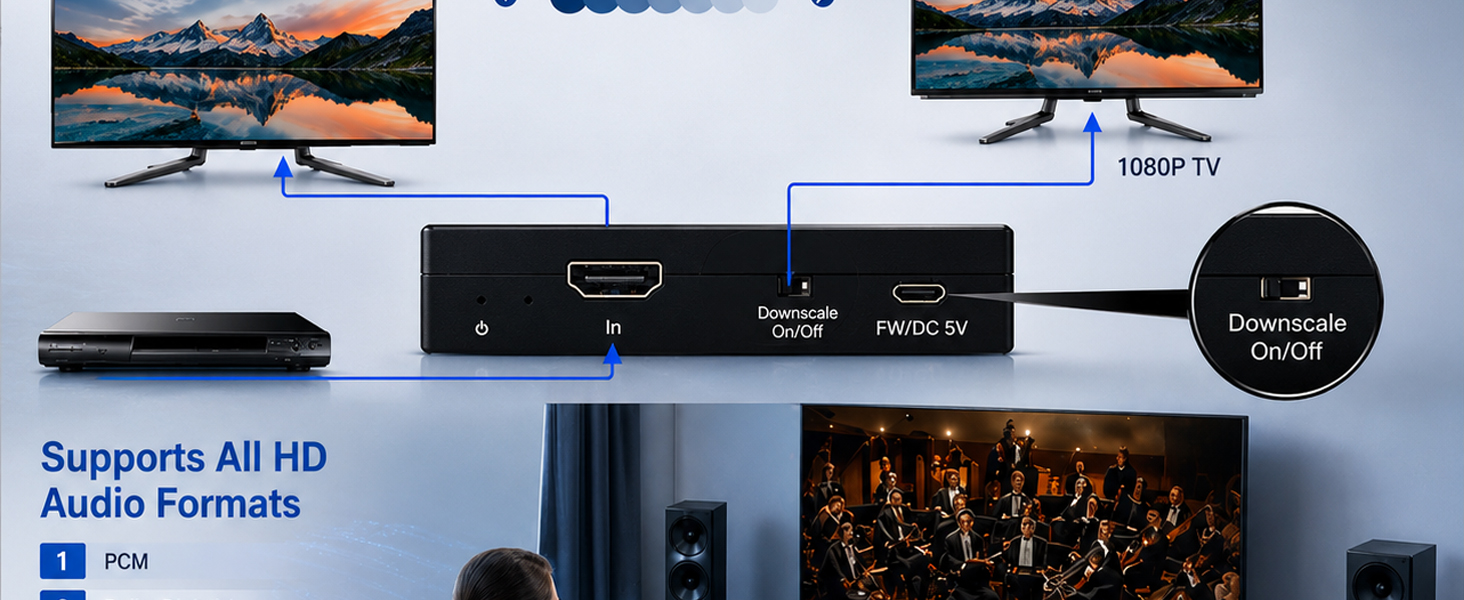
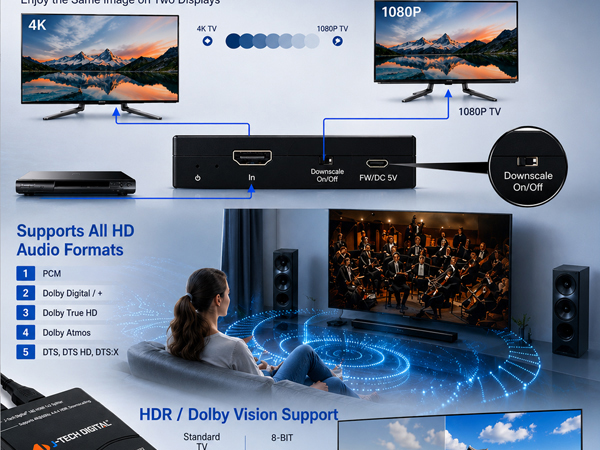
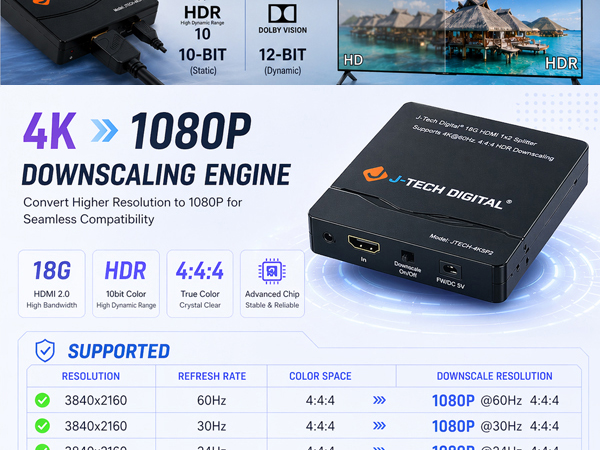
• Supports 4K to 1080p, downscaling up to all output resolutions
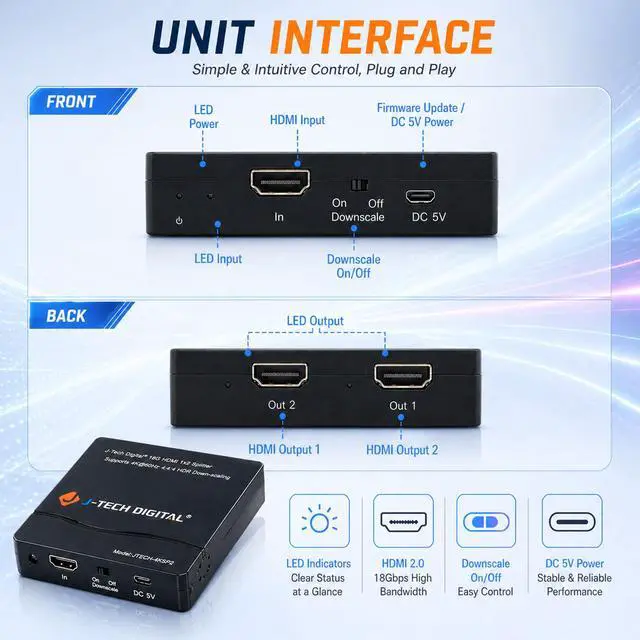
• Front panel HDMI downscale function on/off switch | Convenient firmware upgrades
• Power Supply: DC 5V/1A
Package Contents:
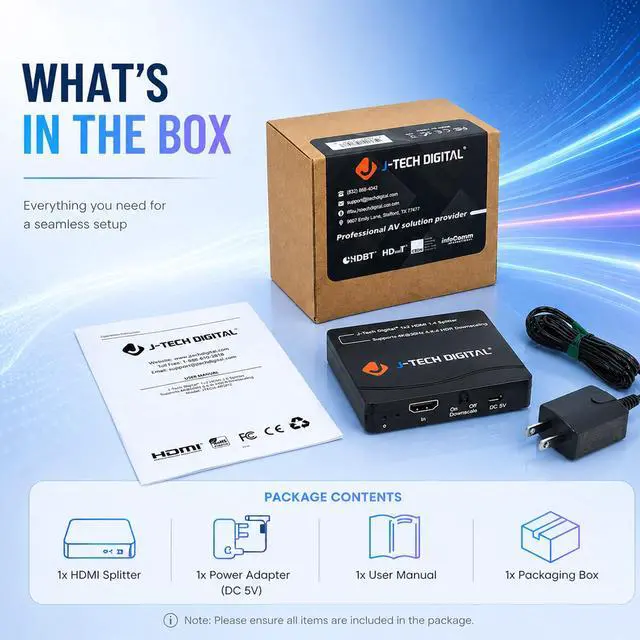
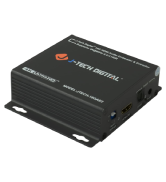
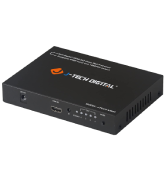
• x1 JTECH-4KSP2 18G 1 x 2 HDMI Splitter | x1 User Manual | x1 Power Adaptor 5V DC 1A
Can this splitter show two different screens from one computer?
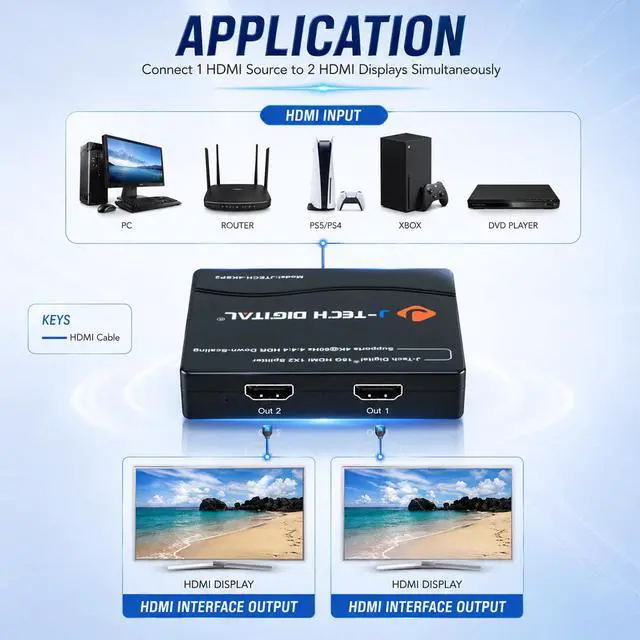
No. This splitter mirrors one HDMI source to two displays. It does not create an extended desktop or two independent screens. For extended displays, use a computer with multiple video outputs or a dedicated multi-display adapter.
How do I use it with one 4K display and one 1080p display?
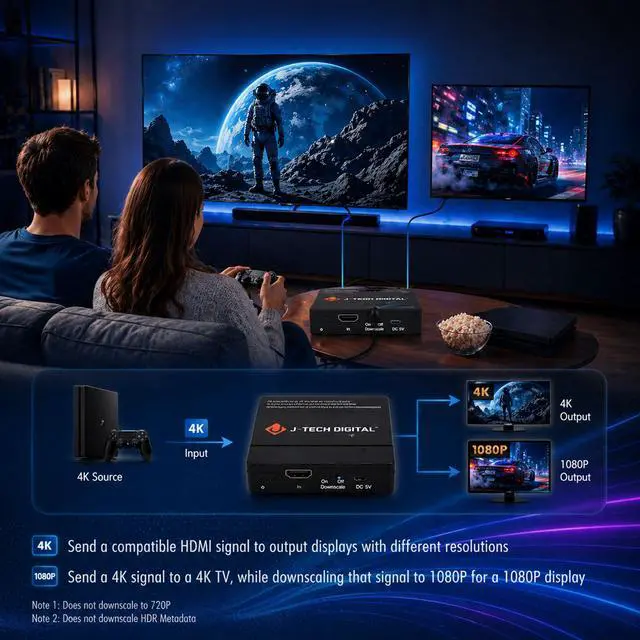
Connect the 4K display to Output 1 and the 1080p display to Output 2, then turn on the downscale function. Output 1 has EDID priority, so the 4K display should be connected there for best compatibility.
Does it downscale all video formats?
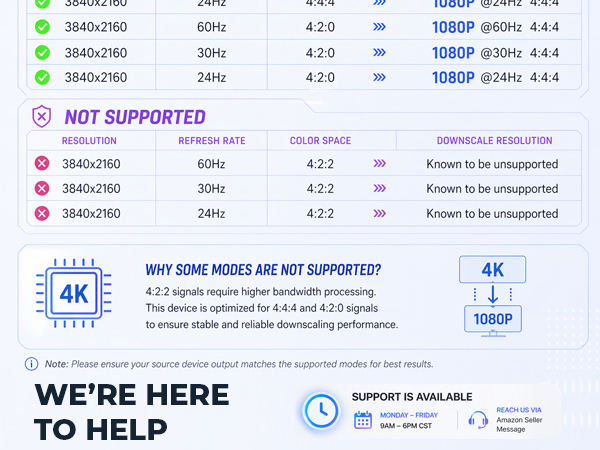
No. It is designed for common HDMI downscaling such as 4K to 1080p. It does not downscale to 720p, does not convert interlaced/progressive scan types, and may not support uncommon resolutions such as 1440p or 1920x1280.
Can I split ARC/eARC audio from my TV to a soundbar and another audio system?
No. This splitter is not designed for ARC/eARC. ARC/eARC requires two-way communication between a TV and one audio device. For ARC/eARC setups, use an ARC-compatible audio extractor or dedicated audio solution.
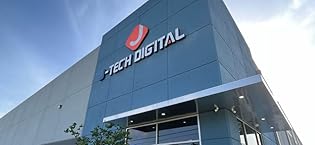
We are dedicated to providing the highest quality audio-video solutions that capture our sense of innovation, passion, and reliability. Our reputation is based on not only the high quality products we provide across an array of industries, but also our knowledgeable employees based in Stafford, TX. At J-Tech Digital, we go beyond the box with experienced and friendly AV industry professionals ready to assist & work with you!
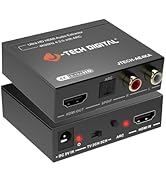
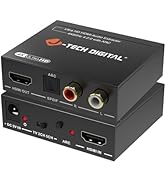

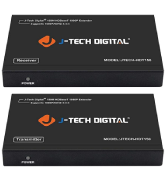
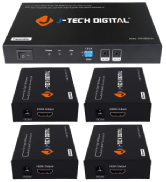
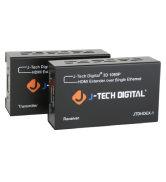
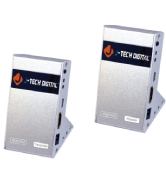
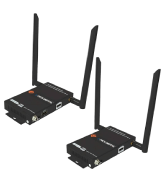
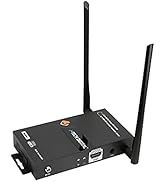
J-Tech Digital was founded in 2012 with the goal of supplying Audio-Video installers, integrators and end-users with high-quality products their AV systems deserve. With humble beginnings, J-Tech Digital has grown with our customers and the industry to continually accomplish our original goal; day-in & day-out.
We understand that when creating an AV system, affordability must be taken into consideration without sacrificing performance or reliability. We help provide reliable and performance driven AV products that will fit in your budget.
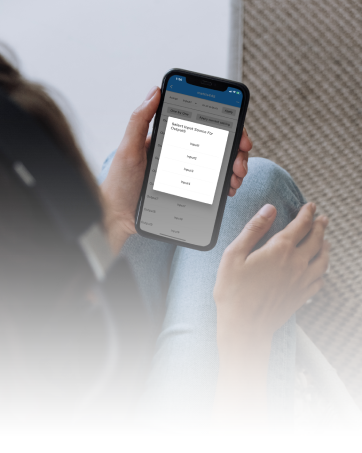
Integrate with Control4" & Crestron" systems via available drivers or control devices via J-Tech Digital Control App! (iOS & Android)
Collaborate with J-Tech Digital to customize a product that meets your specific needs and requirements.
Features/Specifications:
• Supports up to 4K/60 Hz 4:4:4 HDR 10 and Dolby Vision
• HDCP 2.3 Compliant
• Built in signal equalizer (allows for the use of longer-range HDMI cables)
• EDID copy priority follows Output 1 > Output 2
• Supports 4K to 1080p, downscaling up to all output resolutions
• Front panel HDMI downscale function on/off switch | Convenient firmware upgrades
• Power Supply: DC 5V/1A
Package Contents:
• x1 JTECH-4KSP2 18G 1 x 2 HDMI Splitter | x1 User Manual | x1 Power Adaptor 5V DC 1A
Can this splitter show two different screens from one computer?
No. This splitter mirrors one HDMI source to two displays. It does not create an extended desktop or two independent screens. For extended displays, use a computer with multiple video outputs or a dedicated multi-display adapter.
How do I use it with one 4K display and one 1080p display?
Connect the 4K display to Output 1 and the 1080p display to Output 2, then turn on the downscale function. Output 1 has EDID priority, so the 4K display should be connected there for best compatibility.
Does it downscale all video formats?
No. It is designed for common HDMI downscaling such as 4K to 1080p. It does not downscale to 720p, does not convert interlaced/progressive scan types, and may not support uncommon resolutions such as 1440p or 1920x1280.
Can I split ARC/eARC audio from my TV to a soundbar and another audio system?
No. This splitter is not designed for ARC/eARC. ARC/eARC requires two-way communication between a TV and one audio device. For ARC/eARC setups, use an ARC-compatible audio extractor or dedicated audio solution.
We are dedicated to providing the highest quality audio-video solutions that capture our sense of innovation, passion, and reliability. Our reputation is based on not only the high quality products we provide across an array of industries, but also our knowledgeable employees based in Stafford, TX. At J-Tech Digital, we go beyond the box with experienced and friendly AV industry professionals ready to assist & work with you!
J-Tech Digital was founded in 2012 with the goal of supplying Audio-Video installers, integrators and end-users with high-quality products their AV systems deserve. With humble beginnings, J-Tech Digital has grown with our customers and the industry to continually accomplish our original goal; day-in & day-out.
We understand that when creating an AV system, affordability must be taken into consideration without sacrificing performance or reliability. We help provide reliable and performance driven AV products that will fit in your budget.
Integrate with Control4" & Crestron" systems via available drivers or control devices via J-Tech Digital Control App! (iOS & Android)
Collaborate with J-Tech Digital to customize a product that meets your specific needs and requirements.



