




 here!
here!
I’m your shopping assistant for PC builds, upgrades, and everything tech.
Got questions? Ask away!
Start a conversation
here!
I’m your shopping assistant for PC builds, upgrades, and everything tech.
Got questions? Ask away!
Start a conversation



Any questions? Ask CelesteSM will help you find out quickly.
Expand a USB-C Workspace
Belkin USB-C docking products can help organize connections around a compatible computer or tablet. Port selection, video support, data speeds, charging or power-delivery capability, host requirements, included cables, warranty information, and product condition vary by listing. Review the product title and specification table for the exact configuration included.
Choose a dock by matching it to your computer and workspace. Confirm the host device USB-C capabilities, the number and type of displays, required USB accessories, network connection, memory-card needs, and charging requirements. Display and charging support depend on the host device as well as the dock, so verify compatibility on the individual listing.
Compare the Details That Matter
Each Belkin dock listing represents a specific model and package. Before ordering, confirm the model number, host connection, ports, video support, data speeds, power input and delivery, operating-system requirements, included cables or adapters, warranty information, and condition shown in that listing.
Belkin Connect USB-C 6-in-1 Core GaN Dock 130W
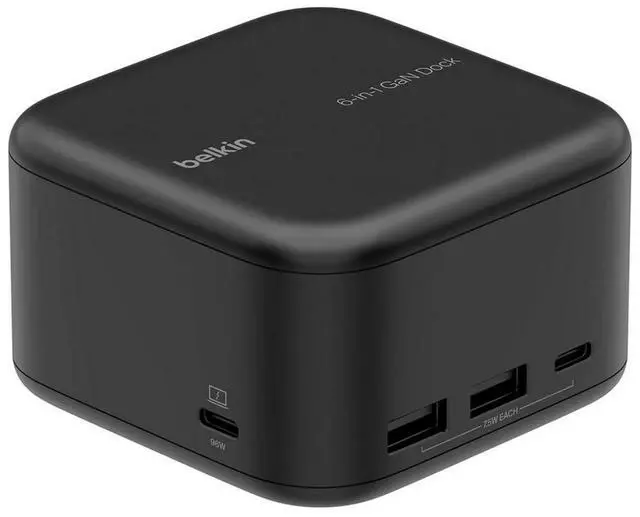
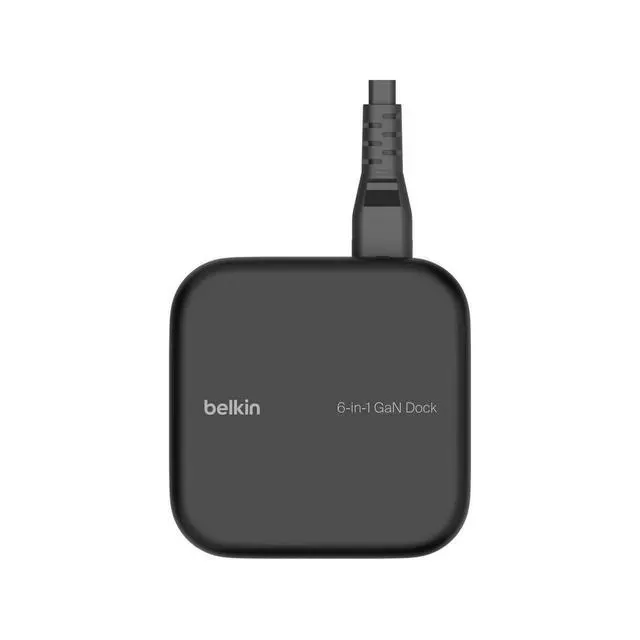
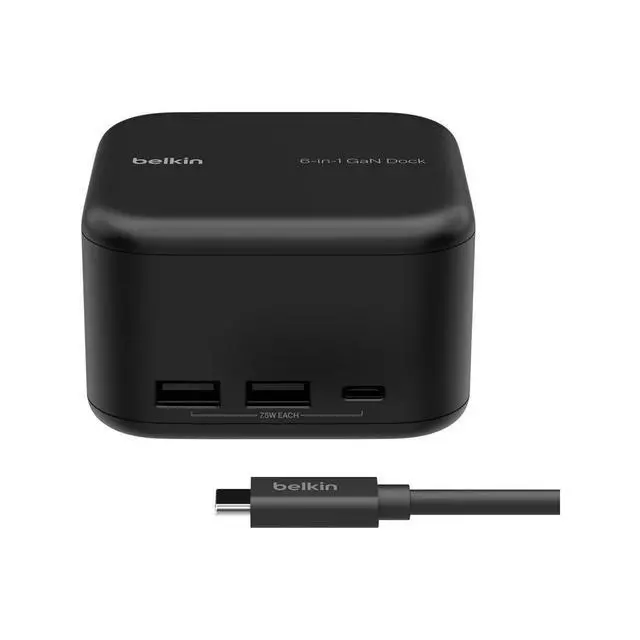
Build a complete workspace around one USB-C connection to your compatible laptop. The Belkin Connect Core GaN Dock combines laptop charging, a 4K display connection, USB accessories and Gigabit Ethernet in a compact black enclosure. Its built-in 130W GaN power supply eliminates a separate external power brick.
POWER YOUR LAPTOP AND ACCESSORIES
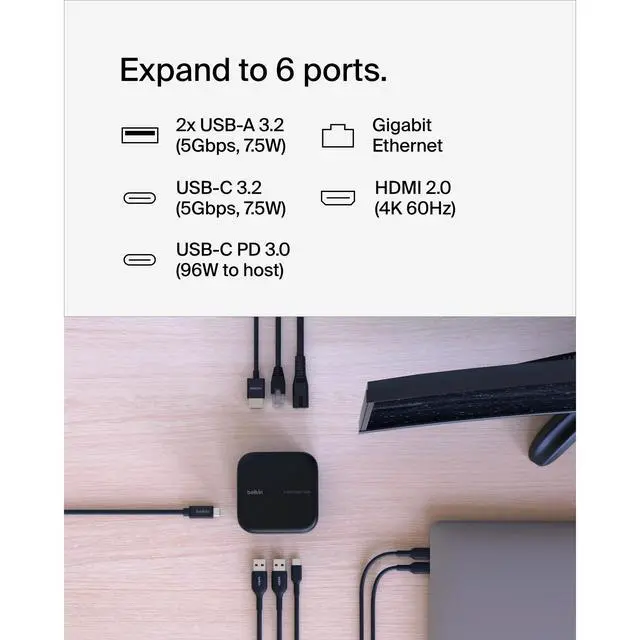
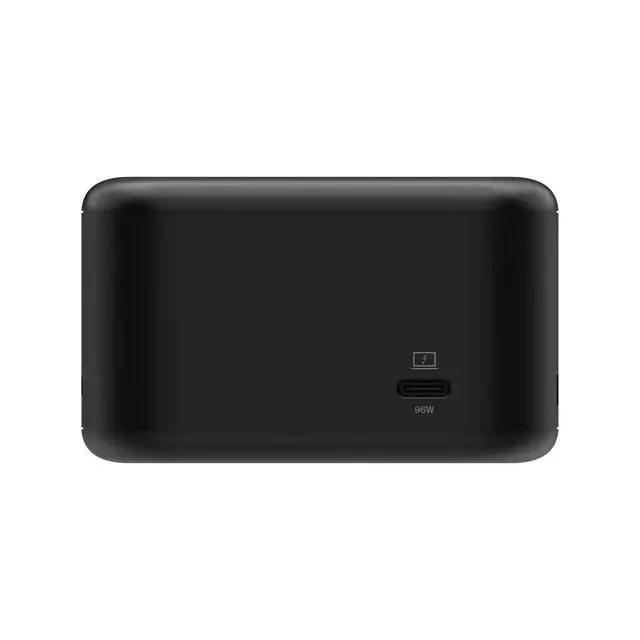
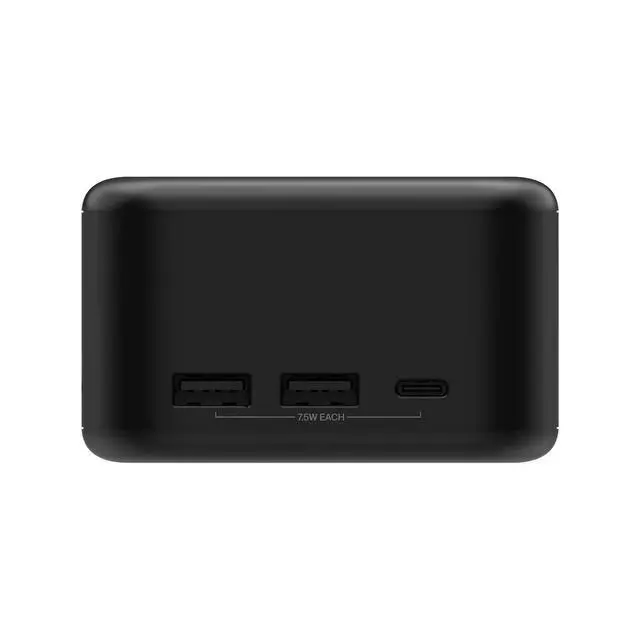
Receive up to 96W USB-C Power Delivery 3.0 at the host connection while using the dock. Two USB-A ports and one USB-C peripheral port each supply up to 7.5W for compatible accessories. The 130W designation refers to the internal GaN power supply; maximum host charging is 96W and maximum combined output is 118.5W.
SHARP 4K VIDEO AND FAST CONNECTIONS
Connect one external HDMI monitor at up to 3840 x 2160 resolution and 60Hz through HDMI 2.0. USB-A and USB-C peripheral ports support data transfers up to 5Gbps. RJ-45 Gigabit Ethernet supports wired networking up to 1000Mbps.
PORTS AND CONNECTIONS
- 1 x USB-C host: up to 96W Power Delivery 3.0
- 2 x USB-A 3.2 Gen 1: up to 5Gbps and 7.5W each
- 1 x USB-C 3.2 Gen 1 peripheral port: up to 5Gbps and 7.5W
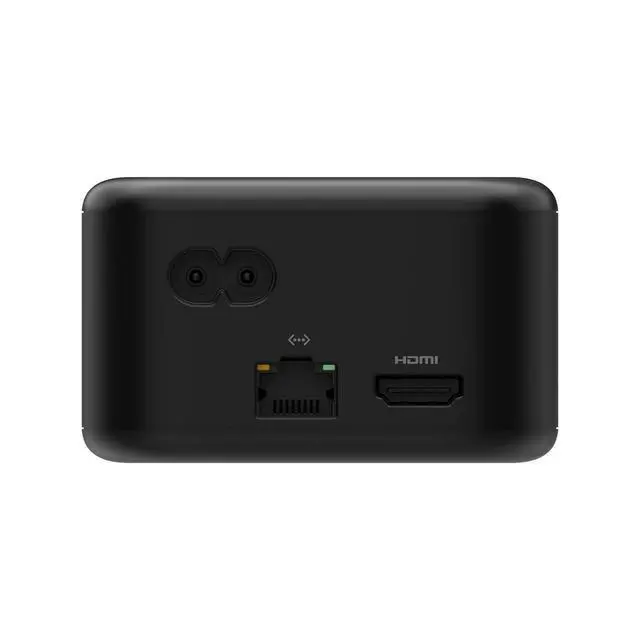
- 1 x HDMI 2.0: one external monitor, up to 4K at 60Hz
- 1 x RJ-45 Gigabit Ethernet: up to 1000Mbps
- Separate AC power input
COMPACT DESIGN WITH BUILT-IN PROTECTION
Measures 80 x 80 x 48mm (approximately 3.15 x 3.15 x 1.89 inches). Belkin's five-point safety system includes fire-resistant housing and protection against over-current, over-temperature, short circuits and overload.
COMPATIBILITY AND SETUP
Supports compatible USB-C devices running macOS, Windows and ChromeOS. Plug-and-play operation requires no additional driver installation. Connect the dock to AC power and use the USB-C host connection for your computer. Display resolution and charging depend on your host device; USB and network speeds depend on connected equipment. Supports one external monitor through HDMI.
PRODUCT DETAILS
Brand: Belkin
Series: Connect
Model: USB-C 6-in-1 Core GaN Dock 130W
Manufacturer part number: INC018ttBK
Color: Black
AC input: 100-240V, 50/60Hz
STANDARD RETAIL PACKAGE CONTENTS
Belkin Core GaN Dock; 0.5m (1.6 ft.) USB-C to USB-C cable; 2m (6.6 ft.) AC power cord; quick-start guide and regulatory information.


