

Your Browsing History


Meet Your Seller

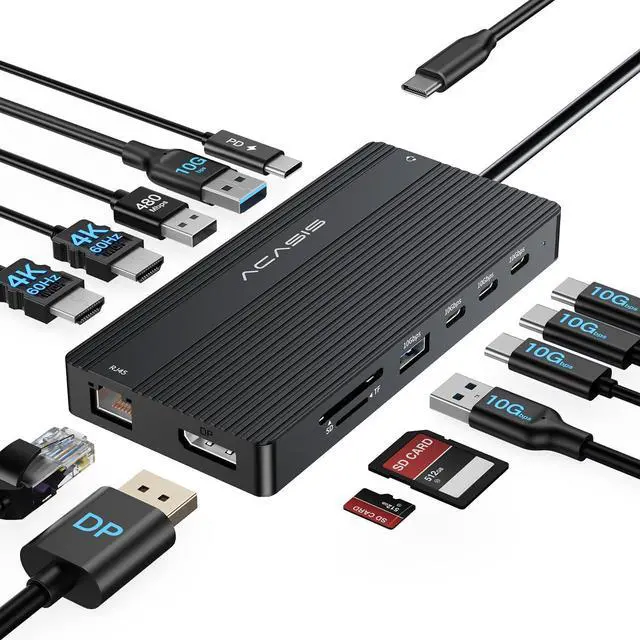


USB C Docking Station Dual Monitor, 14 in 1 USB C Hub, Adapter with 2 HDMI+DP(4K60Hz), Ethernet, 3 USBC 10G,100W PD, SD/TF, Audio, Laptop Docking Station for Dell/HP/Lenovo/ThinkPad/Surface (Black)
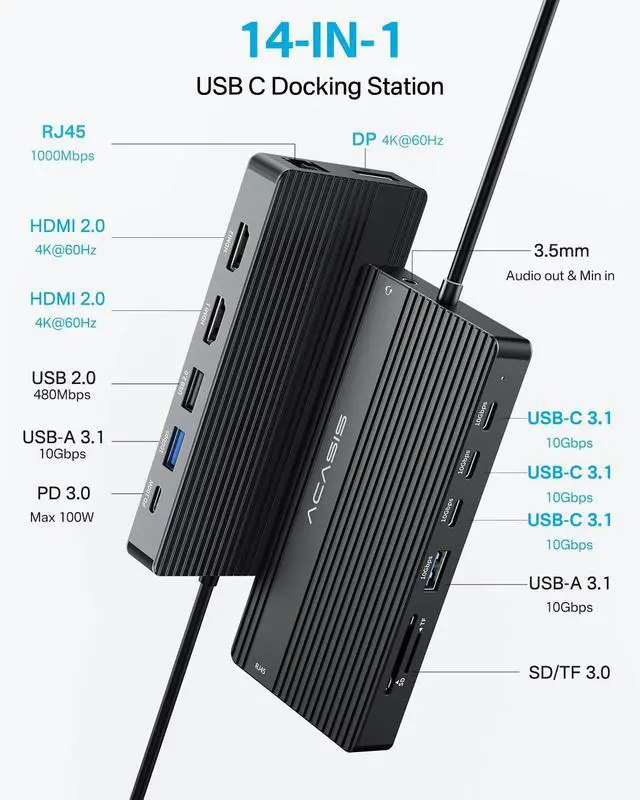
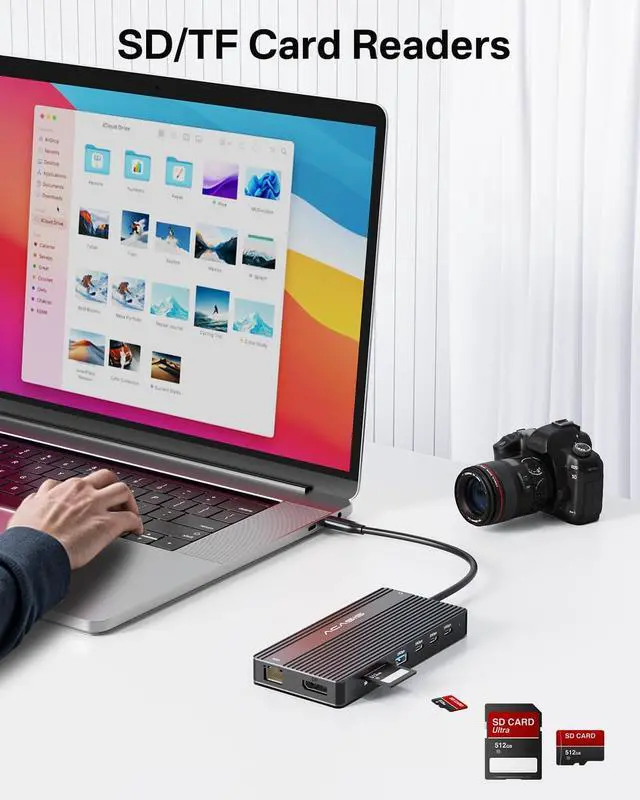
- 14-in-1 USB C Docking Station for Laptop: ACASIS Docking Station Dual Monitor easily expands your laptop from a single USB C/thunderbolt 3/4 to a 14-port workstation, with 2 HDMI and 1 DP at 4K@60Hz, 3*10Gbps USB C 3.1, 2*10Gbps USB A 3.1, 1xUSB 2.0, SD/TF card reader, 1Gbps Ethernet,3.5mm audio and microphone, and PD 100W charging
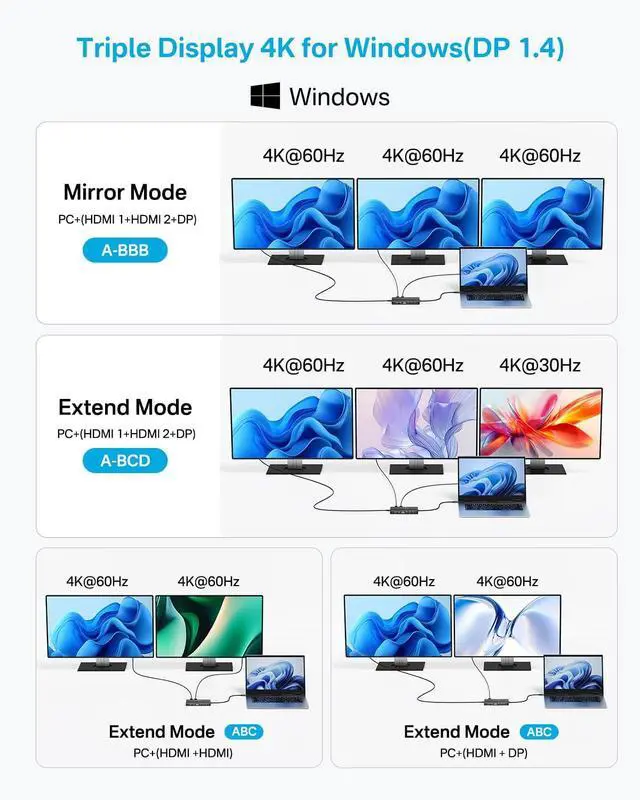
- Laptop Docking Station Triple Display: This usb c to DP/HDMI adapter supports single 4K@60Hz display and triple 4K@30Hz displays(under DP1.4). ONLY Windows system support MST and SST(Mirror & Extend Mode). MacOS system DOES NOT support MST
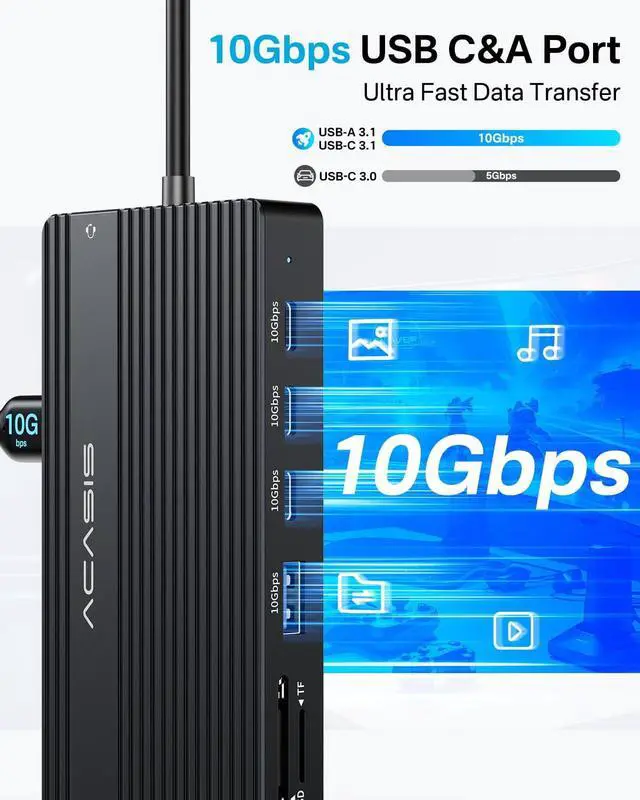
- 10Gbps USB 3.1 Data Transfer: The Laptop Docking Station dual monitor comes with 3*USB 3.1-C and USB 3.1-A ports, transfer your large files in seconds, suitable for video editor, Financial analysts and gamers
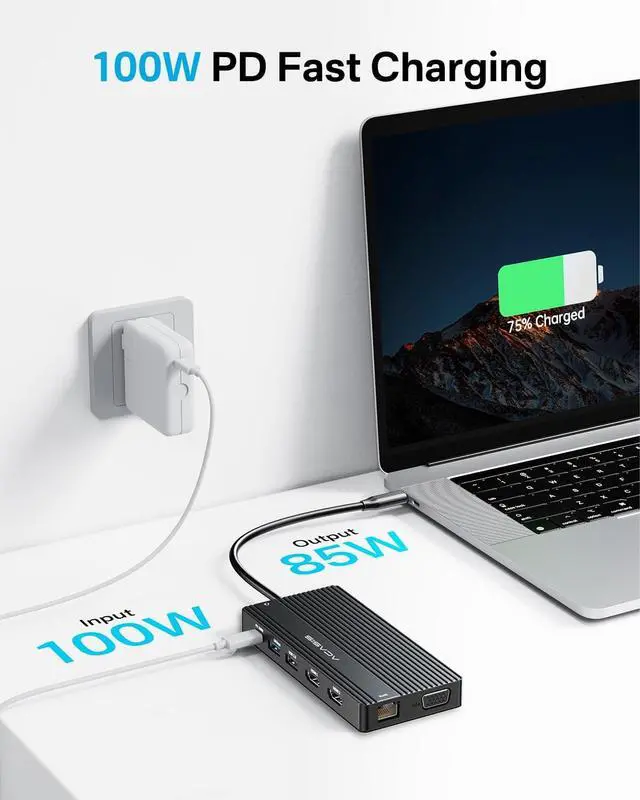
- PD 100W Fast ChargingWith 100W Charging USB C port, this usb c dock can charge your laptops/tablets/phone quickly when you using other ports.
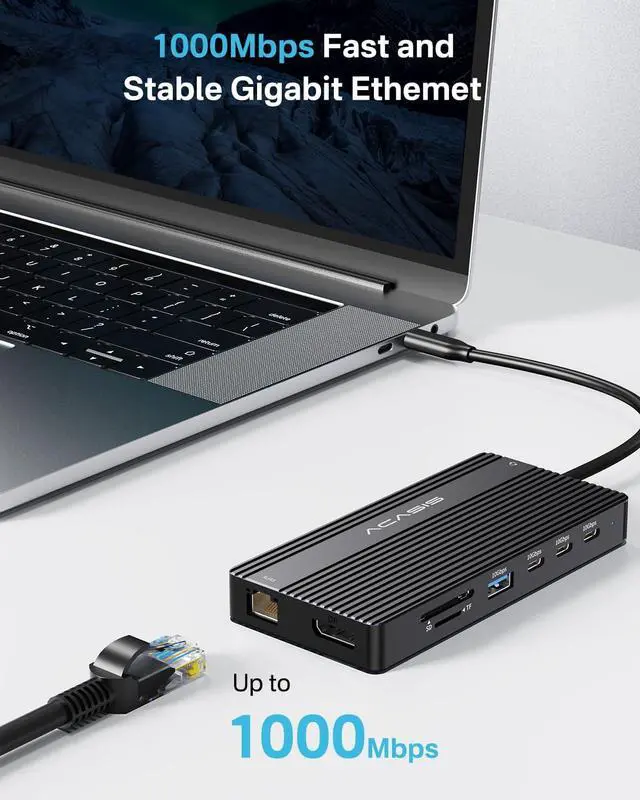
- 1 Gigabit Ethernet and 3.5mm Mic/Audio: Plug and Play, acasis usb c to ehternet adapter with 2 hdmi ports supports 1000 BASE-T Lan networks. Also, this usb c to hdmi adapter have a 3.5mm Mic/Audio port for you to put in your wired headset
+
+
Overview
Specs
Reviews

Any questions? Our AI beta will help you find out quickly.
Try me now
USB C Docking Station Dual Monitor, 14 in 1 USB C Hub, Adapter with 2 HDMI+DP (4K60Hz), Ethernet, 3 USBC 10G, 100W PD, SD/TF, Audio, Laptop Docking Station for Dell/HP/Lenovo/ThinkPad/Surface (Grey)
Warranty & Returns
Warranty, Returns, And Additional Information
Warranty
- Please contact the Seller directly for warranty information. Warranty information may also be found on the Manufacturer's website.
- CONTACT
Return Policies
- Return for refund within: 30 days
- Return for replacement within: 30 days
- This item is covered by Bloomify Return Policy
Manufacturer Contact Info
- For a directory of all our manufacturers, please click below.
- Manufacturers Directory
LOADING...