






Why does the 2.4G devices connected to the Dock have a shorter working range?
If you need to connect USB 2.4G Wireless devices (such as 2.4G wireless gamepad/mouse/keyboard, etc.), it is recommended to use a USB extension cable (recommended length at least 5cm) to connect to the 2.4G wireless receiver to reduce interference from near the USB interface and extend the working distance. The reason is: due to the data spectrum of USB3.0~3.2 (Dock's USB extension function based on this technology) generated noise will have an impact on other wireless devices close to this device and its USB interface, and limit its sensitivity and reduce the working range of wireless devices, which is a common phenomenon.


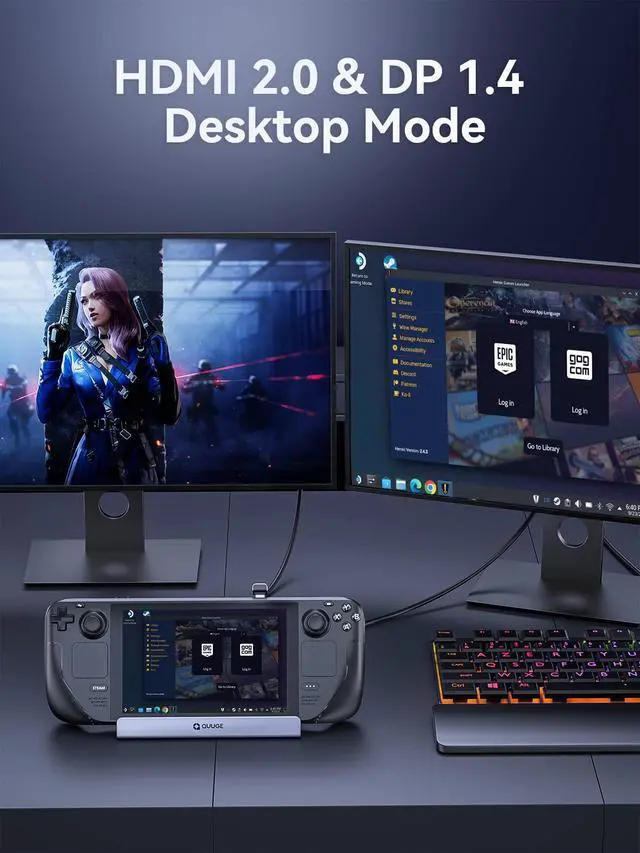
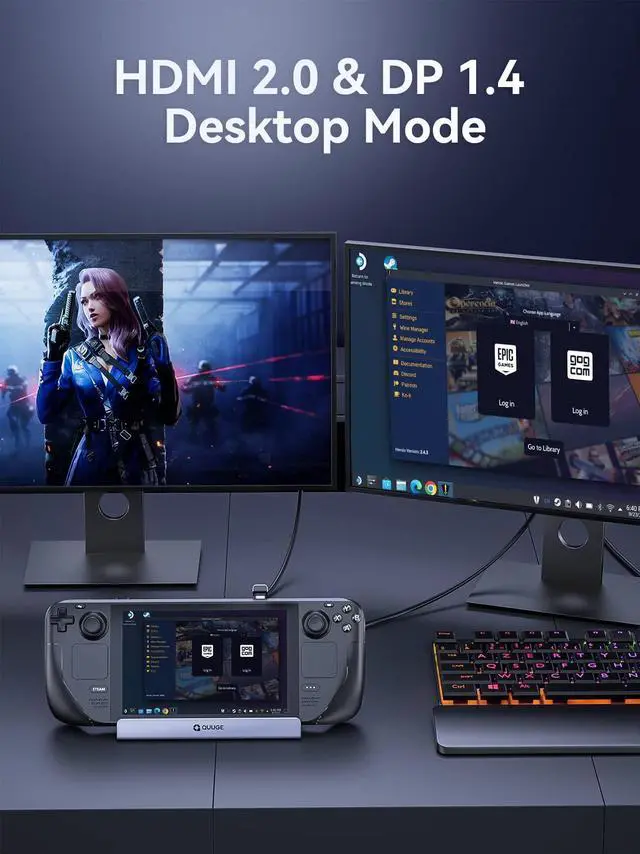
Why can't I achieve screen output after connecting two monitors?
Currently, only desktop mode is supported to achieve dual display. Gameing mode supports single display.
Why do external devices such as mouse and keyboard not work well when docking?
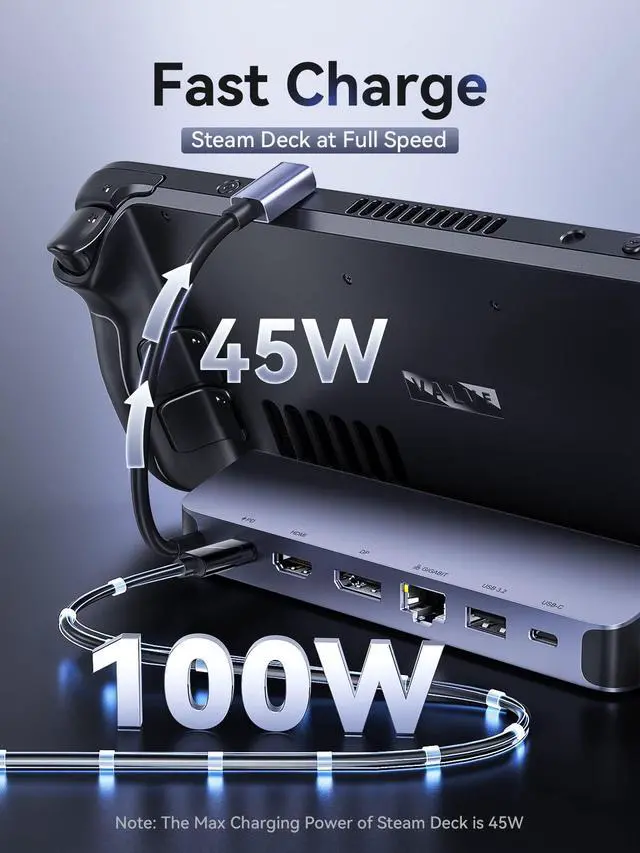
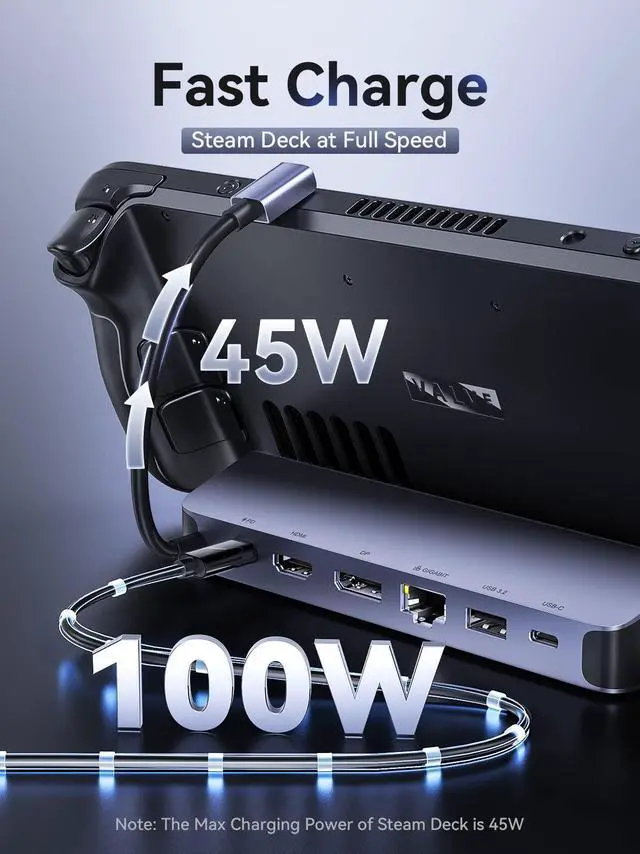
Please use 65W or more or the charging adapter that comes standard with your Steam deck to ensure your Steam deck has sufficient power supply.
Why does the Ethernet not work?
After the SteamOS is upgraded, you need to manually enter the desktop mode and connect the wired network. Turn off Wi-Fi, or set the wired connection priority.
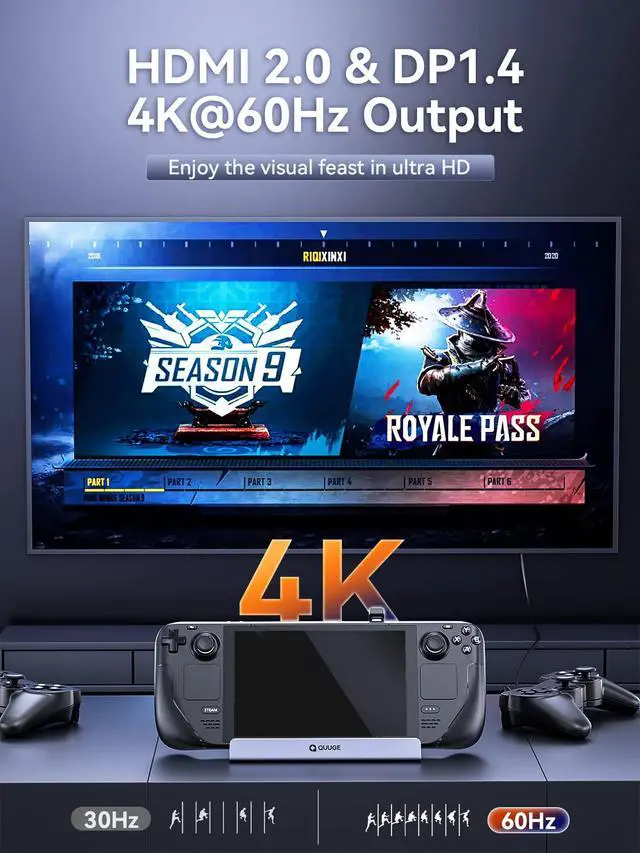
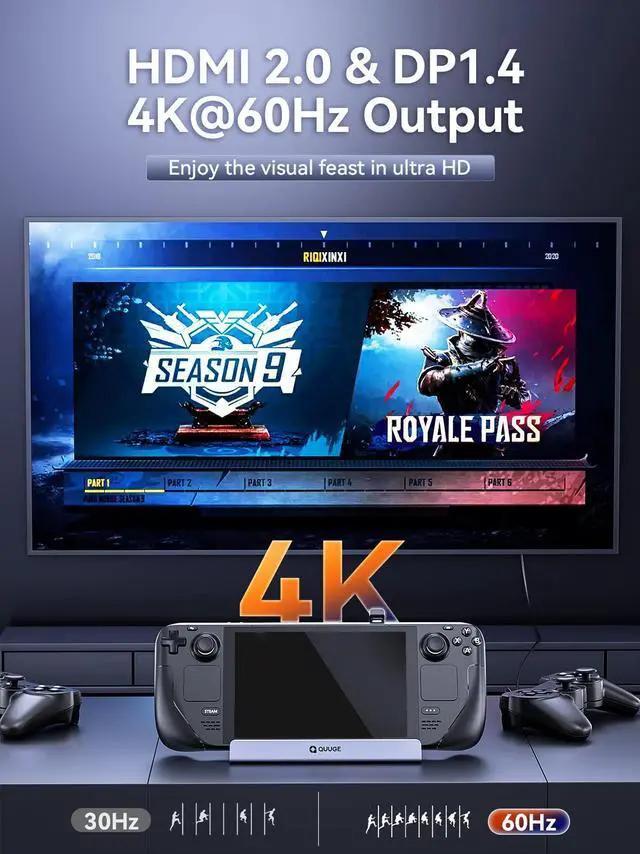
How to ensure the output of 4K@60Hz?
Please use HDMI to HDMI 2.0/2.1 Cable shorter than 15 feet in length and use as few cable adapters as possible. Then manually debug into desktop mode and set 4K@60Hz output. You also need to set it in-game if necessary.
Does it support ROG ALLY?
Yes! this dock compatible with ROG ALLY.
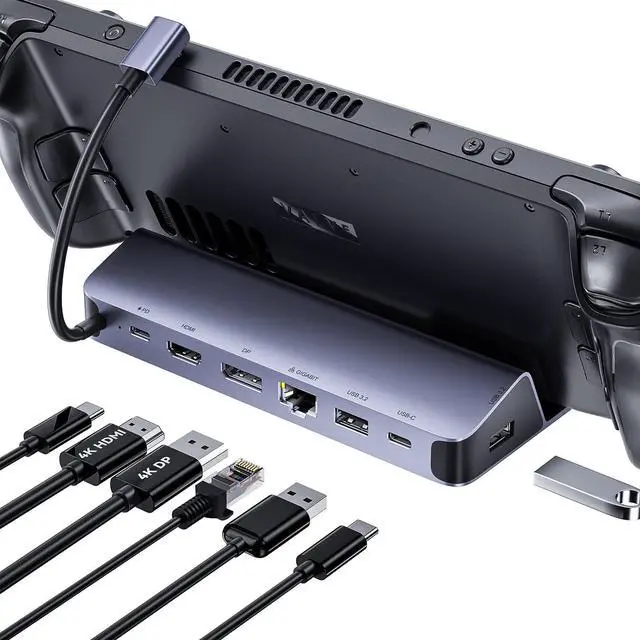
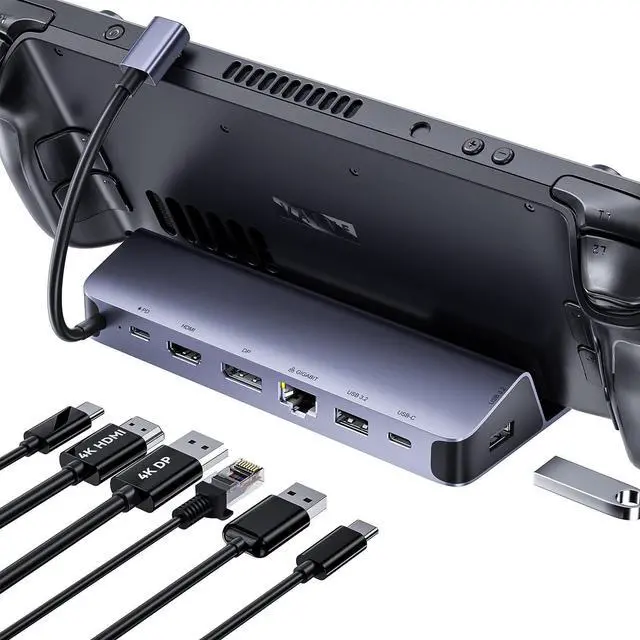
- In gameing mode: supports single 4k60Hz output
- In desktop mode: Support dual monitor with 4k60Hz
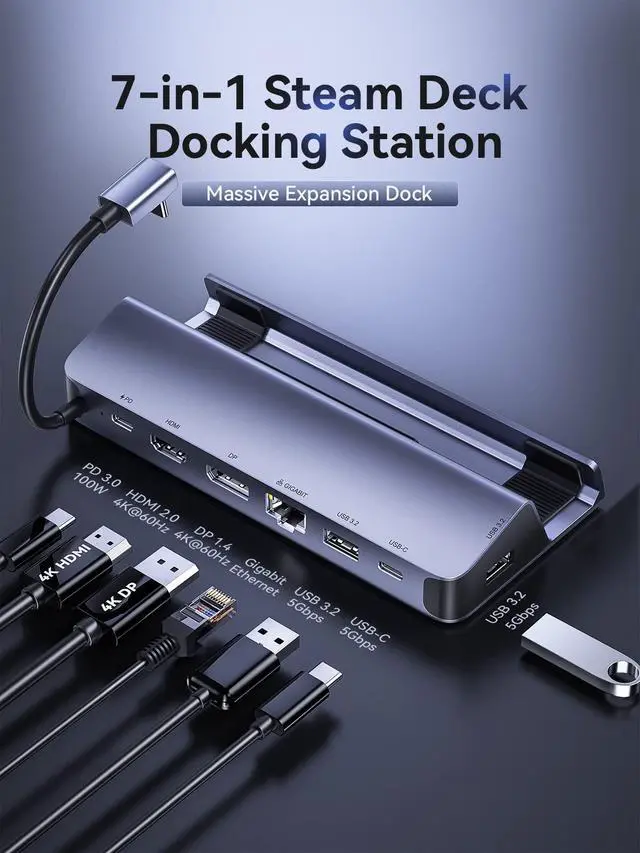
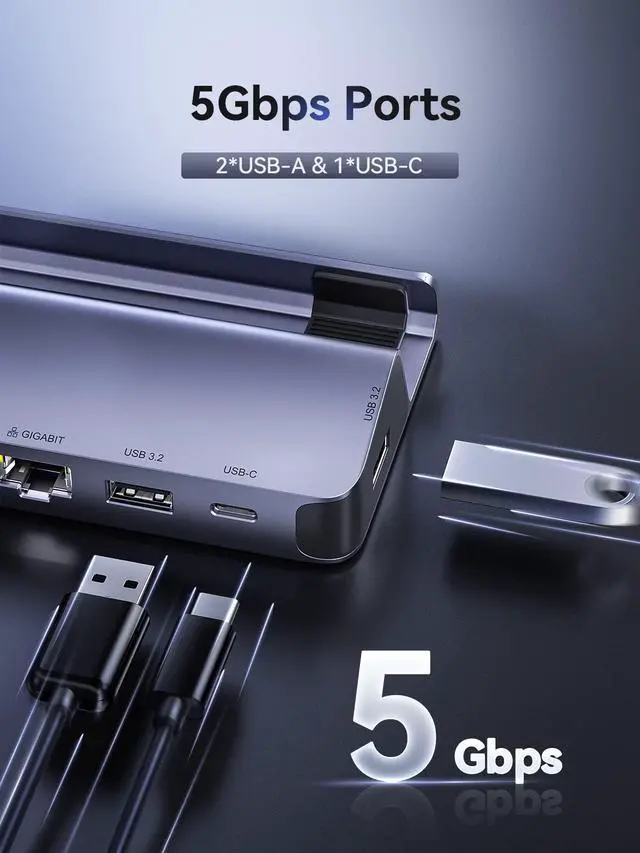
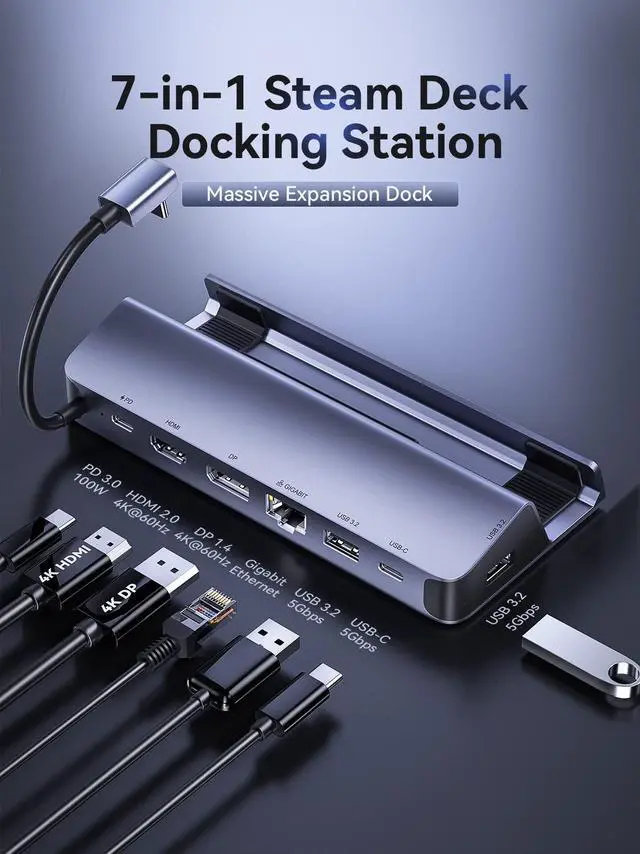
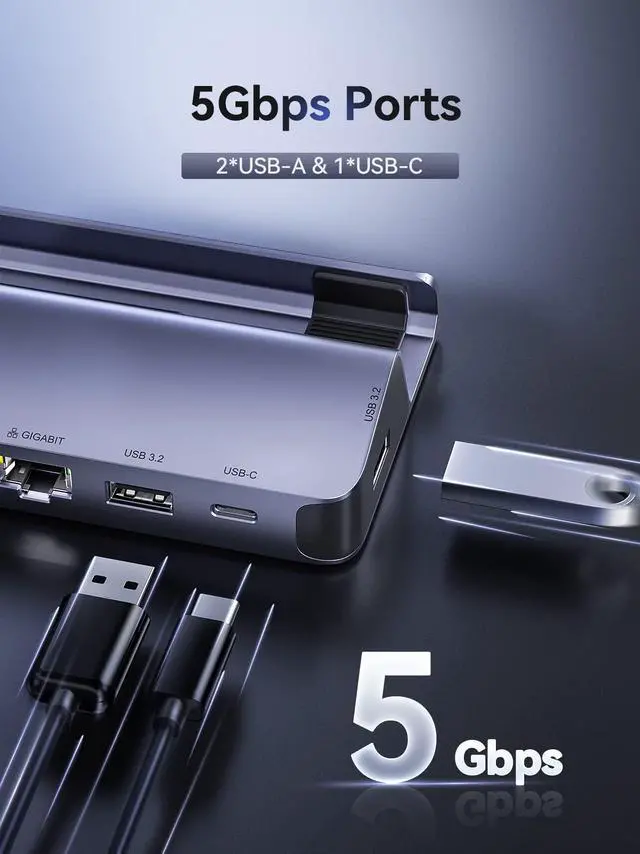
- 5Gbps Transfer Speed
Please note that the Steam deck only supports up to 45W power supply.
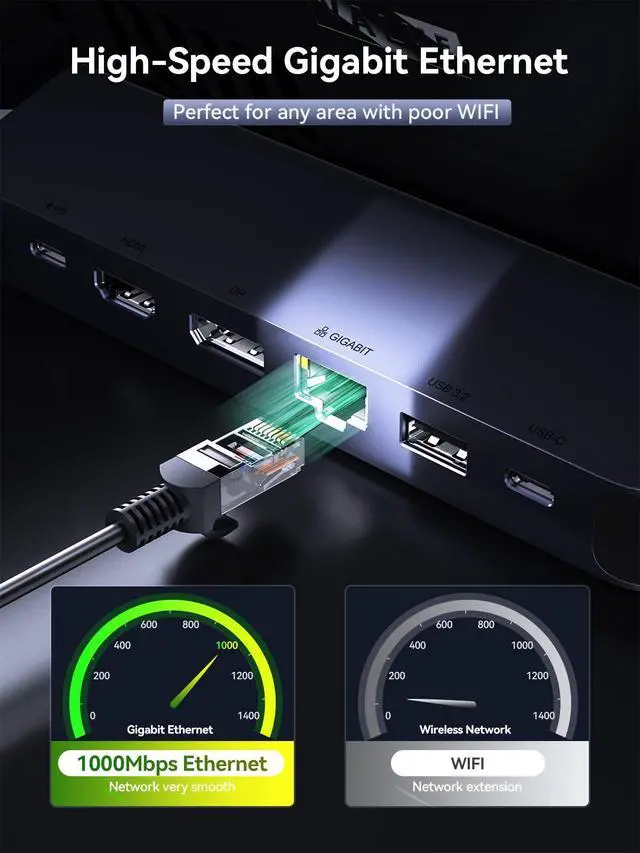
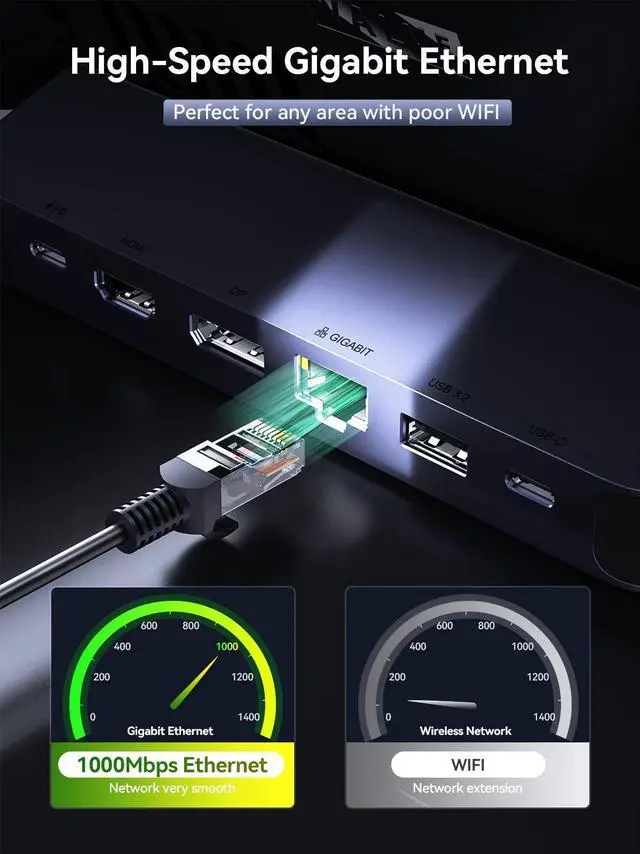
Provide 1000Mbps network speed, quickly complete the download of large games.


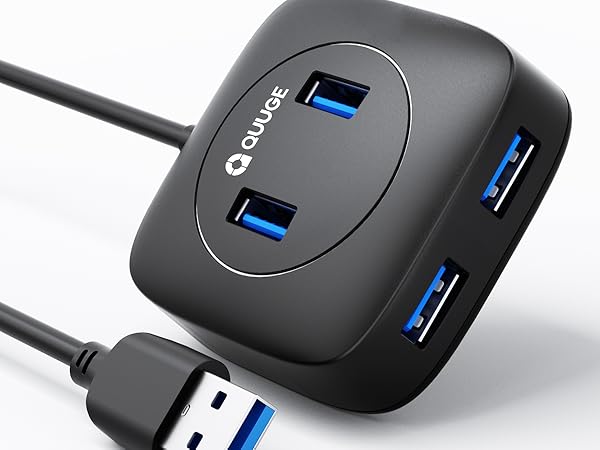
QUUGE USB HUB 4 Port
Why does the 2.4G devices connected to the Dock have a shorter working range?
If you need to connect USB 2.4G Wireless devices (such as 2.4G wireless gamepad/mouse/keyboard, etc.), it is recommended to use a USB extension cable (recommended length at least 5cm) to connect to the 2.4G wireless receiver to reduce interference from near the USB interface and extend the working distance. The reason is: due to the data spectrum of USB3.0~3.2 (Dock's USB extension function based on this technology) generated noise will have an impact on other wireless devices close to this device and its USB interface, and limit its sensitivity and reduce the working range of wireless devices, which is a common phenomenon.


Why can't I achieve screen output after connecting two monitors?
Currently, only desktop mode is supported to achieve dual display. Gameing mode supports single display.
Why do external devices such as mouse and keyboard not work well when docking?
Please use 65W or more or the charging adapter that comes standard with your Steam deck to ensure your Steam deck has sufficient power supply.
Why does the Ethernet not work?
After the SteamOS is upgraded, you need to manually enter the desktop mode and connect the wired network. Turn off Wi-Fi, or set the wired connection priority.
How to ensure the output of 4K@60Hz?
Please use HDMI to HDMI 2.0/2.1 Cable shorter than 15 feet in length and use as few cable adapters as possible. Then manually debug into desktop mode and set 4K@60Hz output. You also need to set it in-game if necessary.
Does it support ROG ALLY?
Yes! this dock compatible with ROG ALLY.