







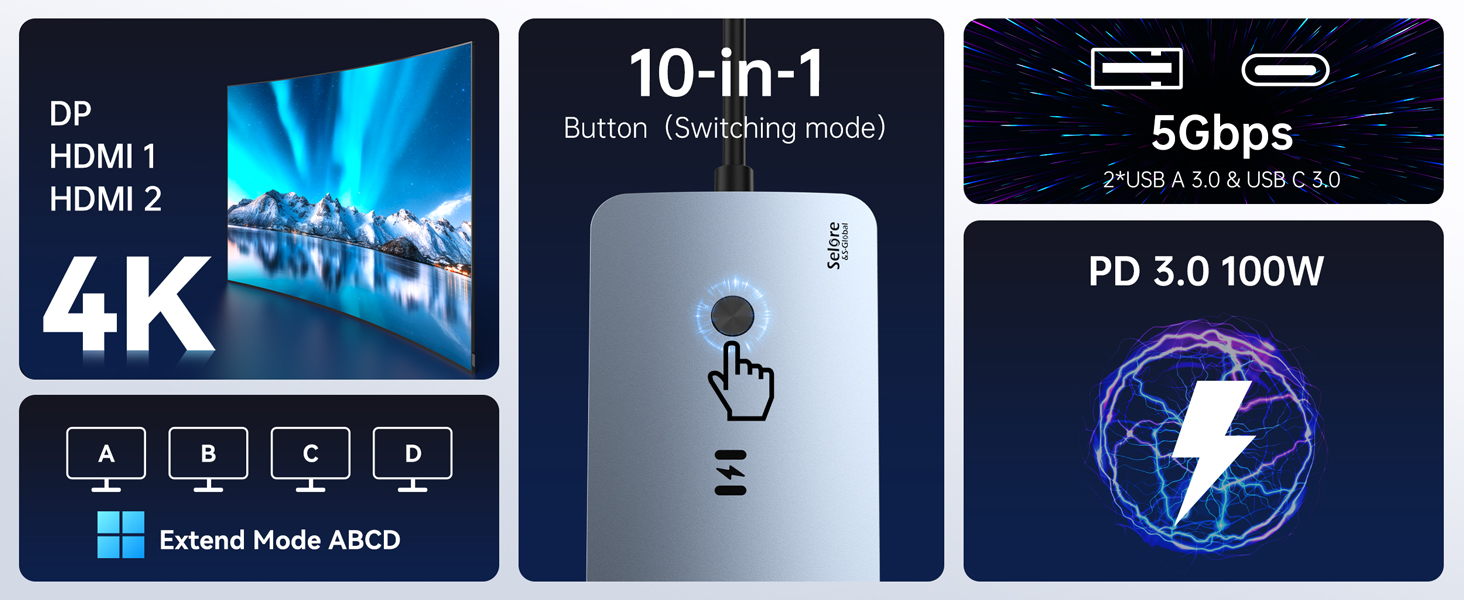
Important Notices Before Purchase (Please Read Carefully)
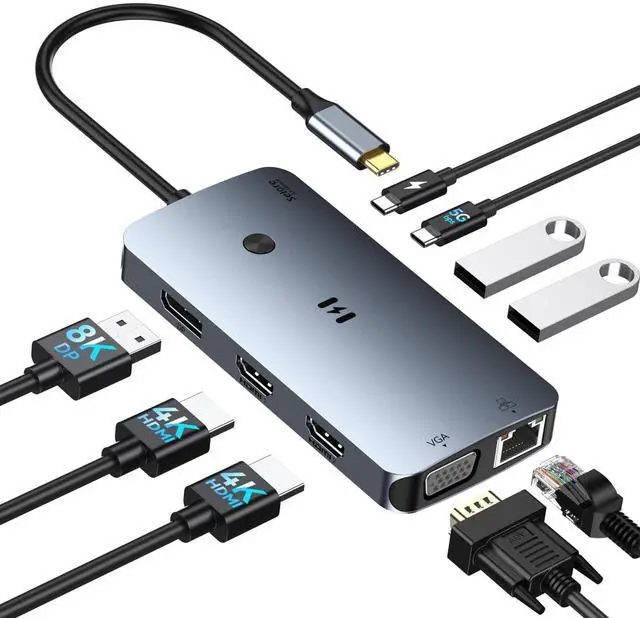
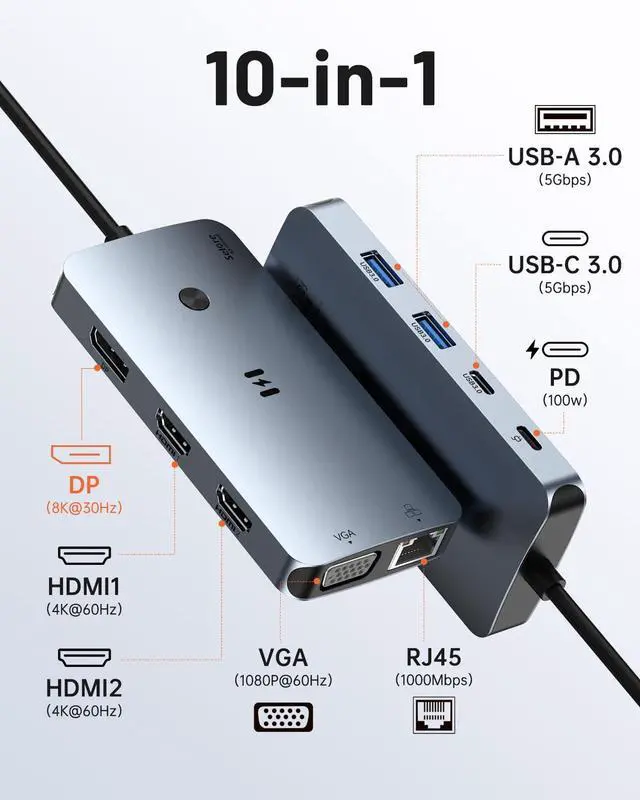
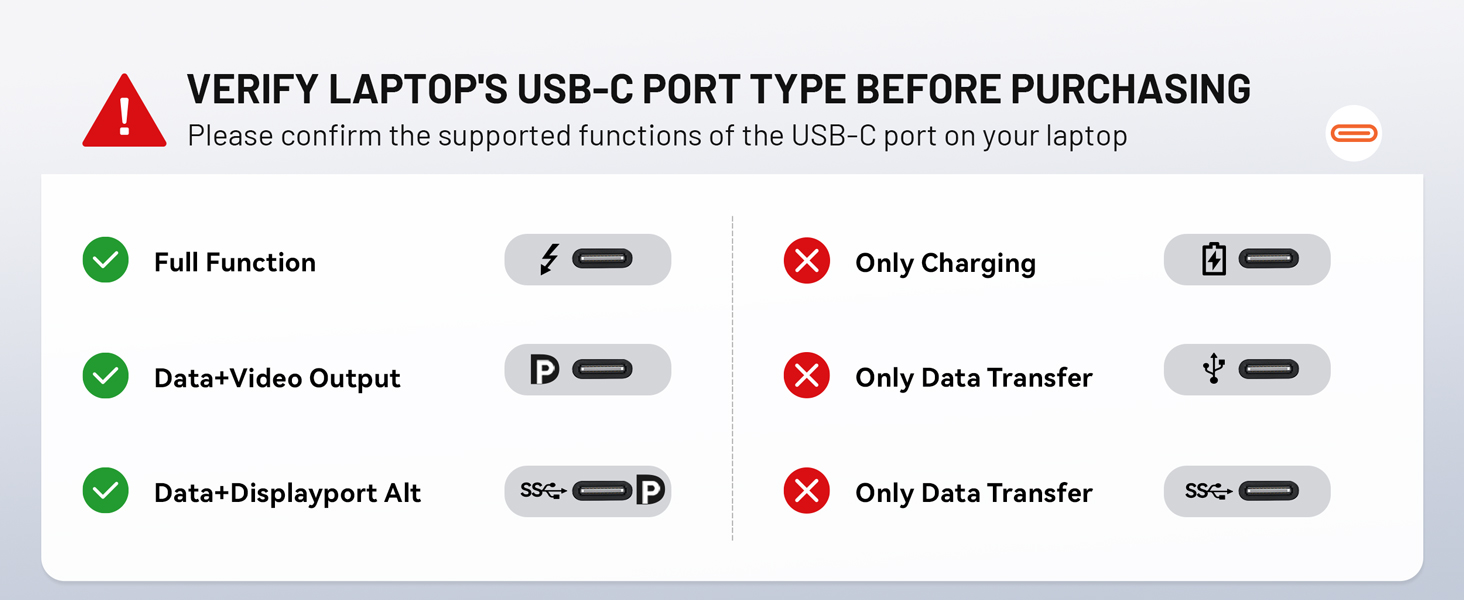
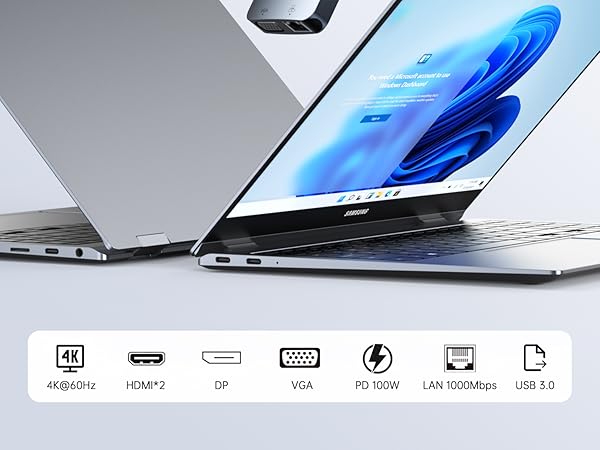
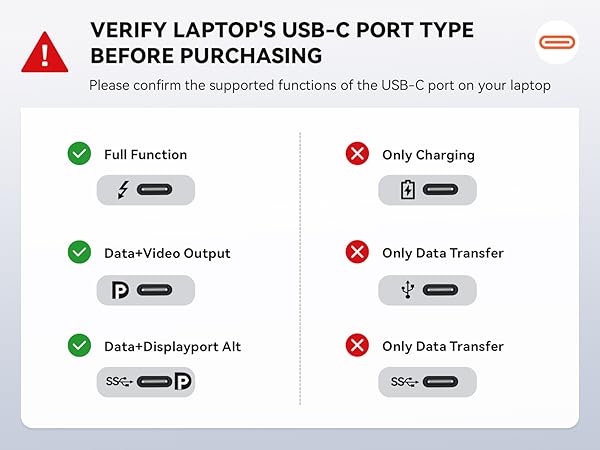
1. USB-C Compatibility (Crucial)Please ensure your laptop's USB-C port supports DisplayPort Alt Mode (video output) and Power Delivery. If your USB-C port only supports data transfer, the HDMI/DP/VGA ports will not function.
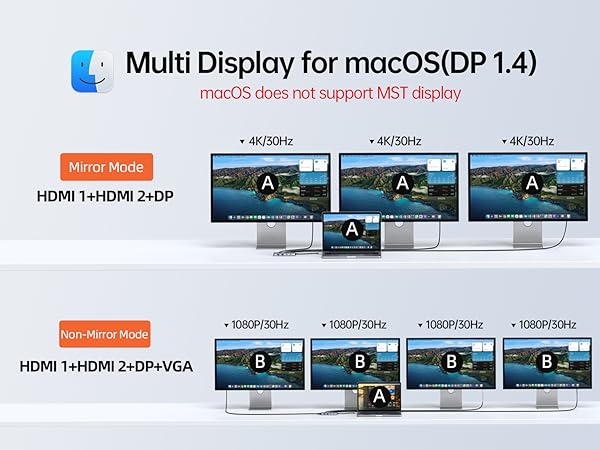
2. macOS MST LimitationDue to macOS system limitations, this hub DOES NOT support MST (Multi-Stream Transport).
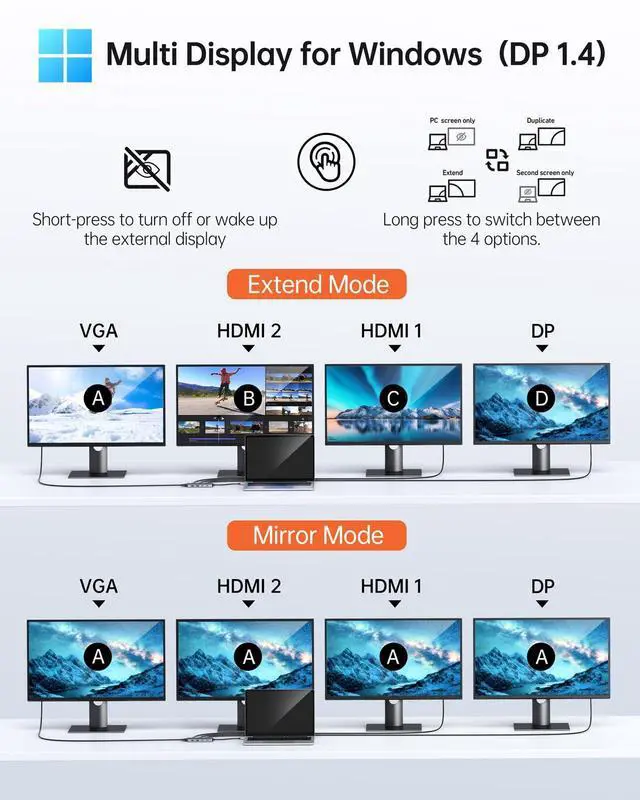
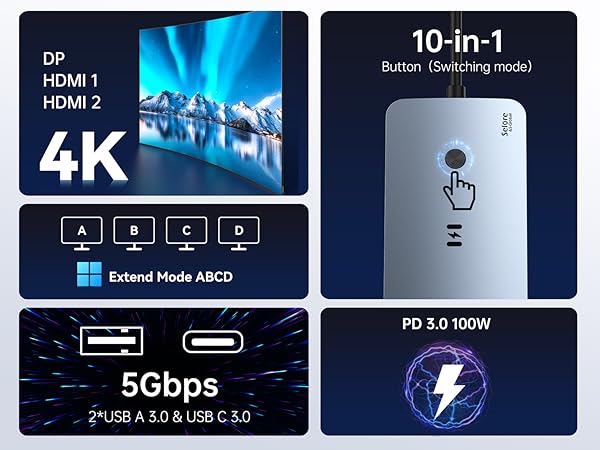
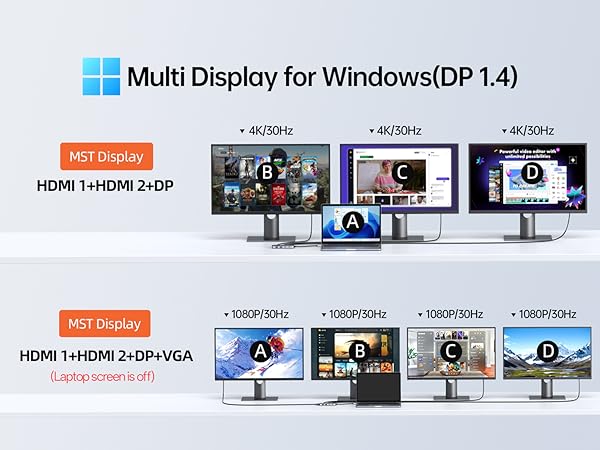
- Windows: Supports A-BCDE (Extended Mode).
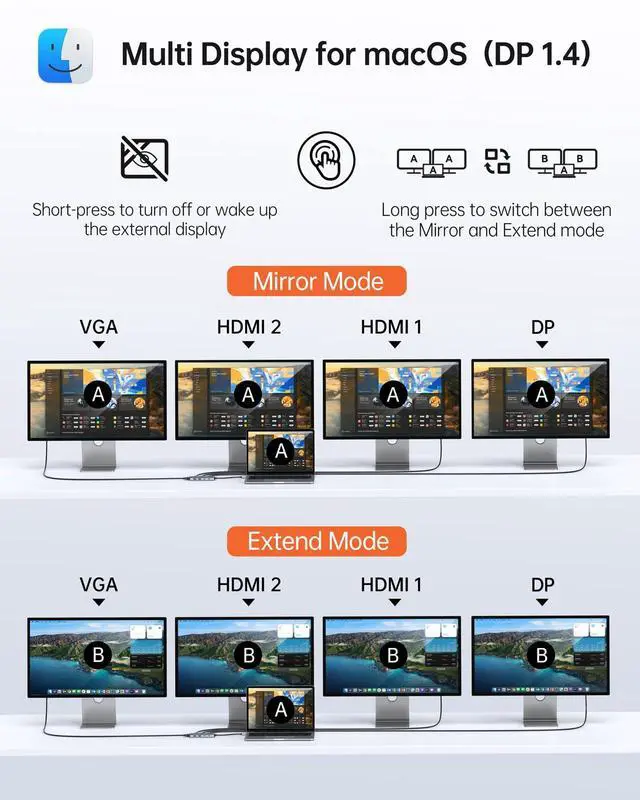
- macOS: Supports Mirror Mode (A-AAA) and Non-Mirror Mode (A-BBB). All external monitors will display the same content.
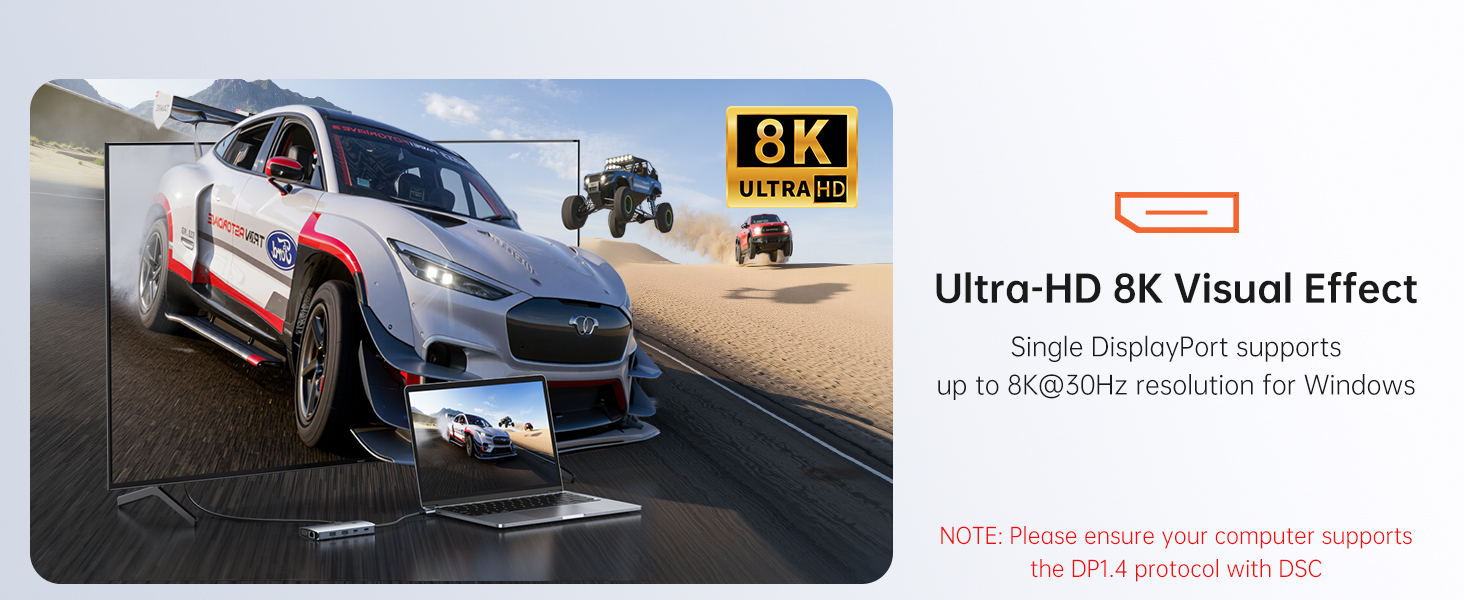
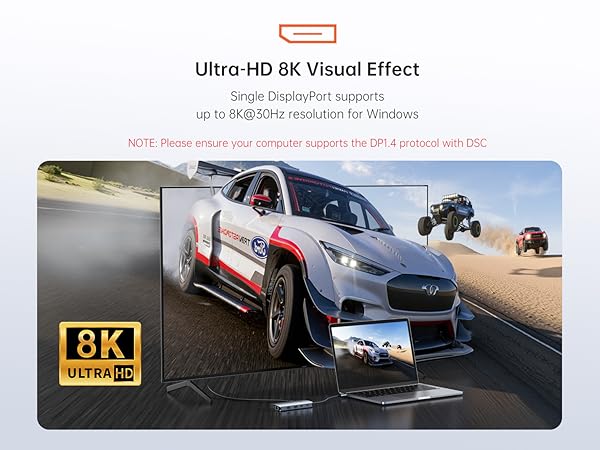
3. DP 1.4 for Optimal ResolutionTo achieve the best resolution and refresh rate, your laptop must support DisplayPort 1.4. If your source device is DP 1.2, the resolution will be limited when multiple monitors are connected simultaneously.
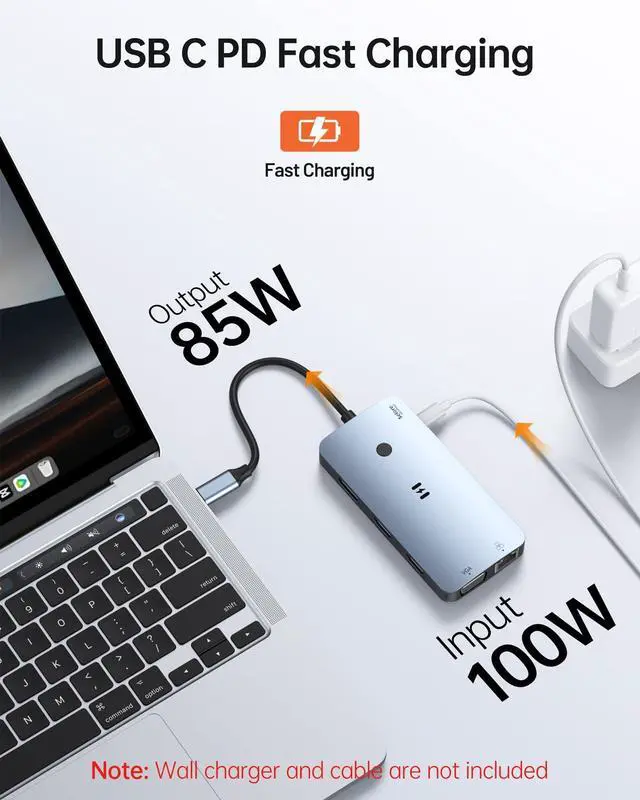
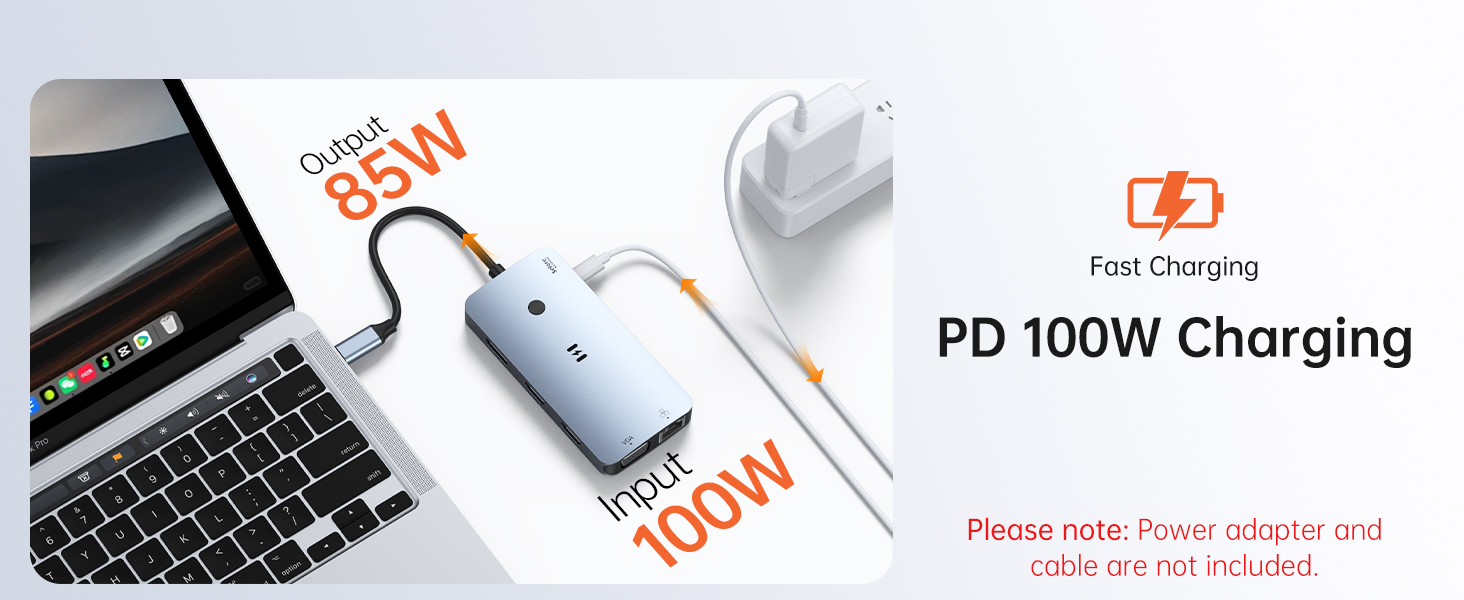
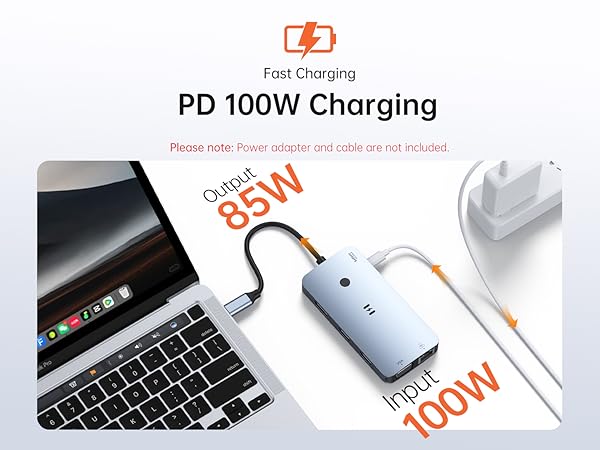
4. 100W PD Charging & Power ConsumptionThe hub consumes approximately 8W-15W for its own operation.
If using a 65W charger, your laptop may display a "Slow Charging" warning. This is normal; please ignore the warning or use a 100W PD charger for optimal charging speed.
5. Avoid Signal ConvertersFor a stable connection, please use standard HDMI/DP/VGA cables directly. Do not use additional adapters or "daisy-chain" multiple converters, as this causes signal degradation, flickering, or black screens.
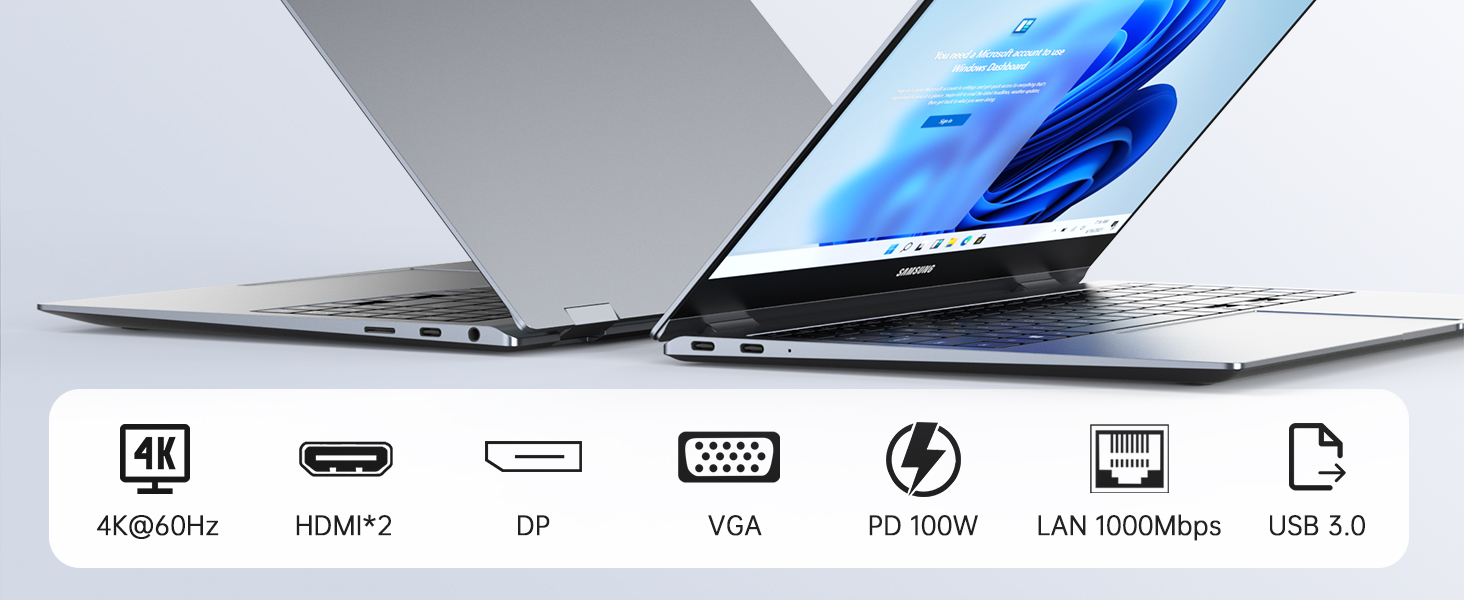
6. VGA Port SpecsThe VGA port supports a maximum resolution of 1080P @ 60Hz. Please note that VGA transmits video only; it does not support audio output.
Technical SupportIf you have any questions regarding your laptop’s compatibility or display settings, please feel free to contact Selore. Our engineering team is available 24/7 to assist you.
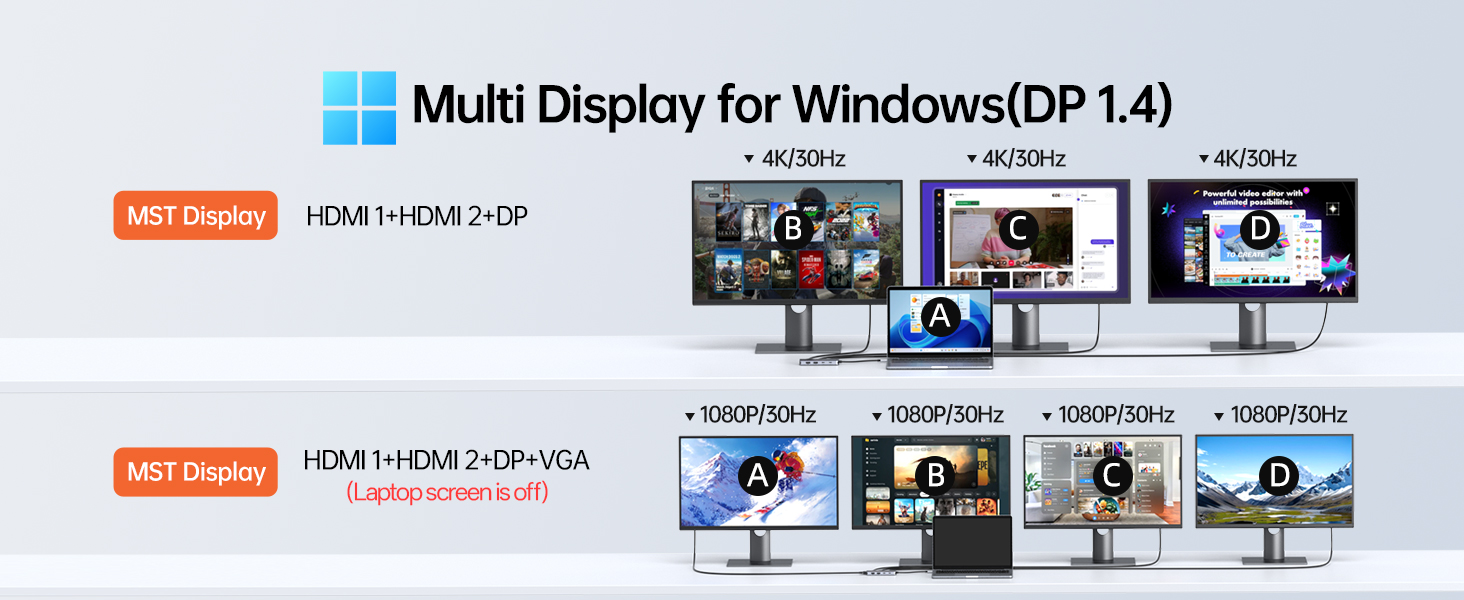

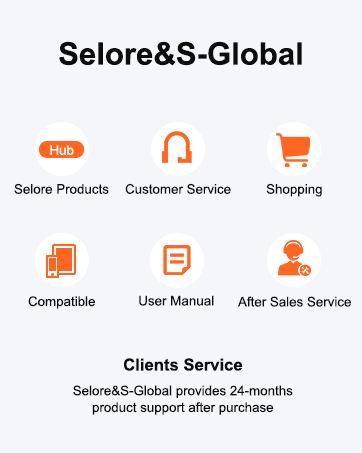
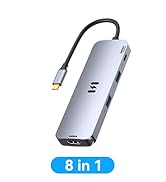
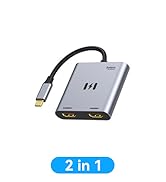
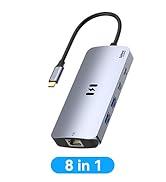
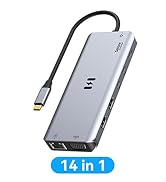
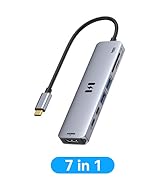
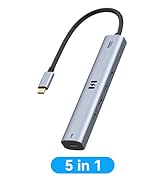
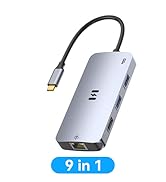
Important Notices Before Purchase (Please Read Carefully)
1. USB-C Compatibility (Crucial)Please ensure your laptop's USB-C port supports DisplayPort Alt Mode (video output) and Power Delivery. If your USB-C port only supports data transfer, the HDMI/DP/VGA ports will not function.
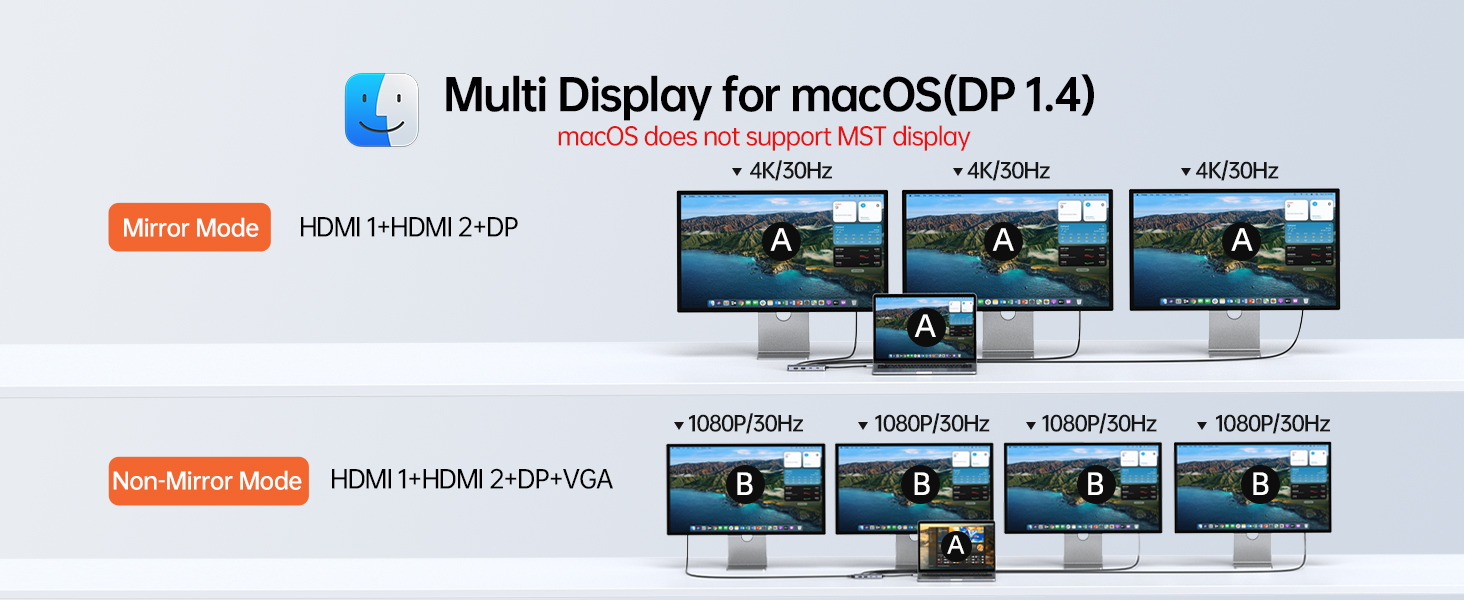
2. macOS MST LimitationDue to macOS system limitations, this hub DOES NOT support MST (Multi-Stream Transport).
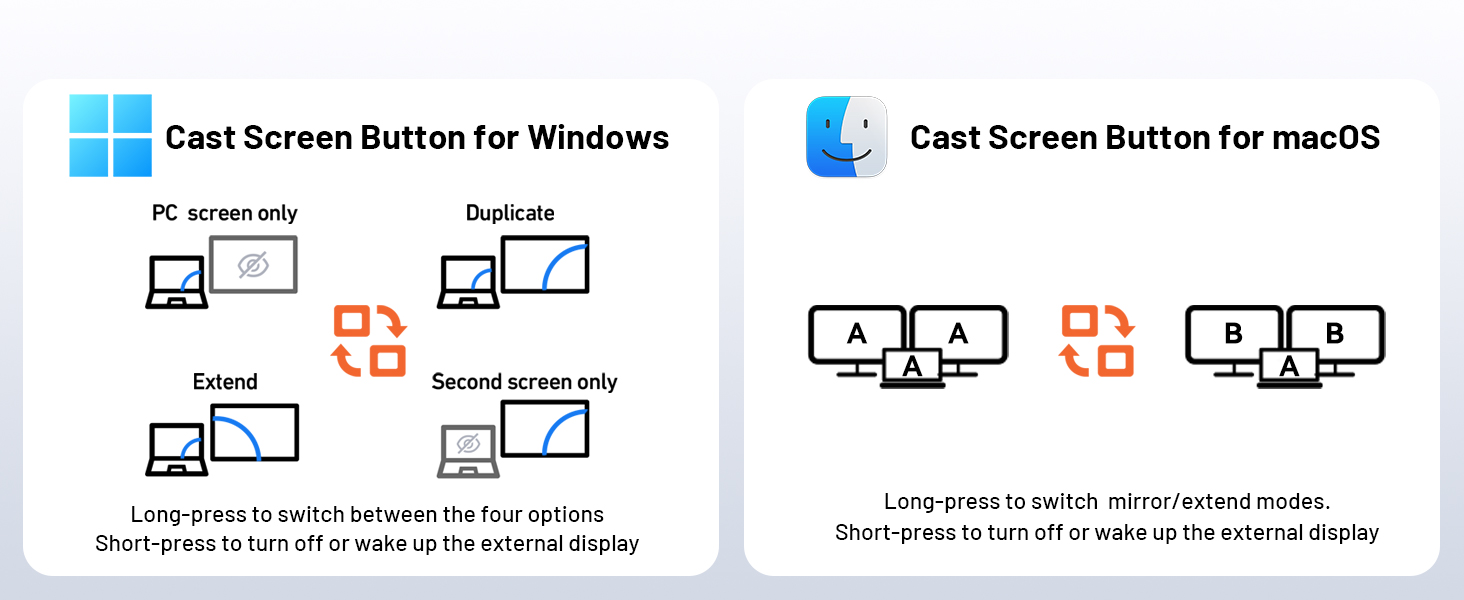
- Windows: Supports A-BCDE (Extended Mode).
- macOS: Supports Mirror Mode (A-AAA) and Non-Mirror Mode (A-BBB). All external monitors will display the same content.
3. DP 1.4 for Optimal ResolutionTo achieve the best resolution and refresh rate, your laptop must support DisplayPort 1.4. If your source device is DP 1.2, the resolution will be limited when multiple monitors are connected simultaneously.
4. 100W PD Charging & Power ConsumptionThe hub consumes approximately 8W-15W for its own operation.
If using a 65W charger, your laptop may display a "Slow Charging" warning. This is normal; please ignore the warning or use a 100W PD charger for optimal charging speed.
5. Avoid Signal ConvertersFor a stable connection, please use standard HDMI/DP/VGA cables directly. Do not use additional adapters or "daisy-chain" multiple converters, as this causes signal degradation, flickering, or black screens.
6. VGA Port SpecsThe VGA port supports a maximum resolution of 1080P @ 60Hz. Please note that VGA transmits video only; it does not support audio output.
Technical SupportIf you have any questions regarding your laptop’s compatibility or display settings, please feel free to contact Selore. Our engineering team is available 24/7 to assist you.

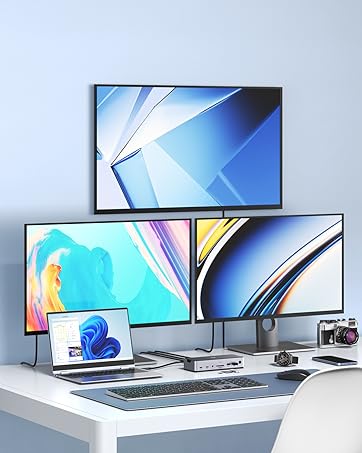
Triple 4K Display
HDMI+HDMI+DP
MST for Windows
USB C Hub
MacBook Adapter
Docking Station
Power Bank
