









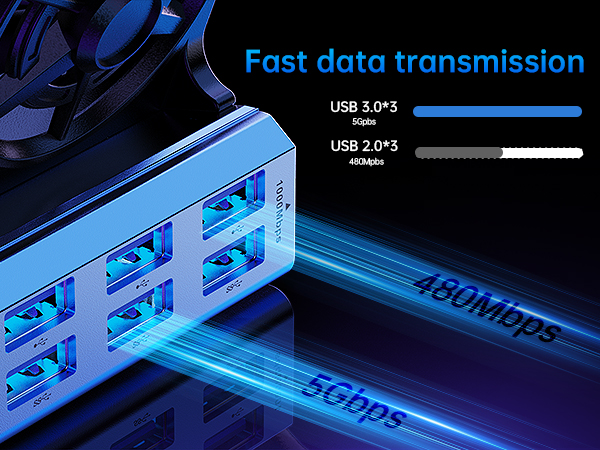
Why do external devices such as mouse and keyboard not work?
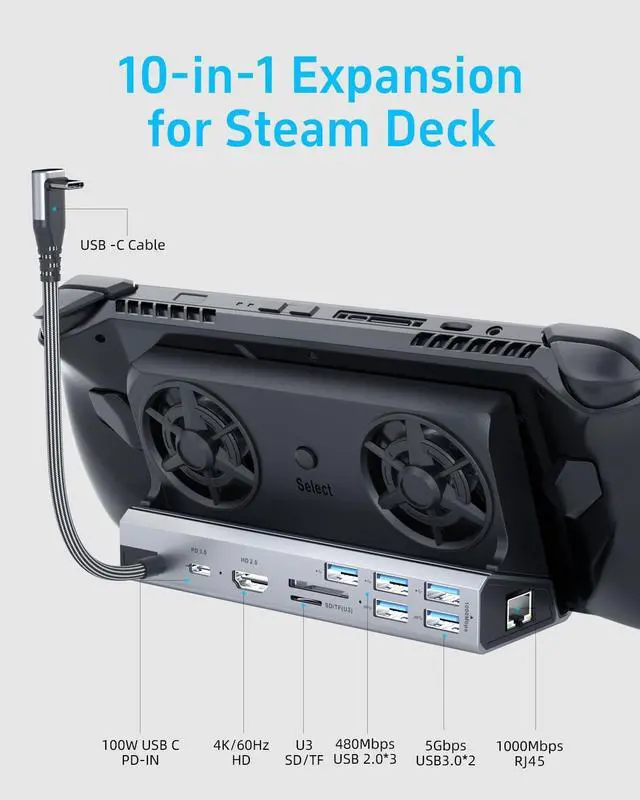
3 steps to check: 1. Restart your Steam deck and connect again when you connecting at the first time. 2. Connect the power adapter to provide sufficient power supply. 3. Make sure your Steam Deck has the USB driver installed.
Support ROG ALLY Turbo 30W mode?
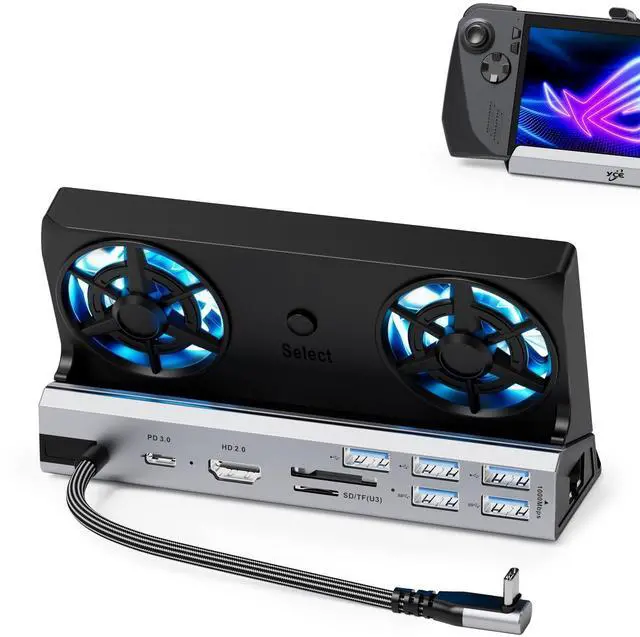
Yes. This YCE ROG ALLY dock perfectly supports Turbo 30W mode, But you should use 65W or above charger.
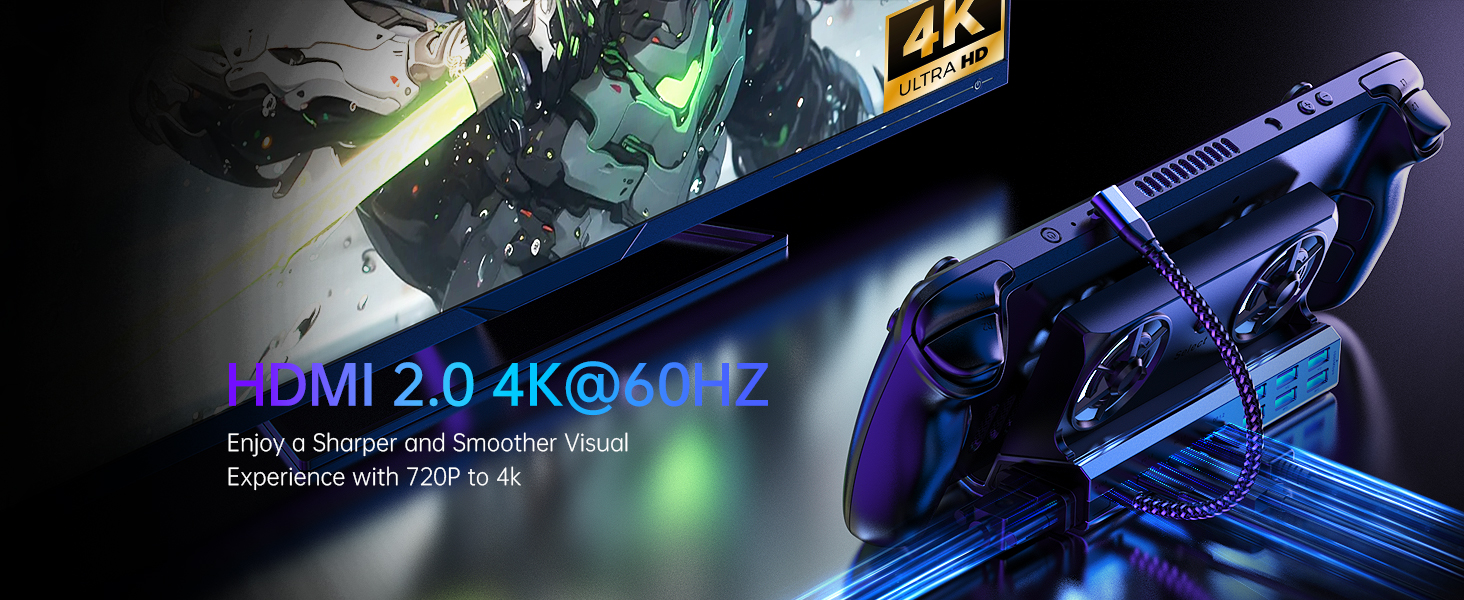
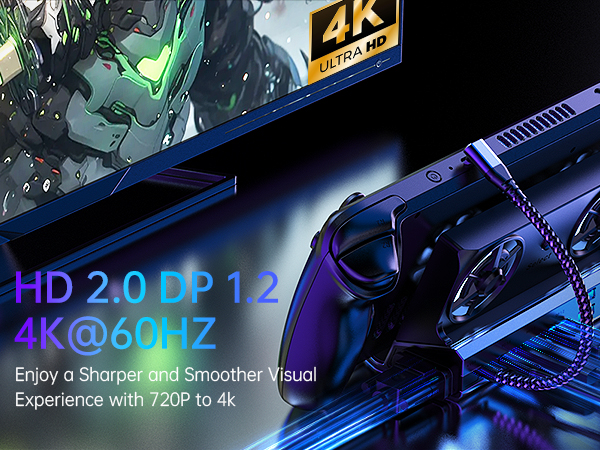
How to make sure the output is 4K@60Hz?
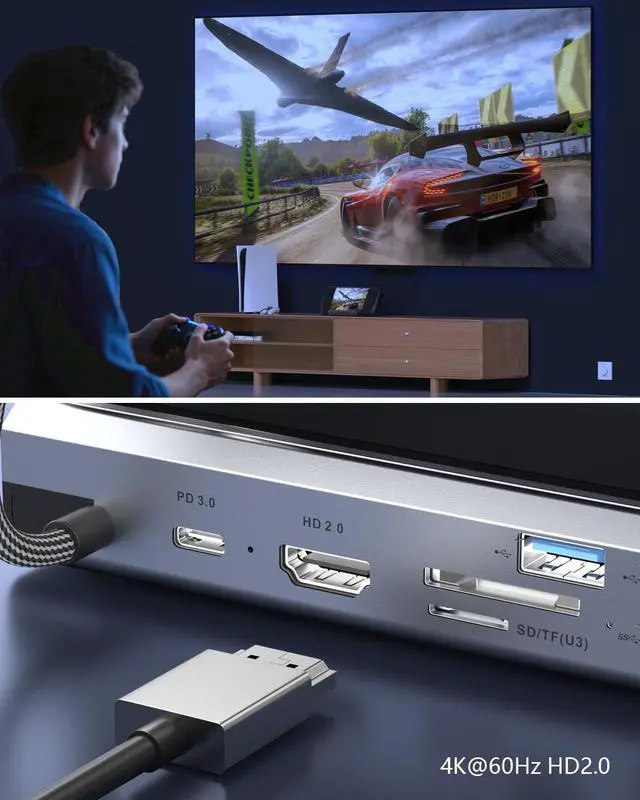
Please make sure HDMI to HDMI 2.0 or over 2.0 version,cable shorter than 15 feet in length. Please manually debug to desktop mode and set 4K@60Hz output. If necessary, you will also need to set it up in-game.
Why does the TV can't recognize my sound barrier and deactivate the CEC device?
In Steam settings, click on audio, there is output, click on "external device", and you can transfer audio to your TV.
How to use the storage function of the Steam Deck docking station correctly?
Adjust from game mode to desktop mode, open the system tray and see the latest inserted memory card at bottom. The storage function in desktop mode can be used normally on steam deck.




Why do external devices such as mouse and keyboard not work?
3 steps to check: 1. Restart your Steam deck and connect again when you connecting at the first time. 2. Connect the power adapter to provide sufficient power supply. 3. Make sure your Steam Deck has the USB driver installed.
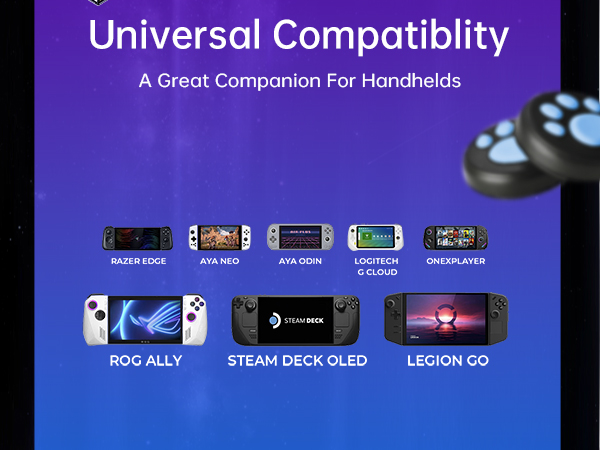
Support ROG ALLY Turbo 30W mode?
Yes. This YCE ROG ALLY dock perfectly supports Turbo 30W mode, But you should use 65W or above charger.
How to make sure the output is 4K@60Hz?
Please make sure HDMI to HDMI 2.0 or over 2.0 version,cable shorter than 15 feet in length. Please manually debug to desktop mode and set 4K@60Hz output. If necessary, you will also need to set it up in-game.
Why does the TV can't recognize my sound barrier and deactivate the CEC device?
In Steam settings, click on audio, there is output, click on "external device", and you can transfer audio to your TV.
How to use the storage function of the Steam Deck docking station correctly?
Adjust from game mode to desktop mode, open the system tray and see the latest inserted memory card at bottom. The storage function in desktop mode can be used normally on steam deck.