



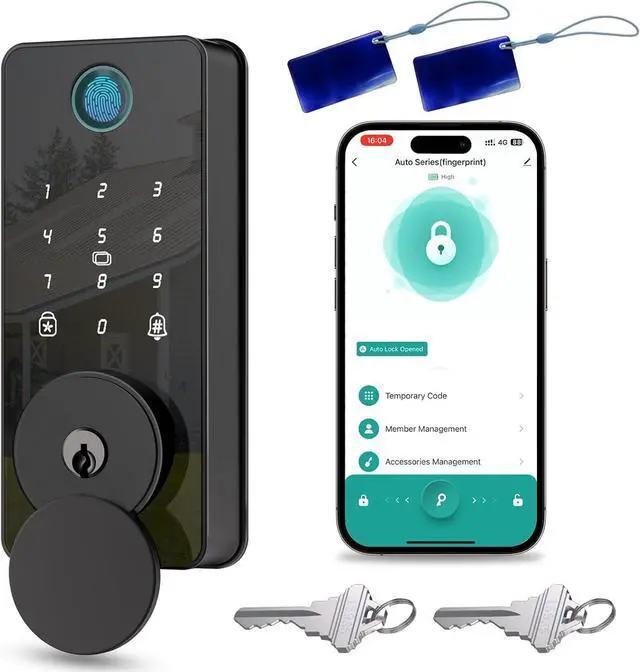

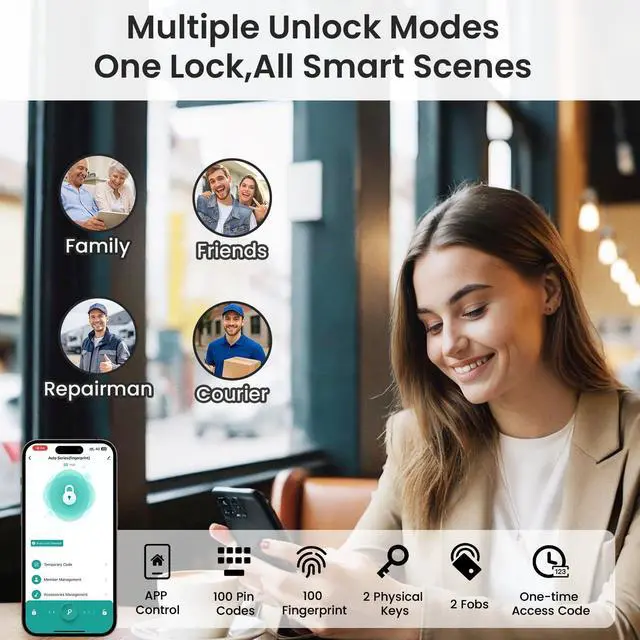

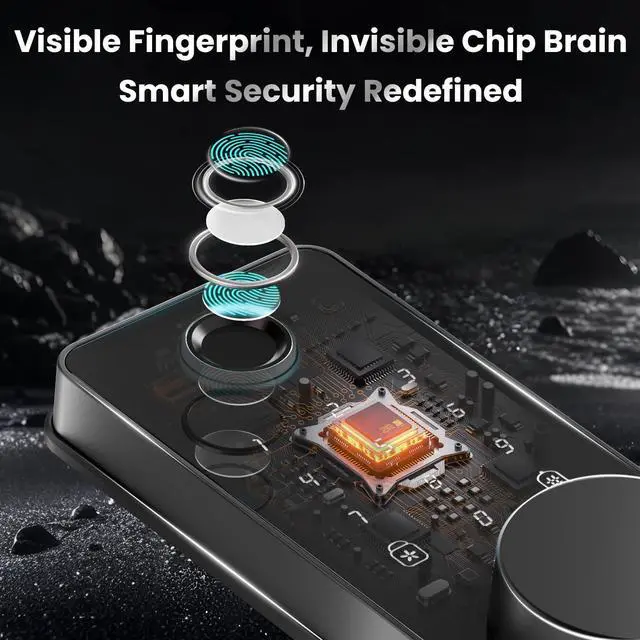
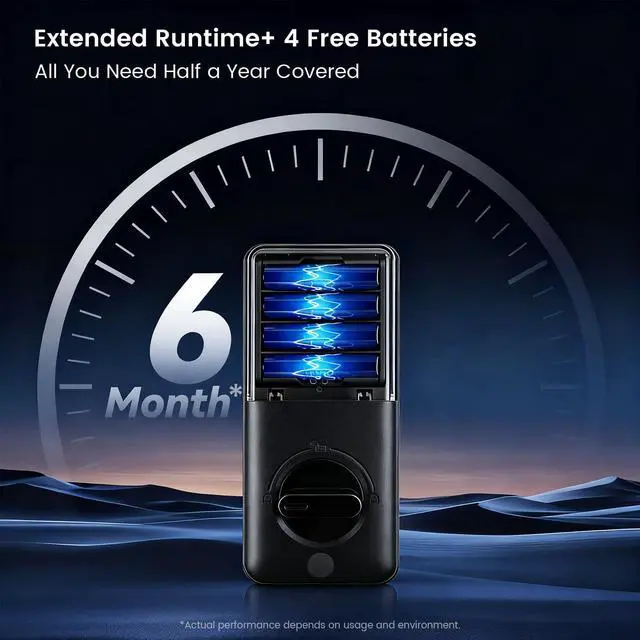




BIQUOLE Fingerprint Door Lock
- Electronic Door Lock
- Fingerprint Deadbolt Lock
- Smart Door Lock
What We Offer ?
We focus on home security, main product is deadbolt locks/ electronic door locks/ fingerprint door locks/ smart door locks,which give simple keyless entry option for all families.
What is our service?
Enjoy seamless support: 7×12h online assistance with installation guides, 1-year coverage, and 48-hour issue resolution. For any questions after your purchase, our team is ready to guide you through every step.
Why Choose US?
Top-rated security (certified, tested for 100,000+ uses) designed from real customer feedback. Regular updates, fast global support, and reliable delivery make us your trusted smart lock partner. Our products keep improving - exciting new features coming soon, so stay tuned!
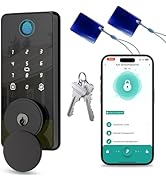
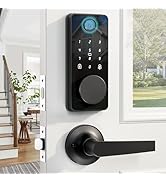
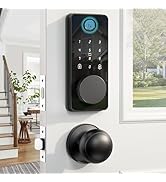
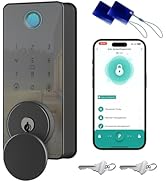
Biquole Smart Door Lock
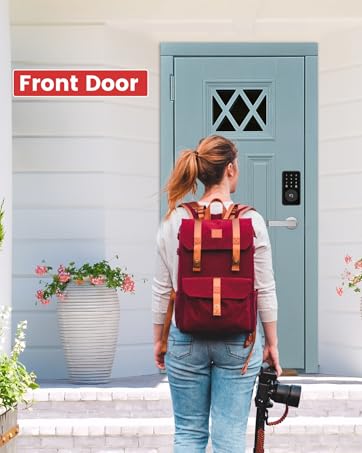
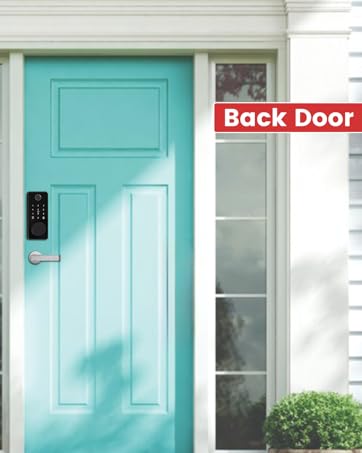
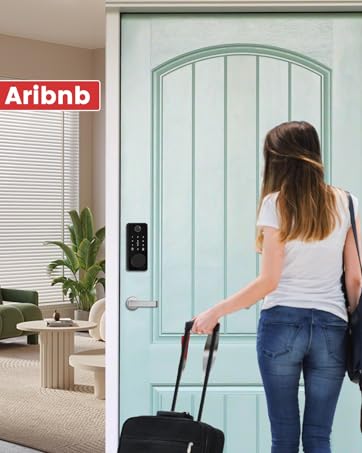
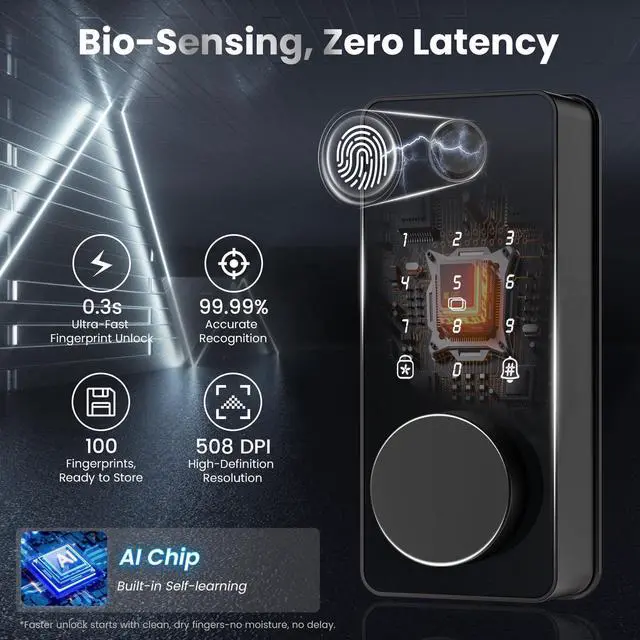
Upgraded Biquole S03 Keyless Entry Door Lock
Merchant VideoThe evolution from mechanical to intelligent is not merely about transforming a lock, it represents the "smart command center" for home security. Leveraging technology to streamline life, The smart lock ensures that every return home is filled with peace of mind and ease.


How many digits is the password for the S03 lock?
The S03 fingerprint door lock uses a 6-digit password. This is a standard security setting for this model. After entering all 6 digits, just tap the '#' key and the lock will open.
I'm trying to install the lock. How do I tell if my door is left-handed or right-handed?
Before installing, determine if your door is Left-Handed (LH) or Right-Handed (RH). Stand outside facing the door: hinges on the left = LH door; hinges on the right = RH door. For diagrams and steps, see pages 11–12 in the manual.
Which app does this smart lock use? And is the app free?
Charge:? The app is free to download and use (Tuya APP). All core features—including remote control, creating unlimited user codes etc—require no subscription fees.
What's the fastest or easiest way to install this? I want to make sure I'm not missing any simple steps.
For the fastest way to get started, please check the video guides we've included in the box. You'll find clear, step-by-step demonstrations for installation and common troubleshooting, prepared to help you get set up with ease.
Why do my lock's voice prompts state the opposite of the true status (locked/unlocked)?
1.Confirm the lock is installed on the correct side with the handing matching your door's swing.
2.Set the opening direction in the app. After receiving the "Succeed" prompt, wait approximately 3 seconds for the configuration to take effect.
BIQUOLE Fingerprint Door Lock
- Electronic Door Lock
- Fingerprint Deadbolt Lock
- Smart Door Lock
What We Offer ?
We focus on home security, main product is deadbolt locks/ electronic door locks/ fingerprint door locks/ smart door locks,which give simple keyless entry option for all families.
What is our service?
Enjoy seamless support: 7×12h online assistance with installation guides, 1-year coverage, and 48-hour issue resolution. For any questions after your purchase, our team is ready to guide you through every step.
Why Choose US?
Top-rated security (certified, tested for 100,000+ uses) designed from real customer feedback. Regular updates, fast global support, and reliable delivery make us your trusted smart lock partner. Our products keep improving - exciting new features coming soon, so stay tuned!
Biquole Smart Door Lock
Upgraded Biquole S03 Keyless Entry Door Lock
Merchant VideoThe evolution from mechanical to intelligent is not merely about transforming a lock, it represents the "smart command center" for home security. Leveraging technology to streamline life, The smart lock ensures that every return home is filled with peace of mind and ease.


What Makes Biquole Keyless Entry Door Lock So Outstanding?


How many digits is the password for the S03 lock?
The S03 fingerprint door lock uses a 6-digit password. This is a standard security setting for this model. After entering all 6 digits, just tap the '#' key and the lock will open.
I'm trying to install the lock. How do I tell if my door is left-handed or right-handed?
Before installing, determine if your door is Left-Handed (LH) or Right-Handed (RH). Stand outside facing the door: hinges on the left = LH door; hinges on the right = RH door. For diagrams and steps, see pages 11–12 in the manual.
Which app does this smart lock use? And is the app free?
Charge:? The app is free to download and use (Tuya APP). All core features—including remote control, creating unlimited user codes etc—require no subscription fees.
What's the fastest or easiest way to install this? I want to make sure I'm not missing any simple steps.
For the fastest way to get started, please check the video guides we've included in the box. You'll find clear, step-by-step demonstrations for installation and common troubleshooting, prepared to help you get set up with ease.
Why do my lock's voice prompts state the opposite of the true status (locked/unlocked)?
1.Confirm the lock is installed on the correct side with the handing matching your door's swing.
2.Set the opening direction in the app. After receiving the "Succeed" prompt, wait approximately 3 seconds for the configuration to take effect.