





Q1: Why doesn’t the “OK” button work on the Google login screen? A1: Please do not use the remote in mouse mode when entering the Google account login page, as this mode is not compatible with the “OK” button. Switch back to normal mode to proceed.
Q2: Can I use this remote control on a PC? A2: To use the remote on a PC, you need to flash the firmware designed for PC compatibility. Otherwise, there may be compatibility issues.
Q3: Does the gyroscope stop working whenever I press a button in air mouse mode? A3: No, the gyroscope will not stop working when pressing buttons in air mouse mode. It will only pause if you press the mouse mode button again to exit air mouse mode.
How To Use The BPR2S Plus Air Mouse Remote Control

BT Pairing
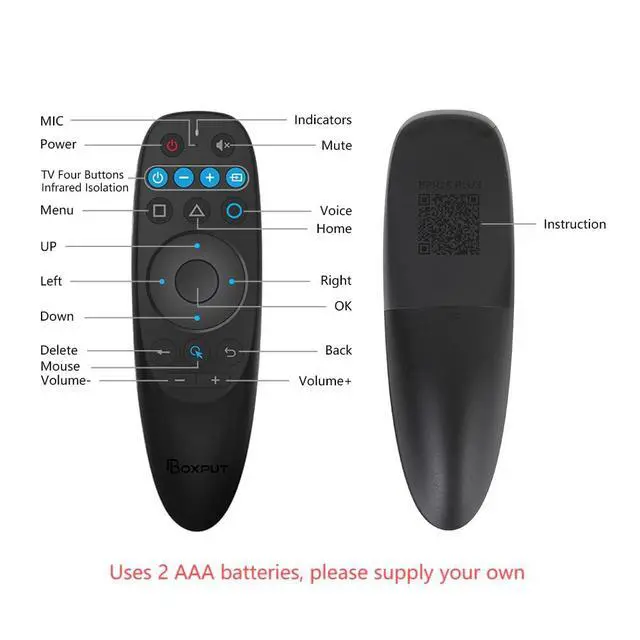
- 1. To pair another new device, press “OK” and “Back” at the same time till the light flashes.
- 2. Keep the remote control within 1 meter of the device for faster pairing.
- 3. Open BT searching, and pair with “BPR2S”.

2.4G Pairing
- 1. Keep pressing the “OK” and “Back” at the same time till the light flashes.
- 2. Plug in the USB receiver and keep the remote near the USB receiver within 50 cm for faster pairing.
- 3. The indicator light stops flashing to indicate successful pairing.

4 TV Buttons IR Isolation
- 1. Four TV buttons default Samsung TV IR code values,
- 2. Four TV buttons IR isolation in BT mode
- 3. Four TV buttons support any IR values learning.

IR Learning (All buttons)
- 1. Press the button that needs to learn for 8 seconds till the indicator light is always on after flashing, then release.
- 2. Align the IR, and press the button that would be learned, it shows success when the indicator light flashes.
- 3. Repeat 1~2 to learn the other buttons.

Support IR full keys learning
The BPR2S Plus Air Mouse Voice Remote Control all the buttons support IR learning.

Muti-connection methods
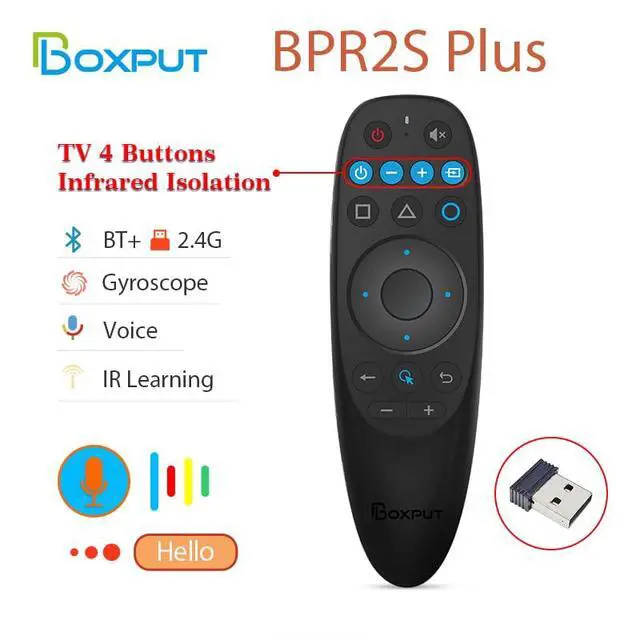
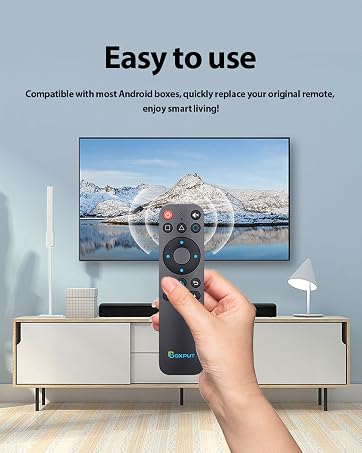
This universal remote for smart tv support BLE + 2.4G Wireless + IR connection

Four Keys IR isolation
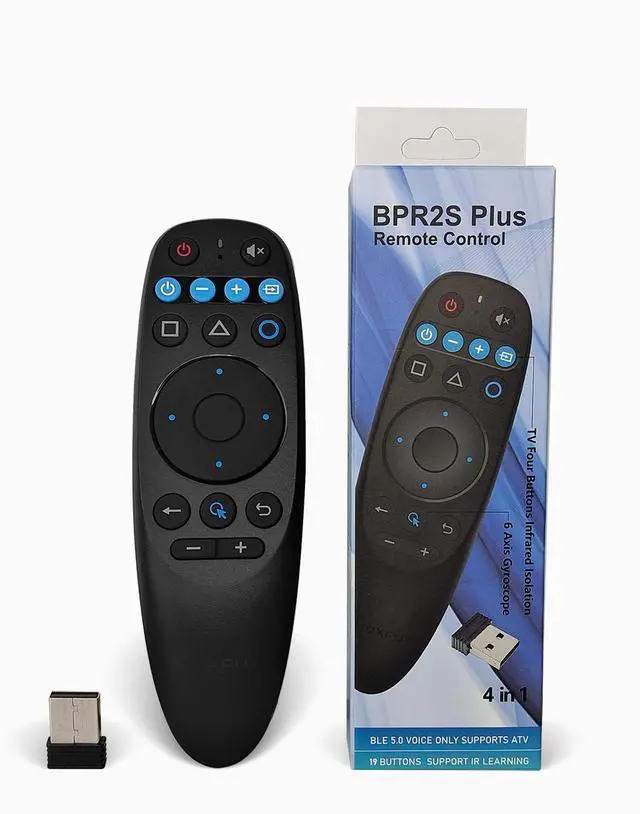
Remote control 4 in 1
Say goodbye to the troubles of many remote controls.

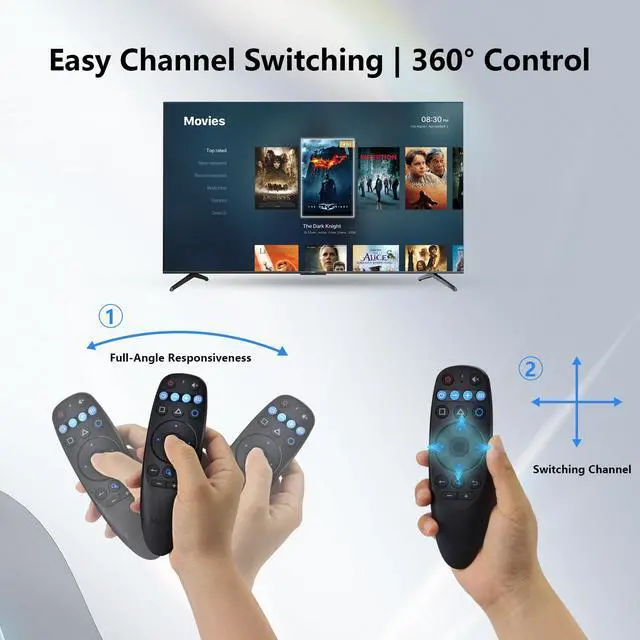
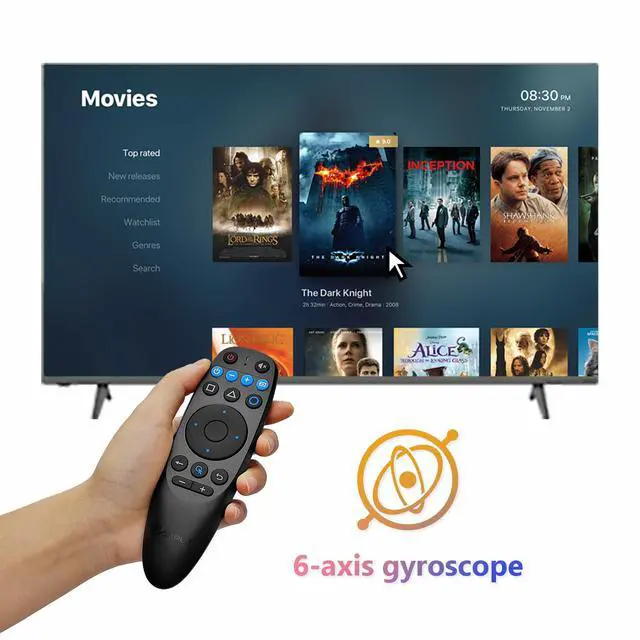
6-axis gyroscope
The replacement remote for smart tv have 6-axis gyroscope sensor easy to move the mouse arrow precisely.

Product Specifications
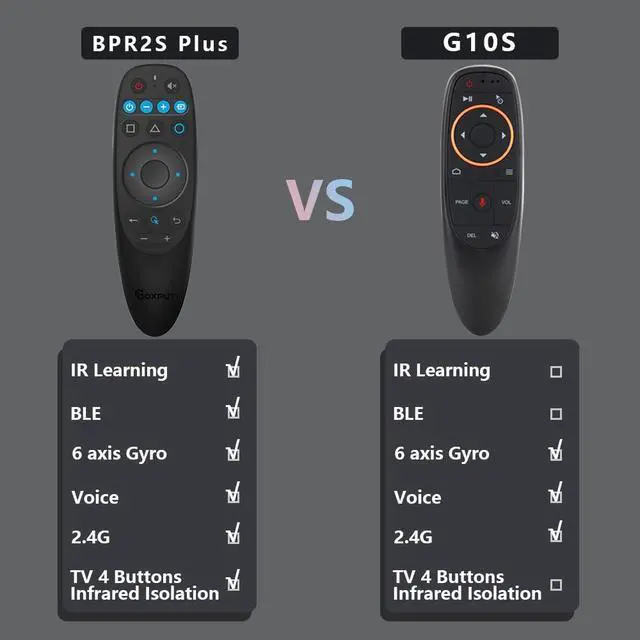
Comparison of Similar Products
 BPR2S Plus |  BPR1S |  BPR1S Plus |  BPR2S |  BPR3S |  BPR3S Plus | |
|---|---|---|---|---|---|---|
Customer Reviews | — | — | — | — | — | — |
Price | — | — | — | — | — | — |
IR Learaning | ? | ? | ? | ? | ? | ? |
BLE | ? | ? | ? | ? | ? | ? |
6 axis Gyro | ? | ? | ? | ? | ? | ? |
Voice | ? | ? | ? | ? | ? | ? |
2.4G | ? | ? | ? | ? | ? | ? |
TV 4 Keys IR Isolation | ? | ? | ? | ? | ? | ? |

Digital Smart Life
If you have any questions during use, feel free to reach out to us through our official support channels or on social media.

- BOXPUT focus on the home network entertainment communication field.
- Our main products include TV Series and Network Series,such as Power Supply, TV Stick, TV Box, TV Remote, Air Mouse Remote Control, Ambient Lights and Accessories etc.
- You can search for 'BOXPUT' in other social media.
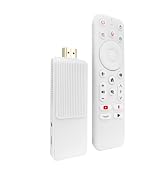
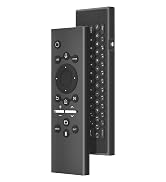
New Arrives
For TV Box / TV Stick Issues
If you encounter any operational or usage issues that cannot be resolved, please contact BOXPUT Official Support and provide your device’s MAC address. Our technical team will assist you within 24 hours to help resolve the problem.
For Remote Issues
If you encounter any operational or usage issues that cannot be resolved, please contact BOXPUT Official Support. Our technical team will assist you within 24 hours to help resolve the problem.
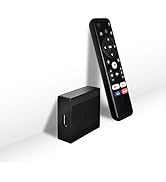
Hot Sale Products
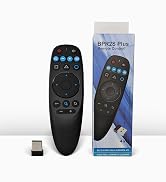
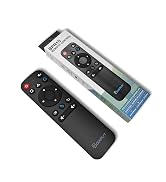
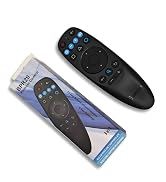
TV Remoter
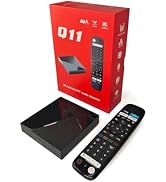
TV Box
TV Stick
Home Entertainment
Q1: Why doesn’t the “OK” button work on the Google login screen? A1: Please do not use the remote in mouse mode when entering the Google account login page, as this mode is not compatible with the “OK” button. Switch back to normal mode to proceed.
Q2: Can I use this remote control on a PC? A2: To use the remote on a PC, you need to flash the firmware designed for PC compatibility. Otherwise, there may be compatibility issues.
Q3: Does the gyroscope stop working whenever I press a button in air mouse mode? A3: No, the gyroscope will not stop working when pressing buttons in air mouse mode. It will only pause if you press the mouse mode button again to exit air mouse mode.
How To Use The BPR2S Plus Air Mouse Remote Control

BT Pairing
- 1. To pair another new device, press “OK” and “Back” at the same time till the light flashes.
- 2. Keep the remote control within 1 meter of the device for faster pairing.
- 3. Open BT searching, and pair with “BPR2S”.
2.4G Pairing
- 1. Keep pressing the “OK” and “Back” at the same time till the light flashes.
- 2. Plug in the USB receiver and keep the remote near the USB receiver within 50 cm for faster pairing.
- 3. The indicator light stops flashing to indicate successful pairing.
4 TV Buttons IR Isolation
- 1. Four TV buttons default Samsung TV IR code values,
- 2. Four TV buttons IR isolation in BT mode
- 3. Four TV buttons support any IR values learning.
IR Learning (All buttons)
- 1. Press the button that needs to learn for 8 seconds till the indicator light is always on after flashing, then release.
- 2. Align the IR, and press the button that would be learned, it shows success when the indicator light flashes.
- 3. Repeat 1~2 to learn the other buttons.
Support IR full keys learning
The BPR2S Plus Air Mouse Voice Remote Control all the buttons support IR learning.
Muti-connection methods
This universal remote for smart tv support BLE + 2.4G Wireless + IR connection
Four Keys IR isolation
Remote control 4 in 1
Say goodbye to the troubles of many remote controls.
6-axis gyroscope
The replacement remote for smart tv have 6-axis gyroscope sensor easy to move the mouse arrow precisely.

Product Specifications
| Model | BPR2S Plus |
|---|---|
| Transmission method | 2.4G+IR+BLE |
| Distance | >10m |
| Material | Plastic |
| Color | Black |
| Gyroscope | YES |
| Product Category | BLE Air Mouse |
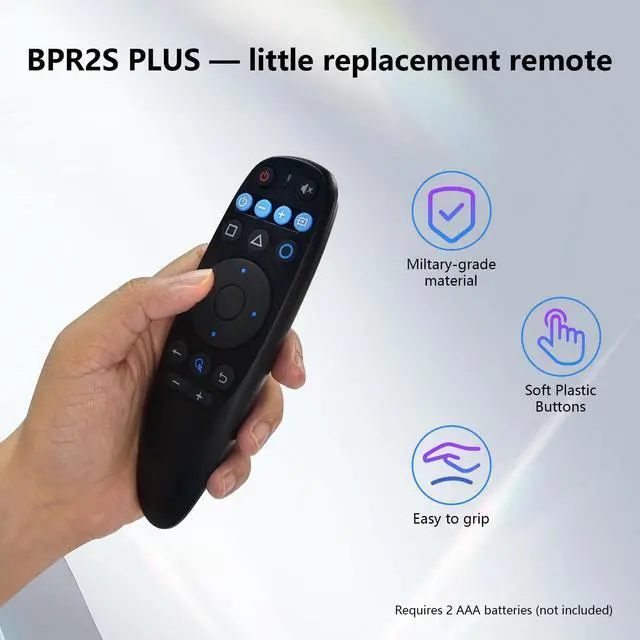
| Battery Type | AAA*2 (Not Includ) |
| Voice remote control | YES |
| IR Learning | YES |
| Net weight | 0.14 lb |
| Product Size | 138mm*38mm |
Comparison of Similar Products
BPR2S Plus |  BPR1S | BPR1S Plus | BPR2S | BPR3S | BPR3S Plus |
|---|---|---|---|---|---|
| Customer Reviews | |||||
| — | — | — | — | — | — |
| Price | |||||
| — | — | — | — | — | — |
| IR Learaning | |||||
| ? | ? | ? | ? | ? | ? |
| BLE | |||||
| ? | ? | ? | ? | ? | ? |
| 6 axis Gyro | |||||
| ? | ? | ? | ? | ? | ? |
| Voice | |||||
| ? | ? | ? | ? | ? | ? |
| 2.4G | |||||
| ? | ? | ? | ? | ? | ? |
| TV 4 Keys IR Isolation | |||||
| ? | ? | ? | ? | ? | ? |
Digital Smart Life
If you have any questions during use, feel free to reach out to us through our official support channels or on social media.
- BOXPUT focus on the home network entertainment communication field.
- Our main products include TV Series and Network Series,such as Power Supply, TV Stick, TV Box, TV Remote, Air Mouse Remote Control, Ambient Lights and Accessories etc.
- You can search for 'BOXPUT' in other social media.
New Arrives
For TV Box / TV Stick Issues
If you encounter any operational or usage issues that cannot be resolved, please contact BOXPUT Official Support and provide your device’s MAC address. Our technical team will assist you within 24 hours to help resolve the problem.
For Remote Issues
If you encounter any operational or usage issues that cannot be resolved, please contact BOXPUT Official Support. Our technical team will assist you within 24 hours to help resolve the problem.
Hot Sale Products
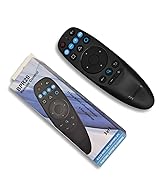
TV Remoter
TV Box
TV Stick
Home Entertainment
