



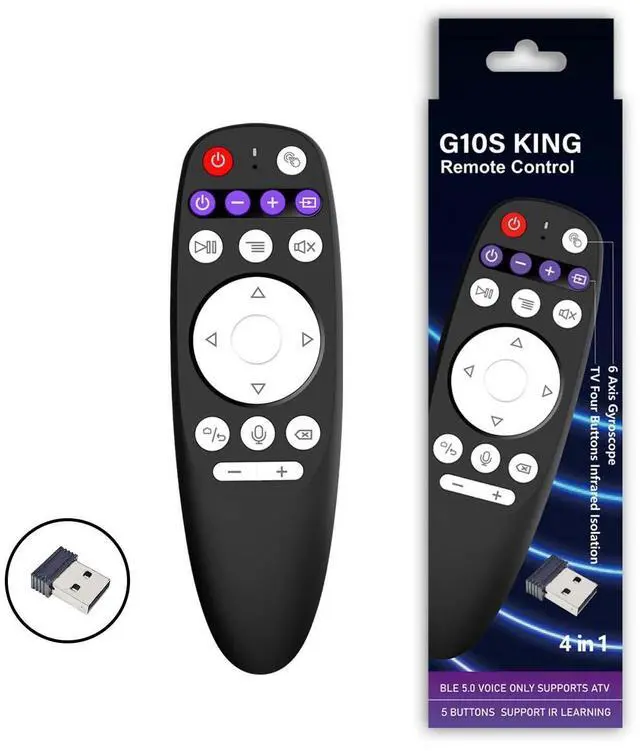
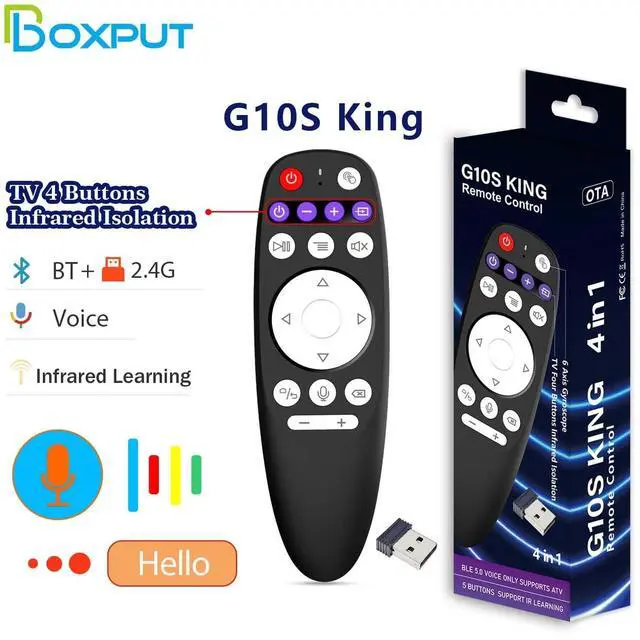
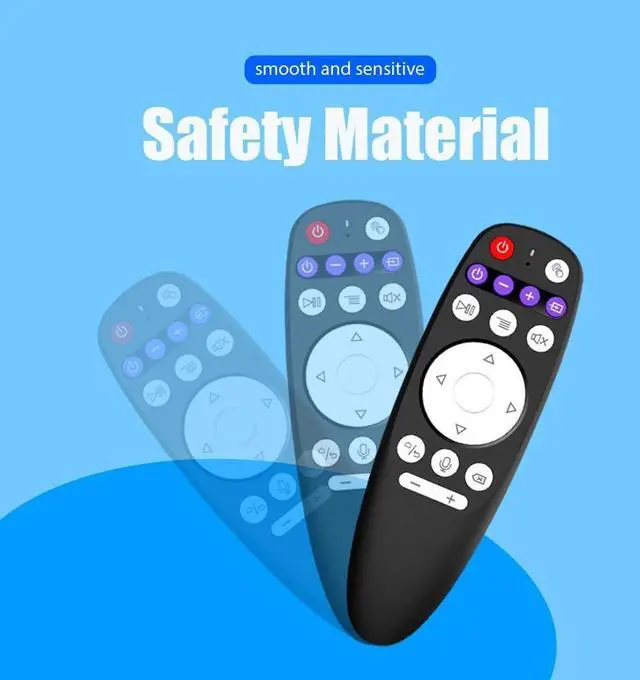
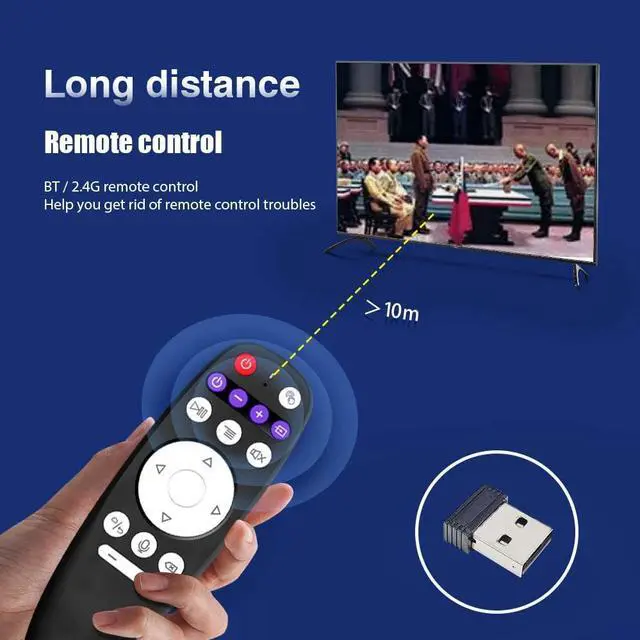
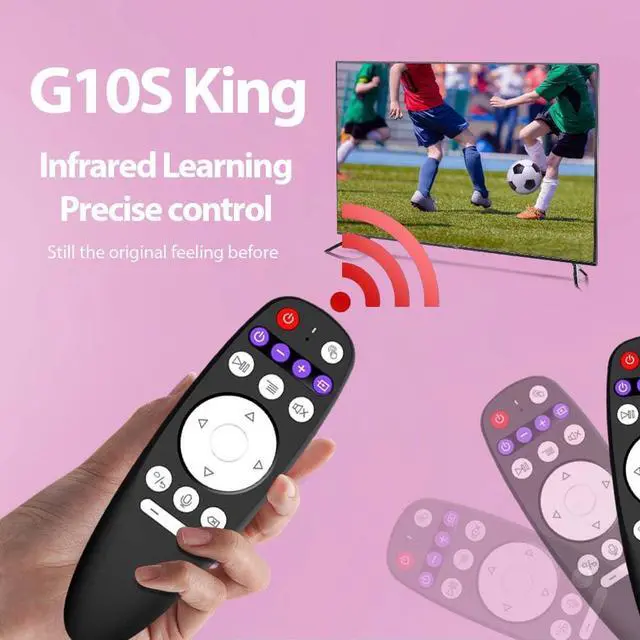


G10S King Remote Control
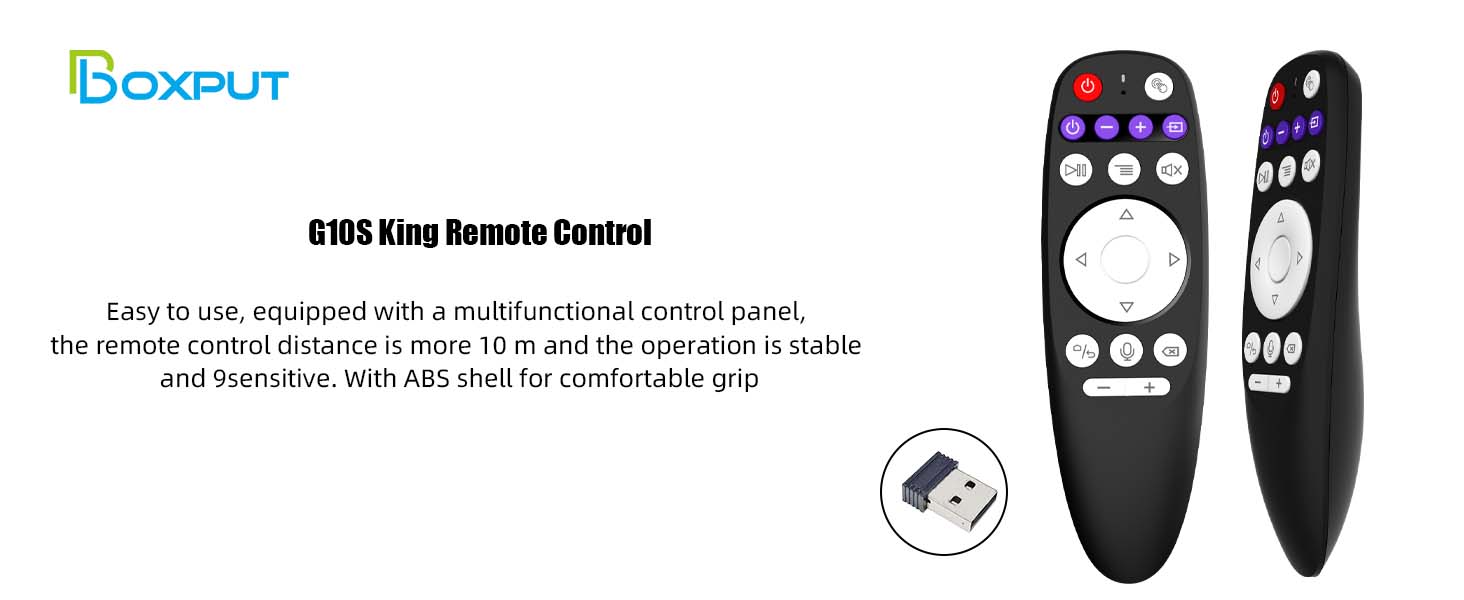
Bluetooth Pairing
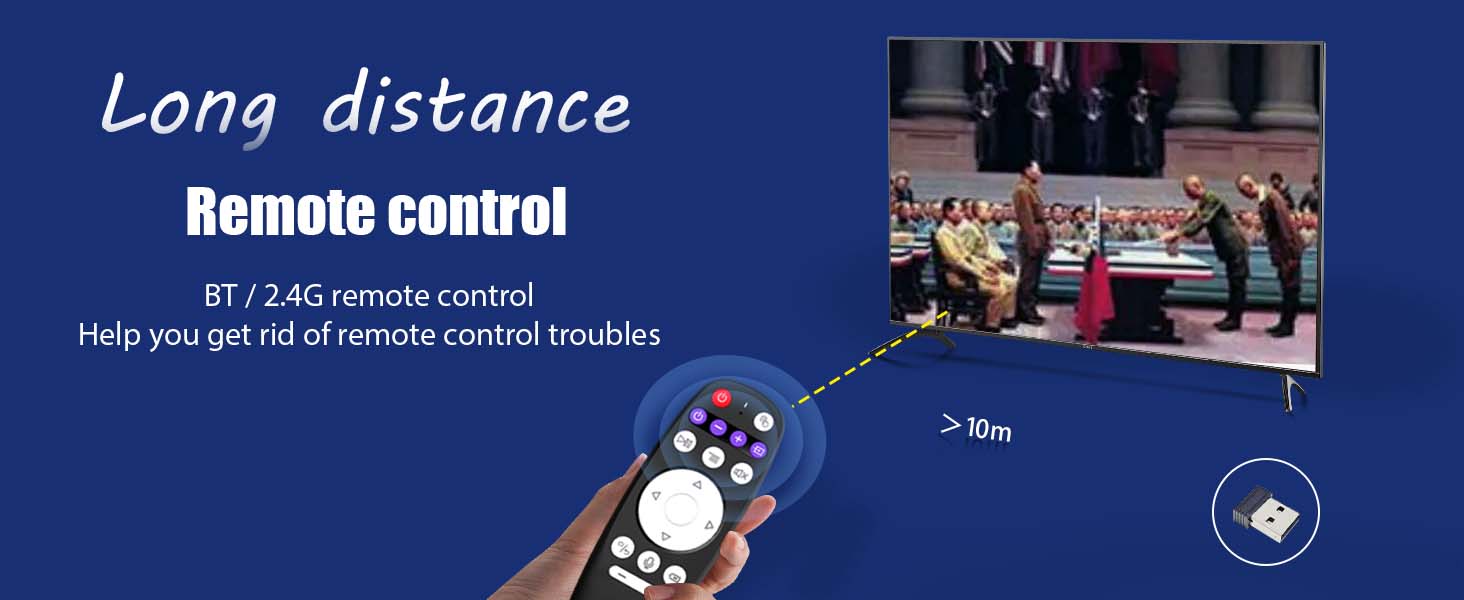
- 1. To pair another new device, press “OK” and “Back” at the same time till the light flashes.
- 2. Keep the remote control within 1 meter of the device for faster pairing.
- 3. Open Bluetooth searching, and pair with “G10S King”.
IR Learning (All buttons)
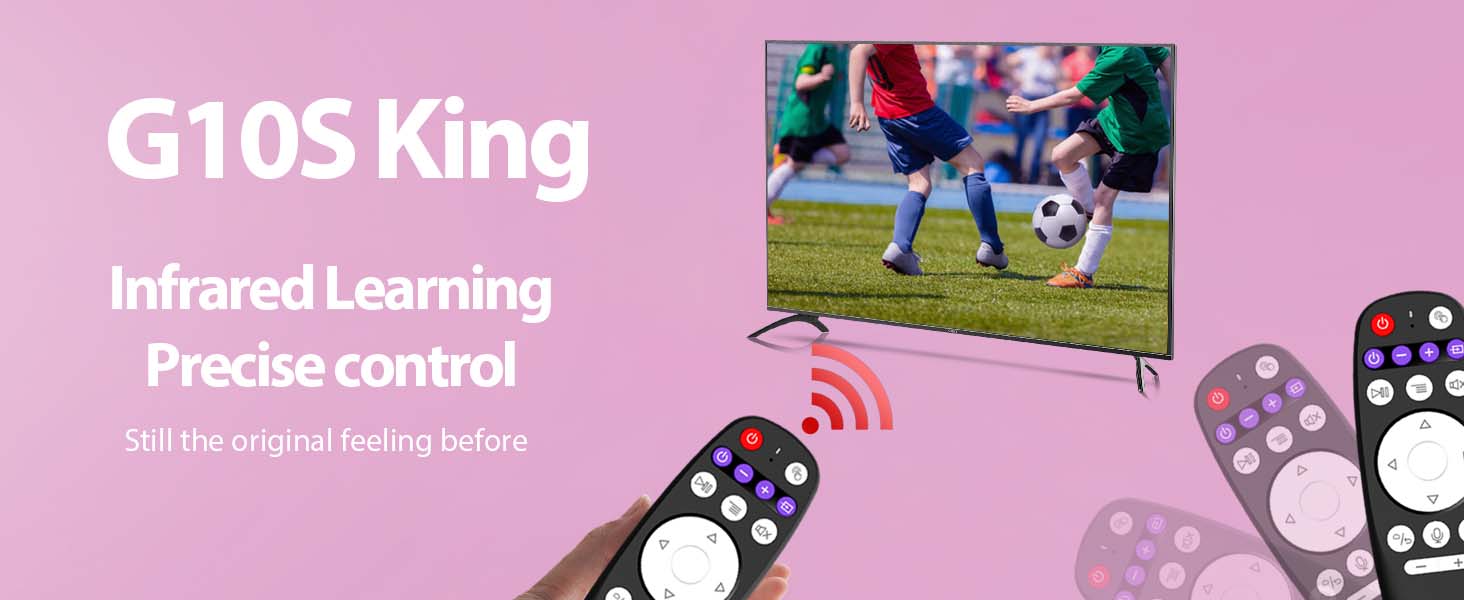
1. Press the button that needs to learn for 8 seconds till the indicator light is always on after flashing, then release.
2. Align the IR, and press the button that would be learned, it shows success when the indicator light flashes.
3. Repeat 1~2 to learn the other buttons.
Smart Voice Functionality
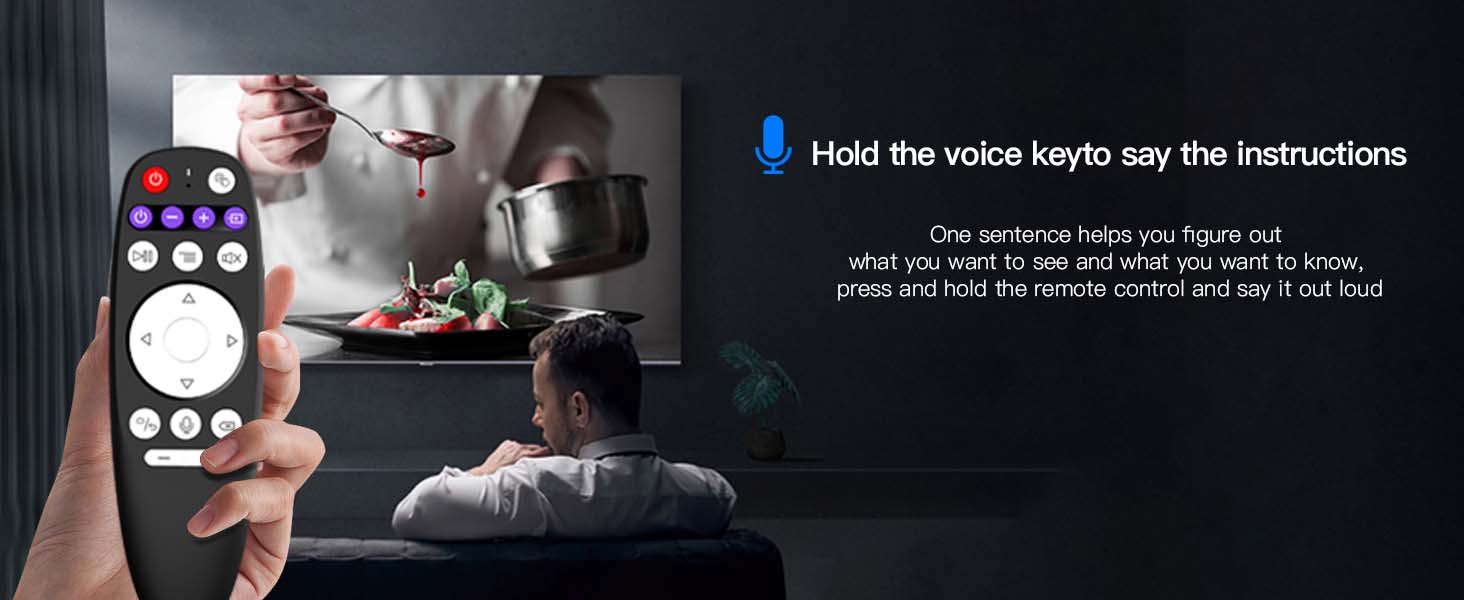
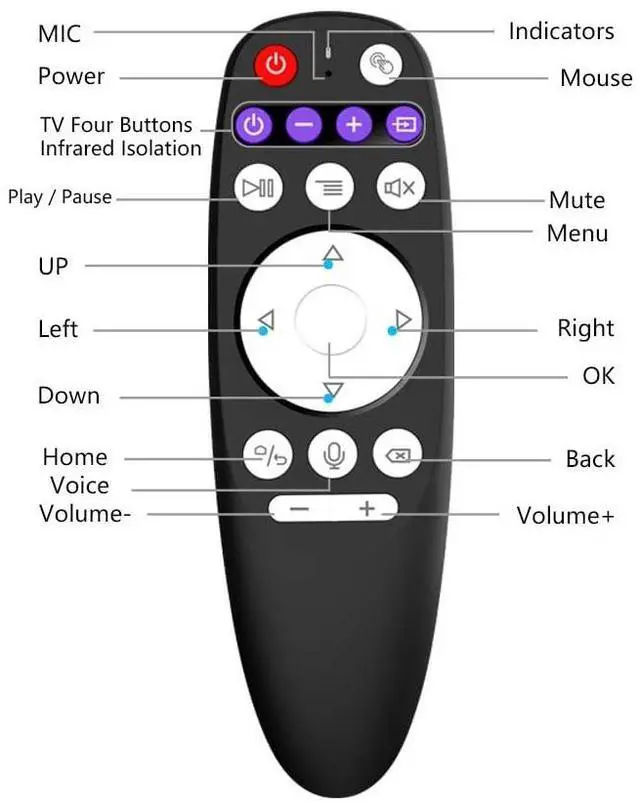
Multifunctional control panel
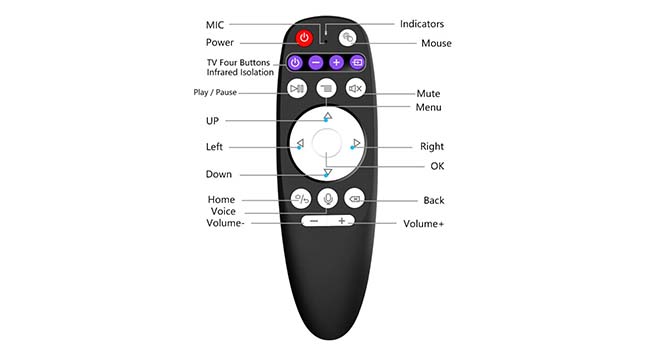
Multifunctional control panel
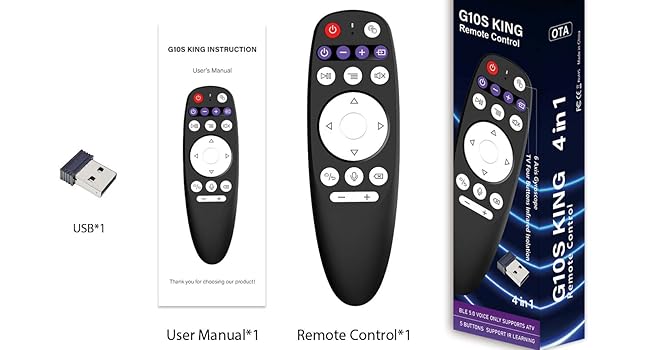
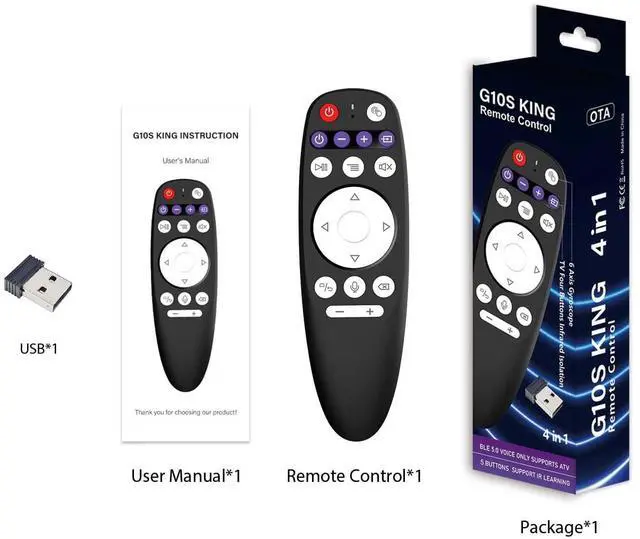
Accessories
G10S King Remote Control Specifications
G10S King Remote Control
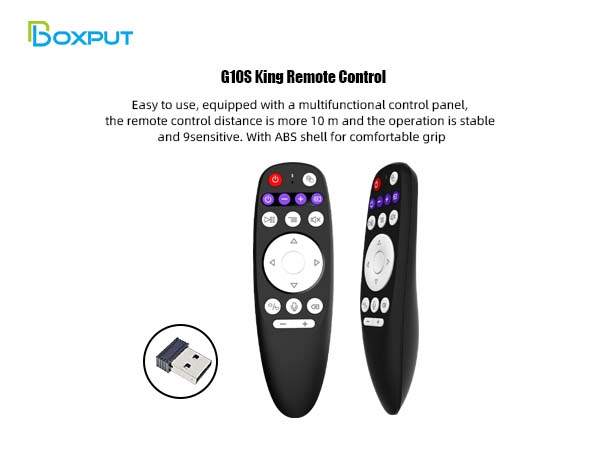
Bluetooth Pairing
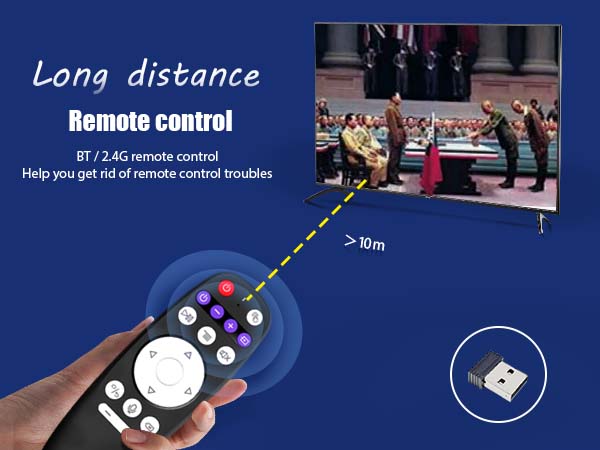
- 1. To pair another new device, press “OK” and “Back” at the same time till the light flashes.
- 2. Keep the remote control within 1 meter of the device for faster pairing.
- 3. Open Bluetooth searching, and pair with “G10S King”.
IR Learning (All buttons)
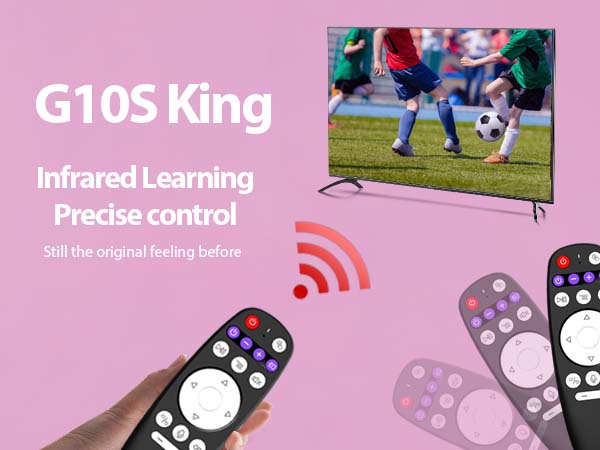
1. Press the button that needs to learn for 8 seconds till the indicator light is always on after flashing, then release.
2. Align the IR, and press the button that would be learned, it shows success when the indicator light flashes.
3. Repeat 1~2 to learn the other buttons.
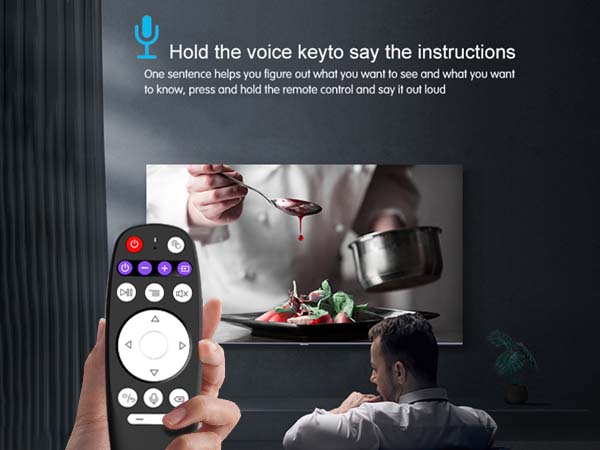
Smart Voice Functionality
Multifunctional control panel
Multifunctional control panel
Accessories
G10S King Remote Control Specifications
| Transmission method | BT+2.4G |
|---|---|
| Distance | 8-10m |
| Number of keys | 19 kdys |
| Battery Type | ABS and sillicone |
| Size | 145*46*30mm |
| Weight | 55g |
| Voice remote control | YES |
| Gyroscope | YES |
| Backlight | NO |
| Certification | FCC CE RoHS |
| Battery Type | AAA*2 |
| Infrared learning | Power key +TV 4 Buttons Infrared lsolation |