here!
I’m your shopping assistant for PC builds, upgrades, and everything tech.
Got questions? Ask away!
Start a conversation
here!
I’m your shopping assistant for PC builds, upgrades, and everything tech.
Got questions? Ask away!
Start a conversation



Any questions? Ask CelesteSM will help you find out quickly.
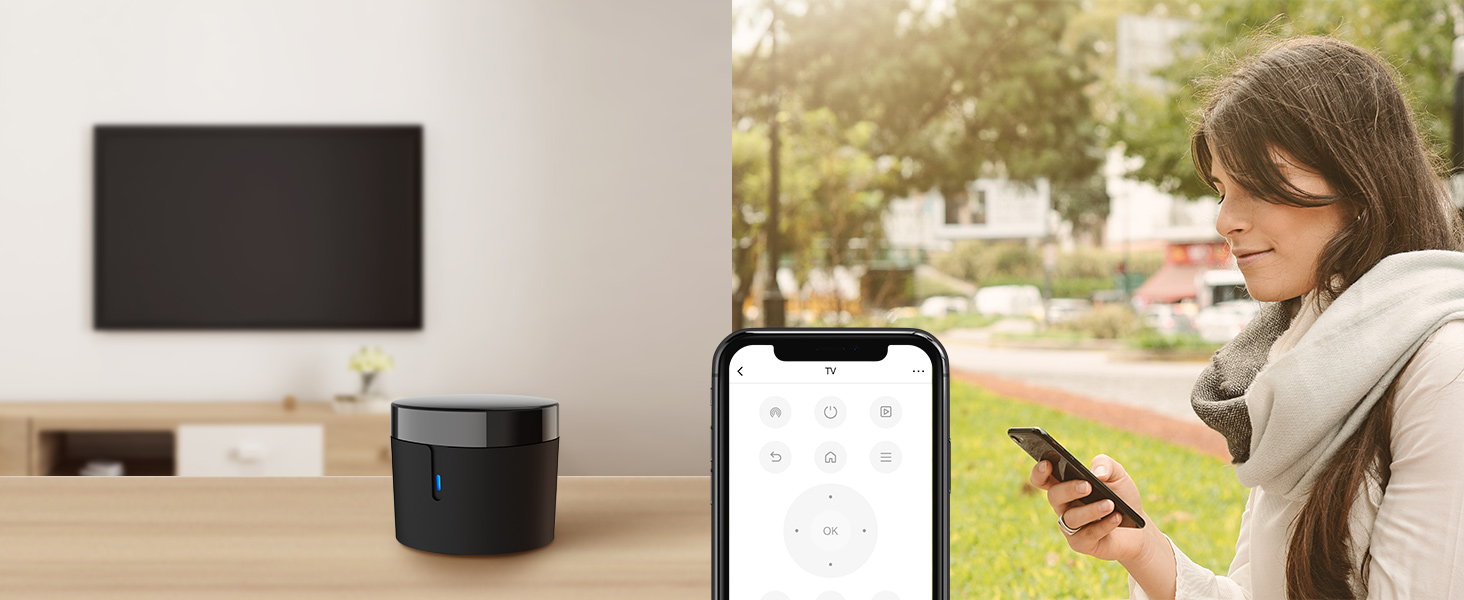
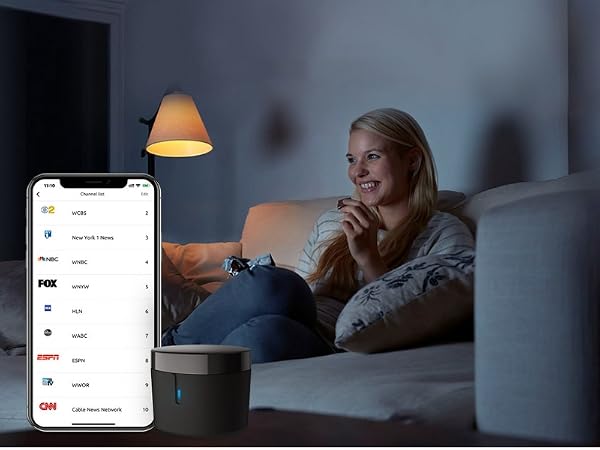
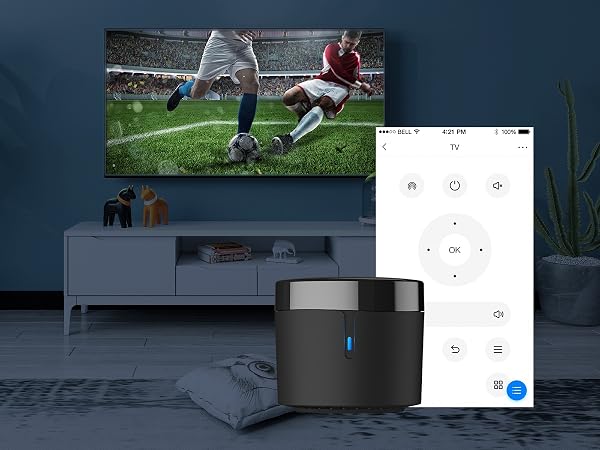
Control your home's IR devices from anywhere, anytime with the Broadlink APP.
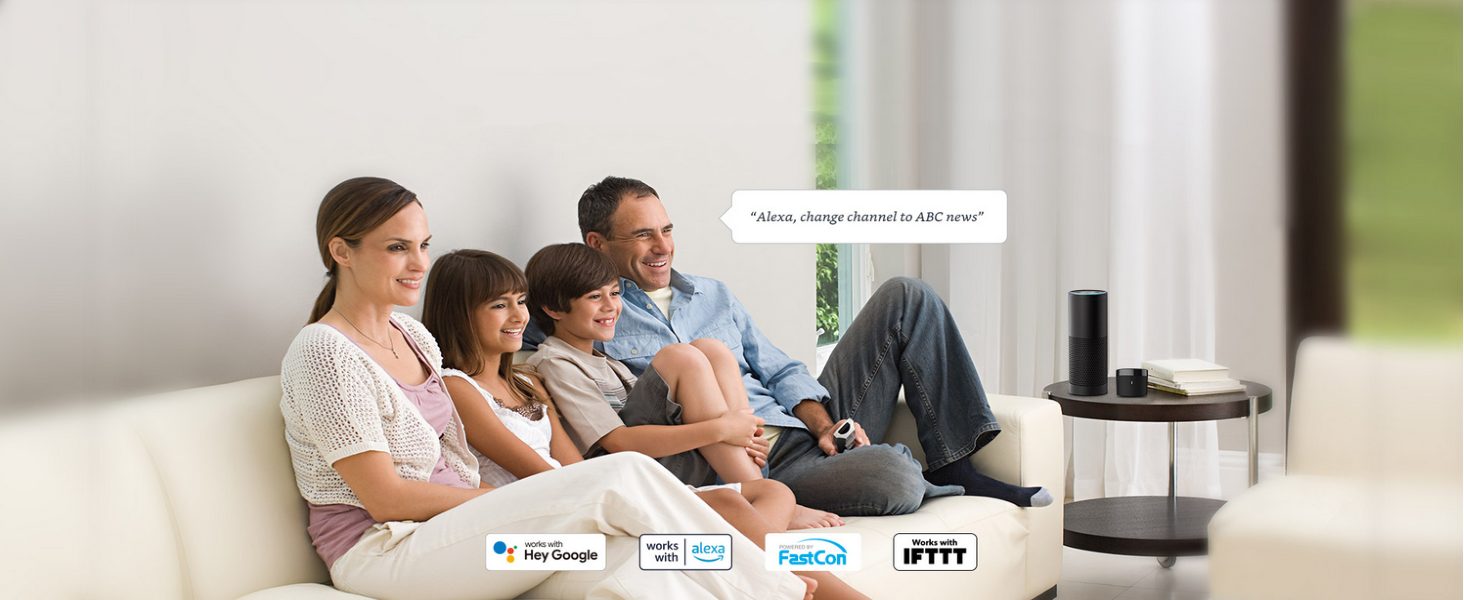
When paired with Alexa/Google Assistant, you can control your device with hands-free voice control.
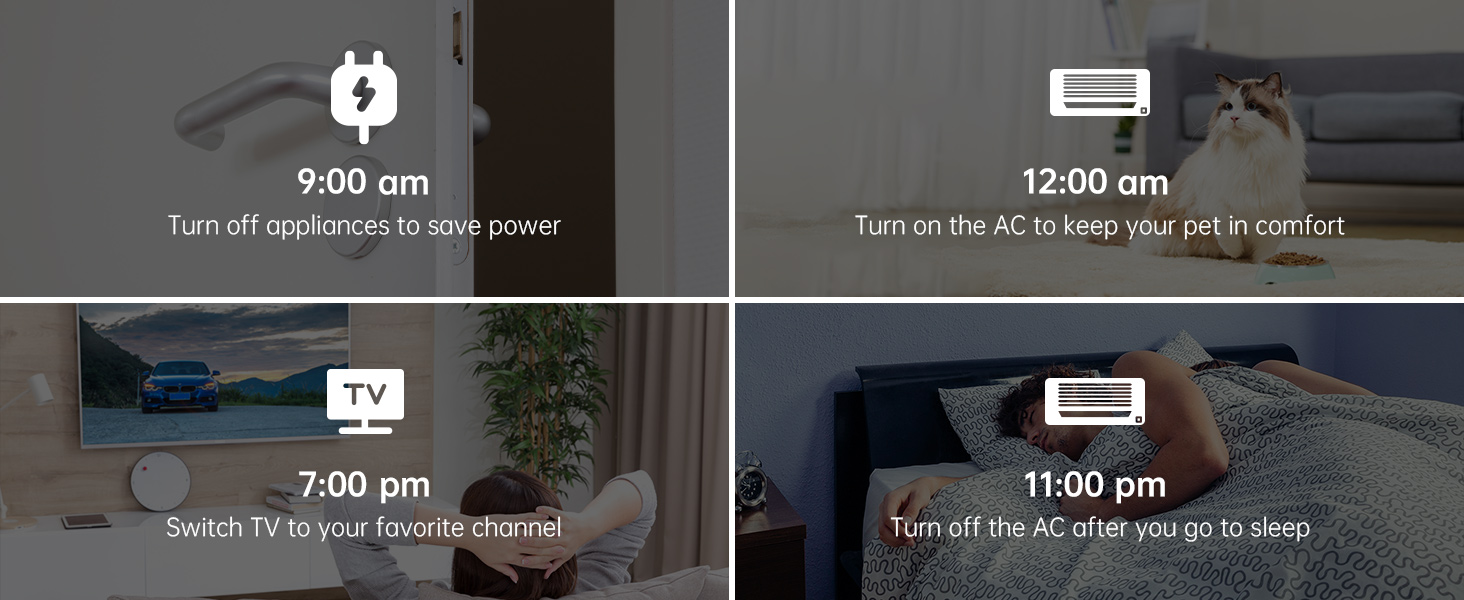
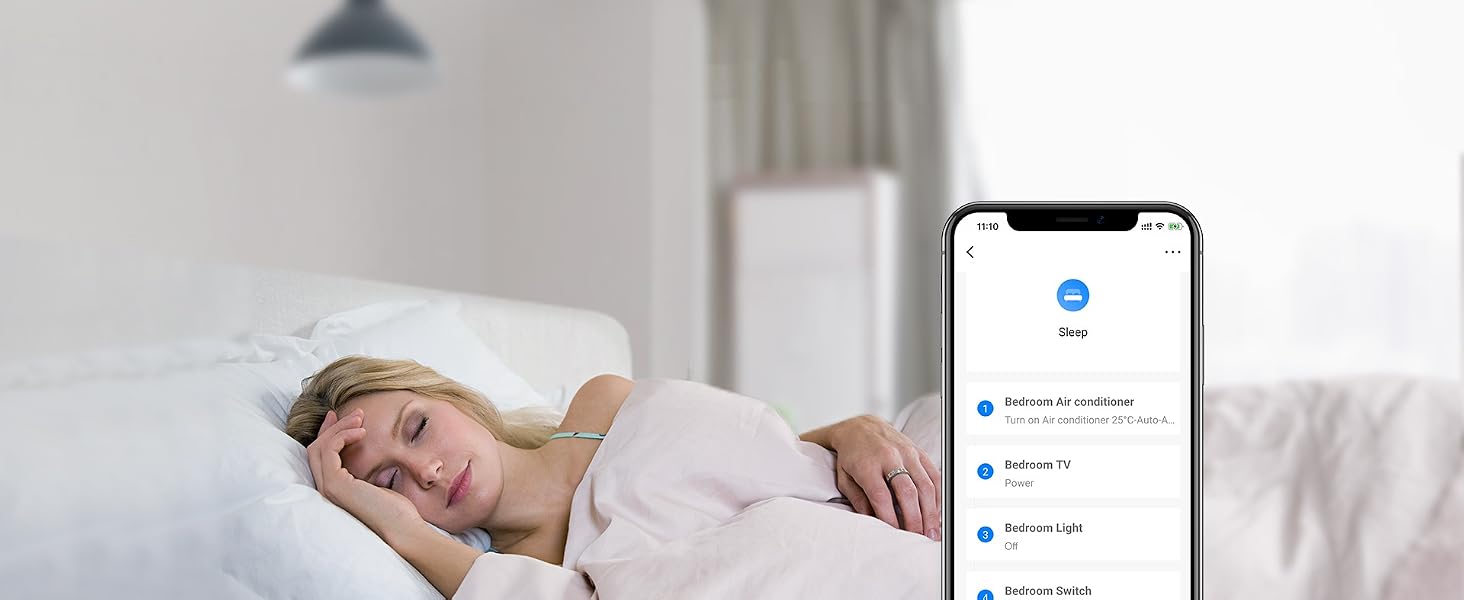
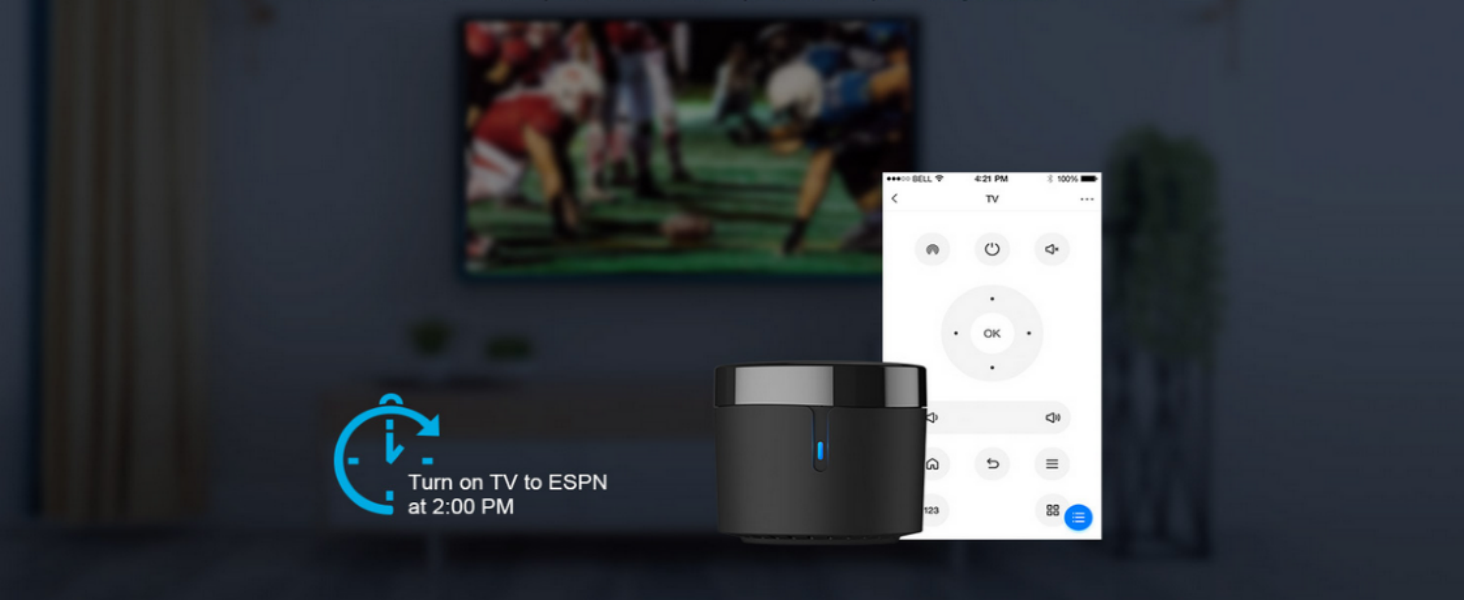
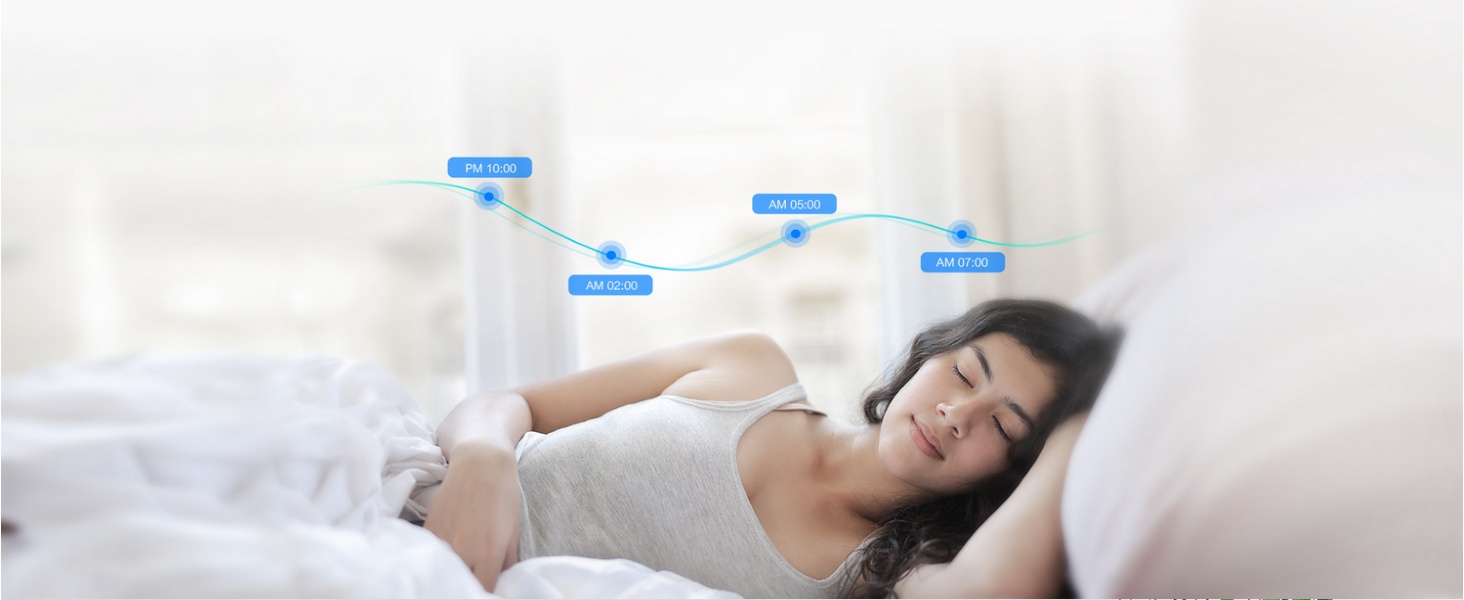
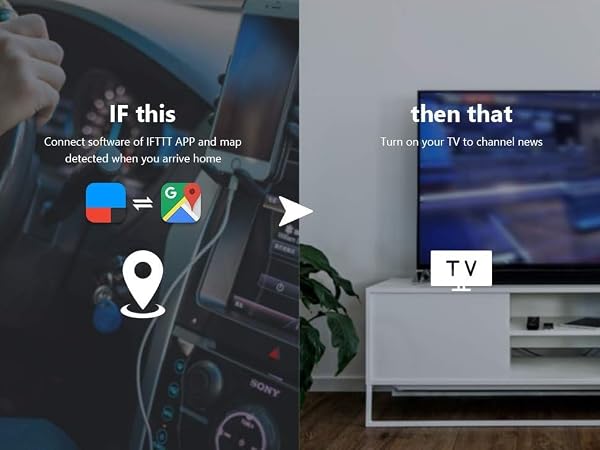
Customize different scenes with one-click option for sleep scene, morning scene, away scene and more
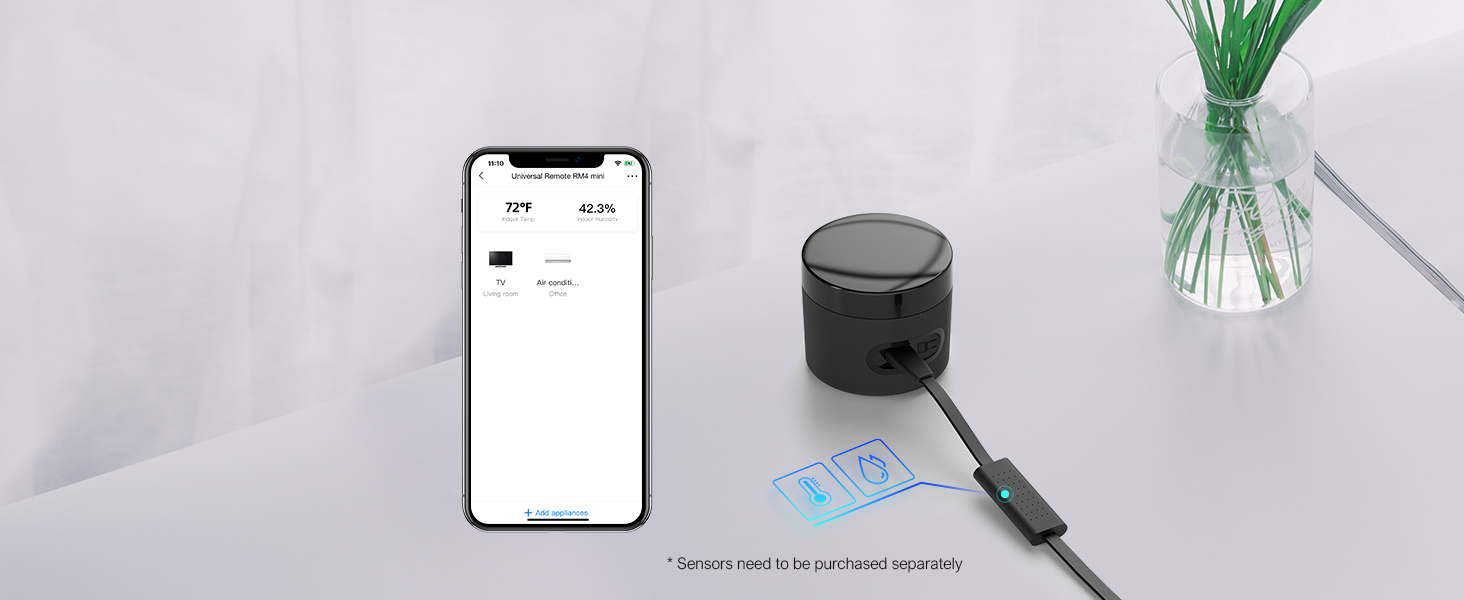
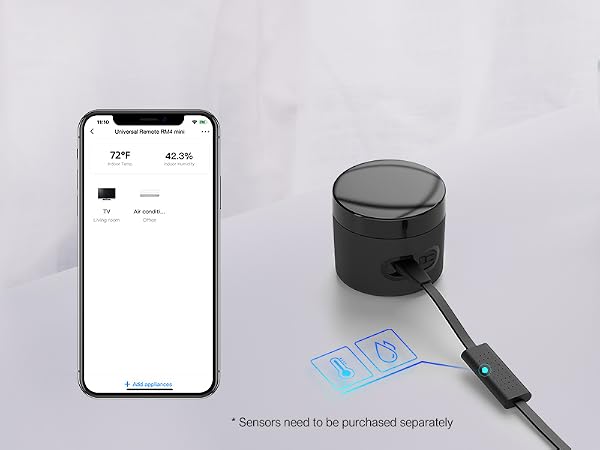
Real time data displayed in APP allowed you to check your room temperature and humidity anywhere.
BroadLink APP
Easily set up and control all infrared devices via the app. Create and manage scenes to suit your lifestyle.
If you have an Android phone with a built-in IR transmitter, you can test compatibility by using the app's built-in function to send infrared signals from your phone.
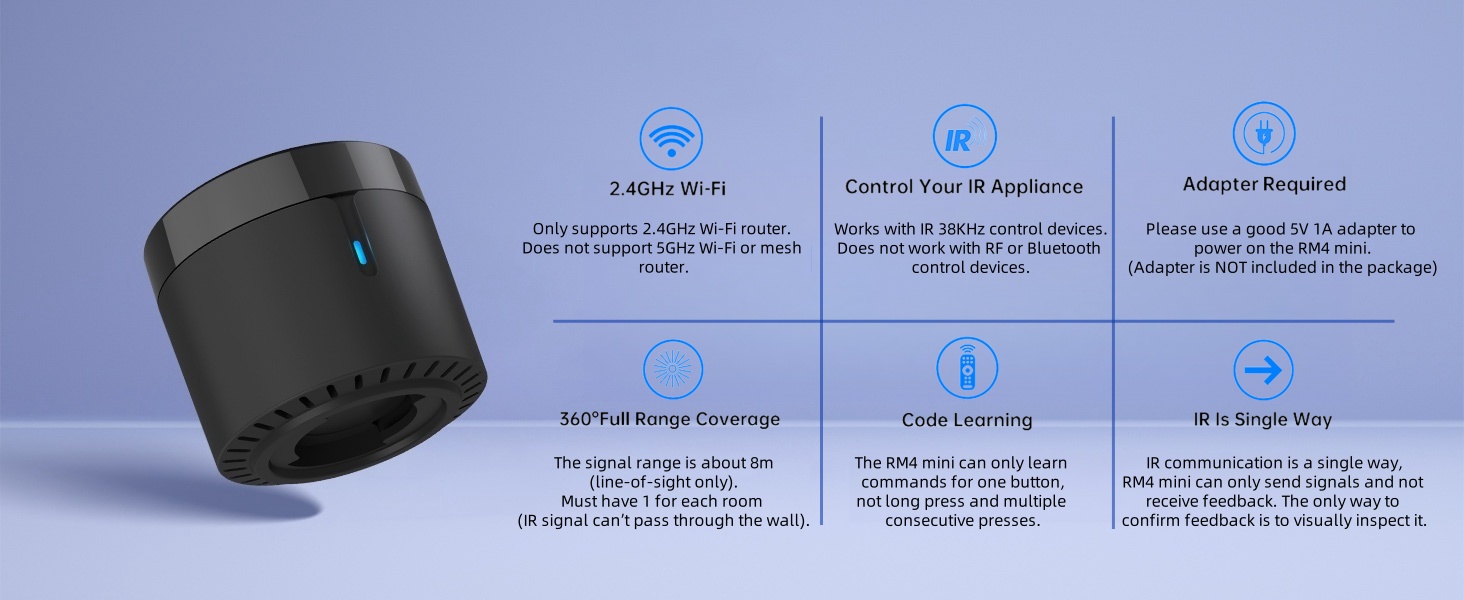
Note: RM4 mini only supports 2.4 GHz (NOT 5 GHz) Wi-Fi to configure in the app.
Search for "BroadLink" on App Store.
Register an account and log in to the Broadlink APP.
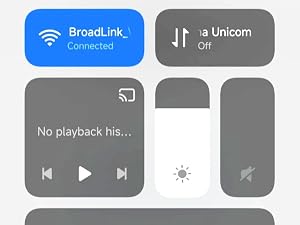
Go to the home page on APP, tap "Add device" and follow the instructions.
Disable mobile data traffic, select the device AP and stay connected to it.
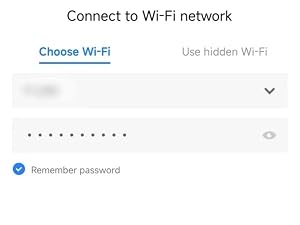
Choose you home Wi-Fi (2.4Ghz Wi-Fi only), input correct Wi-Fi password.
The Wi-Fi password should contain no more than 32 characters.
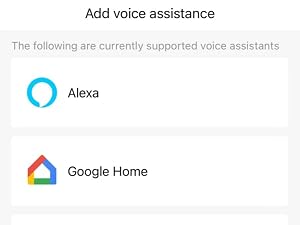
In BroadLink APP, tap "Add Voice Assistant".
In Google/Alexa/IFTTT App, enable the skill/service named "Broadlink", link account and discover devices.
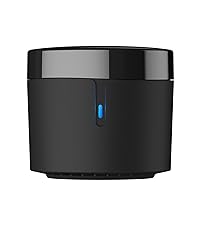 RM4 mini IR Remote | 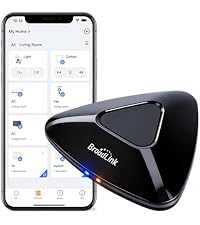 RM MAX Matter |  RM mini3 IR Remote | 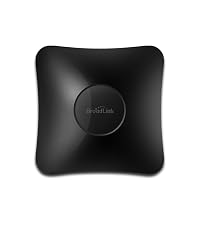 RM4 pro IR / RF Remote |  RM4 pro Sensor Cable Set | 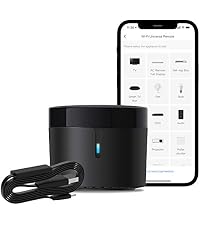 RM4 mini Sensor Cable Set | 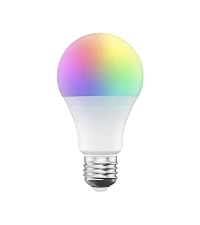 Smart RGB Bulb | |
|---|---|---|---|---|---|---|---|
Customer Reviews | — | — | — | — | — | — | — |
Price | — | — | — | — | — | — | — |
Model | RM4 mini | RM MAX | RM mini3 | RM4 pro | RM4 pro S | RM4 mini S | LB26R1 |
Function | Control IR appliances | Control IR, RF appliances | Control IR appliances | Control IR, RF appliances | Control IR, RF appliances | Control IR appliances | Wifi controlled RGB Lighting |
Remote Control | ? | ? | ? | ? | ? | ? | ? |
Voice Control | ? | ? | ? | ? | ? | ? | ? |
Support Sensor Cable | ? | ? | ? | ? | ? | ? | ? |
USB Cable Type | Regular Power Cable | USB Type-C | Regular Power Cable | Regular Power Cable | Temperature Humidity Sensor | Temperature Humidity Sensor | No Cable |
Why can't it connect to the APP / Wi-Fi ?
Broadlink RM4 mini only support 2.4 GHz Wi-Fi for configuration, does not support 5 GHz or mesh router.
Please check whether the frequency in the router setting is 2.4GHz, and make sure the length of Wi-Fi password does not exceed 32 characters.
Broadlink database list doesn't have my AC model, what should I do?
Sorry there is no option available for your appliance.
Please choose “Learn remote" to create a remote, tap the buttons on the original remote to let the RM4 mini learn the commands. Then you will be able to control the appliance after learning.
Is my appliance compatible with the RM4mini?
RM4mini supports IR 38KHz control devices, does not support Bluetooth or RF. Please check the manual of your appliance or consult the manufacturer to confirm.
How to tell if my remote is infrared or Bluetooth
1) Infrared remote has an infrared emitter (crystal head) on the top of itself, you need to point the emitter at the device when use it;
2) Bluetooth remote does not have an infrared emitter, and it usually needs to be matched before first use.
It can't control my IR device stably, what should I do?
The IR signal can't go through the wall, please check and make sure the device is close to your appliance and there is no obstacle in between.

About Us
Launched in 2013, BroadLink focuses on smart home control, bringing a convenient and smart lifestyle to over 2 million customers.
Users can control their appliances, lights through smart phones from anywhere, anytime.
We have been working in the field of smart universal remotes, smart bulbs and sensors for more than 10 years, bringing the smart home into a new era with real zero-setup and auto-networking.
Faster Setup. Offline Local Control.
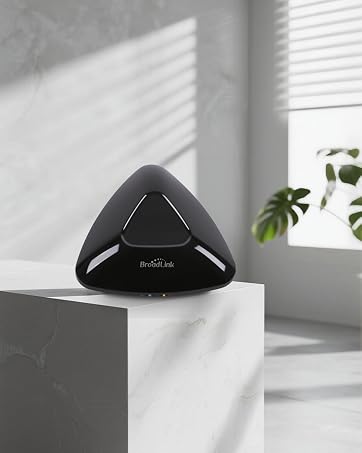
Our next-gen smart hub for IR and RF control.
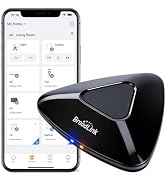
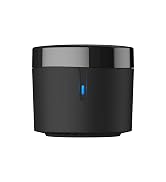
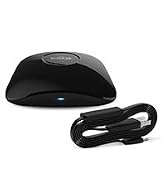

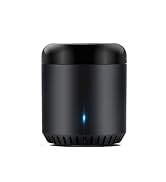
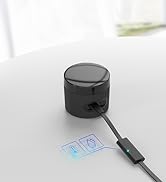
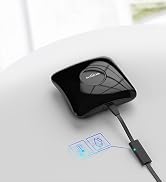
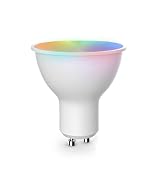
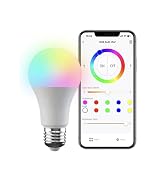
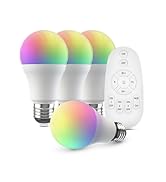

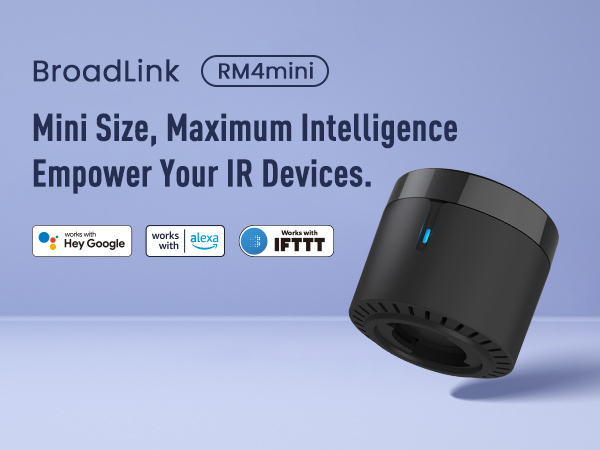
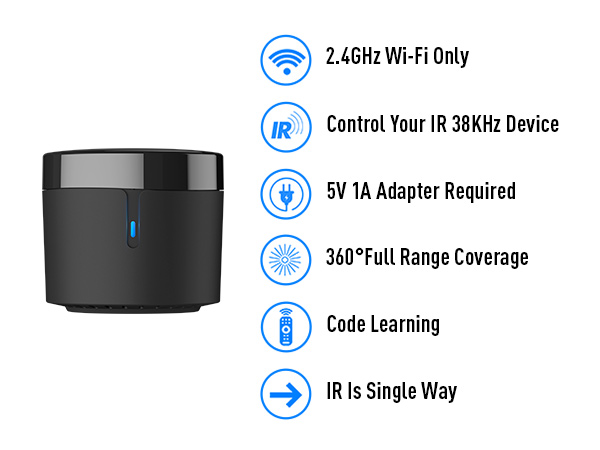
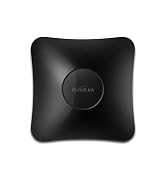
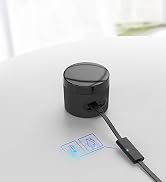
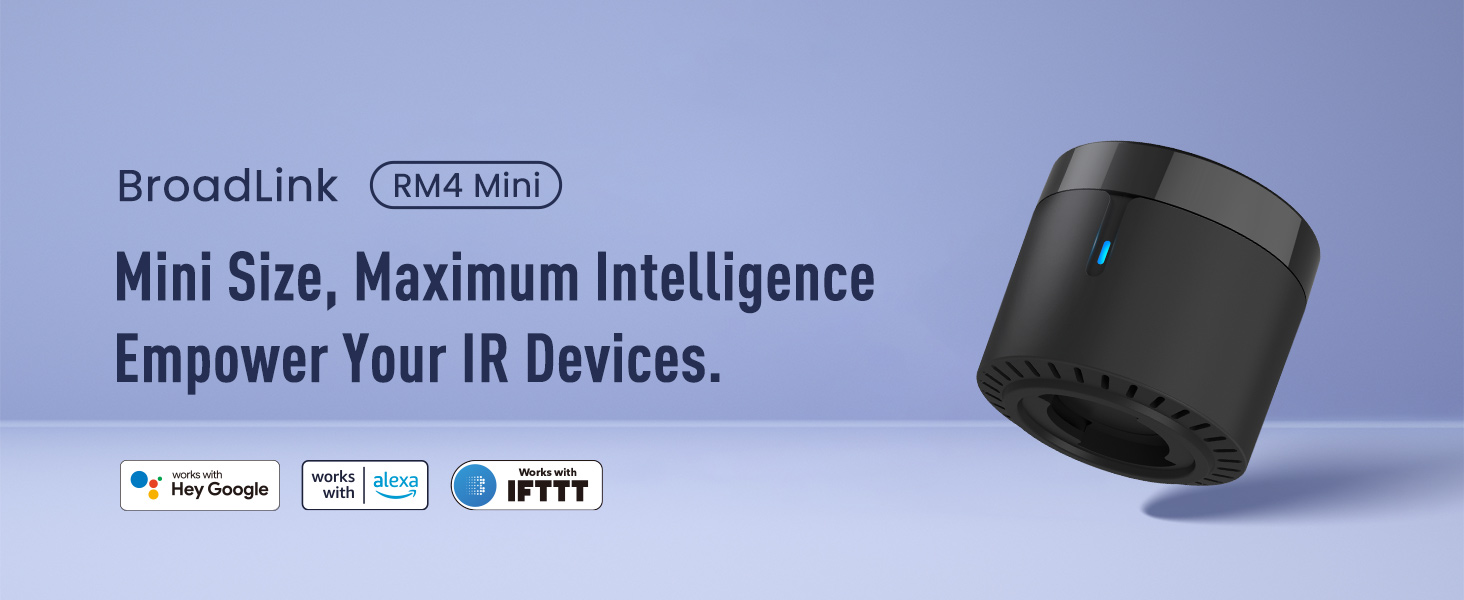
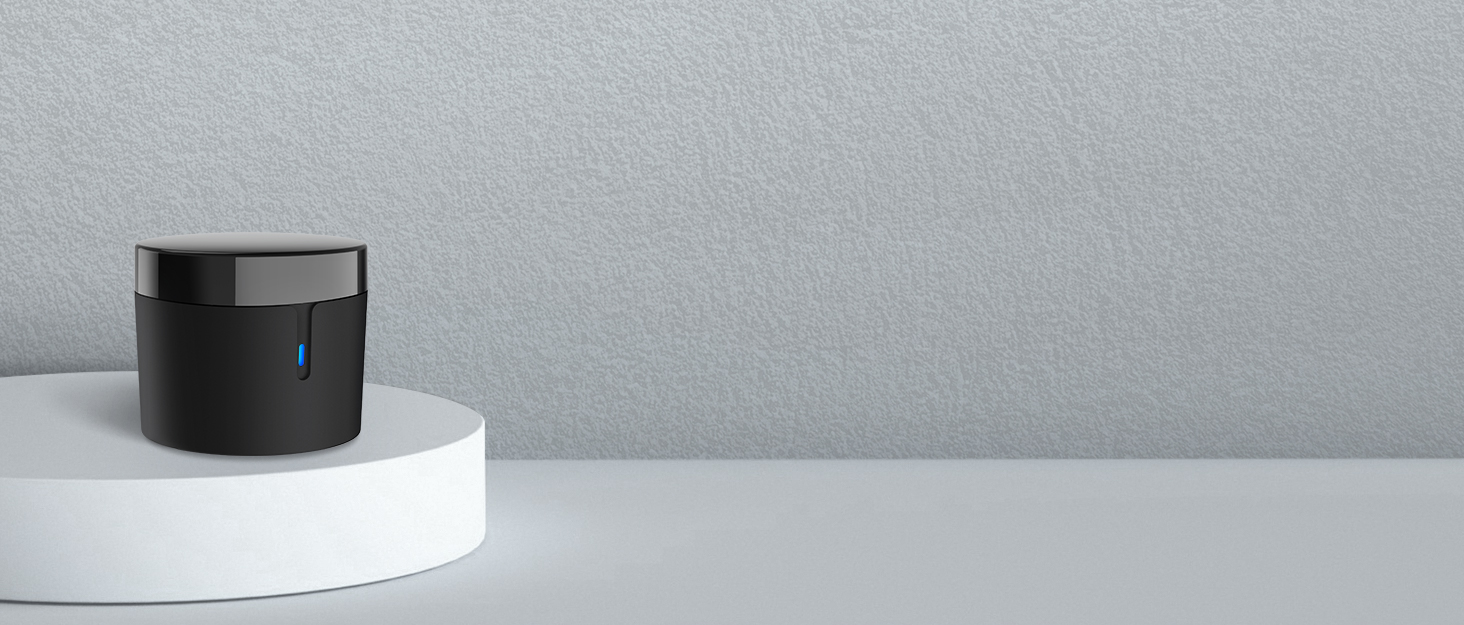
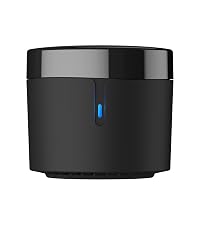
BroadLink RM4 mini Wi-Fi IR Universal Remote, control all your IR 38KHz devices.
Say goodbye to multiple remotes and hello to an organized smart home.
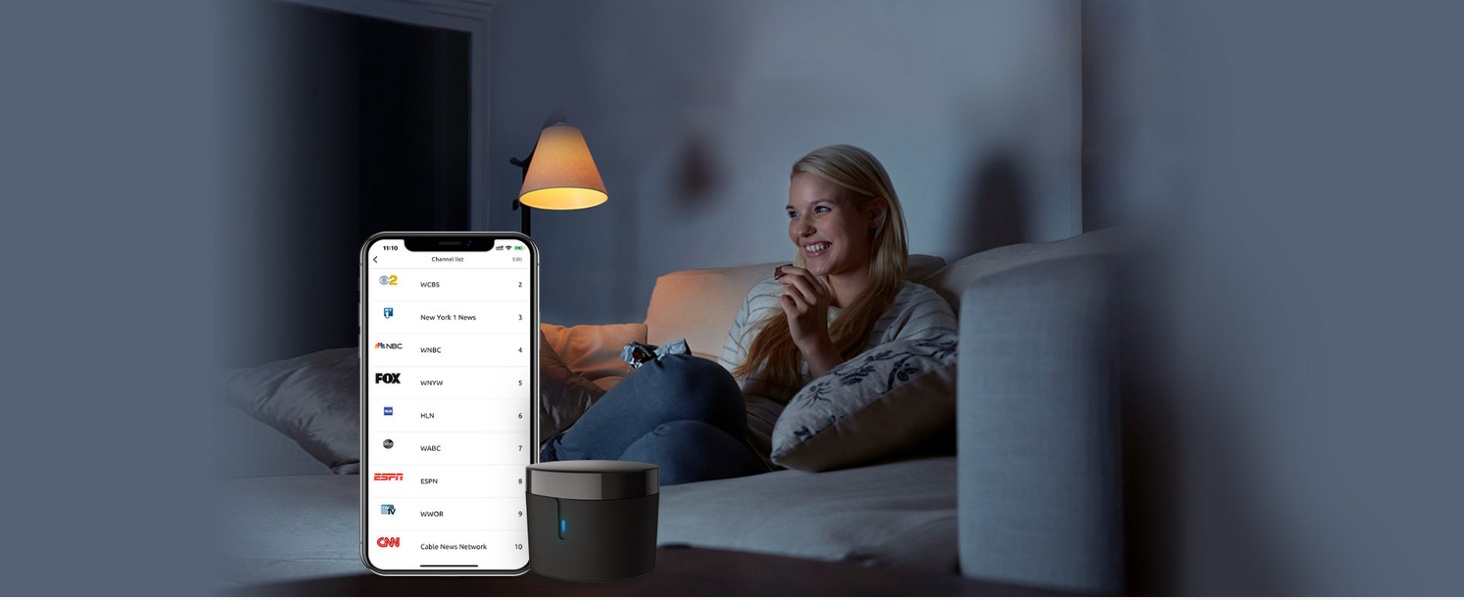
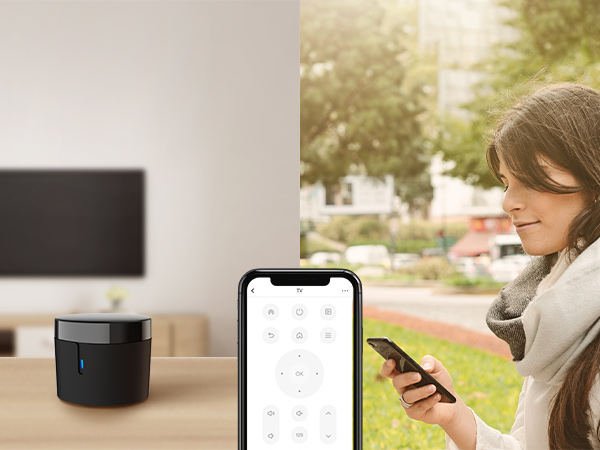
RM4 mini turns your smartphone into a universal remote and integrates control of home automation devices in one easy-to-use app BroadLink.
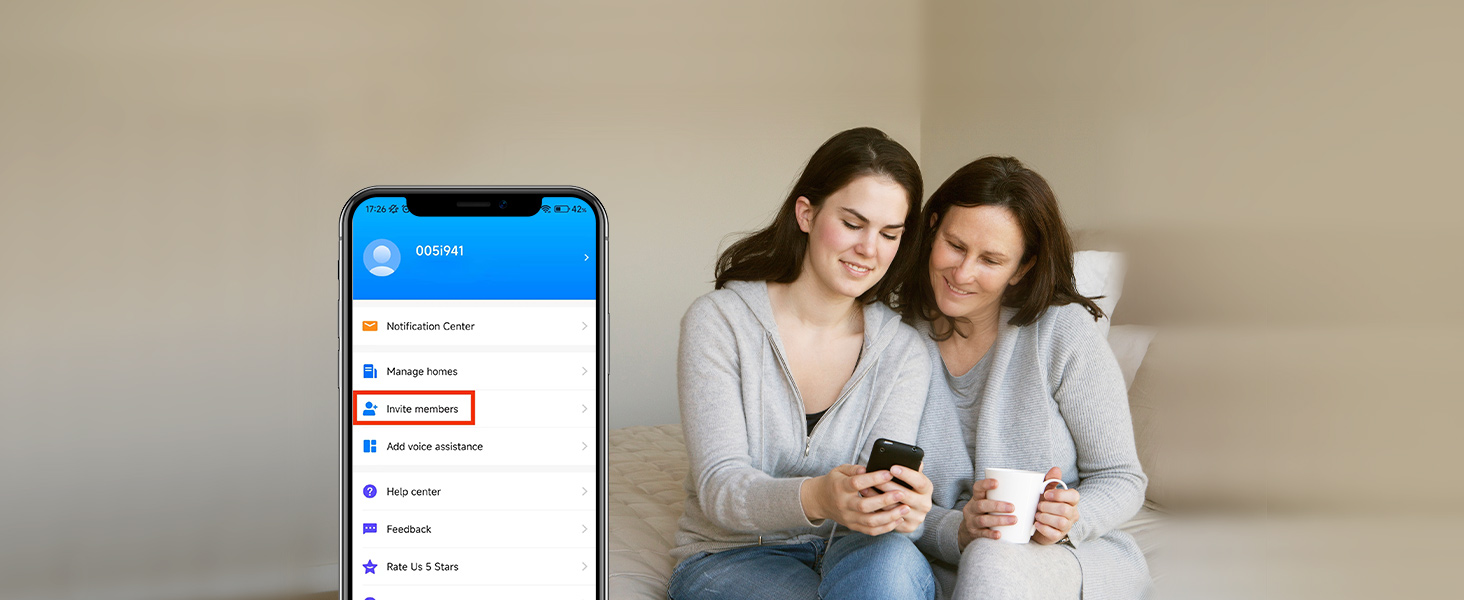
Control your home's IR devices from anywhere, anytime with the Broadlink APP.
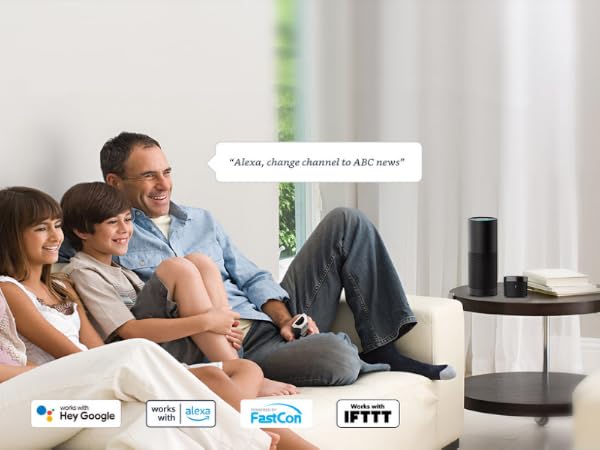
When paired with Alexa/Google Assistant, you can control your device with hands-free voice control.
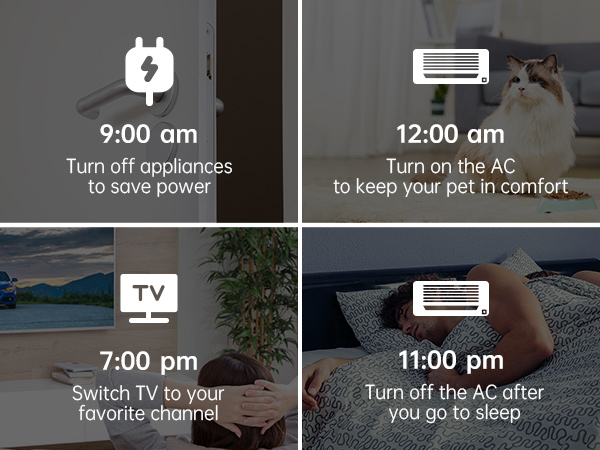
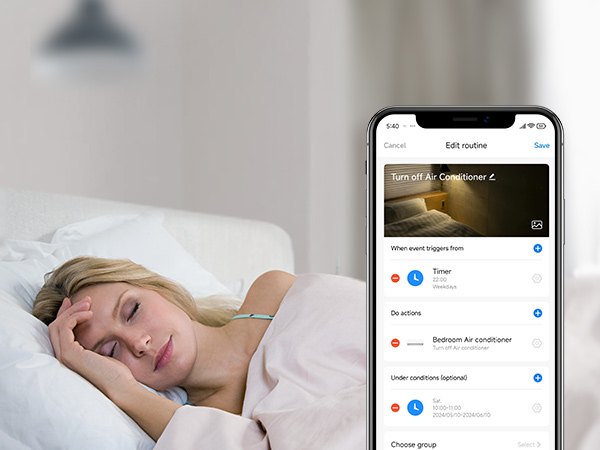
Customize different scenes with one-click option for sleep scene, morning scene, away scene and more
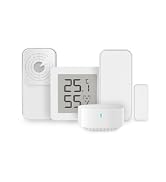
Real time data displayed in APP allowed you to check your room temperature and humidity anywhere.

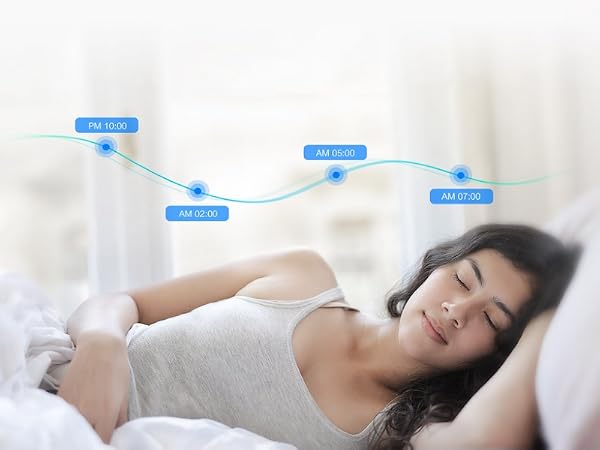
BroadLink APP
Easily set up and control all infrared devices via the app. Create and manage scenes to suit your lifestyle.
If you have an Android phone with a built-in IR transmitter, you can test compatibility by using the app's built-in function to send infrared signals from your phone.
Note: RM4 mini only supports 2.4 GHz (NOT 5 GHz) Wi-Fi to configure in the app.
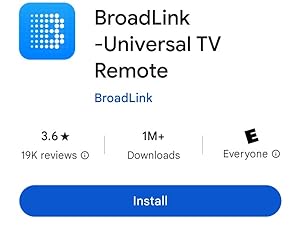
Search for "BroadLink" on App Store.
Register an account and log in to the Broadlink APP.
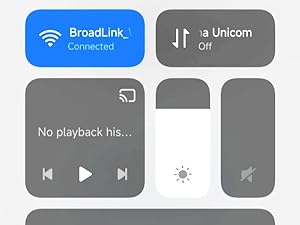
Go to the home page on APP, tap "Add device" and follow the instructions.
Disable mobile data traffic, select the device AP and stay connected to it.
Choose you home Wi-Fi (2.4Ghz Wi-Fi only), input correct Wi-Fi password.
The Wi-Fi password should contain no more than 32 characters.
In BroadLink APP, tap "Add Voice Assistant".
In Google/Alexa/IFTTT App, enable the skill/service named "Broadlink", link account and discover devices.
 RM4 mini IR Remote | RM MAX Matter | RM mini3 IR Remote |  RM4 pro IR / RF Remote | RM4 pro Sensor Cable Set | RM4 mini Sensor Cable Set | Smart RGB Bulb |
|---|---|---|---|---|---|---|
| Customer Reviews | ||||||
| — | — | — | — | — | — | — |
| Price | ||||||
| — | — | — | — | — | — | — |
| Model | ||||||
| RM4 mini | RM MAX | RM mini3 | RM4 pro | RM4 pro S | RM4 mini S | LB26R1 |
| Function | ||||||
| Control IR appliances | Control IR, RF appliances | Control IR appliances | Control IR, RF appliances | Control IR, RF appliances | Control IR appliances | Wifi controlled RGB Lighting |
| Remote Control | ||||||
| ? | ? | ? | ? | ? | ? | ? |
| Voice Control | ||||||
| ? | ? | ? | ? | ? | ? | ? |
| Support Sensor Cable | ||||||
| ? | ? | ? | ? | ? | ? | ? |
| USB Cable Type | ||||||
| Regular Power Cable | USB Type-C | Regular Power Cable | Regular Power Cable | Temperature Humidity Sensor | Temperature Humidity Sensor | No Cable |
Why can't it connect to the APP / Wi-Fi ?
Broadlink RM4 mini only support 2.4 GHz Wi-Fi for configuration, does not support 5 GHz or mesh router.
Please check whether the frequency in the router setting is 2.4GHz, and make sure the length of Wi-Fi password does not exceed 32 characters.
Broadlink database list doesn't have my AC model, what should I do?
Sorry there is no option available for your appliance.
Please choose “Learn remote" to create a remote, tap the buttons on the original remote to let the RM4 mini learn the commands. Then you will be able to control the appliance after learning.
Is my appliance compatible with the RM4mini?
RM4mini supports IR 38KHz control devices, does not support Bluetooth or RF. Please check the manual of your appliance or consult the manufacturer to confirm.
How to tell if my remote is infrared or Bluetooth
1) Infrared remote has an infrared emitter (crystal head) on the top of itself, you need to point the emitter at the device when use it;
2) Bluetooth remote does not have an infrared emitter, and it usually needs to be matched before first use.
It can't control my IR device stably, what should I do?
The IR signal can't go through the wall, please check and make sure the device is close to your appliance and there is no obstacle in between.
About Us
Launched in 2013, BroadLink focuses on smart home control, bringing a convenient and smart lifestyle to over 2 million customers.
Users can control their appliances, lights through smart phones from anywhere, anytime.
We have been working in the field of smart universal remotes, smart bulbs and sensors for more than 10 years, bringing the smart home into a new era with real zero-setup and auto-networking.
Faster Setup. Offline Local Control.
Our next-gen smart hub for IR and RF control.