






The Ultimate USB4 Dock in a Travel Size Package
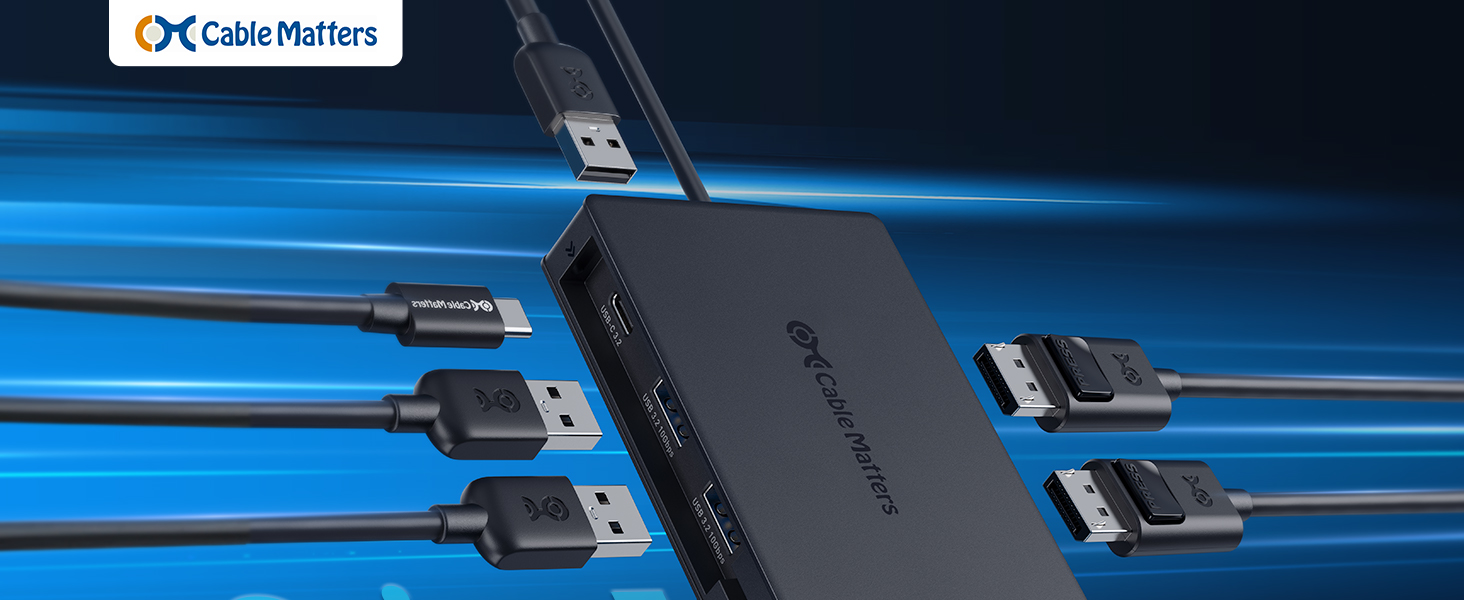
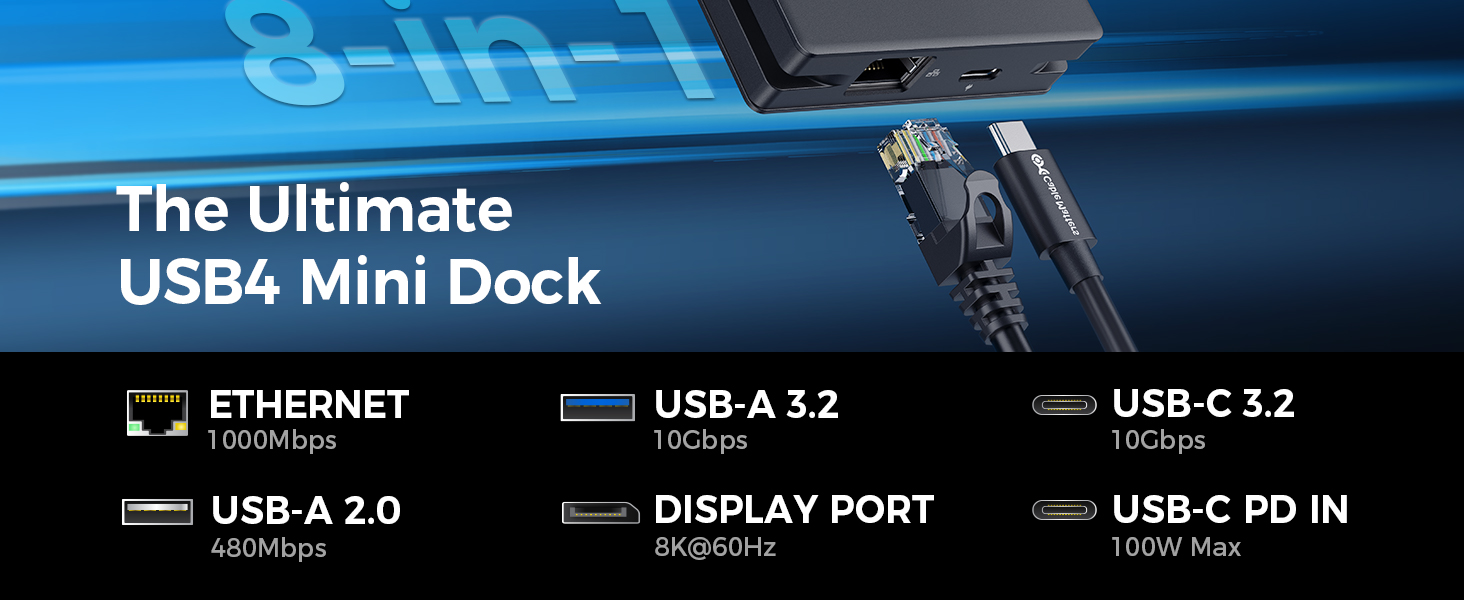
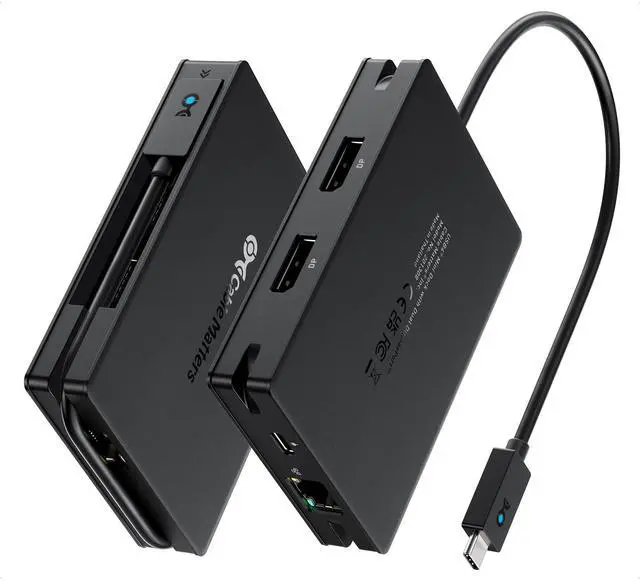
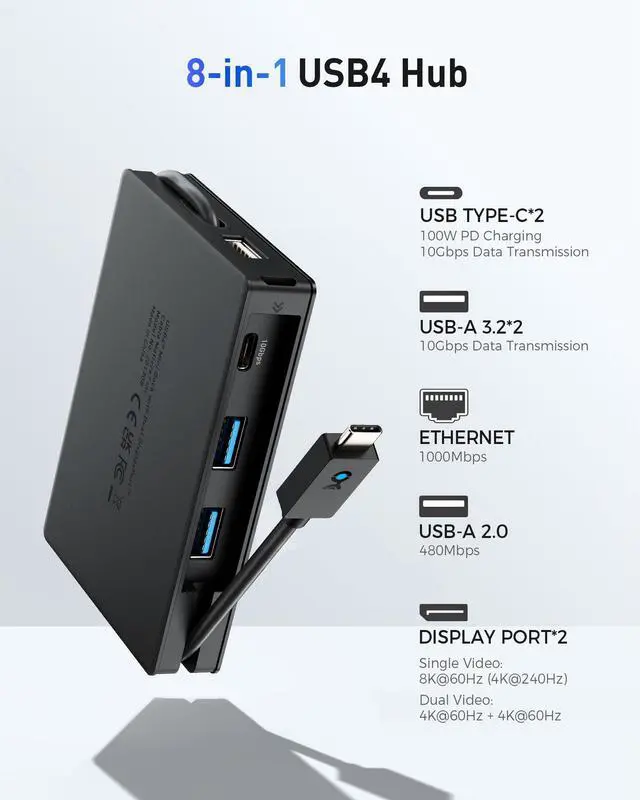
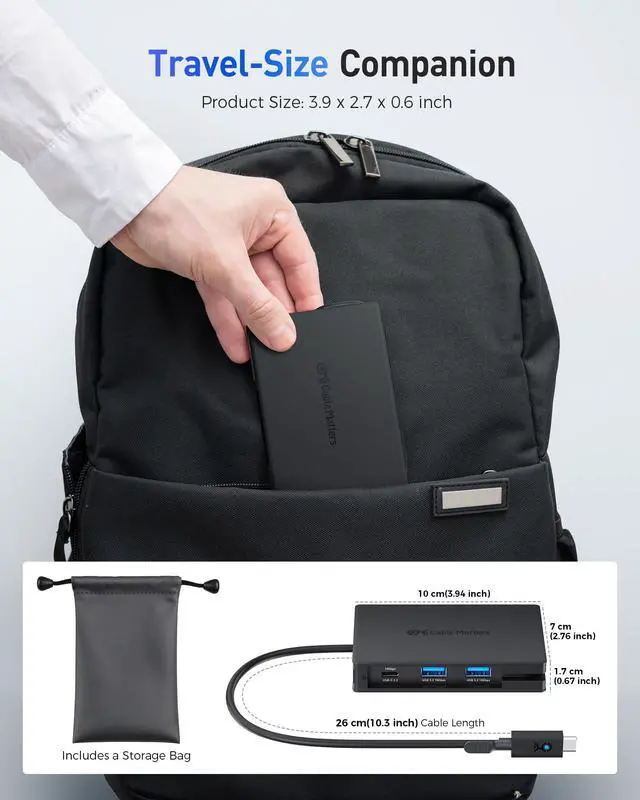
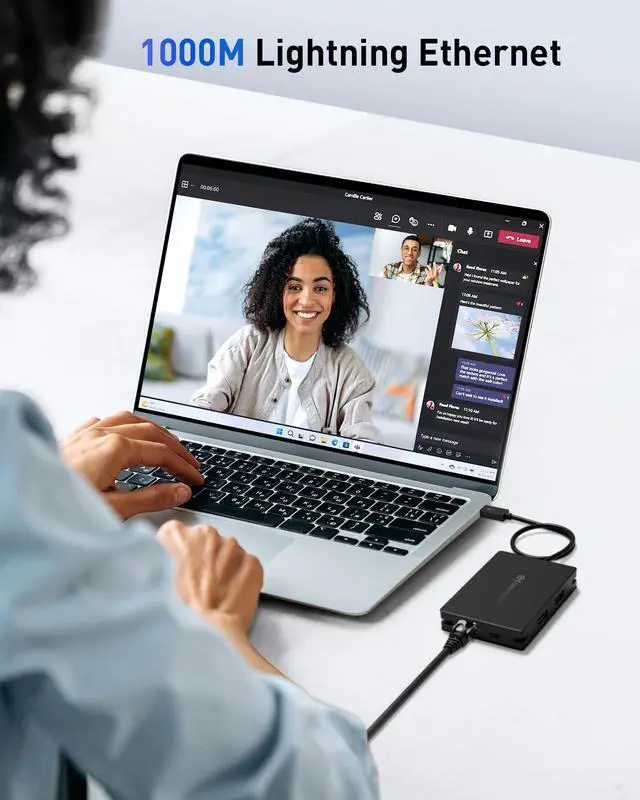
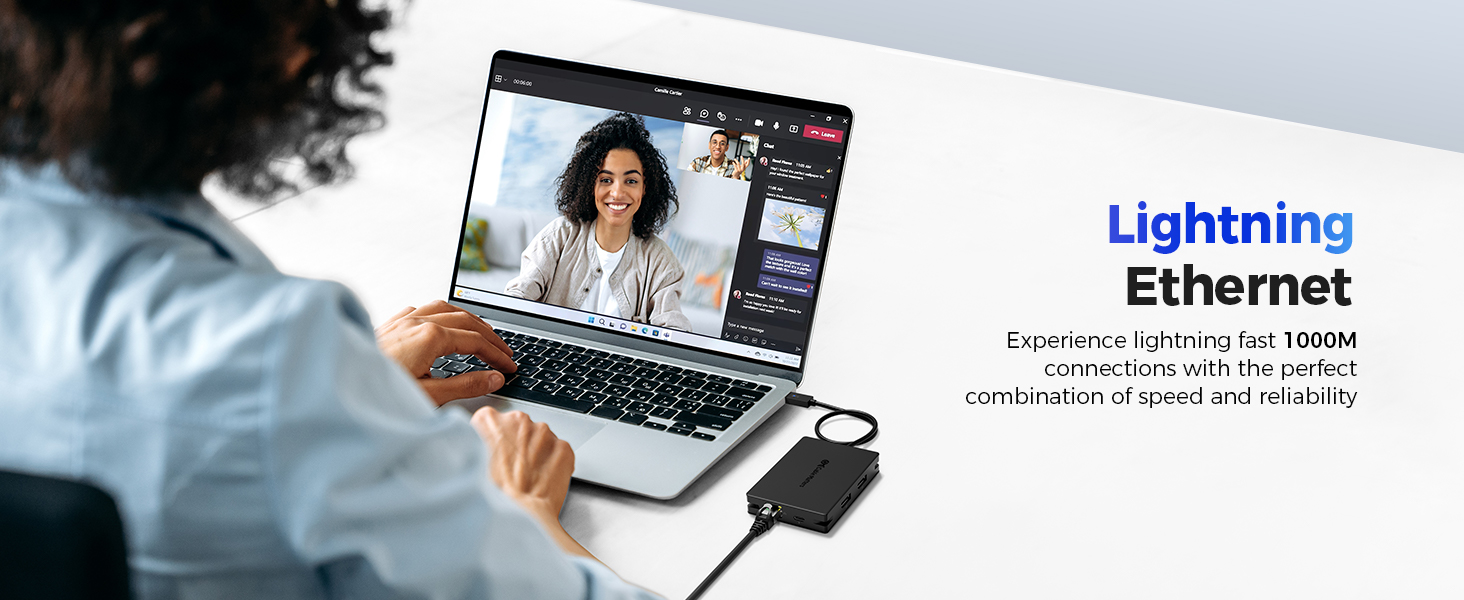
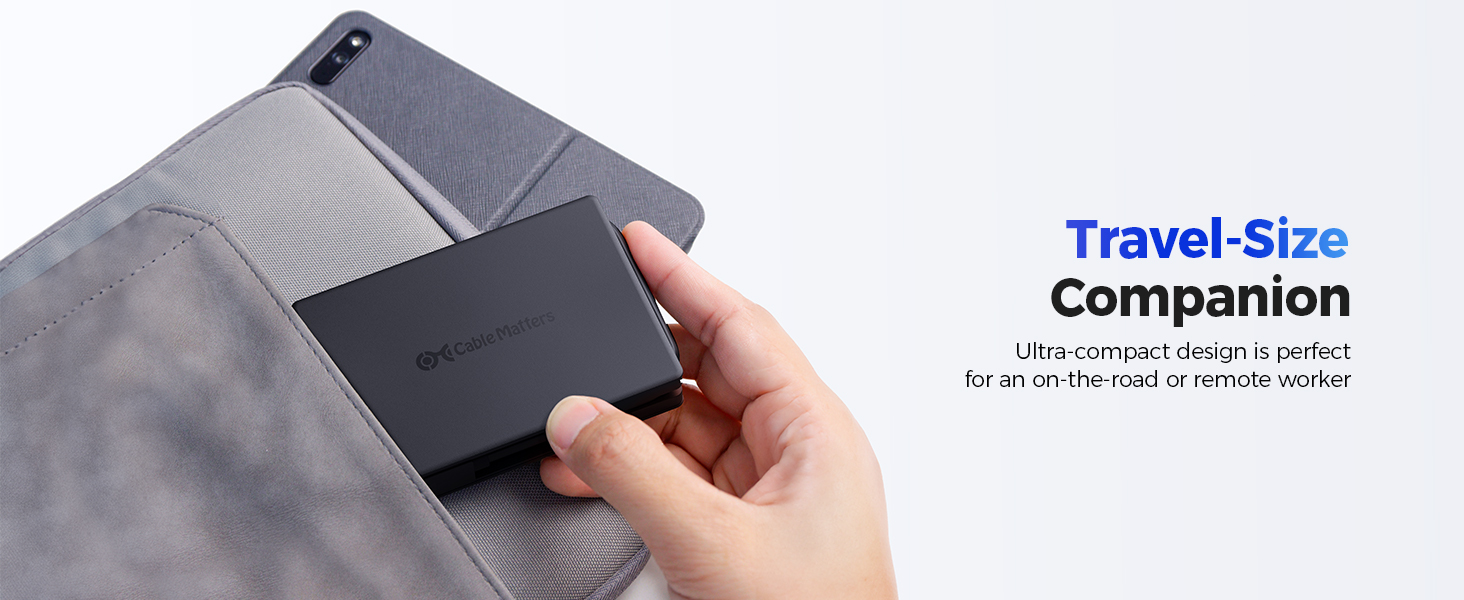
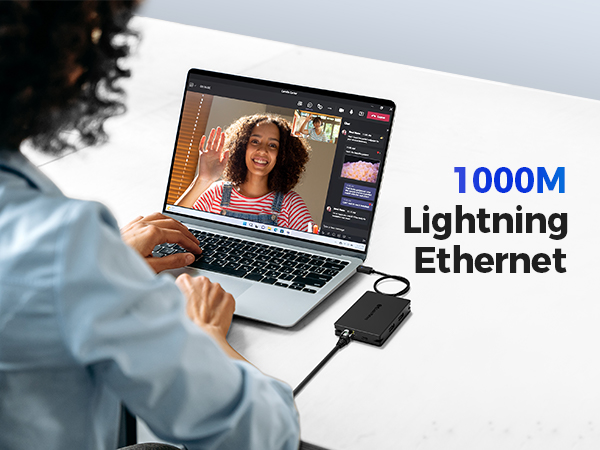
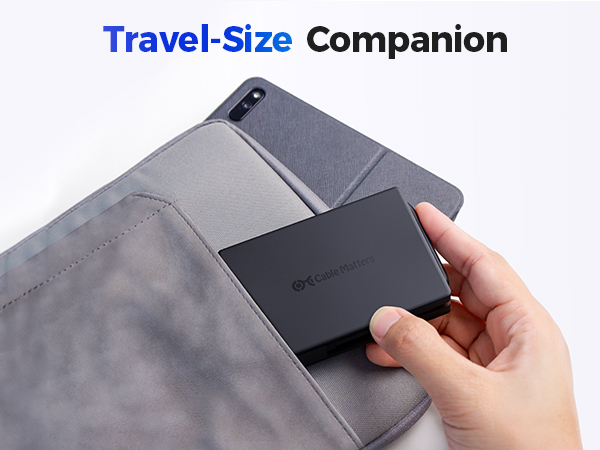
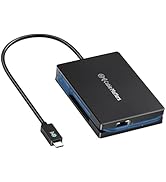
Take your workstation on the go with this compact hub, featuring dual DisplayPort video ports, USB-A and USB-C ports, and Ethernet—all in a lightweight, portable design.
Important Note:
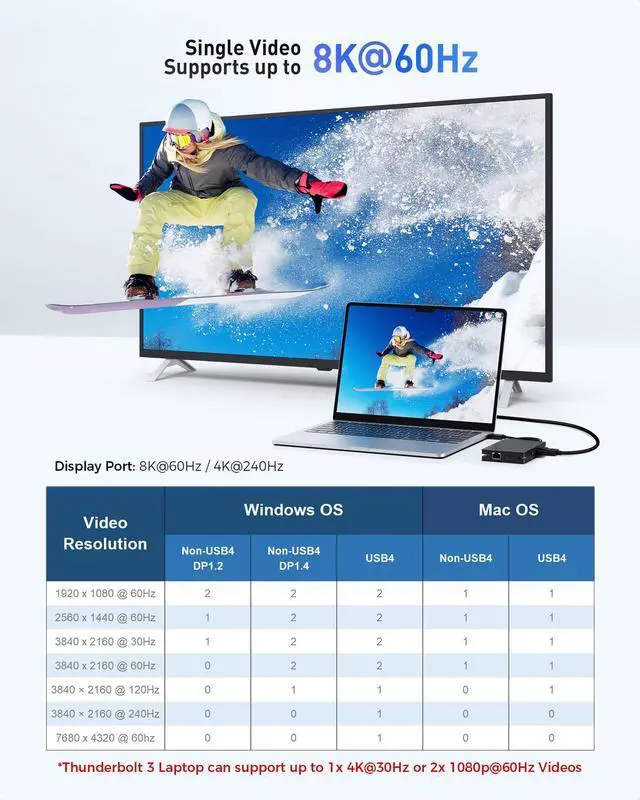
1) Thunderbolt 3 / USB-C Host can support up to 1x 4K@30Hz or 2x 1080p@60Hz Videos.
2) NOT DDC/CI Support
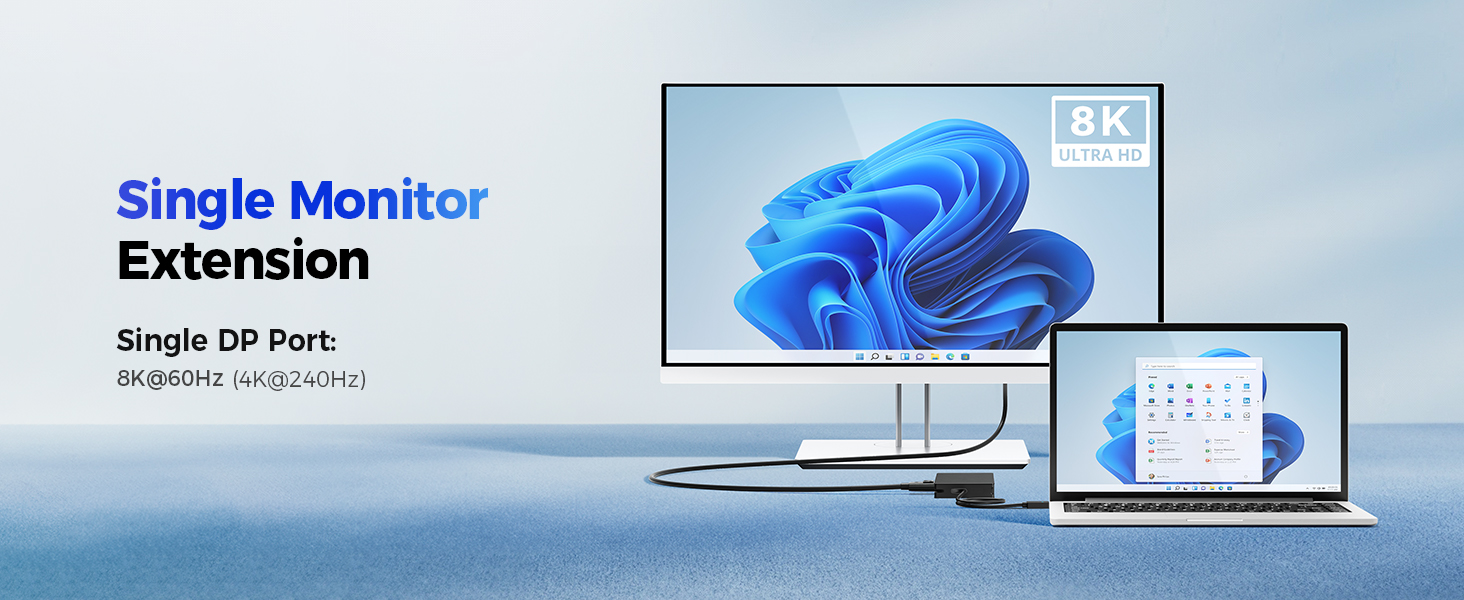
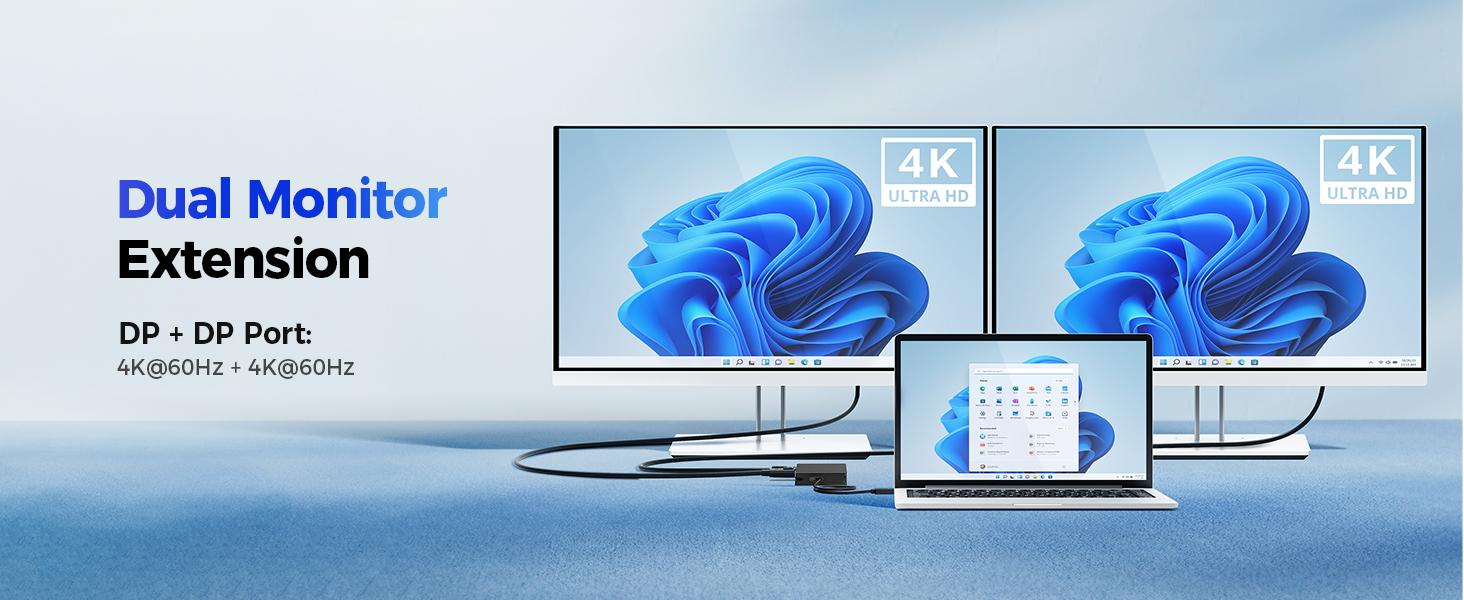
How many external displays can I connect?
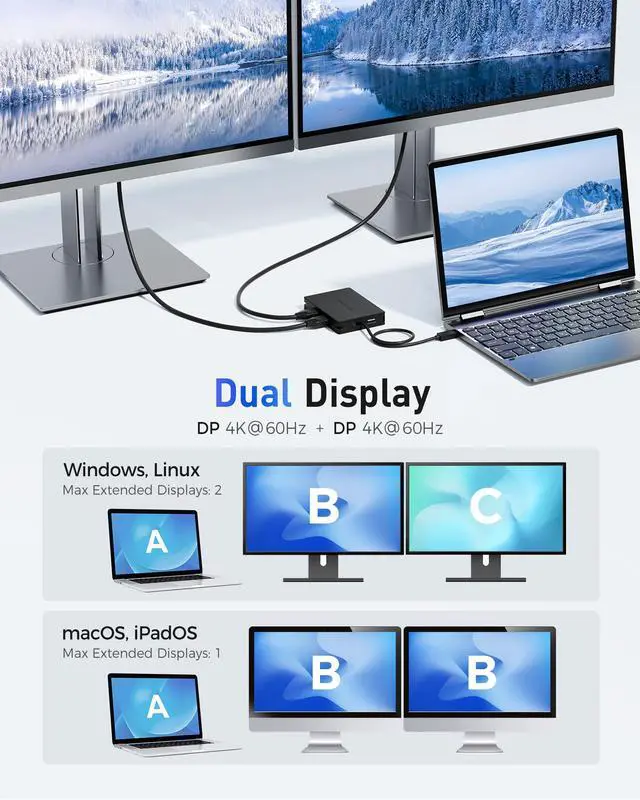
Windows supports up to two 4K@60Hz extended displays. macOS supports only one extended display (or two mirrored). Full resolution depends on connected devices and DisplayPort cable.
Can I achieve 8K or 4K 240Hz as advertised?
Yes — if your laptop, GPU, and monitor all support DisplayPort 1.4 over USB4 or Thunderbolt 4 and you use a certified DP 1.4 cable. Thunderbolt 3/USB-C hosts are limited to single 4K@30Hz or dual 1080p@60Hz.
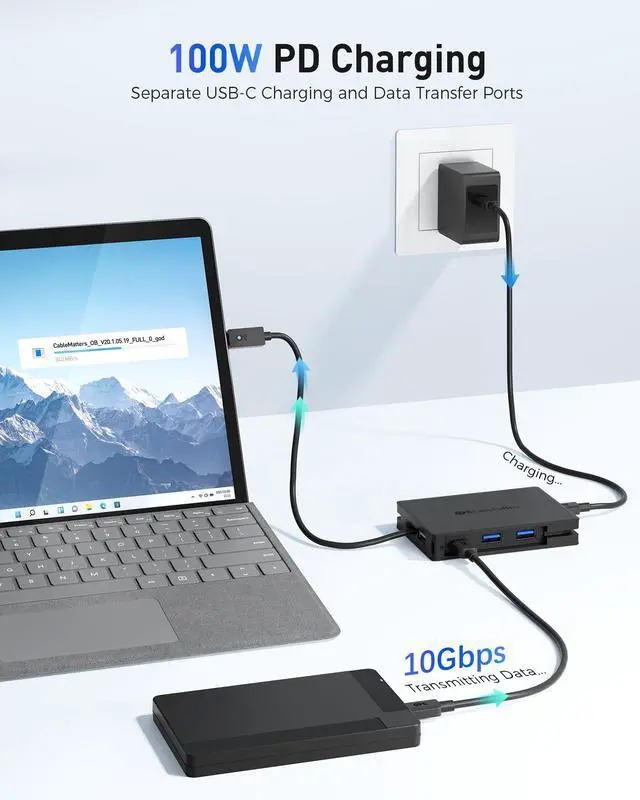
Does this hub require external power?
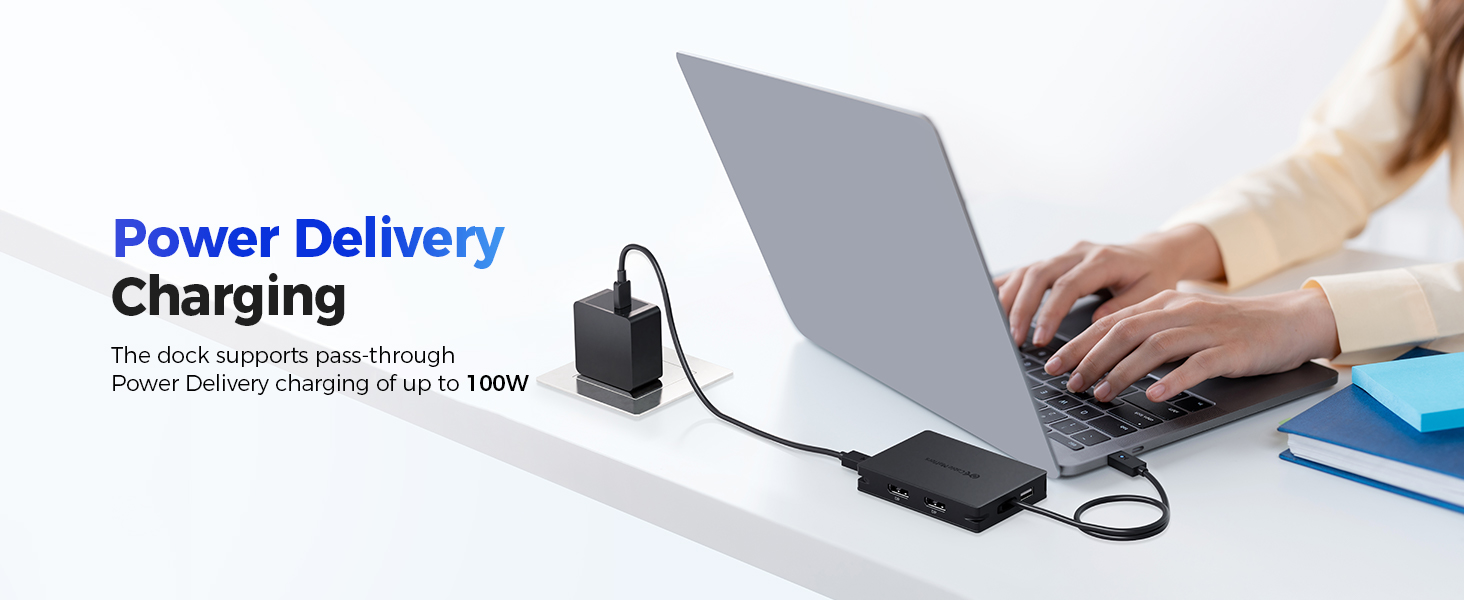
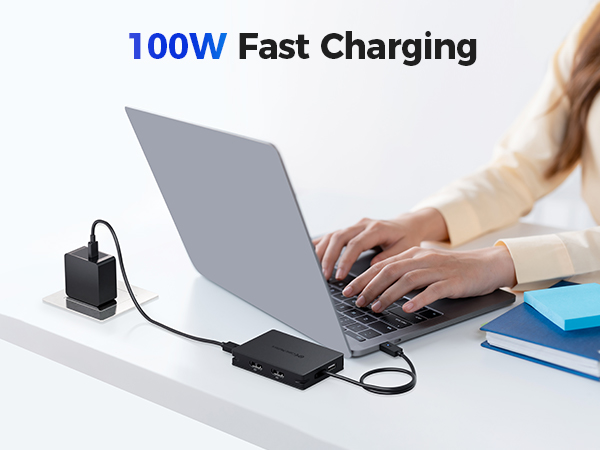
No, it is bus-powered. For charging your laptop or powering high-draw peripherals, connect a USB-C PD charger (up to 100W) to the USB-C PD charging port on the Hub.
How much power does this hub consume?
It consumes about 8W with a 29W or lower charger, 11W with a 30–74W charger, and 15W with a 75W+ charger. Factor this into your charger selection for full laptop charging.
Can I daisy-chain this hub with another hub?
No. Daisy-chaining with other hubs or docks is not recommended, as it may cause signal loss, display flicker, or instability.
Comparison Products
 Portable 40Gbps USB4 Hub |  Foldable USB C Hub |  Foldable USB-C HDMI Hub |  Foldable USB-C DP1.4 Hub |  USB-C Charging Dock | 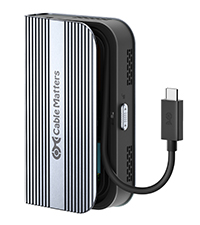 USB4 M.2 SSD Enclosure | |
|---|---|---|---|---|---|---|
Customer Reviews | — | — | — | — | — | — |
Price | — | — | — | — | — | — |
TB3/TB4 Compatible | ? | ? | ? | ? | ? | ? |
Max Video Resolution | 8K@60Hz / 4K@240Hz | 8K@30Hz / 4K@120Hz | 4K@60Hz | 8K@60Hz / 4K@240Hz | 4K@60Hz | — |
Video Ports | 2x DisplayPort | 2x HDMI | 1x HDMI | 1x DisplayPort | 1x HDMI | — |
Ethernet | 1000Mbps | 1000Mbps | — | — | 1000Mbps | — |
USB Ports | 2x USB-A, 2x USB-C | 2x USB-A, 2x USB-C | 2x USB-A, 1x USB-C | 2x USB-A, 1x USB-C | 2x USB-A, 1x USB-C | — |
Charging | 100W | 140W | 100W | 100W | 100W | — |
Model Number | 201308 | 201356 | 201378 | 201376 | 201350 | 201379 |

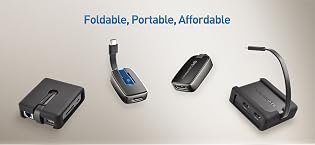
Unleash the Power of USB-C in a Portable Package. The Cable Matters Foldable USB-C adapter features the latest USB-C technology in a small form factor designed for portability. Transform your device’s USB-C port into a powerhouse with support for transferring files, charging devices, and even carrying video to monitors - then pack it all up for quick transport.
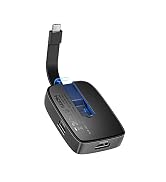
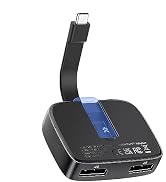
Foldable USB-C Adapters
The Ultimate USB4 Dock in a Travel Size Package
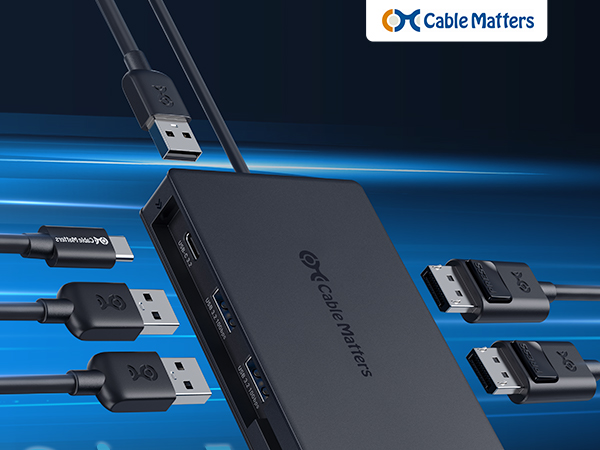
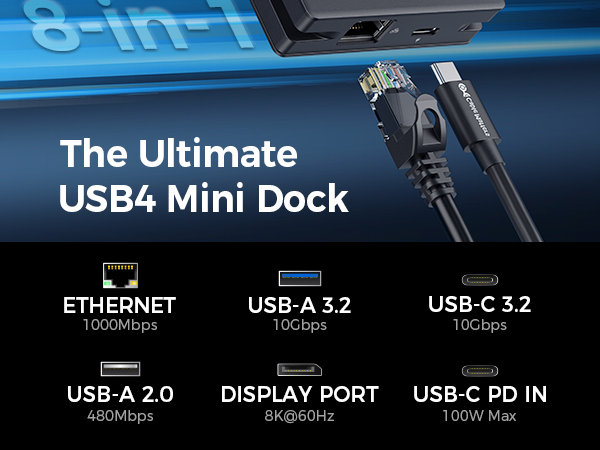
Take your workstation on the go with this compact hub, featuring dual DisplayPort video ports, USB-A and USB-C ports, and Ethernet—all in a lightweight, portable design.
Important Note:
1) Thunderbolt 3 / USB-C Host can support up to 1x 4K@30Hz or 2x 1080p@60Hz Videos.
2) NOT DDC/CI Support
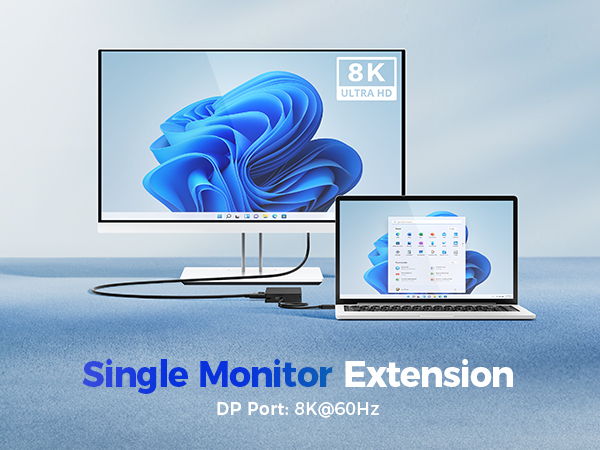
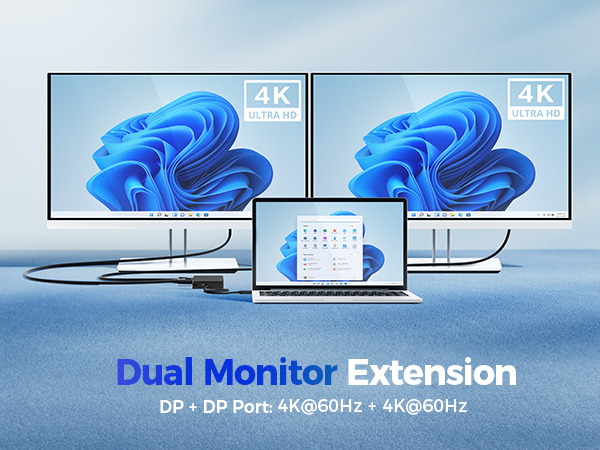
How many external displays can I connect?
Windows supports up to two 4K@60Hz extended displays. macOS supports only one extended display (or two mirrored). Full resolution depends on connected devices and DisplayPort cable.
Can I achieve 8K or 4K 240Hz as advertised?
Yes — if your laptop, GPU, and monitor all support DisplayPort 1.4 over USB4 or Thunderbolt 4 and you use a certified DP 1.4 cable. Thunderbolt 3/USB-C hosts are limited to single 4K@30Hz or dual 1080p@60Hz.
Does this hub require external power?
No, it is bus-powered. For charging your laptop or powering high-draw peripherals, connect a USB-C PD charger (up to 100W) to the USB-C PD charging port on the Hub.
How much power does this hub consume?
It consumes about 8W with a 29W or lower charger, 11W with a 30–74W charger, and 15W with a 75W+ charger. Factor this into your charger selection for full laptop charging.
Can I daisy-chain this hub with another hub?
No. Daisy-chaining with other hubs or docks is not recommended, as it may cause signal loss, display flicker, or instability.
Comparison Products
Portable 40Gbps USB4 Hub |  Foldable USB C Hub | Foldable USB-C HDMI Hub | Foldable USB-C DP1.4 Hub | USB-C Charging Dock | USB4 M.2 SSD Enclosure |
|---|---|---|---|---|---|
| Customer Reviews | |||||
| — | — | — | — | — | — |
| Price | |||||
| — | — | — | — | — | — |
| TB3/TB4 Compatible | |||||
| ? | ? | ? | ? | ? | ? |
| Max Video Resolution | |||||
| 8K@60Hz / 4K@240Hz | 8K@30Hz / 4K@120Hz | 4K@60Hz | 8K@60Hz / 4K@240Hz | 4K@60Hz | — |
| Video Ports | |||||
| 2x DisplayPort | 2x HDMI | 1x HDMI | 1x DisplayPort | 1x HDMI | — |
| Ethernet | |||||
| 1000Mbps | 1000Mbps | — | — | 1000Mbps | — |
| USB Ports | |||||
| 2x USB-A, 2x USB-C | 2x USB-A, 2x USB-C | 2x USB-A, 1x USB-C | 2x USB-A, 1x USB-C | 2x USB-A, 1x USB-C | — |
| Charging | |||||
| 100W | 140W | 100W | 100W | 100W | — |
| Model Number | |||||
| 201308 | 201356 | 201378 | 201376 | 201350 | 201379 |
Unleash the Power of USB-C in a Portable Package. The Cable Matters Foldable USB-C adapter features the latest USB-C technology in a small form factor designed for portability. Transform your device’s USB-C port into a powerhouse with support for transferring files, charging devices, and even carrying video to monitors - then pack it all up for quick transport.
Foldable USB-C Adapters
