



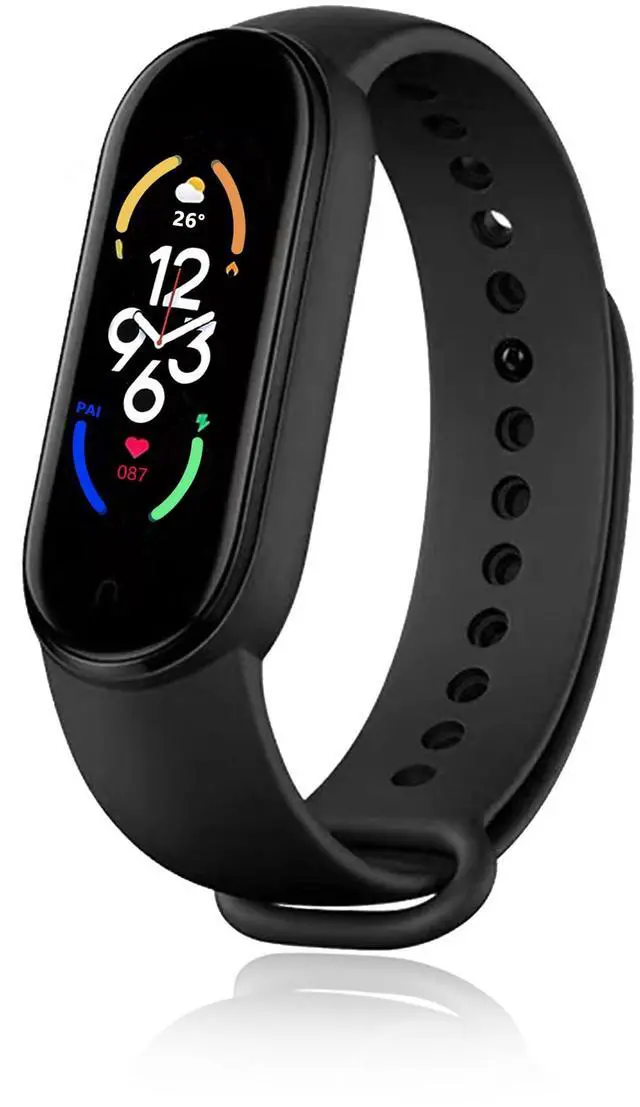


Fitness Tracker Watch
Merchant Video


Health
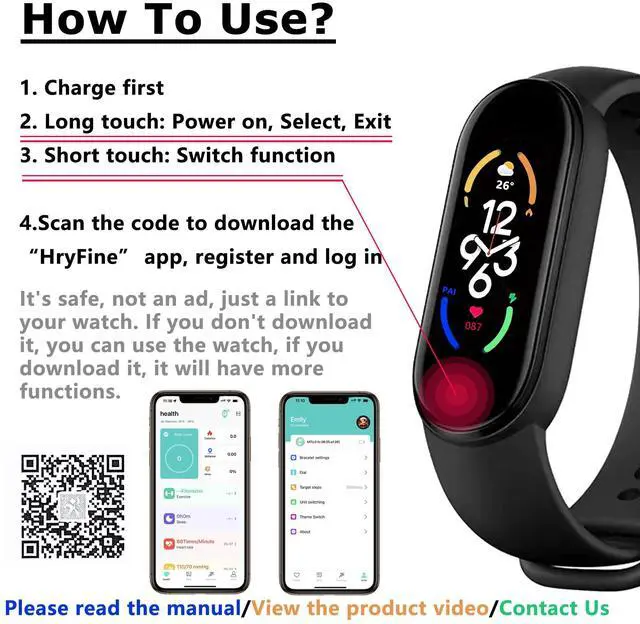
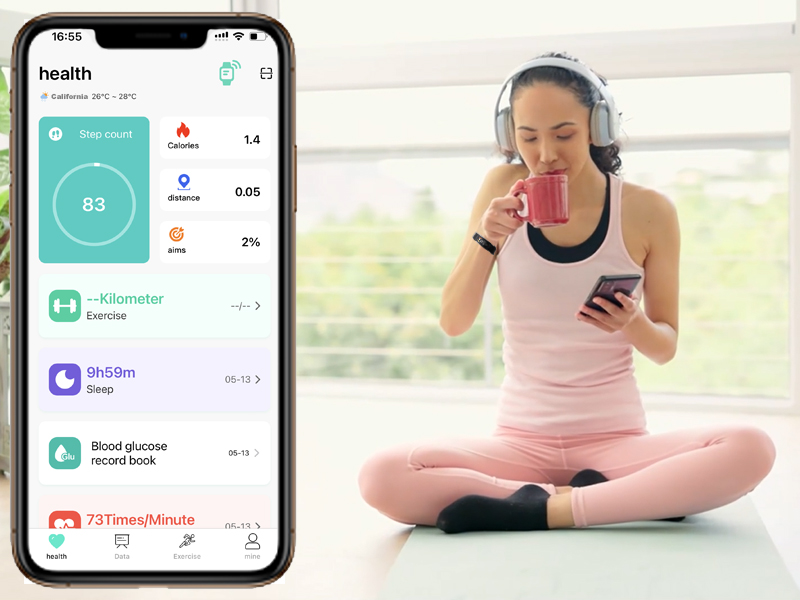
Mobile app to connect to the watch - “HryFine”
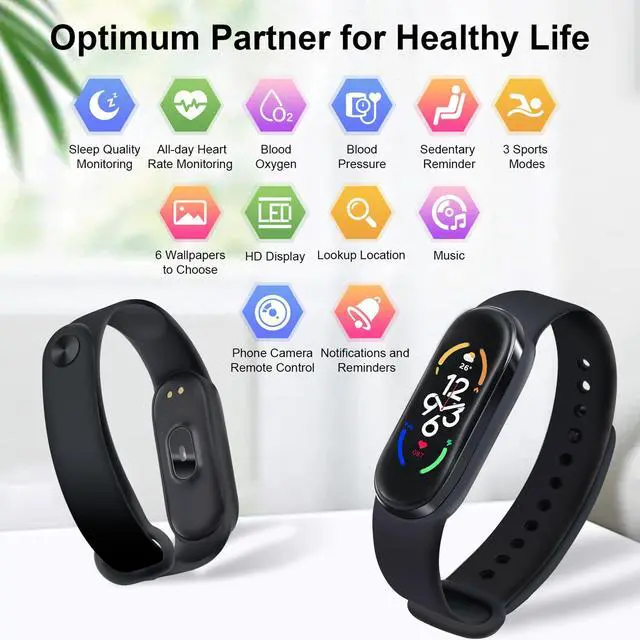
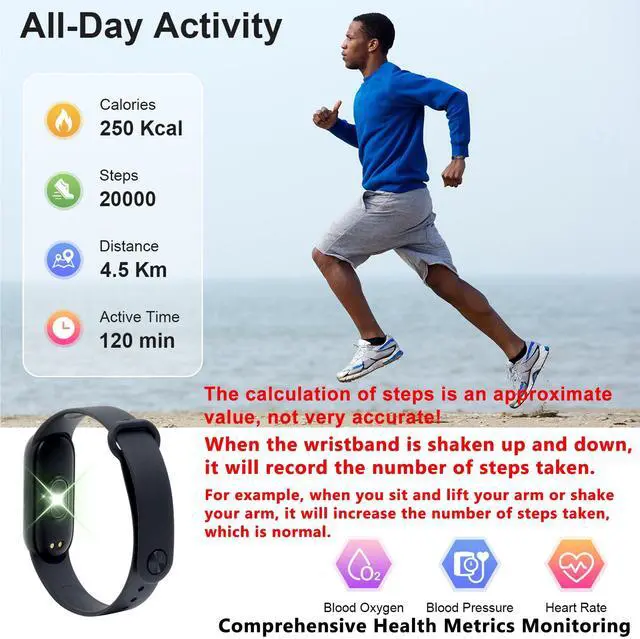
You can view your health data, exercise, personalize your hand label, find your phone and more on the “HryFine” app. Convenient and quick, more attention to your body!
DIY theme
DIY Personalized Theme
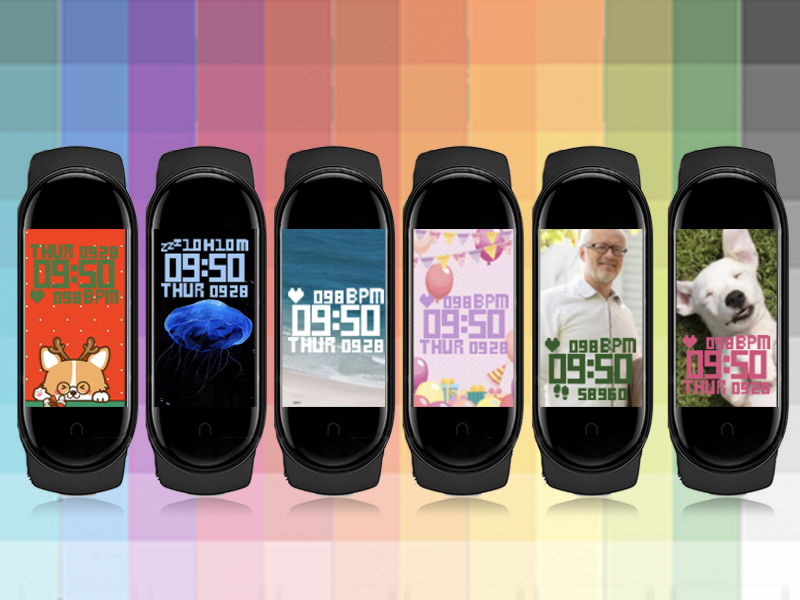
Customize your watch wallpaper and style in the “HryFine” app, you can use the original wallpaper settings, or use photos online or in your phone's photo album as wallpaper. It's all free.
- 36 Online Wallpapers
- 108 Colors
- Custom Wallpapers
IP67
Waterproof and Dustproof
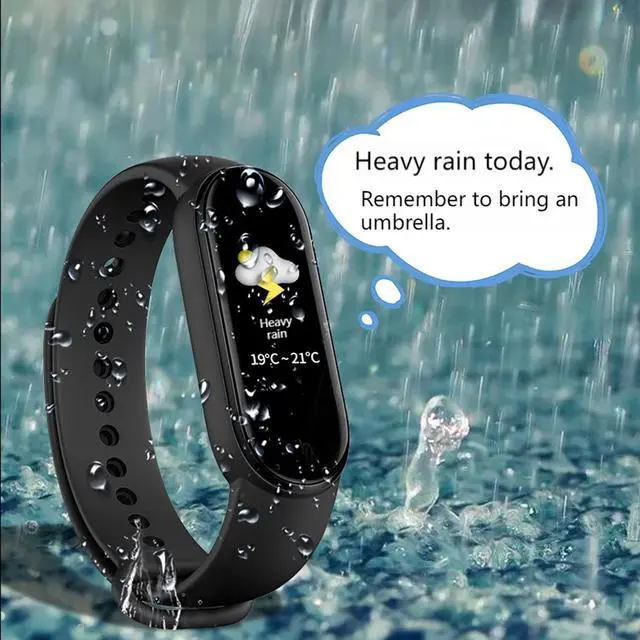
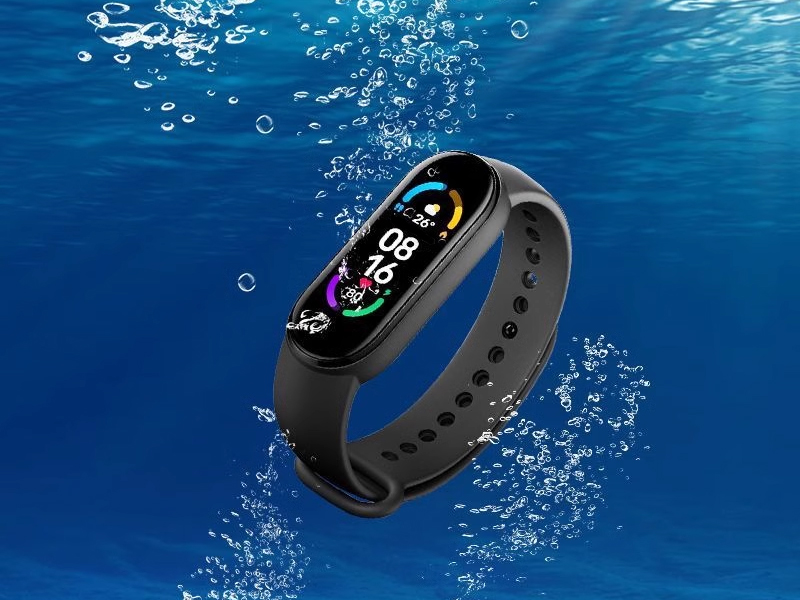
Waterproofing by immersion in water up to a depth of 1M in 30 minutes at room temperature and pressure.
Completely protects against dust intrusion and effectively prevents particles larger than 1mm from intruding.
Music Control
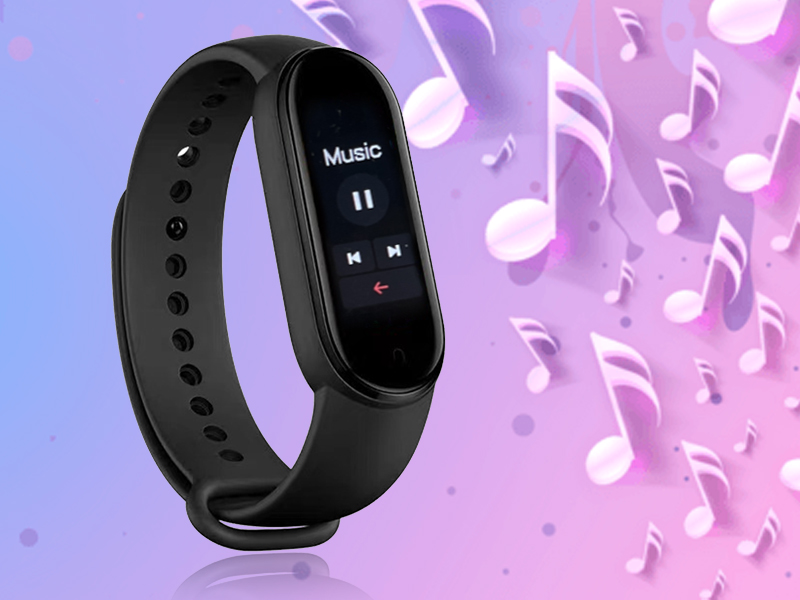
Control your cell phone music from your watch anywhere, anytime!
Control playback by pause, play, previous song, next song and more. No need to take out your cell phone to control your music.
Take Pictures Remotely
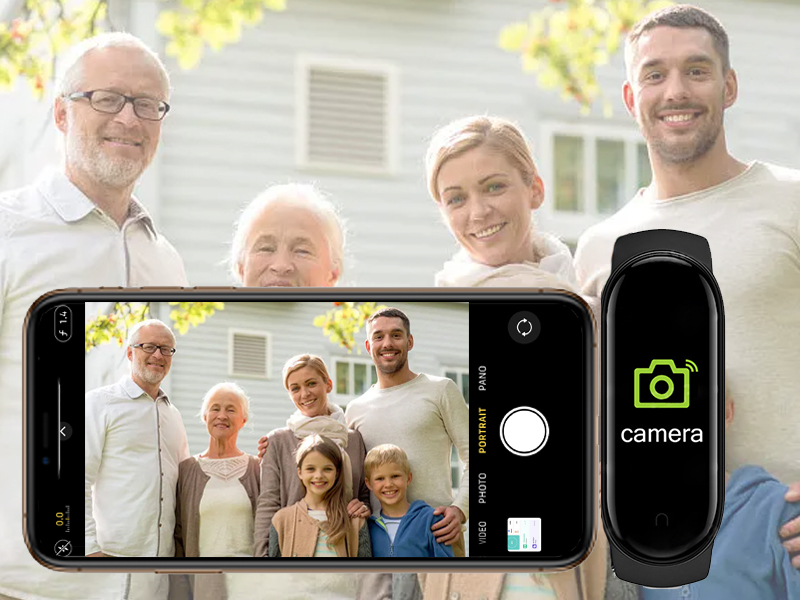
Easy and Fast Photo Taking
Long touch to open the phone's photo function, shake the watch to take a photo, the photo will be saved to the phone's album.
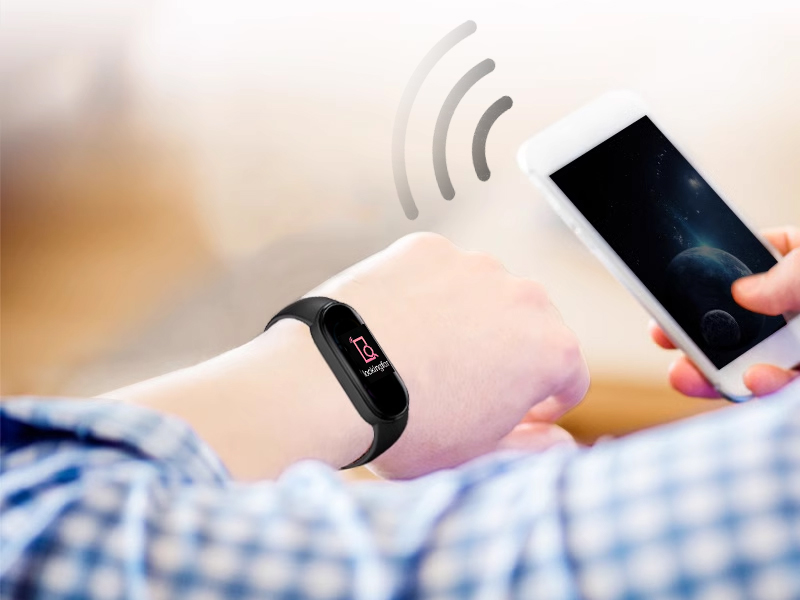
Looking For
Find Your Phone In One Click
When you forget where you put your phone and can't find it, just use the watch's “Looking for” feature and your phone will “call” you loudly until you find it!

Charging Installation Steps

1. Remove the wristband
Push one side of the wristband upwards with one hand, and pull open the wristband strap with the other hand

2. Plug in the charging port
Use 5V/1A power sources only (avoid fast chargers); clean charging pins with a dry cloth if unresponsive

3. Charging
Suitable for sockets, computers, and power banks. If you encounter a situation where you cannot charge, please try changing the socket

4. Install it back
Install one side first, then install the other side, and press firmly into the bracelet



Fitness Tracker Watch
Merchant Video


Health
Mobile app to connect to the watch - “HryFine”
You can view your health data, exercise, personalize your hand label, find your phone and more on the “HryFine” app. Convenient and quick, more attention to your body!
DIY theme
DIY Personalized Theme
Customize your watch wallpaper and style in the “HryFine” app, you can use the original wallpaper settings, or use photos online or in your phone's photo album as wallpaper. It's all free.
- 36 Online Wallpapers
- 108 Colors
- Custom Wallpapers
IP67
Waterproof and Dustproof
Waterproofing by immersion in water up to a depth of 1M in 30 minutes at room temperature and pressure.
Completely protects against dust intrusion and effectively prevents particles larger than 1mm from intruding.
Music Control
Control your cell phone music from your watch anywhere, anytime!
Control playback by pause, play, previous song, next song and more. No need to take out your cell phone to control your music.
Take Pictures Remotely
Easy and Fast Photo Taking
Long touch to open the phone's photo function, shake the watch to take a photo, the photo will be saved to the phone's album.
Looking For
Find Your Phone In One Click
When you forget where you put your phone and can't find it, just use the watch's “Looking for” feature and your phone will “call” you loudly until you find it!
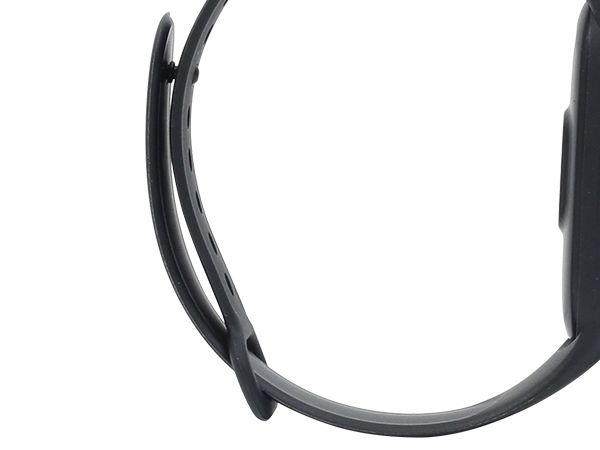
Adjustable strap
Fits most hands
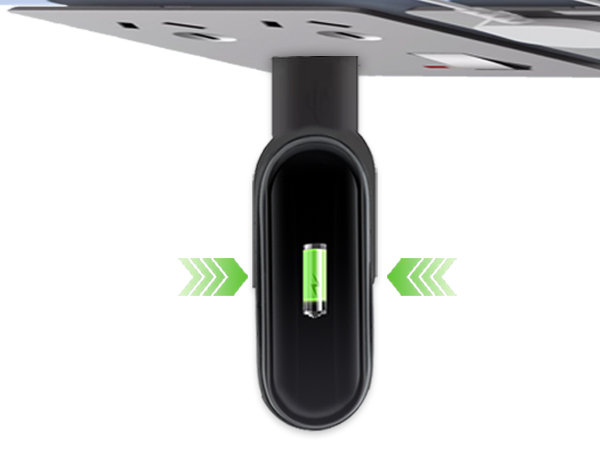
USB Charge
Holds the watch firmly in place and won't fall out like a magnetic charger.
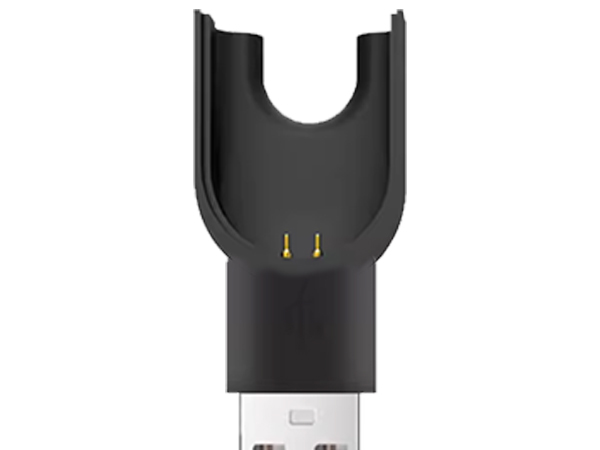
Safe Charging
Made of high quality material, professional adaptor head, fast full charge
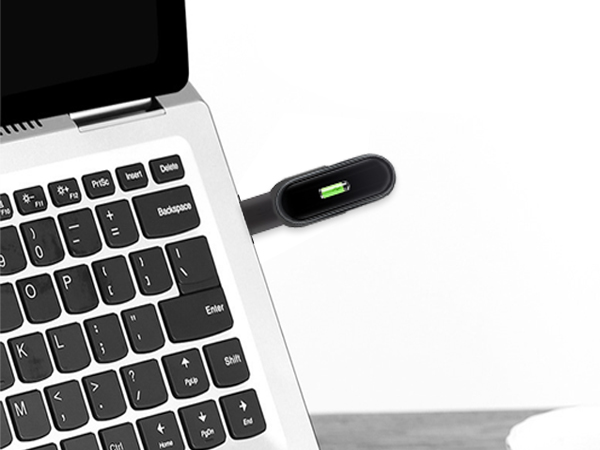
Wide Application
Ordinary socket, laptop, charging treasure and other USB port are applicable, can be charged
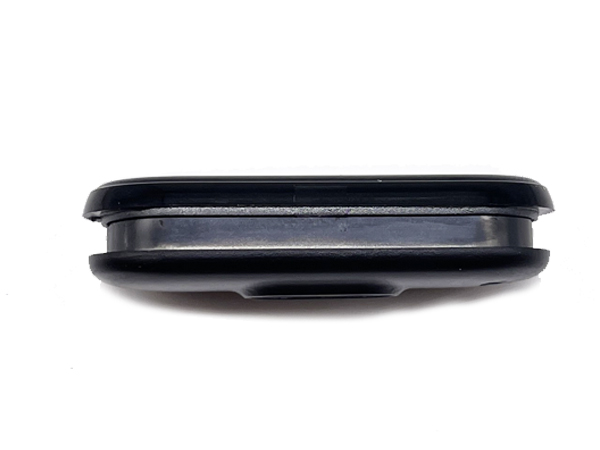
Fixed slot design
It stays securely in place both for charging and mounting and wearing, so you can exercise with confidence and not have to worry about dropping the watch core.
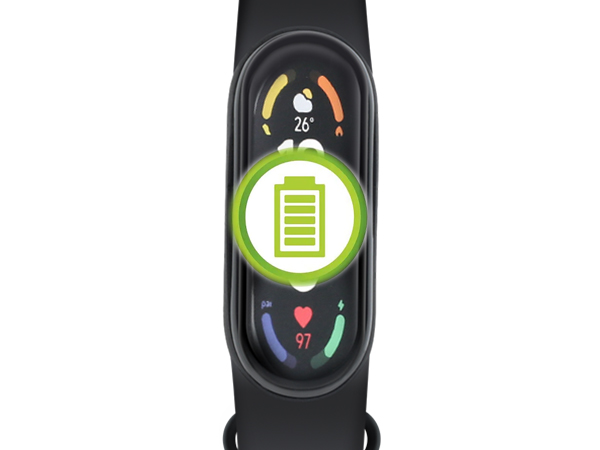
Long battery life
Fully charged for 4-7 days of continuous use. Stand by time: 45 days
Charging Installation Steps
1. Remove the wristband
Push one side of the wristband upwards with one hand, and pull open the wristband strap with the other hand
2. Plug in the charging port
Use 5V/1A power sources only (avoid fast chargers); clean charging pins with a dry cloth if unresponsive
3. Charging
Suitable for sockets, computers, and power banks. If you encounter a situation where you cannot charge, please try changing the socket
4. Install it back
Install one side first, then install the other side, and press firmly into the bracelet
Buy Now