






























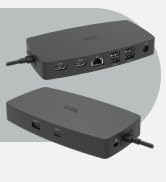



Your Perfect Travel Companion
Small. Lightweight. Powerful.
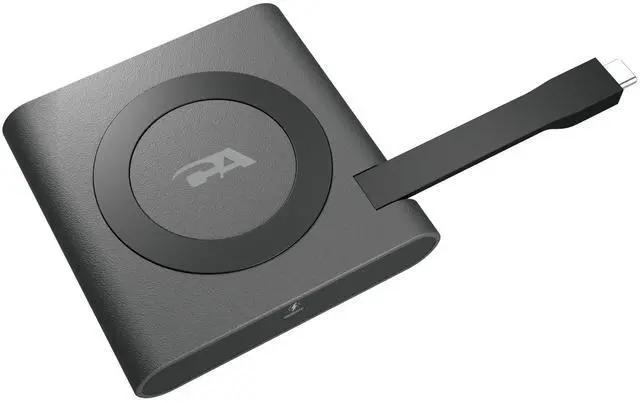
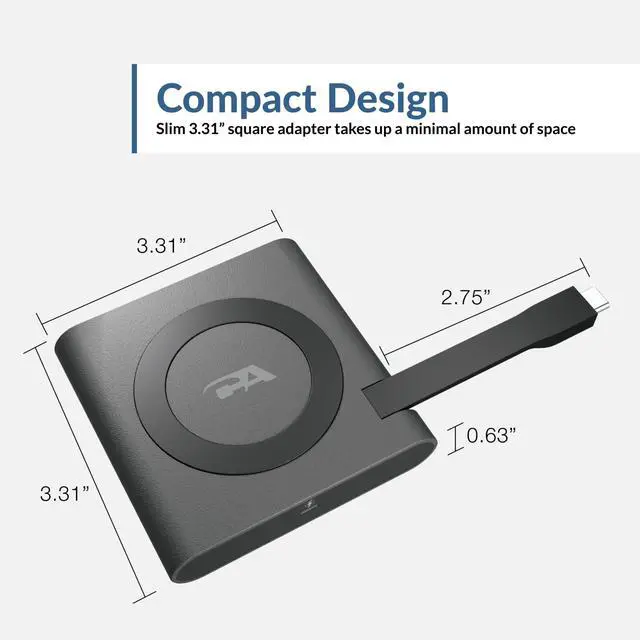
The CA Essential Micro Dock is the perfect travel companion. Whether you're in between the office and home or traveling for work, this dock's lightweight, compact design makes it easy to pack in a laptop case or even your pocket!

External Monitor Support
Quick and Efficient
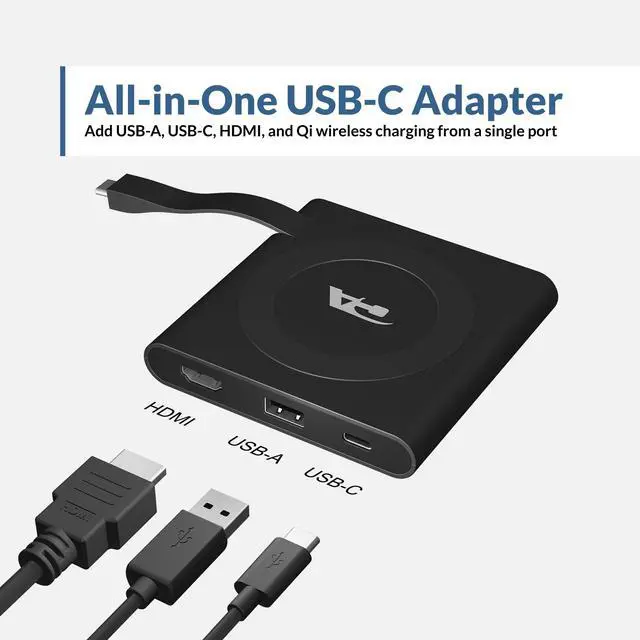
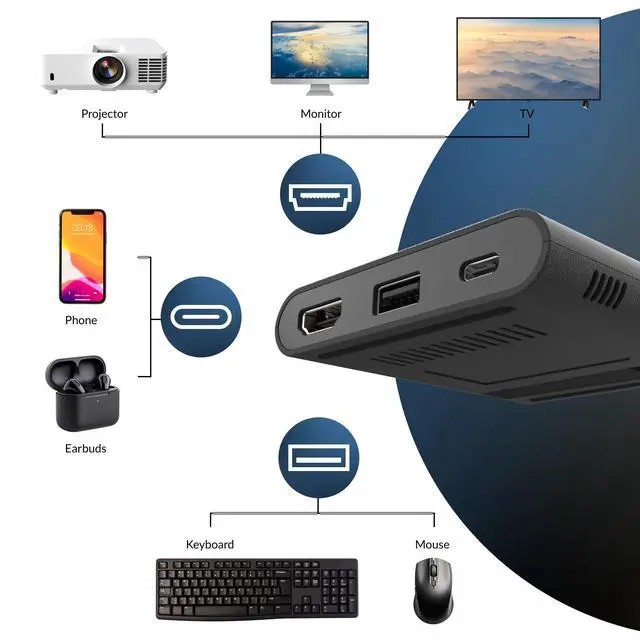
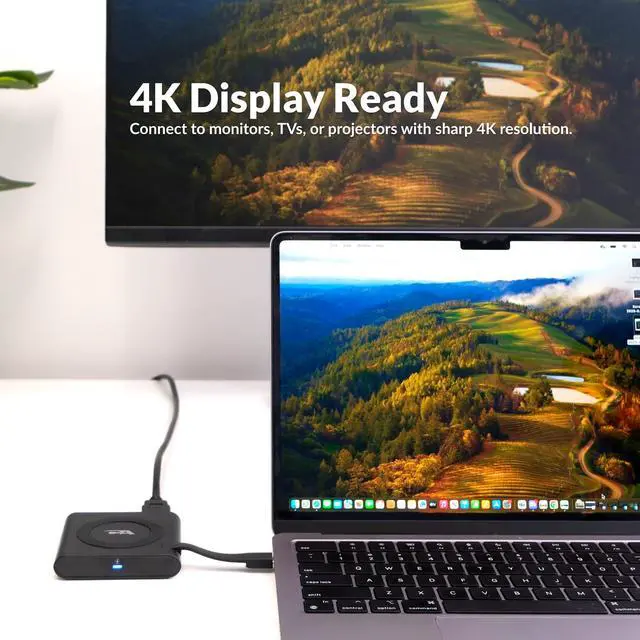
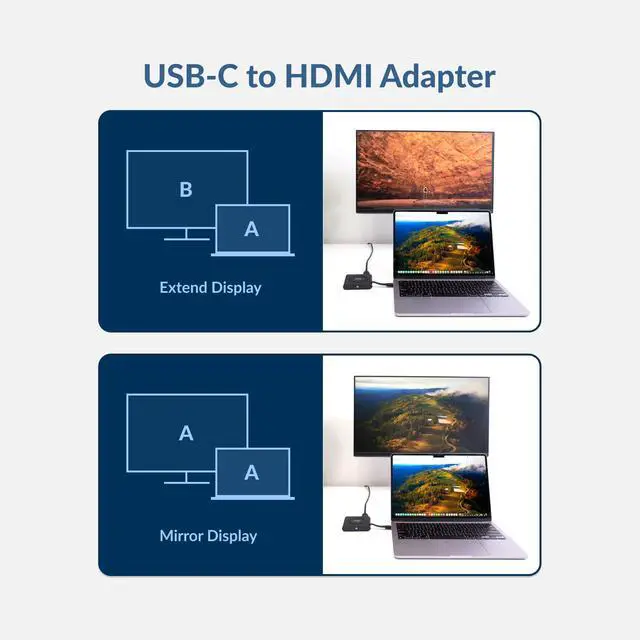
Turn your Laptop into a full office experience with the CA Essential Micro Docking Station. Quickly plug in an external monitor via HDMI for a more productive work space. An additional USB Type A port allows you to add a wireless mouse and keyboard, or any other accessory you may need to complete your ideal work zone while on the go.

Qi Wireless Charging
Ditch the Cables
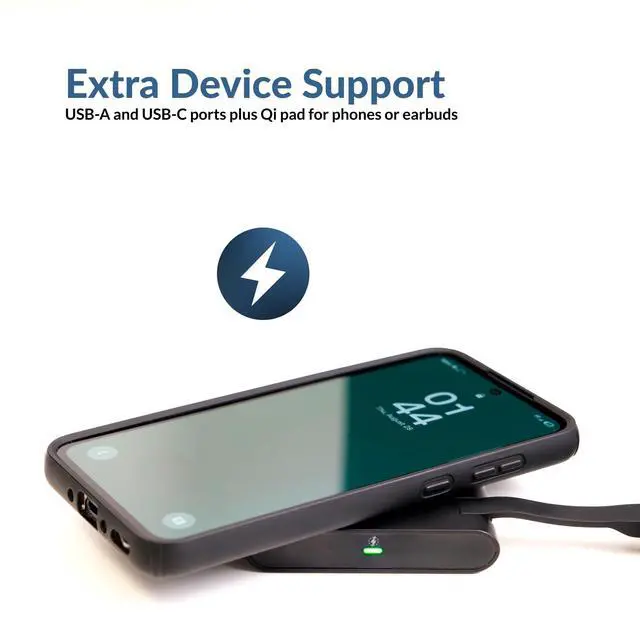
The CA Essential Micro Dock features Qi Wireless Charging for your smartphone so you don't have to worry about extra cables cluttering up your work space.
Technical Specifications
 CA Essential Micro Docking Station |  CA Essential Docking Station | |
|---|---|---|
| Customer Reviews | — | — |
| Price | — | — |
| Laptop Connection | USB Type C | USB Type C |
| Power Delivery | Up to 65W | Up to 90W |
| Display Ports | HDMI - 4k@60Hz | HDMI & DisplayPort Both at 4k@30Hz or single port up to 4k@60Hz |
| USB Ports | (x1) - USB 3.1 Gen 2 Type A (x1) - USB 3.1 Gen 1 Type C | (x3) - USB 3.1 Gen 2 Type A (x1) - USB 3.0 Gen 1 Type A |
| Ethernet | - no data | 10/100/1000 GbE |
| Active Cooling | - no data | 3 Selectable Speeds |
| Qi Charging | 5W Wireless Charging | - no data |
| Dimensions | 3.13 x 3.13 x 0.63 inches | 13.6 x 3.2 x 0.7 (Back) 0.4 (Front) inches |
| Weight | 4.96 ounces | 13.6 Ounces |
Your Perfect Travel Companion
Small. Lightweight. Powerful.
The CA Essential Micro Dock is the perfect travel companion. Whether you're in between the office and home or traveling for work, this dock's lightweight, compact design makes it easy to pack in a laptop case or even your pocket!
External Monitor Support
Quick and Efficient
Turn your Laptop into a full office experience with the CA Essential Micro Docking Station. Quickly plug in an external monitor via HDMI for a more productive work space. An additional USB Type A port allows you to add a wireless mouse and keyboard, or any other accessory you may need to complete your ideal work zone while on the go.
Qi Wireless Charging
Ditch the Cables
The CA Essential Micro Dock features Qi Wireless Charging for your smartphone so you don't have to worry about extra cables cluttering up your work space.
Technical Specifications
| USB Type A | Supports USB3.1 Gen1 and Gen2 |
| USB Type C | Supports USB3.1 Gen1 and Gen2 (Power Delivery with USB Data and DP Alt mode) |
| HDMI | Support HDMI2.0 with HDCP2.2 |
| Power Delivery | Supports PD3.0 without Fast Power Role Swap |
| Wireless Charging | Supports 5W Qi wireless charging |
| USB Type C Bus Power | Supports 15W (5V/3A) Laptop Bus Power |
| Using Laptop USB-C AC adapter | 90W Adapter recommended (Using less than a 90W Adapter will function, but Laptop may not charge or may experience reduced performance.) |
| Video Output Max Resolutions | HDMI 2.0b (2 lanes DP HBR3, 3840 x 2160 @ 60Hz) |
| Supported Operating System | Windows 10 64-bit, MAC OS X 10.4.11 or Higher |
CA Essential Micro Docking Station | CA Essential Docking Station | |
|---|---|---|
| Customer Reviews | — | — |
| Price | — | — |
| Laptop Connection | USB Type C | USB Type C |
| Power Delivery | Up to 65W | Up to 90W |
| Display Ports | HDMI - 4k@60Hz | HDMI & DisplayPort Both at 4k@30Hz or single port up to 4k@60Hz |
| USB Ports | (x1) - USB 3.1 Gen 2 Type A (x1) - USB 3.1 Gen 1 Type C | (x3) - USB 3.1 Gen 2 Type A (x1) - USB 3.0 Gen 1 Type A |
| Ethernet | - no data | 10/100/1000 GbE |
| Active Cooling | - no data | 3 Selectable Speeds |
| Qi Charging | 5W Wireless Charging | - no data |
| Dimensions | 3.13 x 3.13 x 0.63 inches | 13.6 x 3.2 x 0.7 (Back) 0.4 (Front) inches |
| Weight | 4.96 ounces | 13.6 Ounces |
HS-1500BT II Headset
AC-404 Headset
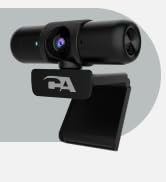
WC-2000 Webcam
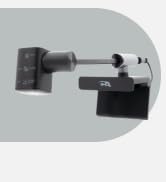
Webcam Flex
CA-2890 Pro Speakerbar
CA-2890BT Speakerbar
SP-2000 Speakerphone
DS-6000 Docking Station
