




 here!
here!
I’m your shopping assistant for PC builds, upgrades, and everything tech.
Got questions? Ask away!
Start a conversation
here!
I’m your shopping assistant for PC builds, upgrades, and everything tech.
Got questions? Ask away!
Start a conversation

In Gaming Simulators
Our most popular products, based on sales and updated frequently.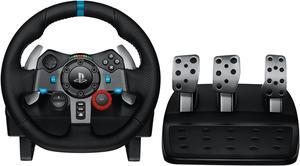
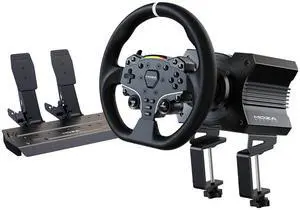
Good force feed back feel Good mechanics Transferred all my settings for different games from myG25 on install Love the buttons for controlling the menu's for games like Need for Speed Heat
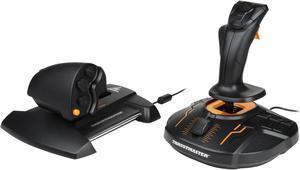
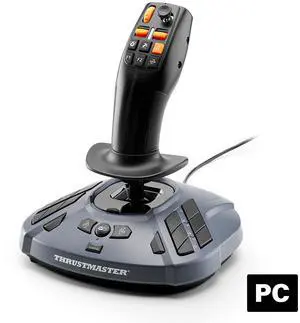
If you use Microsoft Flight Simulator, it controller this you. Works right out of the box.
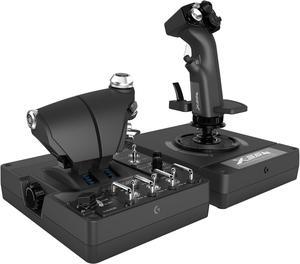
Works awesome for DCS
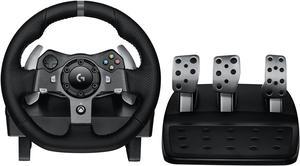
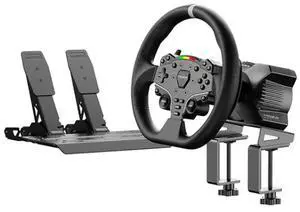
Setup was easy easy to modify if your wanting to change out the wheel.(I changed the steering wheel to a Porsche Cayman. removed the paddle shifters and wired in the tip-tronic buttons on the wheel)
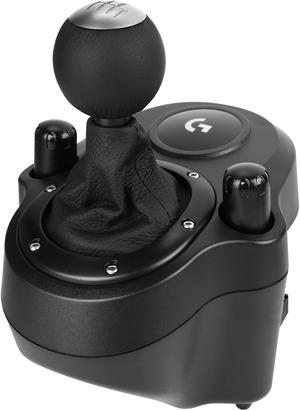
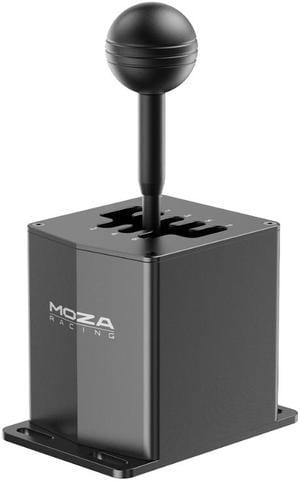
- Shifting action feels like the real thing. - The smell of leather is intoxicating. - Plastic clamps have not done any damage to the finish of my expensive Uplift Desk and they serve well in holding this component to the edge of the desk with little movement.
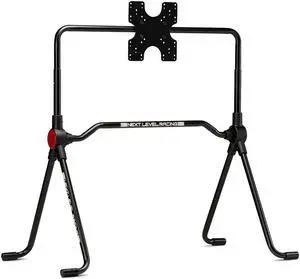
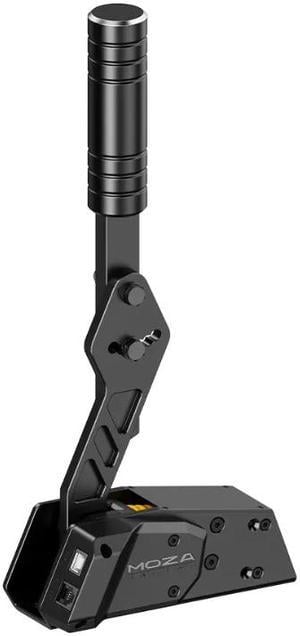
It's a solid-feeling hand brake, and it immediately made rally driving more fun and controllable when mounted on my GT Player sim cockpit. So much less of my crashing in corners trying to kick out the back end with the foot brake.
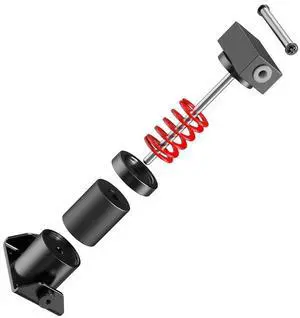
Came with spring adjustments!
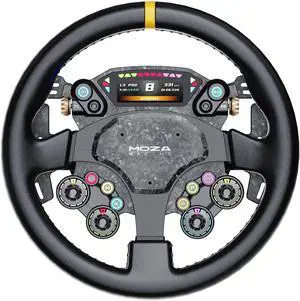
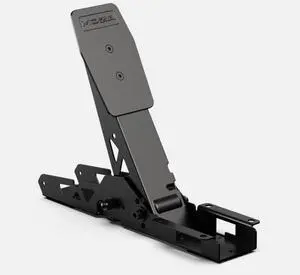
Thank u for your the cluch to finish my system to be able to use ATS Simulator and drifting games. Love it . Perfect as it was described.
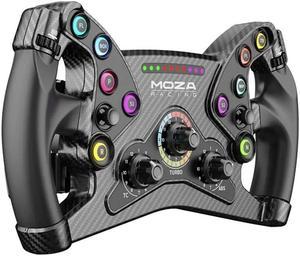
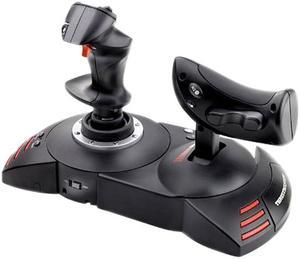
Easy to setup and use. No problems out of the box.
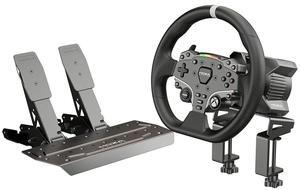
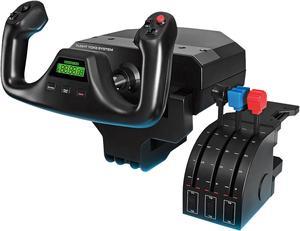
Amazing quality Realistic Customizable
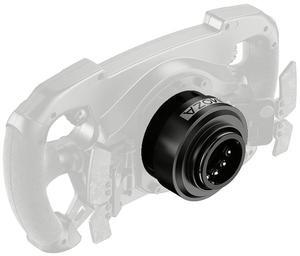
More confortable
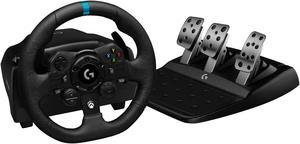
very good wheel tracking from ur wheel to ur car in game


