here!
here!
I’m your shopping assistant for PC builds, upgrades, and everything tech.
Got questions? Ask away!
Start a conversation
here!
I’m your shopping assistant for PC builds, upgrades, and everything tech.
Got questions? Ask away!
Start a conversation

In Computer Accessories

Sleek finish Works great in SFF build with M3 - Grater Came with a Daisy Chain male header for the CPU cooler, so my motherboard only needs 1 RGB connector

Value & Price Excellent Price-to-Performance Ratio Often priced around the $100-$110 mark, it delivers solid thermal performance competitive with more expensive AIOs, making it a "Smart Buy" for budget-conscious high-end builds. Ease of Installation Pre-Installed Fans & EZ Connect The three 120mm ARGB fans come pre-installed on the radiator, saving significant time and simplifying the assembly process for builders, especially novices. Cooling Performance Efficient 360mm Radiator Design Features a 27mm-thick aluminum radiator with an enhanced 12-channel design, increasing water flow by up to 25% for high thermal dissipation (up to ~300W handled in extreme tests). Aesthetics & Customization Subtle ARGB and Customizable Pump Offers vibrant yet restrained ARGB lighting on both the fans and the pump block. The block also features a unique, hot-swappable faceplate with a 3D-printable file available for personalized customization. Modern Compatibility Broad Socket Support Out-of-the-box support for the latest high-performance sockets, including Intel LGA 1700 / 1851 and AMD AM5 / AM4. Noise Profile Low Noise Operation The MSI CycloBlade 7 fans utilize a hybrid blade design and Rifle bearings to promote high airflow while keeping noise levels relatively low, even under load.
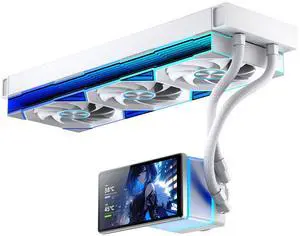

The thing that I'll say first is that the logo plate can interchange in any direction which means it can be installed either vertical or horizontal there are no limits, the white one which i bought goes well in my all white builds but most importantly the installed of this beast on the cpu processor was well equipped with the parts that made it easy breezy, thank-you msi I'm a believer.
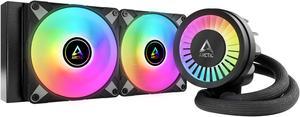
Looks great Fairly quiet Keeps temps low
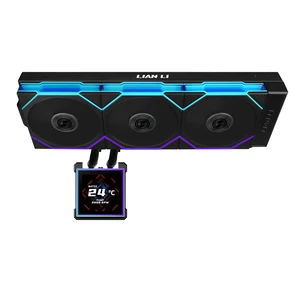
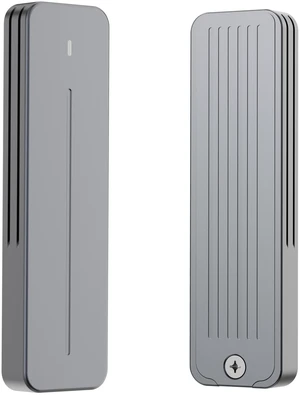
First use was to create a windows 11 system image from an M2 C: to D: on this device. Now I have this to examine those old SSD SATA and M2 drives without opening the PC case. Works on spin SATA drives as well. Also used to clone a 512GB M2 to a 2TB M2.
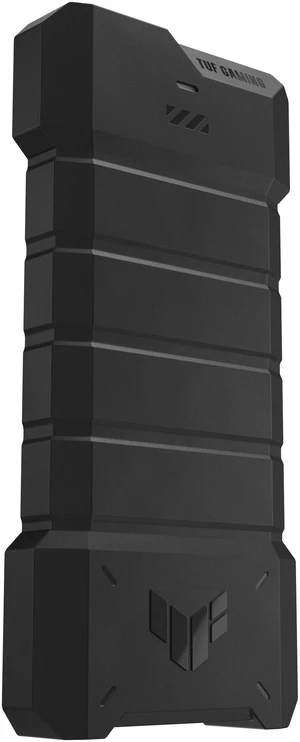
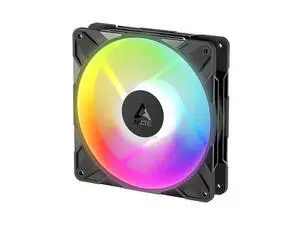

the interlocking no cable is so clean. this made wire management so easy. installed 6 120 and a 140, all connected together and it all connected and works with just one cable. love this technology. also the air being moved by these is massive. the static pressure pushing through one of my rads is felt very well on the outside.
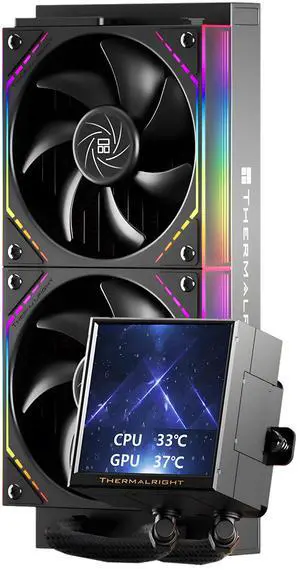
my first ever digital CPU definitely recommend it
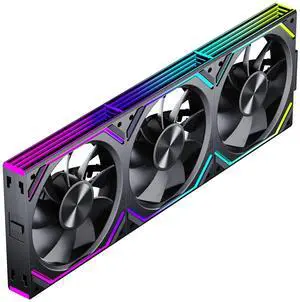
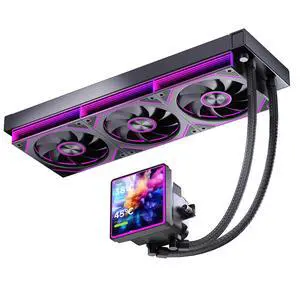
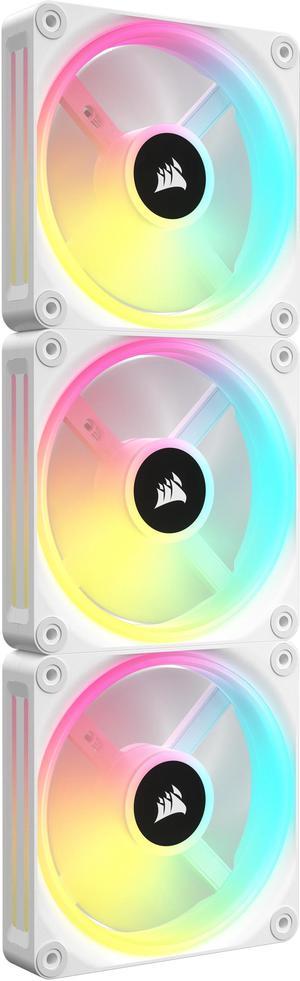
The installation of these fans are stupid easy
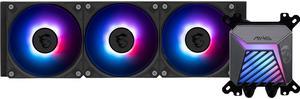
- Price - Ease of Instal - Cooling - Promotional
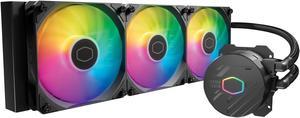
Temps never go above 70 under load. It was very budget-friendly. It works as it should.
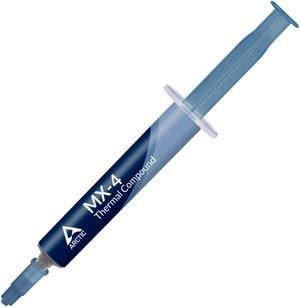
It’s thermal paste and does it’s job the way it should no problems with arctic paste before so I’m assuming this tube will be sufficient aswell.