here!
here!
I’m your shopping assistant for PC builds, upgrades, and everything tech.
Got questions? Ask away!
Start a conversation
here!
I’m your shopping assistant for PC builds, upgrades, and everything tech.
Got questions? Ask away!
Start a conversation

In Computer Peripherals
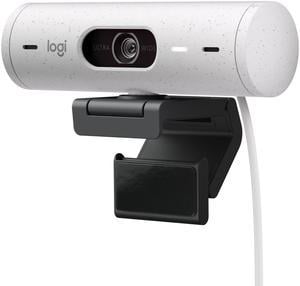
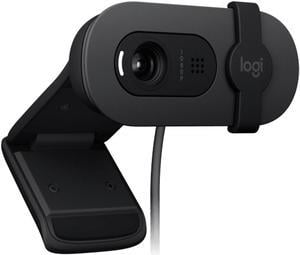
This is a hugely capable camera optimize for web conferencing, but is ALSO a biometric authentication device. I've deployed these for top executives because of the image quality and sound capability, but the Hello! login from Windows is a popular "did you know you can do this?"
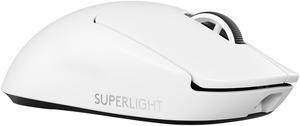
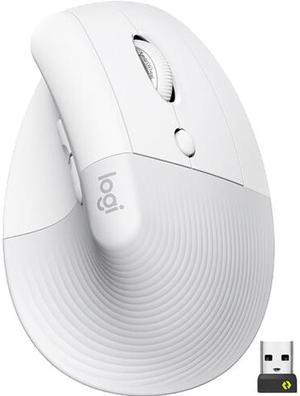
Super smooth scroll wheel Very aestheticly pleasing Sturdy Extremely light Fastest response time ive had
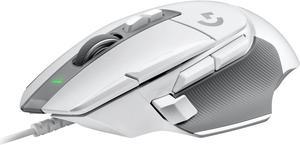
Shape is perfect. Weight is great compared to the wireless one i own. Cord is a non issue.
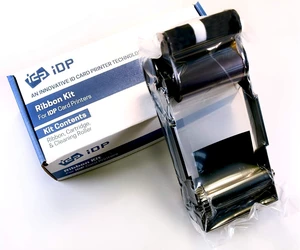
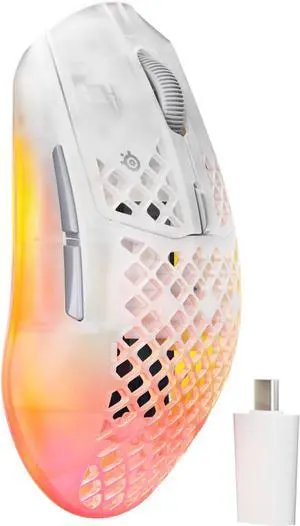
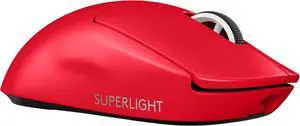
Well guys its a mouse.