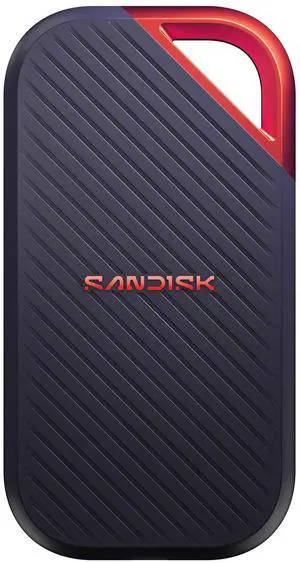
This was less expensive than lesser models, from Samsung Small, fast, trusted brand & inexpensive.

An interesting package addressed to me appears at my door once or twice a month. I have no idea what is in the package until I open it and fortunately then I remember ordering the item. Something different happened to me a few days ago. I cut open a mystery padded envelope and found a wee SanDisk portable SSD. I was further delighted when I noticed the drive had a massive one Terabyte capacity. It was less than half the size and a fraction of the weight of a mechanical external USB drive thanks to its M.2 SSD. Cool, I thought; I guessed I might have ordered this late at night and forgotten about it. I soon realized my mystery package was a SanDisk SSD External drive I had volunteered to test for Newegg. YES! I plugged the SSD into my tower using the provided USB-C (external drive end) to the USB Type-A (backward compatible to any standard USB port.) It was instantly recognized. I copied a 2 Gb file from my tower internal SSD to the SanDisk portable SSD external drive, to test the real-world speed of the drive. Compared to the advertised up to 500 MB per second it transferred data at about 120 MB per second, which was about 3X faster than copying the same data to my older external mechanical Samsung external drive. This was a little slower than I anticipated since SSDs generally run from 4 to 10 times faster than a mechanical drive. I should note that my towers USB is the older 3.1 version, which Im sure was a factor. I suspect my disappointment with the speed of data transferred is the result of USB C to USB A cable. Since I do not have a newer USB C to USB C cable, I could not test that transfer speed. The Vault (see the photos) The Samsung external SSD M.2 drive comes with an ingenious encryption scheme they call PrivateAccess with the encrypting software installed on the drive itself. This software will ONLY run off the external drive, further increasing the security of the device. Transferring data to the external drive is a drag and drop procedure, using the drives built-in encryption software. There is no back door into the vault; as you would expect, if you forget your password. The data in the vault is gone forever.