I was a little leery about buying this, having been burned in times past, but I'm happy to report it does exactly what it says: Makes a true SAS hard drive visible via USB. I tested it under Linux (Kubuntu 24.04 LTS), with an old HP 146GB 2.5" drive, and experimented with both wxHexEditor and the standard Linux partition editor. I was able to, with the hex editor, literally step through every sector/byte on the drive and easily alter or search. This is a Great Thing for file recovery and similar disk forensics. As far as the partition editor goes, I was able to create a standard FAT32 partition on the SAS disk and write/read files on it. Was it the fastest thing on the planet? Of course not. You're going through the overhead of a USB port plus the USB-to-SAS bridge circuitry. But it WORKED!

The sale price. FREE shipping. Easy to install hard drive. Only takes two screws to install the HDD. Works beautifully. No complaints.


It does what it supposed to do. What else is there to say about it?

- USB type C is much easier to connect than the micro-B connector on many USB3.0 external drives - Easy to assemble: just slide drive in and secure front connector panel with two screws (package includes a screwdriver) - Large capacity HDD support


Works with no problems. Works with both USB-C and USB-A connections.


Super easy set-up! Plugged in and running in about 10 minutes Versatility

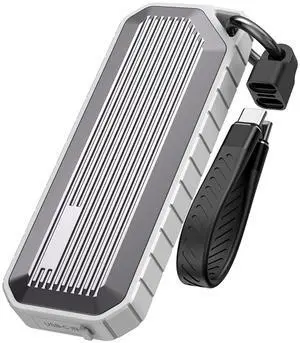
- It feels well build - Easy to install the m.2 drive into, came with all tools needed. - so far had no issues adding the spare m.2 drives I had lying around. Now using them as large USB drives basically. Even using one as a game drive for more space for steam installs. - speed feels decent, don't expect amazing speeds with these as they are limited by USB 3.1

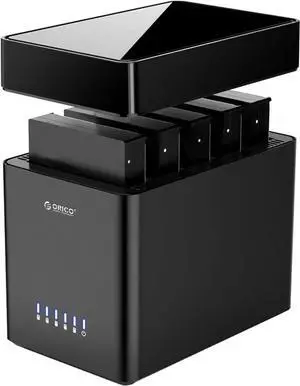
- Takes less than 1 minute to install a drive, tool free installation - When the drive goes to into a low power state, or the computer is off the LEDs turns off - USB 3.1 Gen 2 USB-C connection, so full speed operation with a SATA SSD

Easy to use