here!
here!
I’m your shopping assistant for PC builds, upgrades, and everything tech.
Got questions? Ask away!
Start a conversation
here!
I’m your shopping assistant for PC builds, upgrades, and everything tech.
Got questions? Ask away!
Start a conversation

In Wireless Adapters
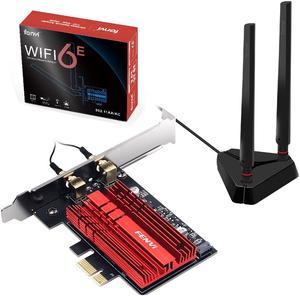
Whats not to like?!
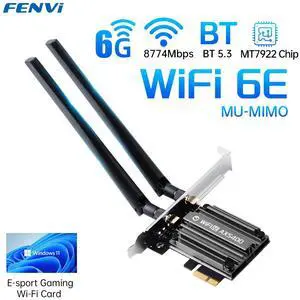
- Blazing fast speed - High compatibility (worked without issue on an AM3+ build) - Great price!
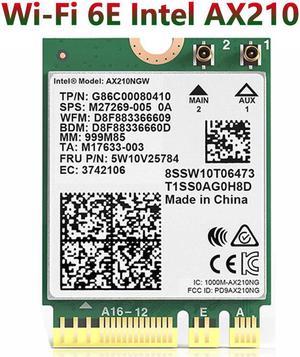
This is the New Intel Wi-Fi 6E card that is compatible with most laptops ,the Product came well packaged no issues at all, the installation was very easy just make sure that you have the new Intel ax wifi drivers installed,
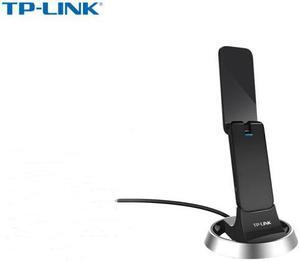
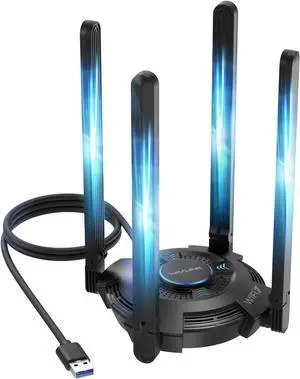
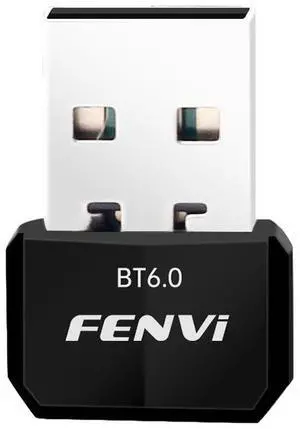
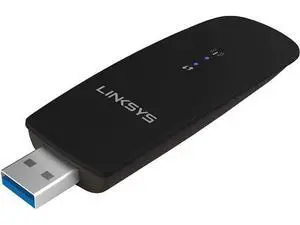
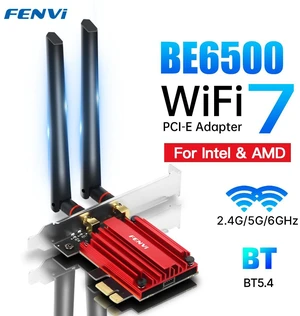
- I was originally looking at TP link because I did not recognize Fenvi, then I ran across this on the TP link AX 200 (System Requirements Windows 10 (64-bit) only). - This is quite interesting because I checked the chip-set out on Intel's web site and it is clear the drivers are part of a number of Linux Kernels starting with 5.1. - I just installed this in my kids school computer and as soon as Mint came up it immediately told me WiFi networks available. - I entered in the WiFi key and all is beautiful in Linux land as usual. : No Windows Driver updates, no reboots, this is truly PnP and anyone who believes Linux is just for Hackers and IT guys are living in the stone age. - I would highly recommend this card to anyone wanting to save $$ and not tied to the Windows Bloated inefficient data theft by telemetry ecosystem. - TP link is on my list as just another Windows H/W lackey who has either H/W locked their card to Windows requiring some kind of special driver to work or they are so uninformed that they are unaware that Intel stays pretty up to date writing drivers for Linux as well as MS Windows.
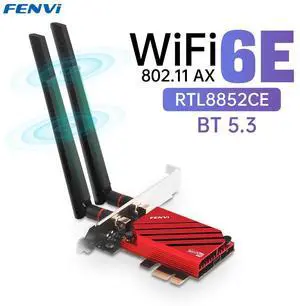
- Easy install. Takes up 1 of the small PCIE slots, plus a wire to the MOBO for bluetooth support. 1 thumbscrew and thats it - Got full potential from my wifi! I had been using a usb wifi adapter for 10 years getting 20mbps from pretty far away from the router. After installing this, my PC gets the full 120 mbps I pay for! - Wifi 6 + WPA 3 means latest security and speed technology - Bluetooth is a wonderful added bonus, able to play games with a wireless controller without noticable latency
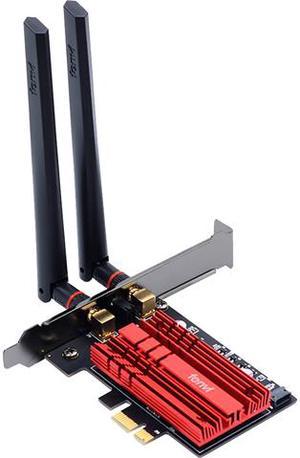
Good Bluetooth and good wifi as well as easy to install drivers direct from windows if you don't have a disc drive. Windows installed them before I could even go looking for the device!