• $22.99
  • Free 30-day Returns
  • Price alert
    Shop it at NeweggBusiness.

    Meet Your Seller

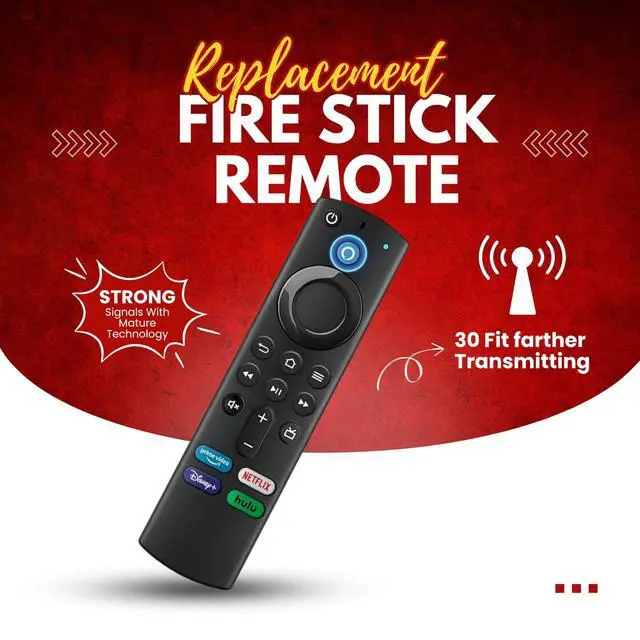
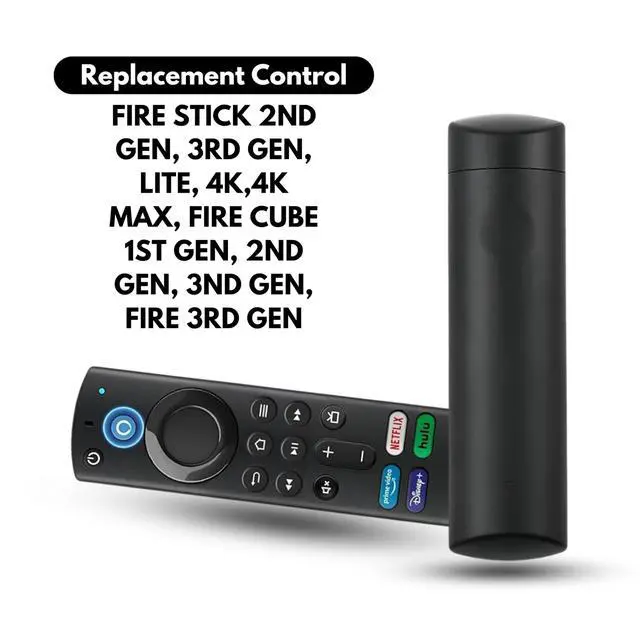
    New Voice Replacement Remote Compatible with FireStick (L5B83G) for 3rd Gen, AMZ Smart TV Stick 4K Max, Lite, Fire TV Cube (1st/2nd/3rd Gen), and Insignia/Toshiba/Pioneer Smart TVs

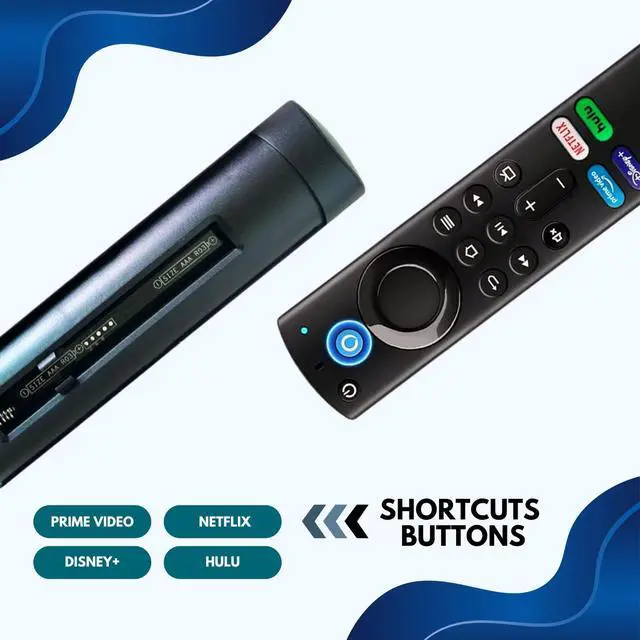
    • Voice Function The remote control features preset shortcut app buttons (3rd Gen Voice Remote) for quick access to your favorite content.
    • Not Compatible Devices: Not Fit for Fire Stick TV (1st Gen), Not Fit for Amazon TV (1st Gen, 2nd Gen), Not Fit for Edition Smart TVs.
    • Long-Distance Transmission Supports transmission up to 10 meters with fast response. Equipped with a new smart chip, it features power-off memory to retain codes without loss.
    • Easy to Pair: Press and hold the HOME button for 10-15 seconds. Release it once the LED begins to flash rapidly. Wait for 30-60 seconds, and the remote control will pair automatically.
    • NOTE: Ensure you have 2 AAA batteries ready before use. Verify your devices compatibility with this remote control. Remove the batteries from the old remote control before pairing.
    +
    +
    Overview
    Specs
    Reviews
    avatar

    Any questions? Our AI beta will help you find out quickly.

    Replacement Voice Remote Control L5B83G Compatible with Fire AMZ Smart Tvs

    Wide Compatibility

    Compatible with Smart TV Stick Lite, Smart TV Stick (2nd Generation and newer), Smart TV Stick 4K, Smart TV Stick 4K Max, Smart TV Cube (1st Generation and newer), Smart TV Stick 4K Bundle, and Smart TV (3rd Generation).

    With Voice Function

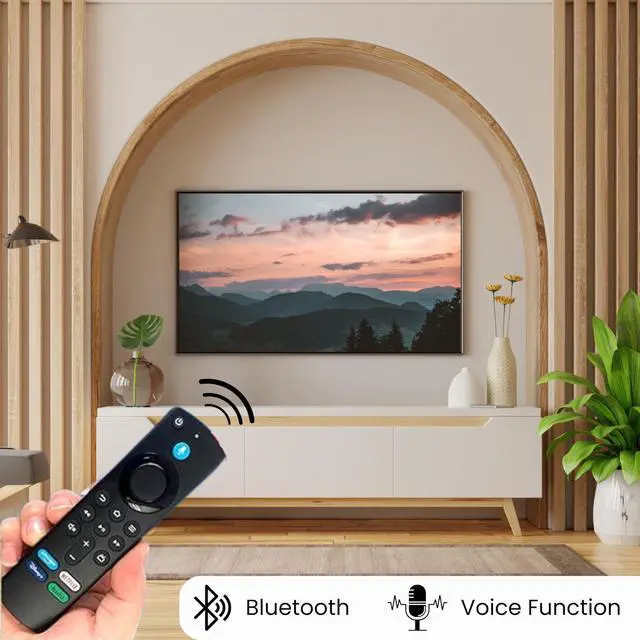
    Remote Control Replacement featuring a powerful voice function. No programming requiredsimply press and hold to speak for quick and easy recognition.

    PLEASE NOTE

    1. The voice remote control requires manual pairing.
    2. If the remote control frequently needs updates, press the Voice or Return button to resolve.
    3. The remote control requires 2 AAA batteries to function (batteries are not included in the package).

    HOW TO USE

    1. Insert 2 AAA batteries into the remote (batteries not included in the package).
    2. Press and hold the Home button for 10-15 seconds until the LED indicator begins to flash rapidly.
    3. Wait for about 30-60 seconds as the remote enters pairing mode (indicated by the flashing LED).
    4. Your remote will automatically pair with your device.

    Product information

    BrandElement Edge
    Special FeatureVoice Search
    ColorBlack
    Max Number of Supported Devices1
    Compatible DevicesTelevision
    Product Dimensions1 x 0.56 x 4.29 inches
    Item Weight1.13 ounces
    Item model numberL5B83G
    Date First AvailableDecember 12, 2024
    ManufacturerElement Edge

    Warranty & Returns

    Warranty, Returns, And Additional Information

    Warranty

    • Please contact the Seller directly for warranty information. Warranty information may also be found on the Manufacturer's website.
    • CONTACT

    Return Policies

    • Return for refund within: 30 days
    • Return for replacement within: non-replaceable
    • This item is covered by shiyishan Return Policy

    Manufacturer Contact Info

    LOADING...