




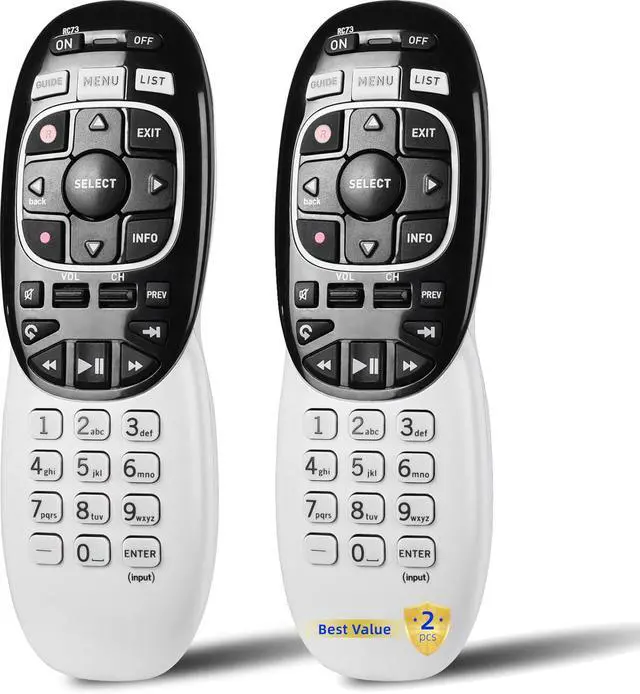
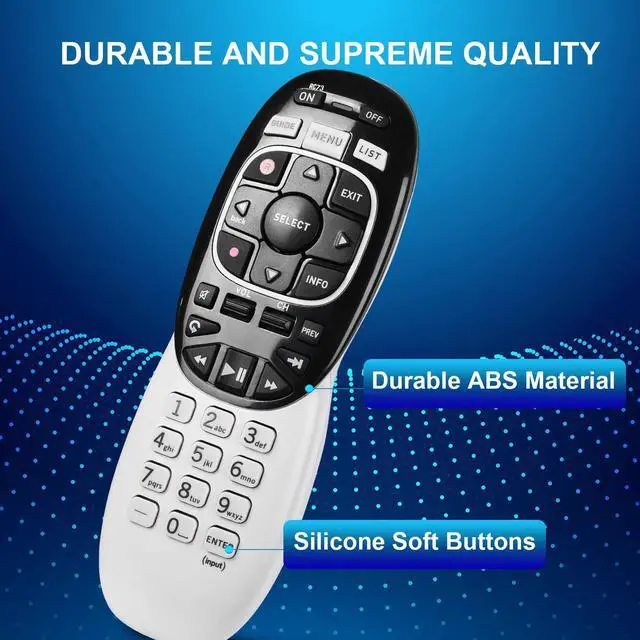
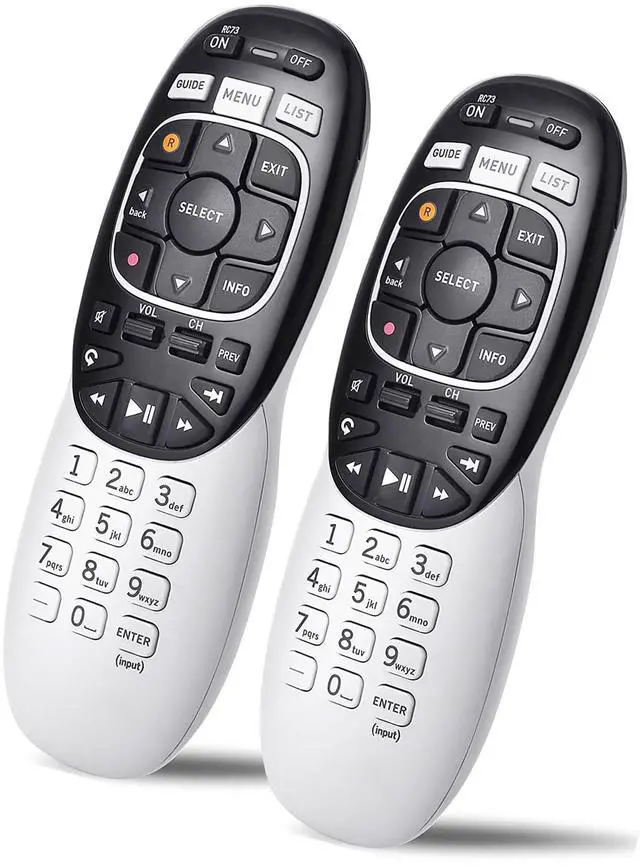


2 Packs Universal Remote Control RC73 IR/RF Compatible with Directv RC71 RC72, Compatible with DirecTV HR20/HR21/HR34/HR44/HR54 DVR Satellite Receive
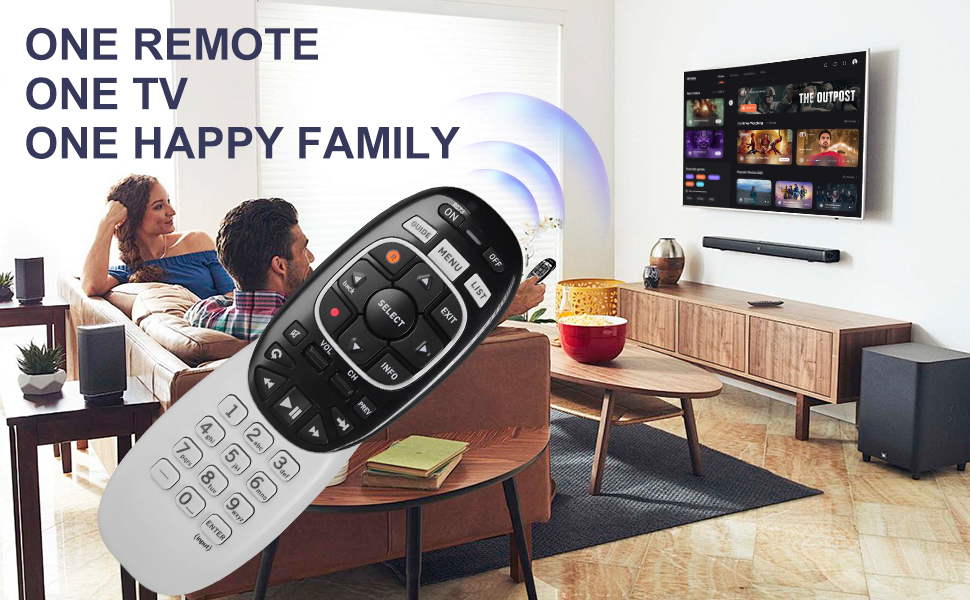
- Compatible Model:
- In RF mode, Genie (model HR44 or higher), Genie Lite, Genie Mini, 4K Genie Mini, and Wireless Genie Mini (model C41W or higher) are all compatible with Genie Remote.
- In IR mode, it works with all DIRECTV receivers and DIRECTV Ready TVs (requires pointing at the equipment).
- Receiver and Remote Control Reset
· If the buttons on your remote are not responding, try resetting the receiver and remote control. Reset a receiver
· On most DIRECTV receivers, there is a red button on the side of the receiver or inside the access card door.
· Press and hold the red button until the receiver restarts.
· Note: Are you unable to locate the red button? Unplug the receiver's power cord from the electrical outlet. Wait 15 seconds before plugging it back in. Reset a remote control If restarting.
· 1. Press MENU on the remote.
· 2. Arrow down to Settings and press SELECT.
· 3. Go to Remote Control and press SELECT.
· 4. Select Pair/Program Remote. Depending on your setup, this may be automatic, or you may have to enter codes into your remote. Use the code lookup tool to find the 5-digitcode.
· If that didn't help, try resetting the remote to its default factory settings:
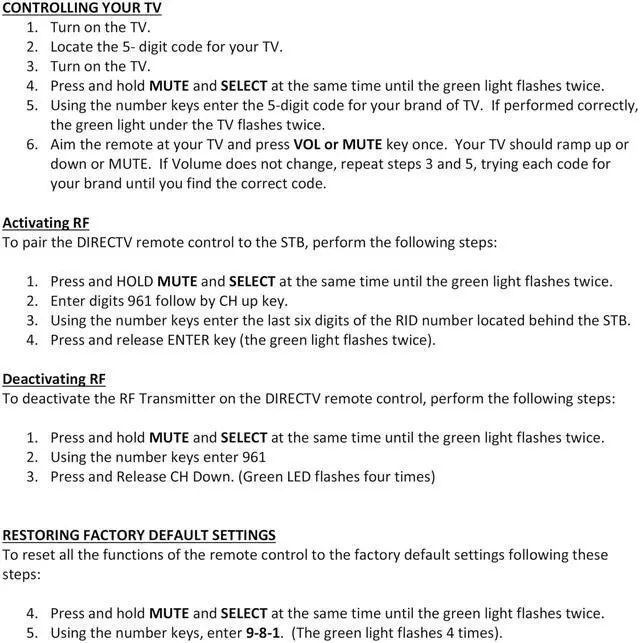
-Press and hold mute and select until the LED blinks to reset the RC73 remote. -Type the numbers “9, 8, 1” in that order after releasing mute and selecting. – After typing the above three numbers, the light on the remote should blink again.
- HOW DO I SET THE VOLUME ON MY DIRECTV REMOTE
· The mode switch can be set to AV1, AV2, or TV. Turn down the volume.
· Hold down the MUTE and SELECT keys until the green light under the selected switch flashes twice, then let go of both.
· Enter 9-9-3 using the number key.
· The SELECT key should be pressed and released.
- · What is the procedure for programming my DIRECTV RF remote? While pointing the remote at a Genie device, press and hold the MUTE and ENTER buttons. When the green light on the top of the remote blinks twice, come to a halt. You’re in RF mode and ready to program the remote when the TV screen displays Applying IR/RF setup.
- · What is the difference between infrared (IR) and radio frequency (RF) remote controls? The term “infrared” refers to the fact that the remote must be pointed directly at the receiver. Radio Frequency (RF) indicates that the remote is multi-directional. In today’s world, almost every remote control that comes with any piece of A/V equipment employs an IR-based control system.
- · What is the code for connecting a DIRECTV remote to a television? Turn on your DIRECTV Ready television. Press and hold the MUTE and SELECT buttons on your remote control until the green light at the top blinks twice. Enter your TV manufacturer’s code here: – Enter 54000 for Samsung DIRECTV Ready TVs.
- · Is my DIRECTV remote an IR or an RF remote? All DIRECTV receivers built since 2003, as well as most DIRECTV receivers prior to that, can be operated in IR mode using the DIRECTV “white” remote. All pre-Genie RF-capable receivers can be controlled with RF-capable remotes
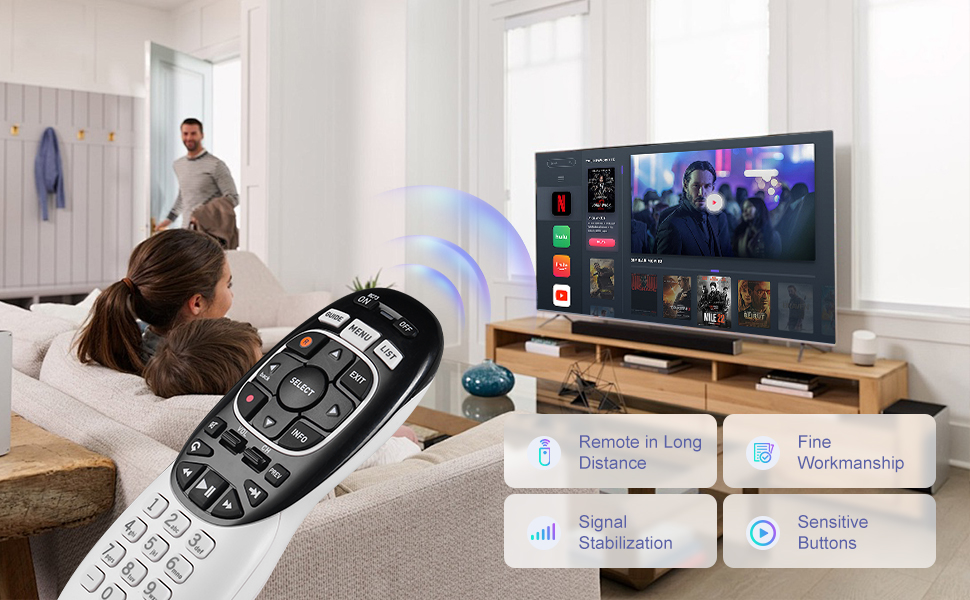
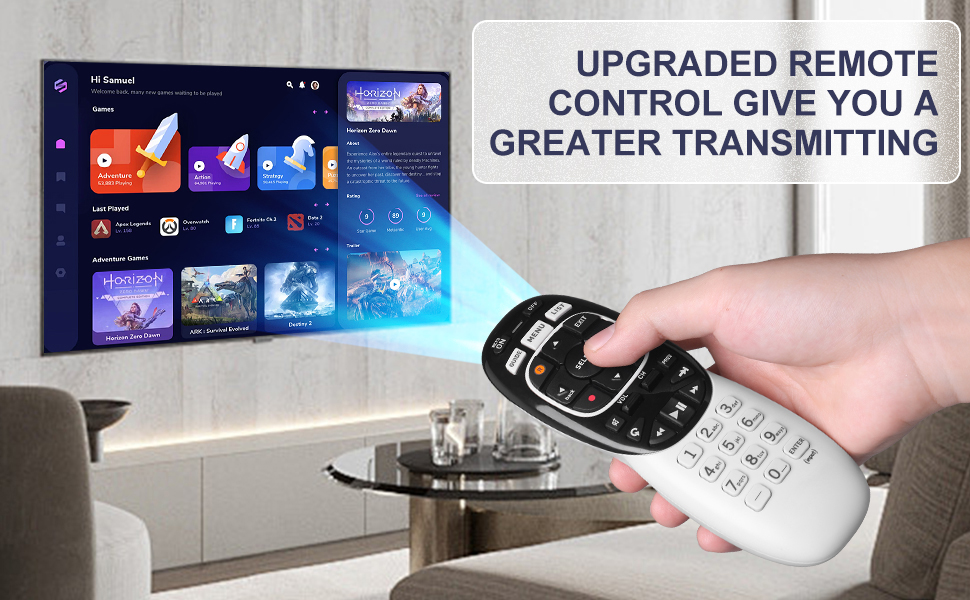
- · On the RC73 DirecTV remote, where is the mode switch? Locate the MODE switch on the remote’s top and move it to the TV. Press and hold the MUTE and SELECT buttons at the same time until the top of your remote flashes greens twice.
- · Why won’t my DIRECTV remote connect to my television? Make sure you have a direct line of sight to the receiver if your remote isn’t changing channels or altering the volume. Next, ensure sure your DIRECTV receiver is controlled by your remote: Slide the mode switch all the way to the left to the DIRECTV symbol at the top of the remote.
- · What is the procedure for resetting the RF on my DIRECTV remote? Press and hold the MUTE and SELECT keys until the green light under the DIRECTV position flashes twice, then RESET the remote. Enter 981 using the number keys.
- · What happened to my DIRECTV remote? If one of the buttons on the remote is left pushed, the remote may stop operating. To fix this, make sure that the remote’s mode is set to DirecTV. After that, run your fingertips over all of the buttons to see whether they’re stuck. Now try the remote once more.
- · How can I tell whether my remote is RF or IR? You have an IR remote if you can see a light coming from the front of the remote. You have an RF remote if you don’t see a light.
2 Packs Universal Remote Control RC73 IR/RF Compatible with Directv RC71 RC72, Compatible with DirecTV HR20/HR21/HR34/HR44/HR54 DVR Satellite Receive
- Compatible Model:
- In RF mode, Genie (model HR44 or higher), Genie Lite, Genie Mini, 4K Genie Mini, and Wireless Genie Mini (model C41W or higher) are all compatible with Genie Remote.
- In IR mode, it works with all DIRECTV receivers and DIRECTV Ready TVs (requires pointing at the equipment).
- Receiver and Remote Control Reset
· If the buttons on your remote are not responding, try resetting the receiver and remote control. Reset a receiver
· On most DIRECTV receivers, there is a red button on the side of the receiver or inside the access card door.
· Press and hold the red button until the receiver restarts.
· Note: Are you unable to locate the red button? Unplug the receiver's power cord from the electrical outlet. Wait 15 seconds before plugging it back in. Reset a remote control If restarting.
· 1. Press MENU on the remote.
· 2. Arrow down to Settings and press SELECT.
· 3. Go to Remote Control and press SELECT.
· 4. Select Pair/Program Remote. Depending on your setup, this may be automatic, or you may have to enter codes into your remote. Use the code lookup tool to find the 5-digitcode.
· If that didn't help, try resetting the remote to its default factory settings:
-Press and hold mute and select until the LED blinks to reset the RC73 remote. -Type the numbers “9, 8, 1” in that order after releasing mute and selecting. – After typing the above three numbers, the light on the remote should blink again.
- HOW DO I SET THE VOLUME ON MY DIRECTV REMOTE
· The mode switch can be set to AV1, AV2, or TV. Turn down the volume.
· Hold down the MUTE and SELECT keys until the green light under the selected switch flashes twice, then let go of both.
· Enter 9-9-3 using the number key.
· The SELECT key should be pressed and released.
- · What is the procedure for programming my DIRECTV RF remote? While pointing the remote at a Genie device, press and hold the MUTE and ENTER buttons. When the green light on the top of the remote blinks twice, come to a halt. You’re in RF mode and ready to program the remote when the TV screen displays Applying IR/RF setup.
- · What is the difference between infrared (IR) and radio frequency (RF) remote controls? The term “infrared” refers to the fact that the remote must be pointed directly at the receiver. Radio Frequency (RF) indicates that the remote is multi-directional. In today’s world, almost every remote control that comes with any piece of A/V equipment employs an IR-based control system.
- · What is the code for connecting a DIRECTV remote to a television? Turn on your DIRECTV Ready television. Press and hold the MUTE and SELECT buttons on your remote control until the green light at the top blinks twice. Enter your TV manufacturer’s code here: – Enter 54000 for Samsung DIRECTV Ready TVs.
- · Is my DIRECTV remote an IR or an RF remote? All DIRECTV receivers built since 2003, as well as most DIRECTV receivers prior to that, can be operated in IR mode using the DIRECTV “white” remote. All pre-Genie RF-capable receivers can be controlled with RF-capable remotes
- · On the RC73 DirecTV remote, where is the mode switch? Locate the MODE switch on the remote’s top and move it to the TV. Press and hold the MUTE and SELECT buttons at the same time until the top of your remote flashes greens twice.
- · Why won’t my DIRECTV remote connect to my television? Make sure you have a direct line of sight to the receiver if your remote isn’t changing channels or altering the volume. Next, ensure sure your DIRECTV receiver is controlled by your remote: Slide the mode switch all the way to the left to the DIRECTV symbol at the top of the remote.
- · What is the procedure for resetting the RF on my DIRECTV remote? Press and hold the MUTE and SELECT keys until the green light under the DIRECTV position flashes twice, then RESET the remote. Enter 981 using the number keys.
- · What happened to my DIRECTV remote? If one of the buttons on the remote is left pushed, the remote may stop operating. To fix this, make sure that the remote’s mode is set to DirecTV. After that, run your fingertips over all of the buttons to see whether they’re stuck. Now try the remote once more.
- · How can I tell whether my remote is RF or IR? You have an IR remote if you can see a light coming from the front of the remote. You have an RF remote if you don’t see a light.