here!
here!
I’m your shopping assistant for PC builds, upgrades, and everything tech.
Got questions? Ask away!
Start a conversation
here!
I’m your shopping assistant for PC builds, upgrades, and everything tech.
Got questions? Ask away!
Start a conversation




Any questions? Ask CelesteSM will help you find out quickly.

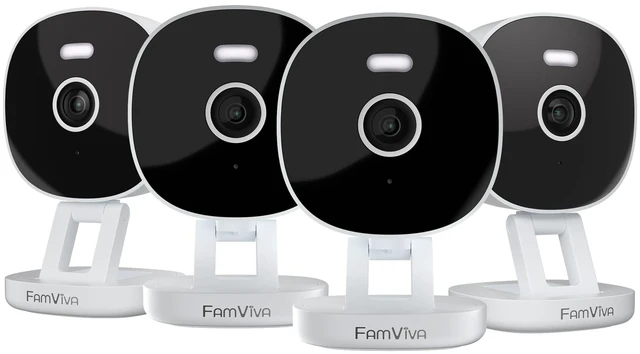
Famviva security camera protect your home.
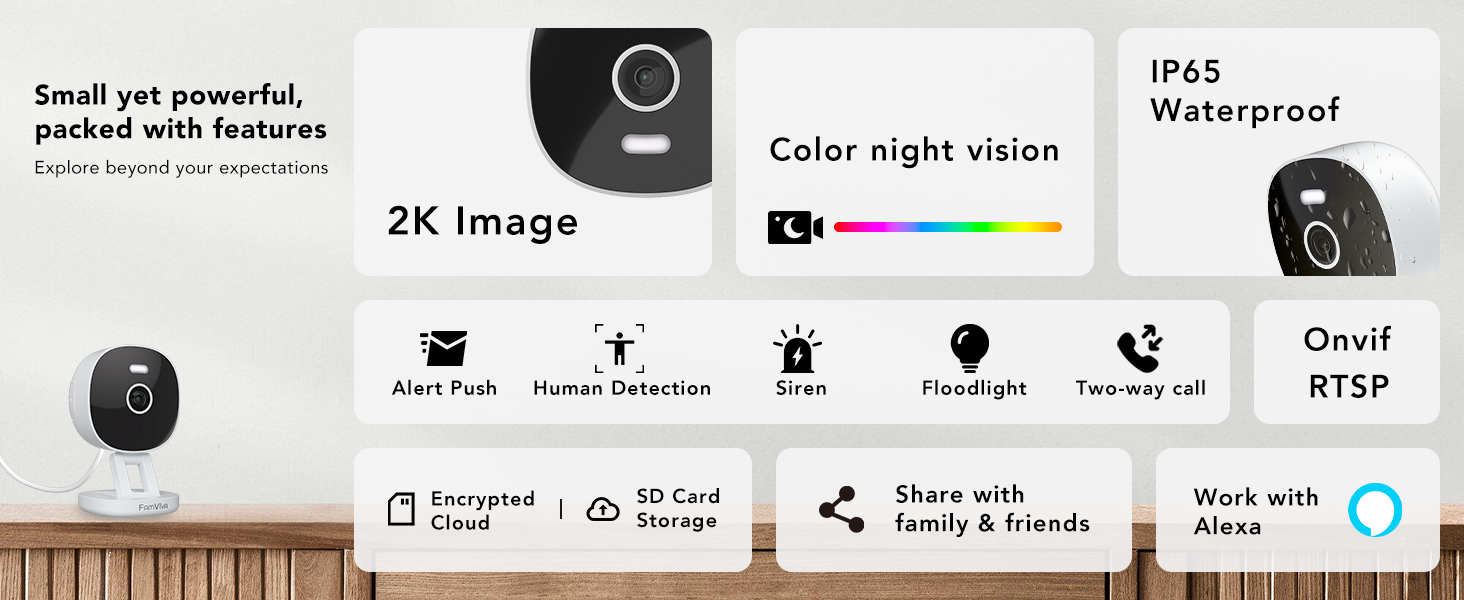

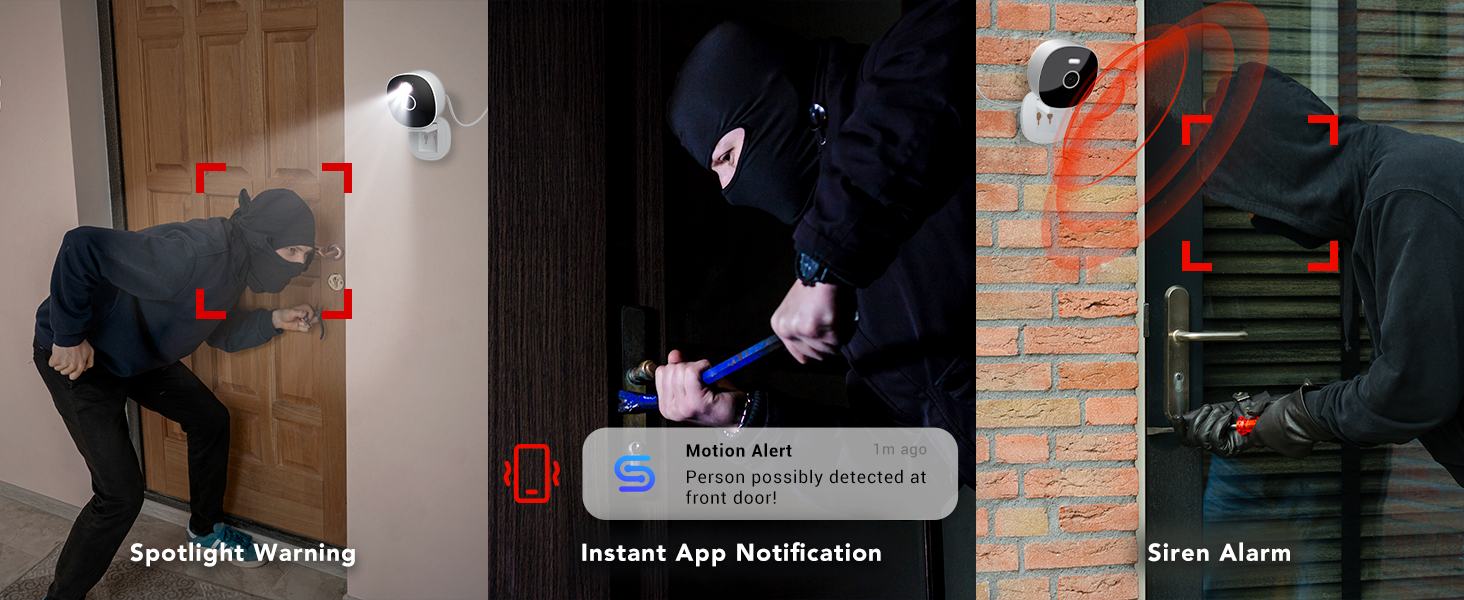
Are these home cameras wireless?
These cameras connect to your home WiFi wirelessly, but they are plug-in cameras (not battery-powered or cordless).
Please make sure the camera is plugged into a power outlet before connecting to WiFi.
Does this security camera work with 5GHz WiFi?
No. This camera supports 2.4GHz WiFi only.
Most home routers broadcast both 2.4GHz and 5GHz networks—please confirm your router settings before setup.
Is there a monthly cloud fee?
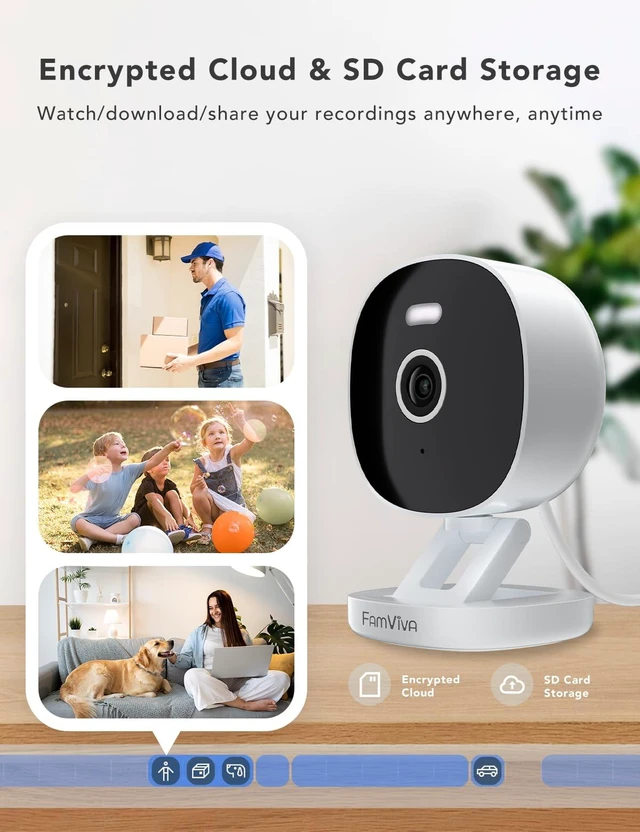
Cloud service is optional.
If you choose to use cloud storage, a subscription is required.
If not, you can still use the camera normally through your home WiFi and/or a microSD card (sold separately).
What should I do if the camera won’t connect to the network?
1. Confirm your phone is connected to a 2.4GHz WiFi.
2. Check that the camera’s blue light flashes twice with two beeps; if not, press and hold the RST button for 5 seconds to reset.
3. Verify the WiFi password is correct.
Can this camera record or monitor through glass?
Not recommended.
Most glass windows and doors can block infrared light and motion detection, which affects image quality and detection accuracy. For best performance, please install the camera without glass obstruction.
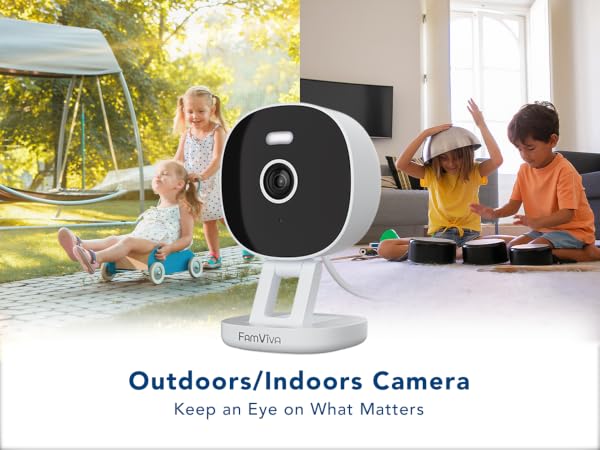
Famviva security camera protect your home.
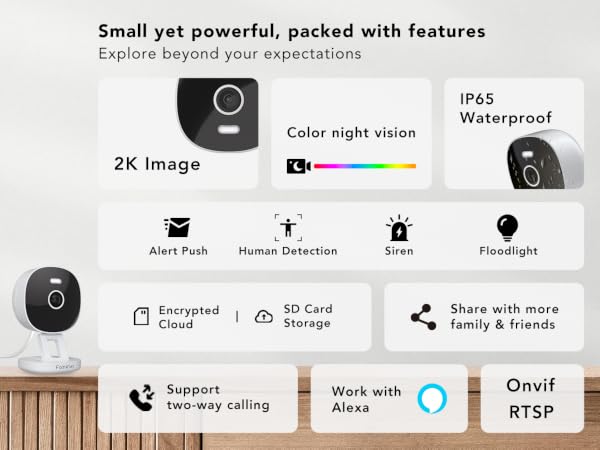




Are these home cameras wireless?
These cameras connect to your home WiFi wirelessly, but they are plug-in cameras (not battery-powered or cordless).
Please make sure the camera is plugged into a power outlet before connecting to WiFi.
Does this security camera work with 5GHz WiFi?
No. This camera supports 2.4GHz WiFi only.
Most home routers broadcast both 2.4GHz and 5GHz networks—please confirm your router settings before setup.
Is there a monthly cloud fee?
Cloud service is optional.
If you choose to use cloud storage, a subscription is required.
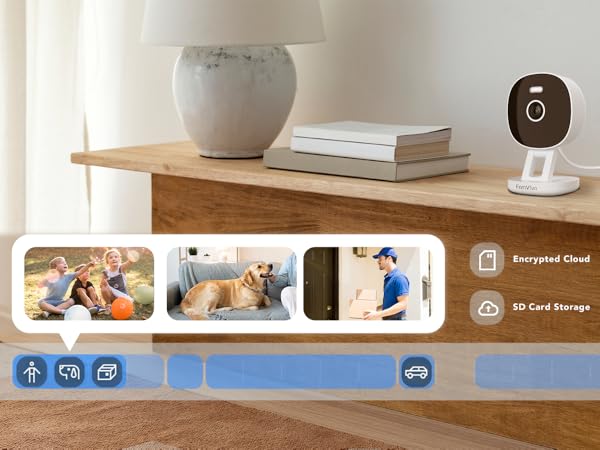
If not, you can still use the camera normally through your home WiFi and/or a microSD card (sold separately).
What should I do if the camera won’t connect to the network?
1. Confirm your phone is connected to a 2.4GHz WiFi.
2. Check that the camera’s blue light flashes twice with two beeps; if not, press and hold the RST button for 5 seconds to reset.
3. Verify the WiFi password is correct.
Can this camera record or monitor through glass?
Not recommended.
Most glass windows and doors can block infrared light and motion detection, which affects image quality and detection accuracy. For best performance, please install the camera without glass obstruction.