




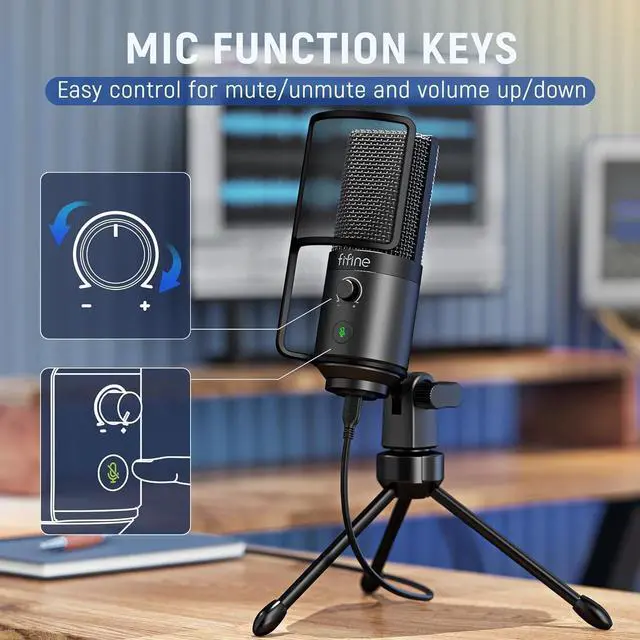








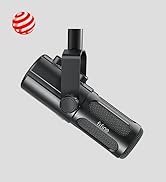
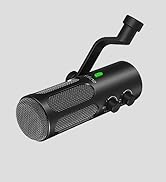
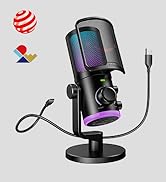
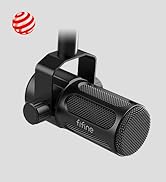


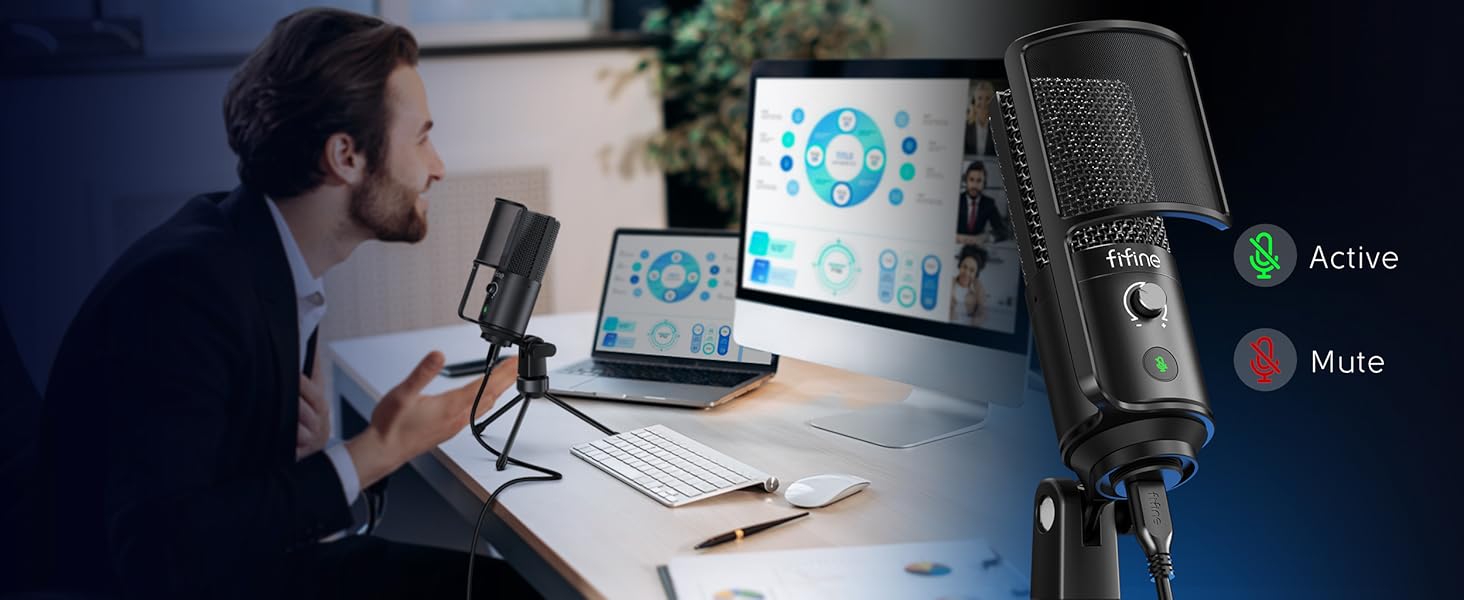
Tap-to-Mute
You can mute the recording mic PC immediately and start to make sounds in seconds by tapping the button smoothly without disturbing others to ensure a more orderly discussion meeting.
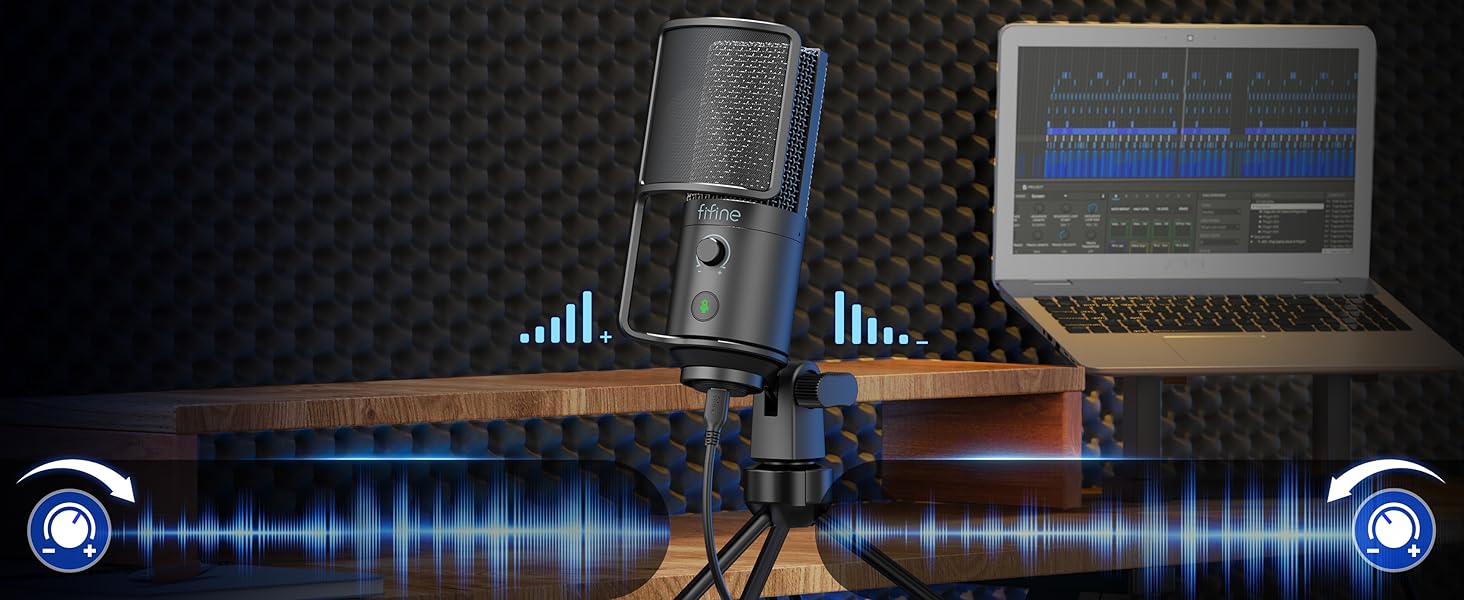
Mic Gain Knob
In daily computer recording, you can twist the gain knob to adjust your input volume level gently. Replacing inconvenient control of the computer, it’s much simpler and faster.

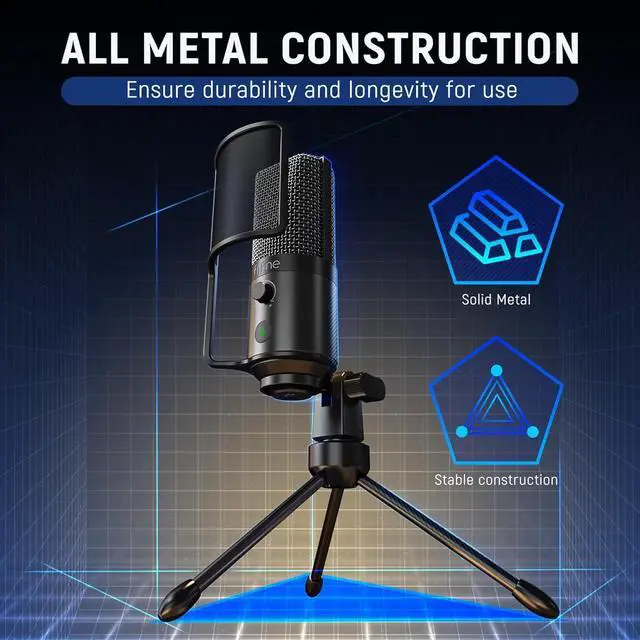
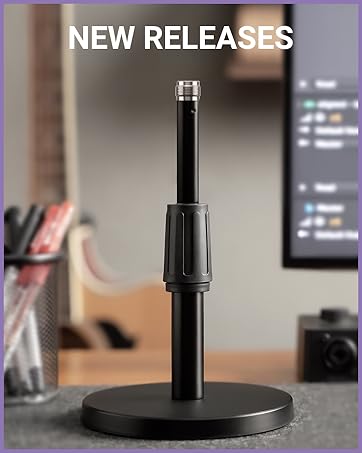
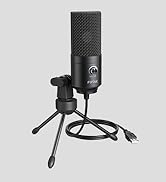
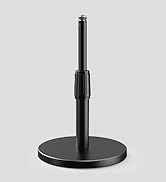
Sturdy Tripod Stand
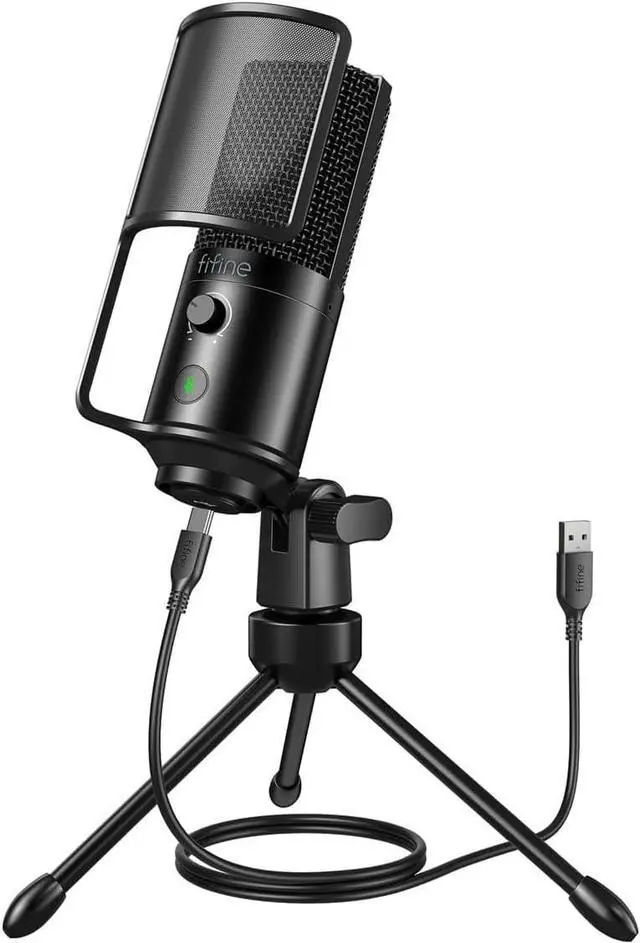
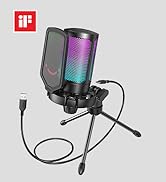
Keep your PC microphone for recording stably on the desk. Metal construction tripod stand keeps podcast mic’s body unmoved for peaceful voice input.

Removable Pop Filter
Let the plosive noise stay away from USB condenser microphone. Reduce noise obstacles to elevate the clearer and more natural sound quality.


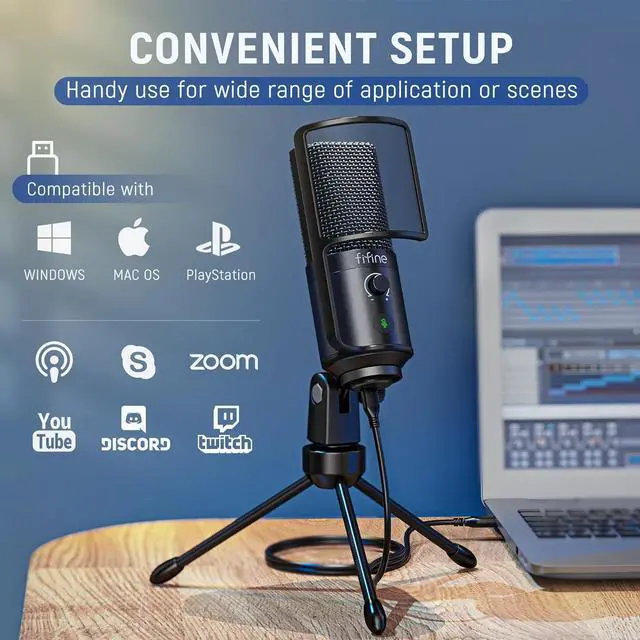
Is it compatible with Macbook?
Yes, this USB microphone is compatible with Macbook. You could use the included USB-C to USB-A cable to connect them for recording or streaming.
How to get the best sound effect in recording?
We recommend you adjust the gain knob at about 25%, and speak in front of the mic (the side of the gain knob) in 6-8 inches. Please note that the mic input volume can be only adjusted by the gain knob but can't be adjusted on computer.
Does it work with smartphone?
It's not recommended to use this microphone with smartphone, because smartphone may not supply enough power for the microphone. This microphone is recommended to use with PC or Laptop.
What does the K669PRO1 mic come with?
This PC USB condenser mic comes with pop filter, 6.5ft(2m) USB-A to USB-C cable, tripod stand and user's manual.
What's the difference with T669PRO1?
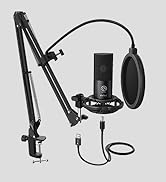
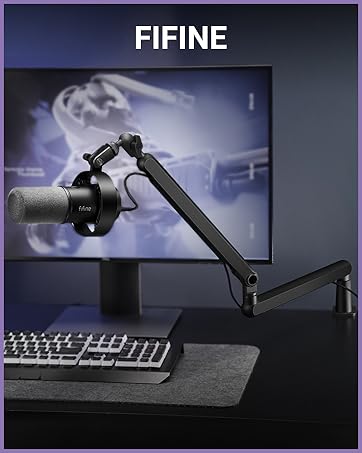
The main difference between these two mics is the stand. K669PRO1 comes with tripod stand, while the T669PRO1 comes with boom arm stand. The two sets of microphones are the same, both with the same microphone capsule.
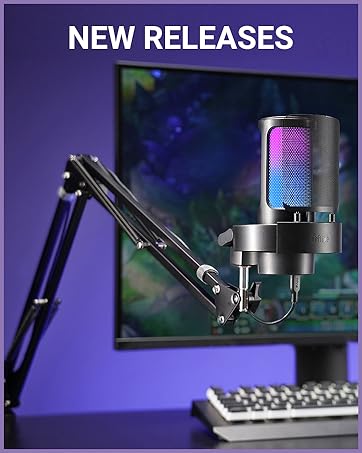
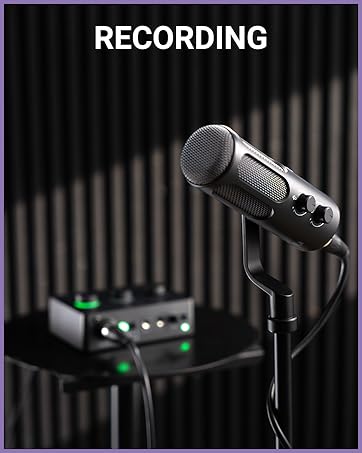
Recording Mics and Gaming Mics List
 Recording Mic-K669PRO1 |  USB Podcast Mic-K669B |  Recording Mic Kit-T669 |  Gaming Microphone-AM8 |  Studio Microphone-K688 |  Game Chat Microphone-AM6 |  Podcast Mic Kit-T669 | |
|---|---|---|---|---|---|---|---|
Customer Reviews | — | — | — | — | — | — | — |
Price | — | — | — | — | — | — | — |
Mic Capsule | Condenser | Condenser | Condenser | Dynamic | Dynamic | Condenser | Condenser |
Connection Type | USB | USB | USB | XLR and USB | XLR and USB | USB | USB |
USB Cable | 6.5ft (Detachable) | Built-in 6.5ft | 8.2ft (Detachable) | 6.5ft (Detachable) | 8.2ft (Detachable) | 6.5ft (Detachable) | 8.2ft (Detachable) |
Detachable Pop Filter | ? | ? | ? | Cotton Windscreen | Cotton Windscreen | ? | ? |
RGB | ? | ? | ? | On/Off/Controllable | ? | On/Off/Controllable | ? |
Mute Button | ? | ? | ? | ? | ? | ? | ? |
Mic Vol. Adjusted | ? | ? | ? | ? | ? | ? | ? |
Headphones Vol. Control | ? | ? | ? | ? | ? | ? | ? |
Headphones Monitoring | ? | ? | ? | ? | ? | ? | ? |
Microphone Stand | Tripod Stand | Tripod Stand | Boom Arm | Based Stand | ? | Based Stand | Boom Arm |
Best Recording Range | 6-12 inch | 6-12 inch | 6-12 inch | 2-6 inch | 2-6 inch | 6-12 inch | 6-12 inch |
Suitable Scenes | Record/Video Conference | Record/Video Conference | Recording/Vocal/Voice-over | Gaming/Live Streaming/Vocal | Recording/Podcast/Vocal | Gaming Chatting/Live Streaming | Recording/Podcast/Vocal |
Easy-to-Use
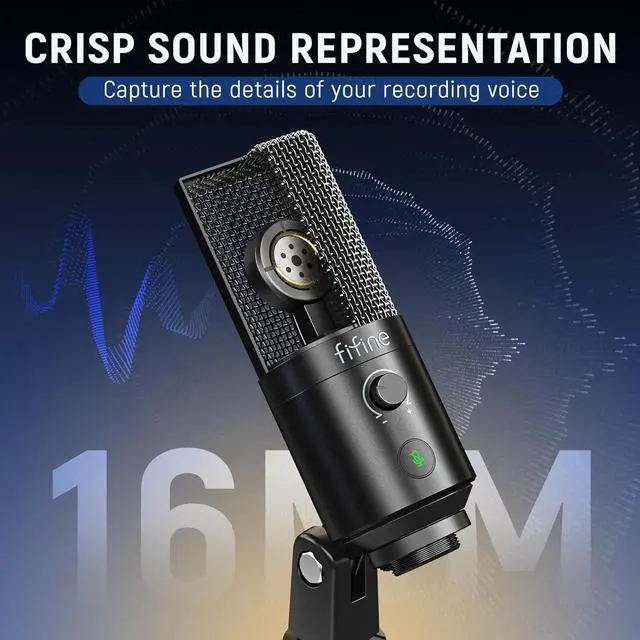
16MM Mic Capsule
Plug and Play
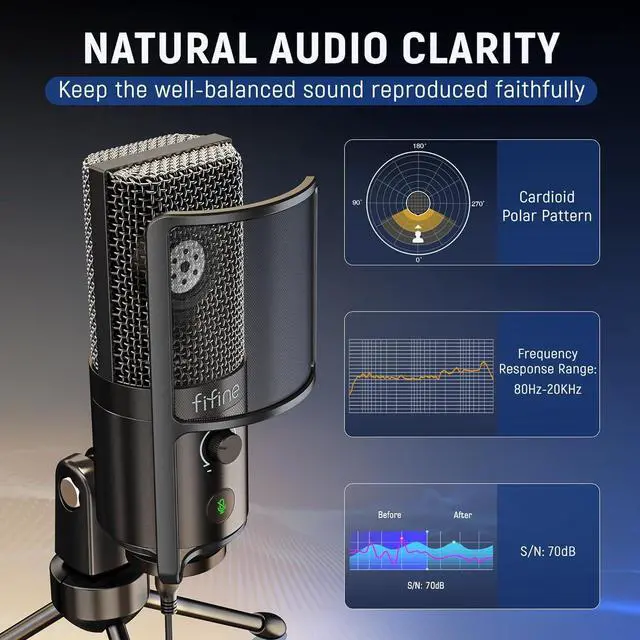
Cardioid Polar Pattern


With user-friendly features for audio recording.
Widen the response range of detailed sound.
Wide compatibility for recording/gaming devices.
Focus on the front of voice resource capturing.
Tap-to-Mute
Mic Gain Knob


You can mute the recording mic PC immediately and start to make sounds in seconds by tapping the button smoothly without disturbing others to ensure a more orderly discussion meeting.
In daily computer recording, you can twist the gain knob to adjust your input volume level gently. Replacing inconvenient control of the computer, it’s much simpler and faster.
Sturdy Tripod Stand
Keep your PC microphone for recording stably on the desk. Metal construction tripod stand keeps podcast mic’s body unmoved for peaceful voice input.
Removable Pop Filter
Let the plosive noise stay away from USB condenser microphone. Reduce noise obstacles to elevate the clearer and more natural sound quality.
Make your listeners concentrate on your podcast content.
Restore the sound nature to get a much realistic vocal.
Handy functional usage and improve work efficiency.
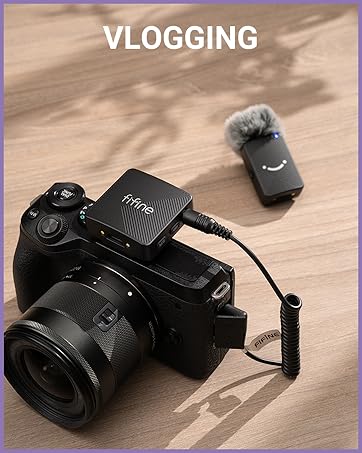
Lively voice closes to viewers and make them more involved.


Is it compatible with Macbook?
Yes, this USB microphone is compatible with Macbook. You could use the included USB-C to USB-A cable to connect them for recording or streaming.
How to get the best sound effect in recording?
We recommend you adjust the gain knob at about 25%, and speak in front of the mic (the side of the gain knob) in 6-8 inches. Please note that the mic input volume can be only adjusted by the gain knob but can't be adjusted on computer.
Does it work with smartphone?
It's not recommended to use this microphone with smartphone, because smartphone may not supply enough power for the microphone. This microphone is recommended to use with PC or Laptop.
What does the K669PRO1 mic come with?
This PC USB condenser mic comes with pop filter, 6.5ft(2m) USB-A to USB-C cable, tripod stand and user's manual.
What's the difference with T669PRO1?
The main difference between these two mics is the stand. K669PRO1 comes with tripod stand, while the T669PRO1 comes with boom arm stand. The two sets of microphones are the same, both with the same microphone capsule.
Recording Mics and Gaming Mics List
Recording Mic-K669PRO1 | USB Podcast Mic-K669B | Recording Mic Kit-T669 | Gaming Microphone-AM8 | Studio Microphone-K688 | Game Chat Microphone-AM6 | Podcast Mic Kit-T669 |
|---|---|---|---|---|---|---|
| Customer Reviews | ||||||
| — | — | — | — | — | — | — |
| Price | ||||||
| — | — | — | — | — | — | — |
| Mic Capsule | ||||||
| Condenser | Condenser | Condenser | Dynamic | Dynamic | Condenser | Condenser |
| Connection Type | ||||||
| USB | USB | USB | XLR and USB | XLR and USB | USB | USB |
| USB Cable | ||||||
| 6.5ft (Detachable) | Built-in 6.5ft | 8.2ft (Detachable) | 6.5ft (Detachable) | 8.2ft (Detachable) | 6.5ft (Detachable) | 8.2ft (Detachable) |
| Detachable Pop Filter | ||||||
| ? | ? | ? | Cotton Windscreen | Cotton Windscreen | ? | ? |
| RGB | ||||||
| ? | ? | ? | On/Off/Controllable | ? | On/Off/Controllable | ? |
| Mute Button | ||||||
| ? | ? | ? | ? | ? | ? | ? |
| Mic Vol. Adjusted | ||||||
| ? | ? | ? | ? | ? | ? | ? |
| Headphones Vol. Control | ||||||
| ? | ? | ? | ? | ? | ? | ? |
| Headphones Monitoring | ||||||
| ? | ? | ? | ? | ? | ? | ? |
| Microphone Stand | ||||||
| Tripod Stand | Tripod Stand | Boom Arm | Based Stand | ? | Based Stand | Boom Arm |
| Best Recording Range | ||||||
| 6-12 inch | 6-12 inch | 6-12 inch | 2-6 inch | 2-6 inch | 6-12 inch | 6-12 inch |
| Suitable Scenes | ||||||
| Record/Video Conference | Record/Video Conference | Recording/Vocal/Voice-over | Gaming/Live Streaming/Vocal | Recording/Podcast/Vocal | Gaming Chatting/Live Streaming | Recording/Podcast/Vocal |
FIFINE Recording Series
Keep Leveling Up for Your Studio Clarity
FIFINE Recording Microphone
FIFINE Product for Podcasting
FIFINE Gaming Products
FIFINE Streaming Microphone
More from FIFINE