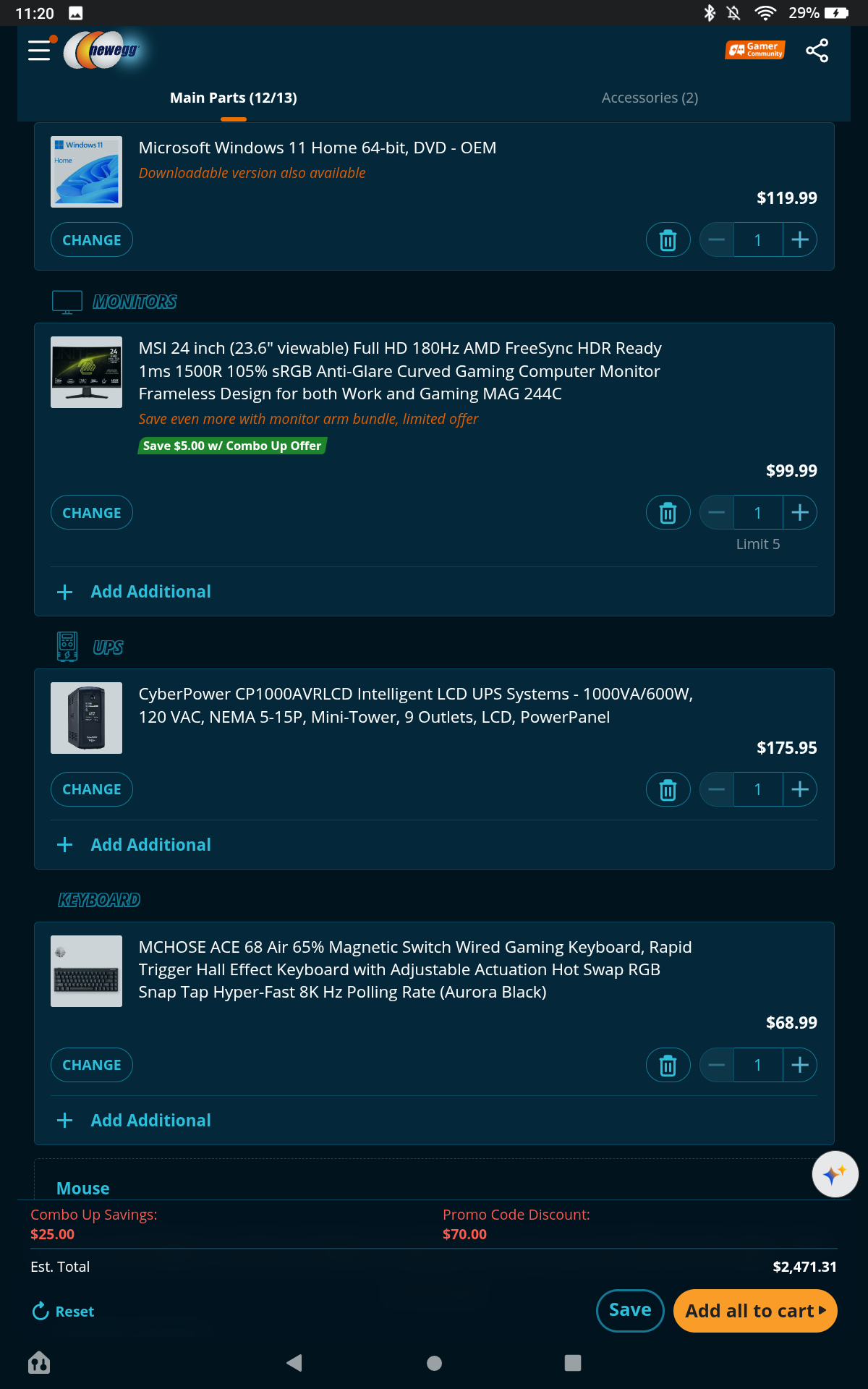
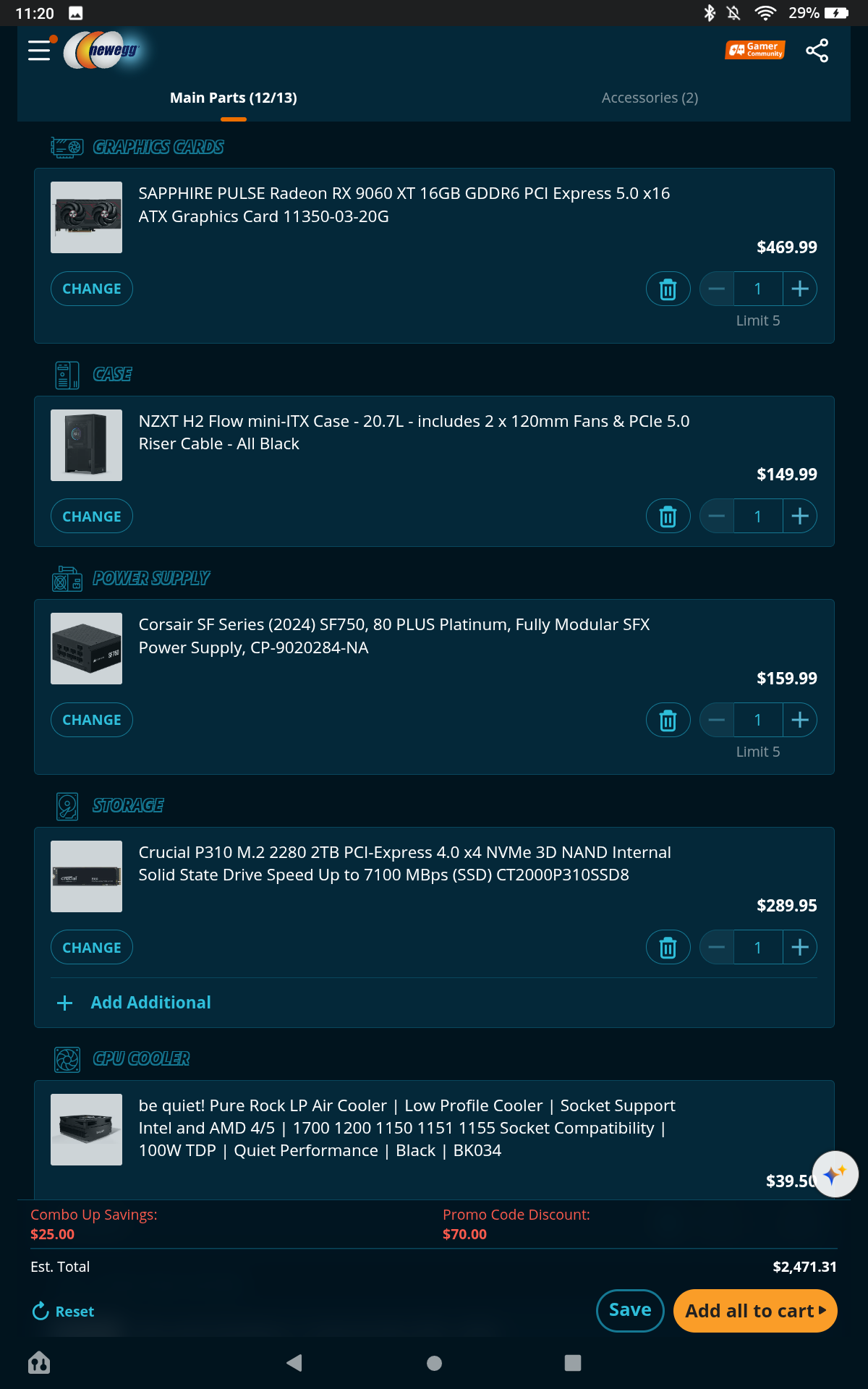
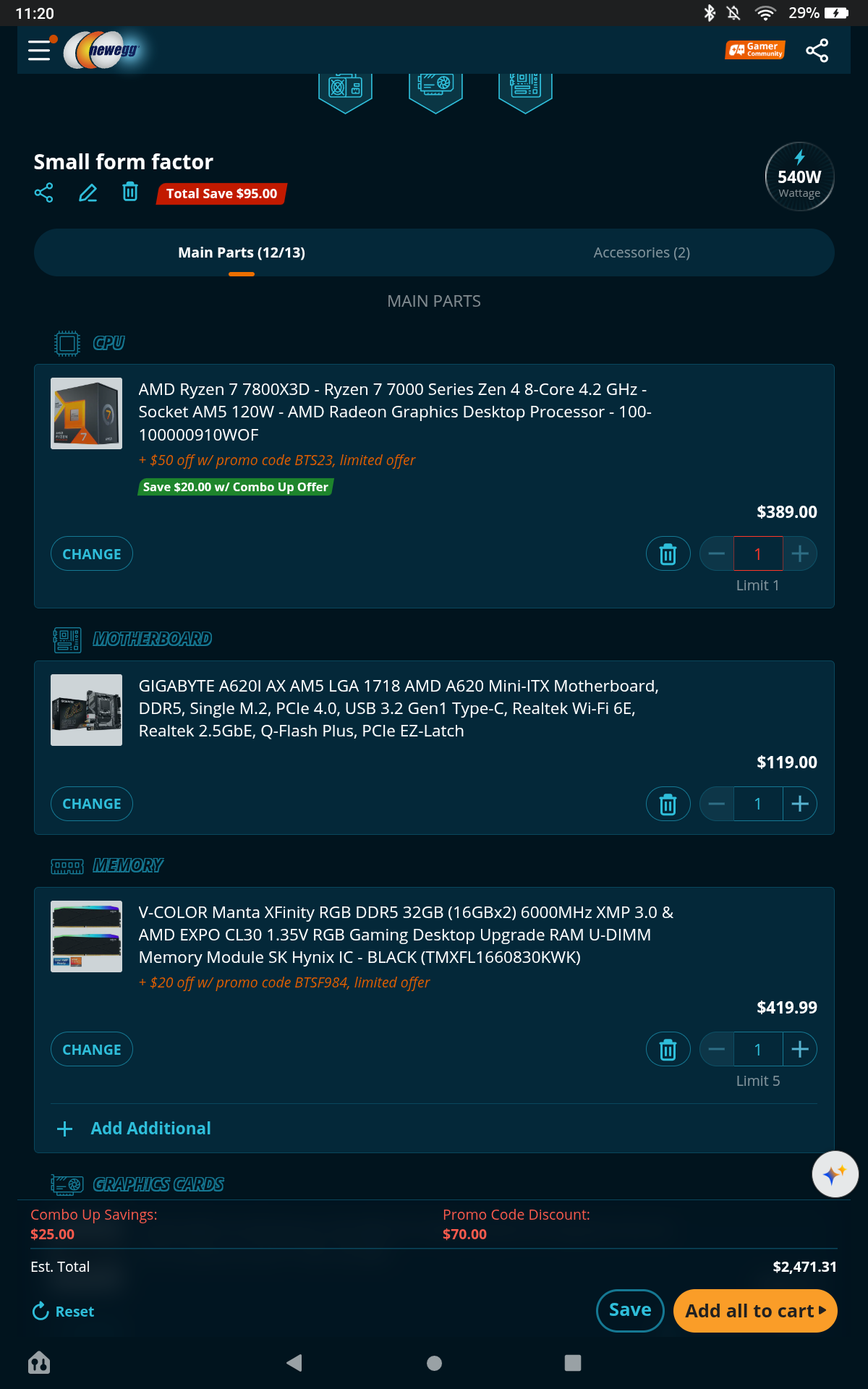
1 Like
Welcome them to our community!
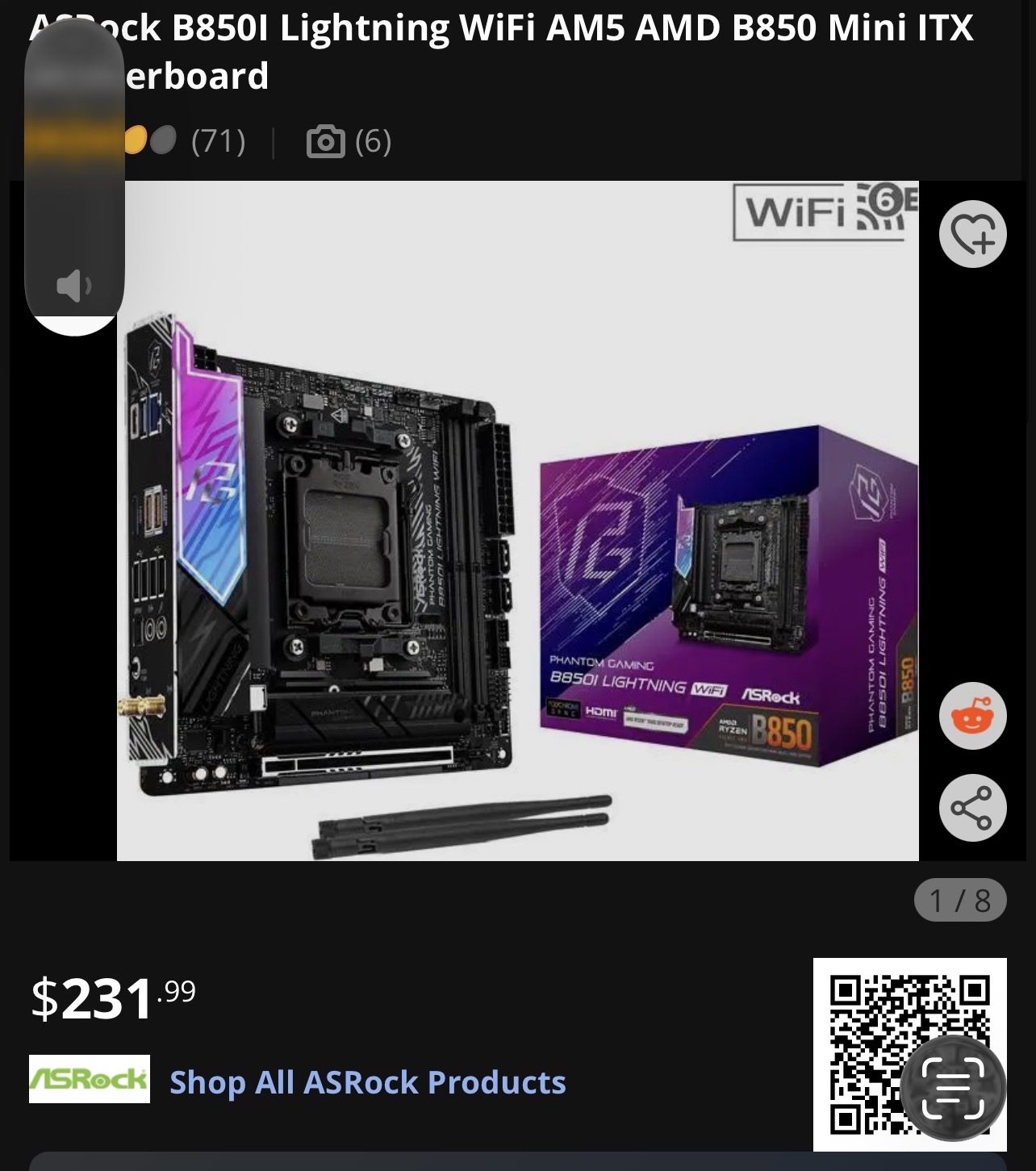
Everything looks ok I’d see about a different Motherboard You want a better chipset to handle the 7800X3D at least a B650 or B850 you will also gain PCIE 5.0 support
2 Likes
I agree with Kegun, you should take a look at this board
also you could probably save some money if you can find a deal on memory with a higher CL rating. The 7800x3d’s large amount of cache will take up the alot slack and you won’t really notice the difference because it’ll be going to the RAM less than a regular CPU.
One slight thing is the 7800x3d is probably a bit of a mismatch for the 9060 XT, it’s a bit too fast. Not sure what your budget is but, if you can swing it in 9070 XT is a much better pairing with that CPU. You would also need to update the PSU to 850. I’m sure the build will become much tighter too but they say it’ll fit.
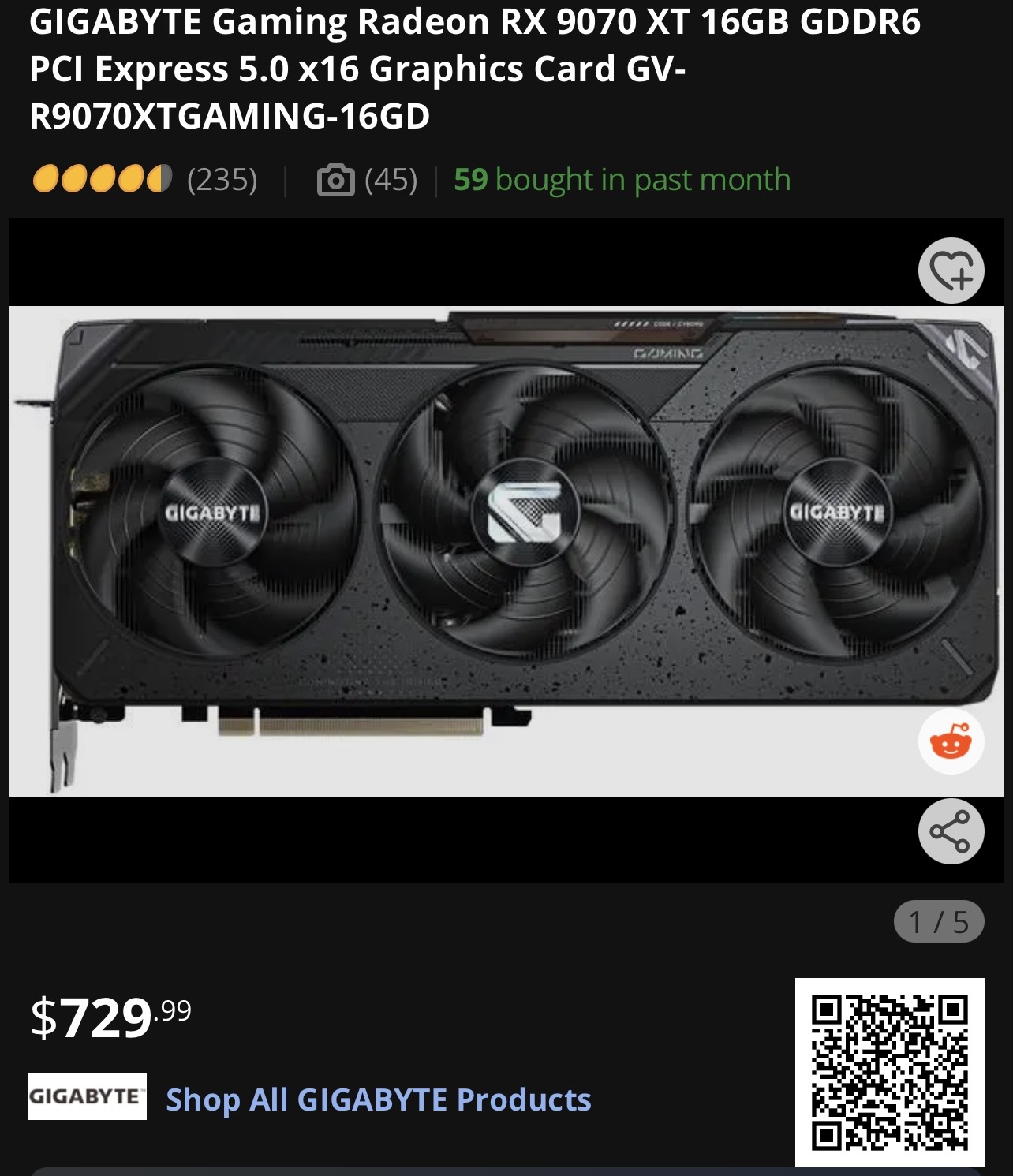
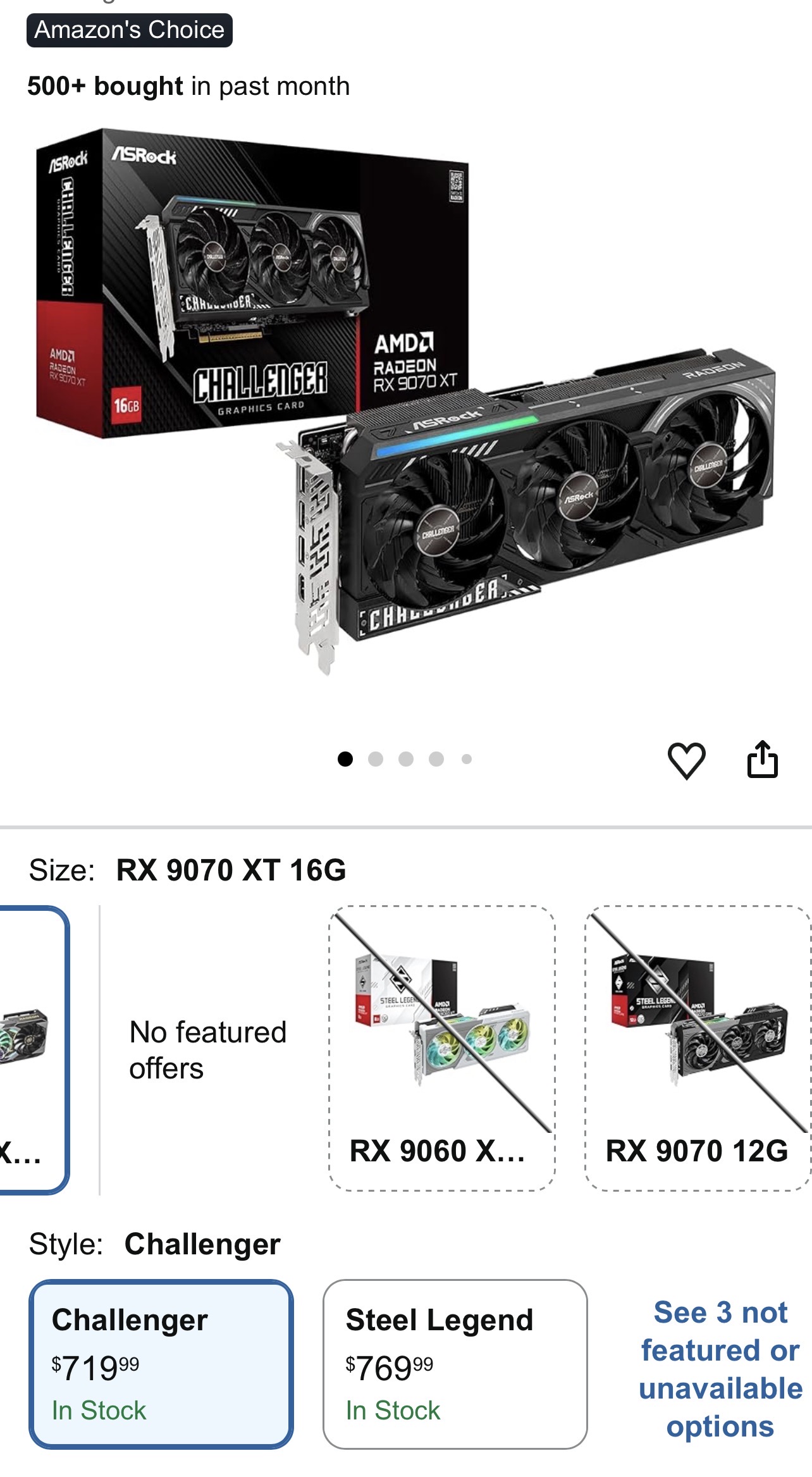
Finally, that CPU cooler should be OK but you might want to think about a better one than that especially since you’re building such a small form factor heat is gonna be the real challenge.
1 Like
What cpu would you recommend if i wanted to stay with a 9060xt?
1 Like
If you’re planning on sticking with the 9060 XT, I’d probably go with the 9700X. The 7800X3D is technically the faster gaming CPU, but with a 9060 XT I don’t think you’re going to see much of that advantage in actual gameplay, especially at 1440p. You’re much more likely to be GPU-limited before either CPU becomes an issue.
The 9700X is still a really fast 8-core/16-thread Zen 5 chip, and it should be easier to cool, which matters quite a bit in a small case like the H2 with a low-profile cooler. It also gives you plenty of CPU headroom if you upgrade the graphics card later.
So for this particular build, I think the 9700X makes more sense. You’re probably giving up very little noticeable gaming performance with the 9060 XT, while getting a cooler and easier-to-manage system.
If you decide to go with the 9700 X I would stick with the ram that has tighter timings (CL30). Cause you won’t have that X3d cache to make up for a ram set with loose timings.
1 Like
I agree with @Viraco I use a 9700X it handles my 5070 & now 5070Ti well at 3440x1440 and it’s 65W CPU vs 120W in 7800X3D I checked into the NZXT H2 it can support 240/280 AIO according to the specs listed or 140mm fans in front
1 Like
I’d shop around too, I’ve seen the 9700x for sub $300
1 Like
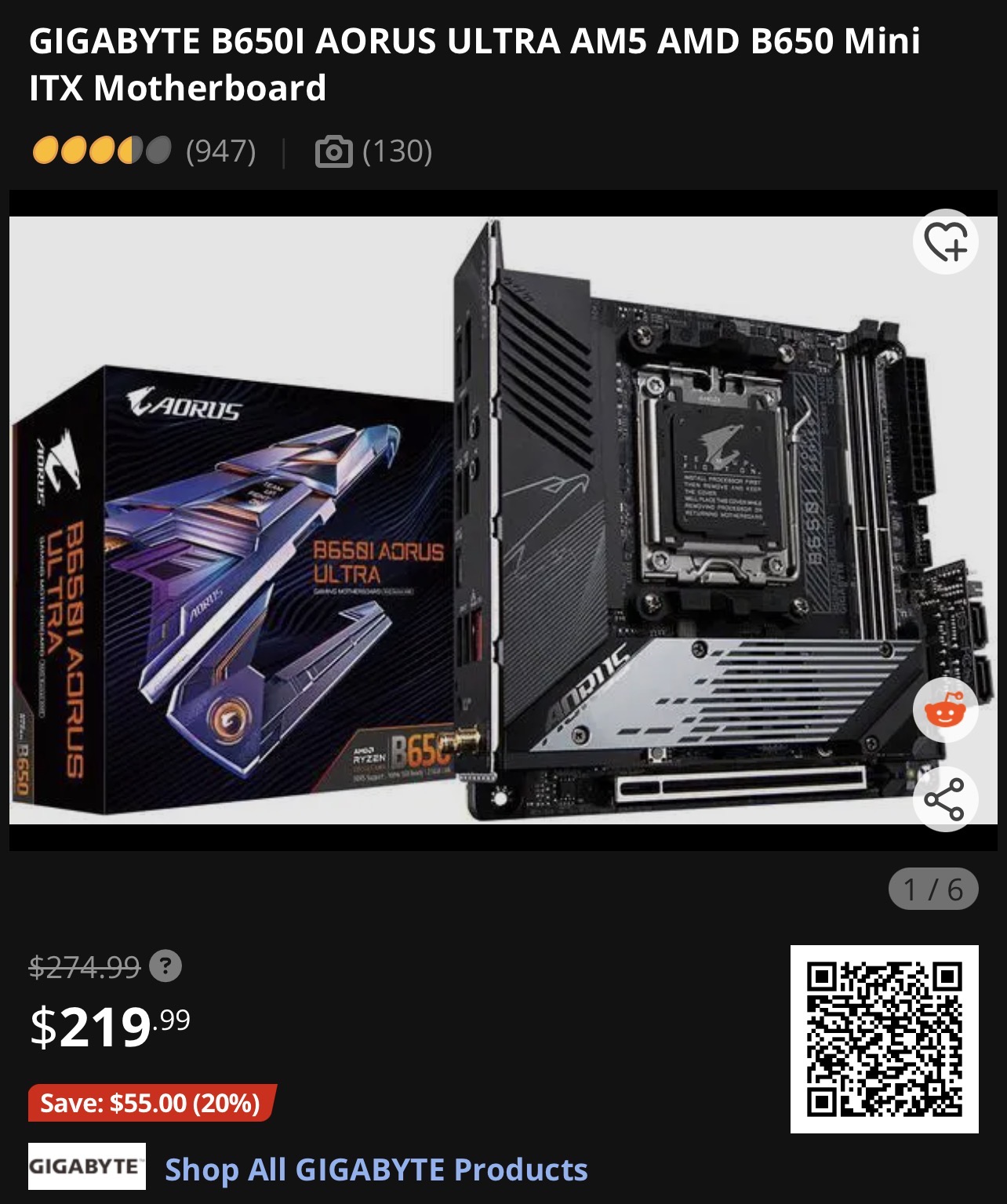
here is another optional board to consider it’s power delivery is a bit less than the other one but is about $35 cheaper
1 Like
Here’s a list a made using the parts you listed plus a few changes
https://newegg.io/c3438f2 Cart price $1,968.89 +Monitor
It really comes down to your budget also I’d act fast on the Motherboard, prices will be rising soon according to the manufactures There also a few 870 boards in ITX like the
MSI MPG X870I EDGE TI EVO WIFI, ASUS ROG STRIX X870-I GAMING WIFI & GIGABYTE X870I AORUS PRO ICE
1 Like
Got mine for $220
1 Like
I would say that the monitor could be better. A IPS panel 2560x1440p monitor with 180Hz or more refresh would work, and AMD FreeSync Premium. The RAM is also good, but I would go with a 2x16GB DDR5-6000 kit instead, with a max of a CL38 rating. I would try to get CL30 for 6000. For Windows, you can make your own if you have a working system with Windows. All you need is an 8GB or bigger USB flash drive, and then go to Microsoft’s Windows Media creation website. For the motherboard, I would go with a B650E, B850, or X870. A520 is an ULTRA ENTRY level chipset, and will severely bottleneck your system. I say the GPU is solid, since I have one. But, I would see if you can get a cheaper one. If not, then that choice will still be pretty solid. I recommend changing the SSD. If you want good performance without paying the premium for PCIe Gen 5 SSDs, I’d go for the Patriot Viper VP4300 2TB. It has PCIe Gen 4x4, 3D TLC NAND, rather than cheaper 3D QLC NAND, and the keyboard is ok. I have a Redragon Sarura true mechanical, and a Razer Deathadder Essential. Both of those together may or may not be cheaper, but still is a good enough combo for gaming. If you don’t want the Sarura and the Deathadder, here’s what you should look out for: a mechanical keyboard with either red or brown switches, a mouse with 3000 or more DPI, and both wired. Other than than, the CPU, case, PSU, and UPS will work fine.