



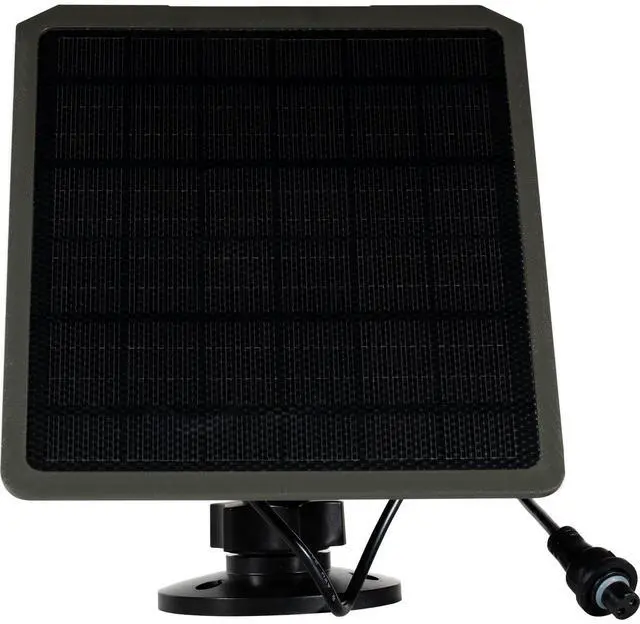
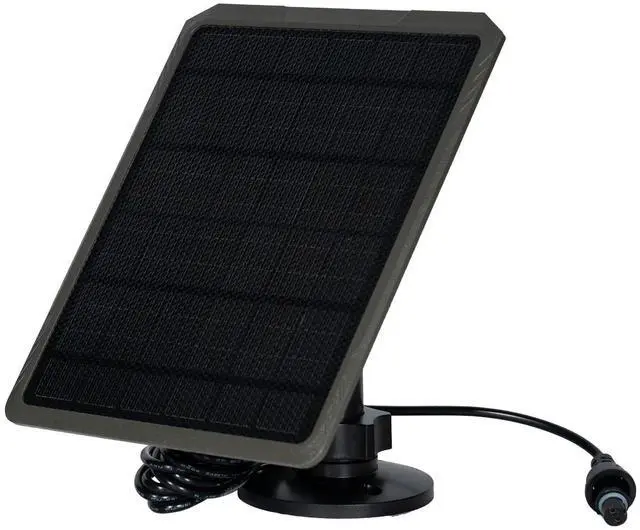
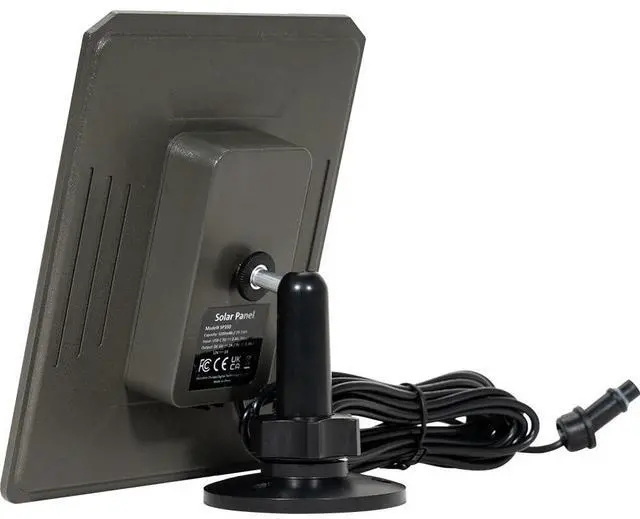
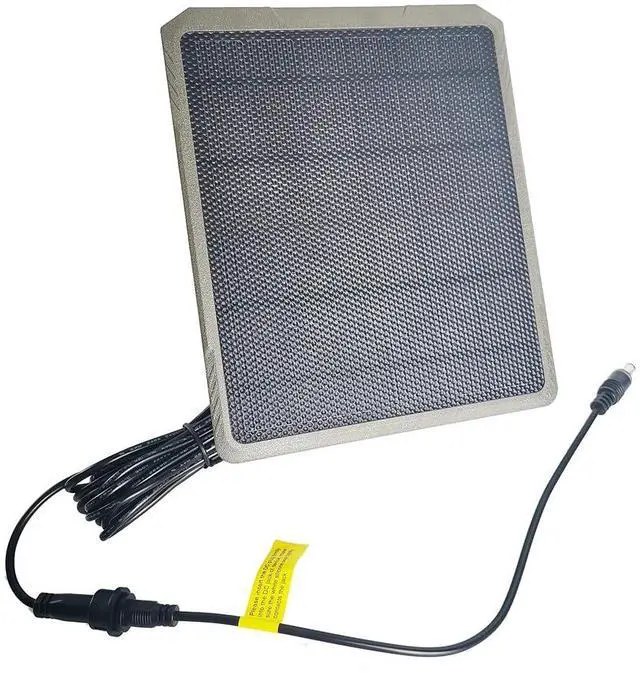
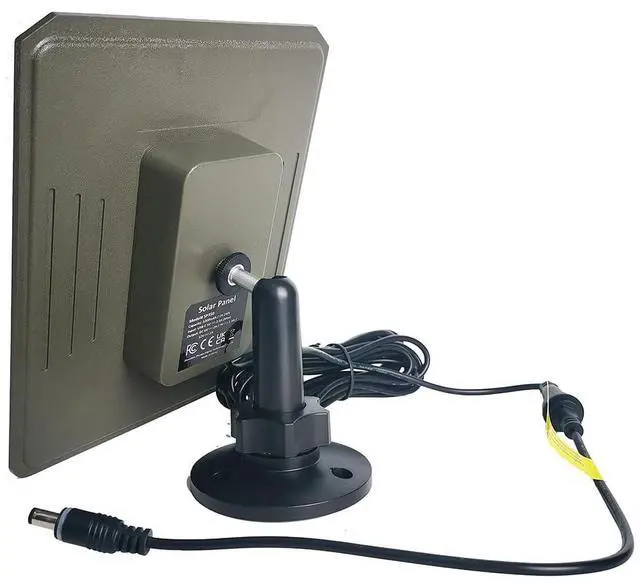


- SP350 Compatible with: A3, A3S, E5, E5S, A5, A50, A60, E6, E7, E8, A80, X20, X50, X50S, E5 2.0, E6 2.0, E6 2.0 Pro, E8 2.0, E8 2.0 Pro, A80 Pro, R3 Pro, X66 Pro, X66 Pro Max.
- For models with built-in lithium batteries (E6 2.0 Pro, E8 2.0 Pro, A80 Pro, R3 Pro, X66 Pro, X66 Pro Max), the SP1000 solar panel is recommended for optimal performance in cold weather, or in low-sunlight environments, or during high-frequency usage.
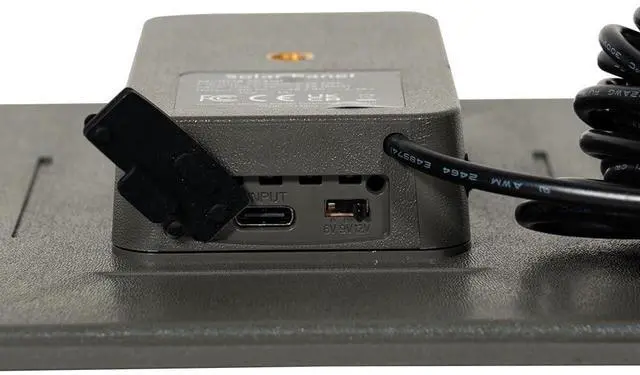
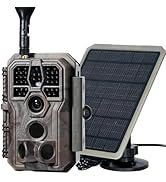
The features of the solar panel are as follows:

Installing the Solar Panel

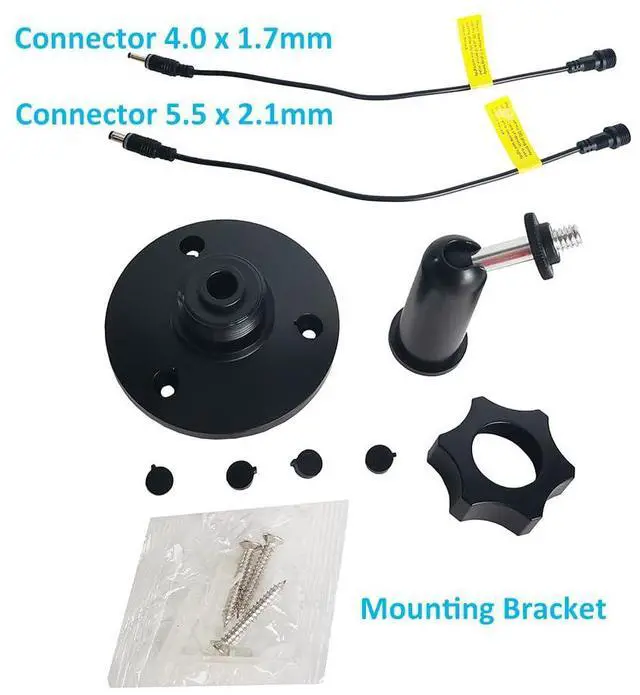
Choose the appropriate DC cable that matches the camera's power jack. The plug with bigger size is 5.5 x 2.1mm. The plug with smaller size is 4.0 x 1.7mm.

Connect the DC cable adapter to the power cable of the solar panel

Insert the DC plug securely into the camera's power jack. Please ensure a strong connection by firmly rotating the DC plug to the end
To make better use of solar panels, follow these tips:
1. Fully charge the built-in lithium battery before using the solar panel for the first time.
2. Install solar panels in a location that does not experience constant shading.
3. In the northern hemisphere, panels should ideally face south, while in the southern hemisphere, panels should ideally face north.
4. Sunlight intensity varies with weather and seasons, so adjust the solar panel's orientation in real-time for maximum sunlight exposure.
5. Tilt the panel slightly to avoid leaves, water, or dust on its surface. Regularly clean the panel to remove fallen leaves, dust, and rain marks to prolong its service life.
6. If panels are installed in areas with heavy snow, extreme cold, or strong winds, take proper measures to ensure reliability and safety.
7. Avoid prolonged exposure to saltwater and do not submerge in salt or fresh water.
Technical Specification

GardePro Trail Cameras
More Than Ease of Use

GardePro is a trail camera brand deeply rooted in a passion for the outdoors. Our journey began with a vision to capture the raw beauty of nature, a vision that has guided our innovation and product development over the years.
We attentively listen to hunters, safety enthusiasts, and wildlife observers, among others.
Leveraging our deep understanding of camera technology, we aim to create more innovative products that provide more effective help.
How did we get our start?
GardePro’s journey began with a vision to encapsulate the beauty of nature through trail cameras. This passion has driven us to create products that stand out in the market.
What makes our products unique?
Our products are unique due to their exceptional image quality, impressive detection range, and adaptability, enduring various outdoor conditions.
What problem are we solving?
We’re addressing the need for dependable, high-quality, and cost-effective trail cameras. Our mission is to make the allure of the outdoors accessible to all, one camera at a time.
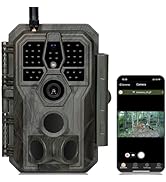
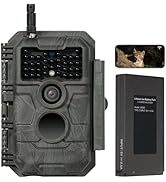
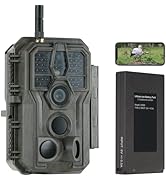
GardePro WiFi Trail Camera
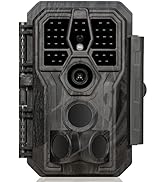
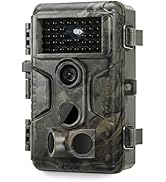
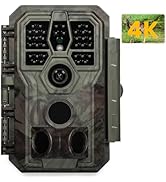
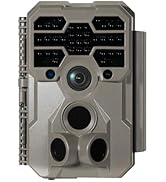
GardePro Trail Cameras
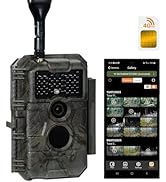
GardePro Cellular Trail Camera
GardePro Trail Cameras
More Than Ease of Use
GardePro is a trail camera brand deeply rooted in a passion for the outdoors. Our journey began with a vision to capture the raw beauty of nature, a vision that has guided our innovation and product development over the years.
We attentively listen to hunters, safety enthusiasts, and wildlife observers, among others.
Leveraging our deep understanding of camera technology, we aim to create more innovative products that provide more effective help.
How did we get our start?
GardePro’s journey began with a vision to encapsulate the beauty of nature through trail cameras. This passion has driven us to create products that stand out in the market.
What makes our products unique?
Our products are unique due to their exceptional image quality, impressive detection range, and adaptability, enduring various outdoor conditions.
What problem are we solving?
We’re addressing the need for dependable, high-quality, and cost-effective trail cameras. Our mission is to make the allure of the outdoors accessible to all, one camera at a time.
GardePro WiFi Trail Camera
GardePro Trail Cameras
GardePro Cellular Trail Camera
- SP350 Compatible with: A3, A3S, E5, E5S, A5, A50, A60, E6, E7, E8, A80, X20, X50, X50S, E5 2.0, E6 2.0, E6 2.0 Pro, E8 2.0, E8 2.0 Pro, A80 Pro, R3 Pro, X66 Pro, X66 Pro Max.
- For models with built-in lithium batteries (E6 2.0 Pro, E8 2.0 Pro, A80 Pro, R3 Pro, X66 Pro, X66 Pro Max), the SP1000 solar panel is recommended for optimal performance in cold weather, or in low-sunlight environments, or during high-frequency usage.
The features of the solar panel are as follows:
Installing the Solar Panel
Choose the appropriate DC cable that matches the camera's power jack. The plug with bigger size is 5.5 x 2.1mm. The plug with smaller size is 4.0 x 1.7mm.
Connect the DC cable adapter to the power cable of the solar panel
Insert the DC plug securely into the camera's power jack. Please ensure a strong connection by firmly rotating the DC plug to the end
To make better use of solar panels, follow these tips:
1. Fully charge the built-in lithium battery before using the solar panel for the first time.
2. Install solar panels in a location that does not experience constant shading.
3. In the northern hemisphere, panels should ideally face south, while in the southern hemisphere, panels should ideally face north.
4. Sunlight intensity varies with weather and seasons, so adjust the solar panel's orientation in real-time for maximum sunlight exposure.
5. Tilt the panel slightly to avoid leaves, water, or dust on its surface. Regularly clean the panel to remove fallen leaves, dust, and rain marks to prolong its service life.
6. If panels are installed in areas with heavy snow, extreme cold, or strong winds, take proper measures to ensure reliability and safety.
7. Avoid prolonged exposure to saltwater and do not submerge in salt or fresh water.
Technical Specification
| Battery Capacity | 5200mAh/3.7V |
| MAX. Output Power | 12W (12V/1A) |
| Output Voltage | 6V, 9V or 12V |
| Output Current | 2A (6V), 1.3A (9V ), 1A (12V). NOTE: select the appropriate output voltage according to camera requirements. |
| Output Plug Size | 2 Plugs to Camera: 5.5 x 2.1mm, 4.0 x 1.7mm |
| Power Adaptor | Type-C INPUT (for Charging Solar Panel): 5V. Please kindly note that the adaptor is not included. |
| Mounting | Tripod Base (1/4-20) |
| Waterproof | IP65 |
| Operation Temperature | -4 ~ 140°F / -20 ~ 60°C |
| Operation Humidity | 5% - 95% |
| Product Dimensions | Product size: 6.89 x 5.79 x 1.09 inch, the length of cable: 13 feets. |
| Product Weight | 350g |