
Your Browsing History
SHOP BY CPU Socket Type
Quick View
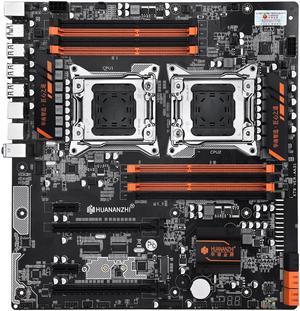
X79 Dual Motherboard 8D Dual CPU LGA 2011 Xeon E5 DDR3 1333/1600/1866MHz 256GB M.2 NVME SATA3 USB3.0 E-ATX
- CPU Type: Intel Atom
- Model #: ff-rr-565
- 1,569.96Dh –
- More options from 1,569.96Dh - 1,725.16Dh
- Free Shipping
Quick View
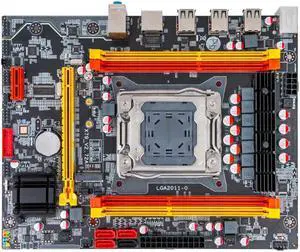
X79M Motherboard LGA 2011 CPU Xeon E5 Support ECC REG DDR3 128GB M.2 NVME NGFF SATA3.0 USB2.0 X79 Server Mainboard
- CPU Type: Intel Atom
- Model #: ff-rr-514
- 646.10Dh –
- More options from 646.10Dh - 708.96Dh
- Free Shipping
Quick View
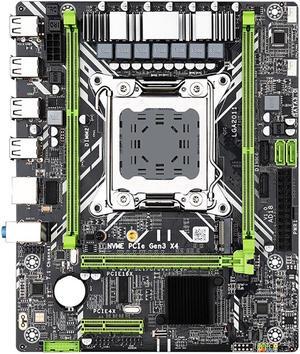
X79 Motherboard Kit Set LGA 2011 with Xeon E5 2650 V2 CPU 16G=8G*2 DDR3 ECC RAM Memory X79 Combo M.2 NVME
- CPU Type: Dual Intel Xeon
- Model #: B2B-U-A059
- 712.59Dh –
- More options from 712.59Dh - 782.11Dh
- Free Shipping
Quick View
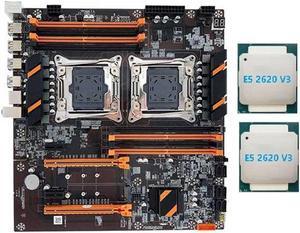
X99 Dual CPU Motherboard Support DDR4 ECC Memory Support 2011-V3 CPU Motherboard with 2XE5 2620 V3 CPU
- CPU Type: Intel Atom
- Model #: ff-rr-245
- 1,358.00Dh –
- More options from 1,358.00Dh - 1,492.00Dh
- Free Shipping
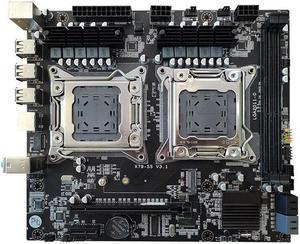
Quick View
X79 Motherboard LGA 2011 Support Dual CPU DDR3 Support 64G Memory for LGA 2011 Xeon E5 Series
- CPU Type: Intel Atom
- Model #: ff-rr-561
- 976.80Dh –
- More options from 976.80Dh - 1,072.73Dh
- Free Shipping
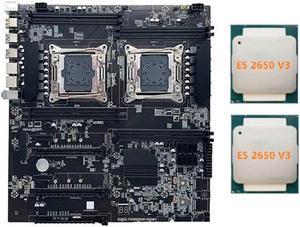
Quick View
X99 Dual-Socket Motherboard LGA2011-3 Dual CPU Support RECC DDR4 Memory Computer Motherboard with 2XE5 2650 V3 CPU
- CPU Type: Intel Atom
- Model #: ff-rr-286
- 1,650.21Dh –
- More options from 1,650.21Dh - 1,813.43Dh
- Free Shipping
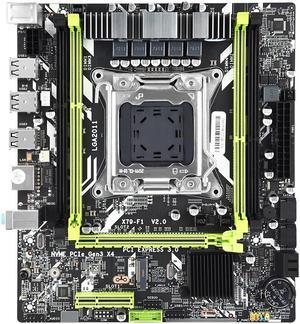
Quick View
X79 Motherboard Combo Set X79 F1 LGA2011 with E5 2620 V2 16GB DDR3 RAM Support NVME M.2 SSD Server Kit
- CPU Type: Dual Intel Xeon
- Model #: B2B-U-A053
- 646.49Dh –
- Free Shipping
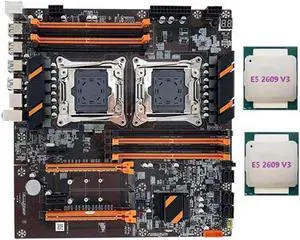
Quick View
X99 Dual CPU Motherboard Support LGA2011-3 CPU Support DDR4 ECC Memory Desktop Motherboard+2XE5 2609 V3 CPU
- CPU Type: Intel Atom
- Model #: ff-rr-230
- 1,255.72Dh –
- More options from 1,255.72Dh - 1,379.51Dh
- Free Shipping
Quick View
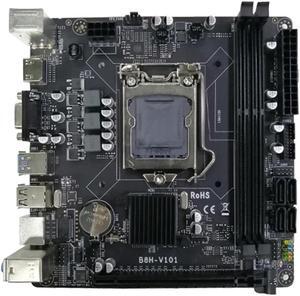
B85 Desktop Computer Motherboard LGA1150 DDR3X2 16GB 240PIN ECC RAM Slot VGA+HD PCIE X16 Supporting I7/I5/I3/E3 CPU
- CPU Type: Intel Atom
- Model #: ff-rr-071
- 614.74Dh –
- Free Shipping
Quick View
X79 Dual Motherboard 8D Dual CPU LGA 2011 Xeon E5 DDR3 1333/1600/1866MHz 256GB M.2 NVME SATA3 USB3.0 E-ATX
- CPU Type: Dual Intel Xeon
- Model #: B2B-U-A066
- 1,570.35Dh –
- More options from 1,570.35Dh - 1,725.58Dh
- Free Shipping
Quick View
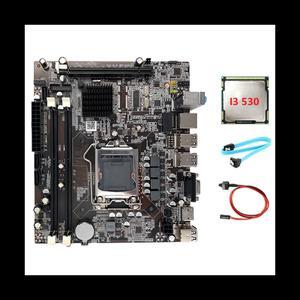
H55 Motherboard LGA1156 Supports I3 530 I5 760 Series CPU DDR3 Memory Motherboard+I3 530 CPU+SATA Cable+Switch Cable
- CPU Type: Intel Atom
- Model #: ff-rr-059
- 509.53Dh –
- More options from 509.53Dh - 558.75Dh
- Free Shipping
Quick View
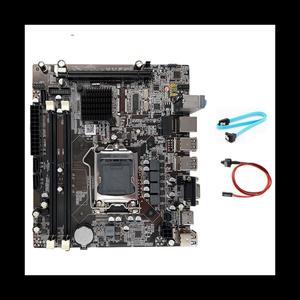
H55 Motherboard LGA1156 Supports I3 530 I5 760 Series CPU DDR3 Memory Computer Motherboard with SATA Cable+Switch Cable
- CPU Type: Intel Atom
- Model #: ff-rr-011
- 457.36Dh –
- More options from 457.36Dh - 501.36Dh
- Free Shipping
Quick View
X79 Motherboard LGA 2011 Support Dual CPU DDR3 Support 64G Memory for LGA 2011 Xeon E5 Series
- CPU Type: Dual Intel Xeon
- Model #: B2B-U-A062
- 976.80Dh –
- More options from 976.80Dh - 1,072.73Dh
- Free Shipping
Quick View
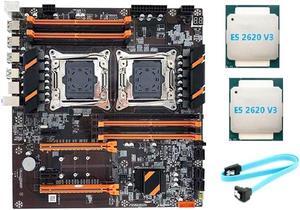
X99 Dual CPU Motherboard LGA2011 Support DDR4 ECC Memory Motherboard with 2XE5 2620 V3 CPU+SATA Cable
- CPU Type: Intel Atom
- Model #: ff-rr-240
- 1,358.39Dh –
- More options from 1,358.39Dh - 1,423.13Dh
- Free Shipping
Quick View
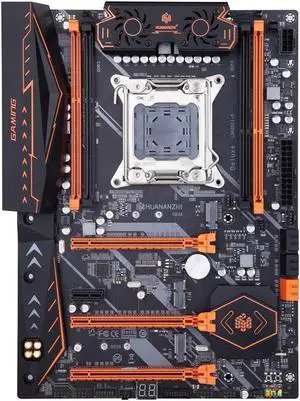
X79 Motherboard LGA 2011 ATX Support Xeon E5 2620 2640 2650 2680 2690 V1 V2 REG ECC DDR3 Memory M.2 Nvme Sata
- CPU Type: Dual Intel Xeon
- Model #: B2B-U-A025
- 1,241.30Dh –
- More options from 1,241.30Dh - 1,363.66Dh
- Free Shipping
Quick View
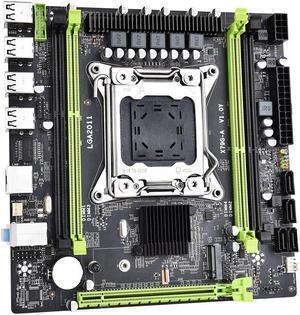
X79 G A Motherboard M-ATX LGA 2011 Support Dual Channels DDR3 NVME M.2 Placa Mae for XEON E5 V1 V2 CPU
- CPU Type: Intel Atom
- Model #: ff-rr-547
- 425.65Dh –
- More options from 425.65Dh - 466.50Dh
- Free Shipping
Quick View
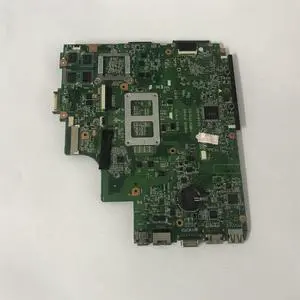
K43S Laptop Motherboard With GT520M GT540M GT630M GPU for K43SJ K43SV K43SM A43S X43S K43S Motherboard Motherboard HM65(GT630M 2GB)
- CPU Type: Intel Xeon E5
- Model #: BAA-W-0159
- 543.97Dh –
- More options from 543.97Dh - 596.66Dh
- Free Shipping
Quick View
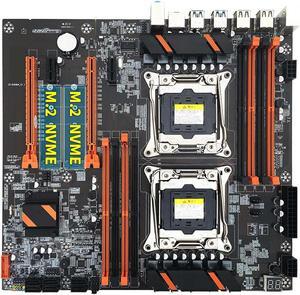
X99 Dual CPU Motherboard+2XE5 2620 V3 CPU+SATA Cable+Baffle+Thermal Grease LGA 2011 Slot Support 2011-V3 CPU Motherboard
- CPU Type: Intel Atom
- Model #: ff-rr-241
- 1,325.37Dh –
- Free Shipping

Quick View
X79 6M Motherboard Combo with Xeon E5 2689 CPU 2x8GB Memory DDR3 RAM Radiator 1600Mhz
- CPU Type: Intel Atom
- Model #: ff-rr-519
- 1,130.69Dh –
- More options from 1,130.69Dh - 1,241.99Dh
- Free Shipping
Quick View
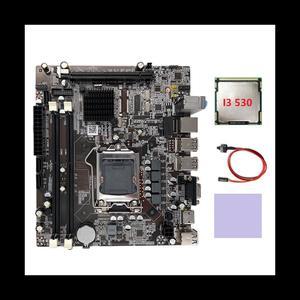
H55 Motherboard LGA1156 Supports I3 530 I5 760 Series CPU DDR3 Memory Motherboard+I3 530 CPU+Switch Cable+Thermal Pad
- CPU Type: Intel Atom
- Model #: ff-rr-040
- 493.37Dh –
- More options from 493.37Dh - 540.97Dh
- Free Shipping
Quick View
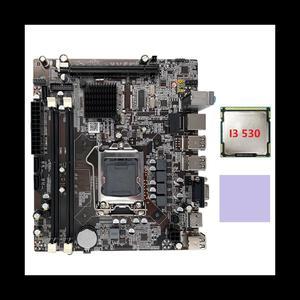
H55 Motherboard LGA1156 Supports I3 530 I5 760 Series CPU DDR3 Memory Computer Motherboard+I3 530 CPU+Thermal Pad
- CPU Type: Intel Atom
- Model #: ff-rr-043
- 500.08Dh –
- More options from 500.08Dh - 548.37Dh
- Free Shipping
Quick View
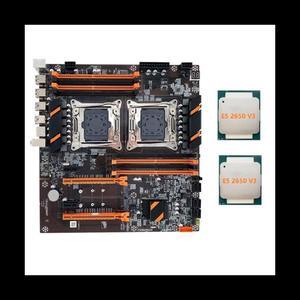
X99 Dual CPU Motherboard Support DDR4 ECC Memory Maximum Support 256G LGA2011 Motherboard with 2XE5 2650 V3 CPU
- CPU Type: Intel Atom
- Model #: ff-rr-269
- 1,517.12Dh –
- More options from 1,517.12Dh - 1,667.04Dh
- Free Shipping
Quick View
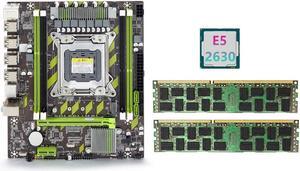
X79 Motherboard+E5 2630 CPU+2X8GB DDR3 1600Mhz REG ECC RAM Memory Set LGA 2011 M.2 NVME Motherboard
- CPU Type: Intel Atom
- Model #: ff-rr-195
- 972.53Dh –
- More options from 972.53Dh - 1,068.03Dh
- Free Shipping
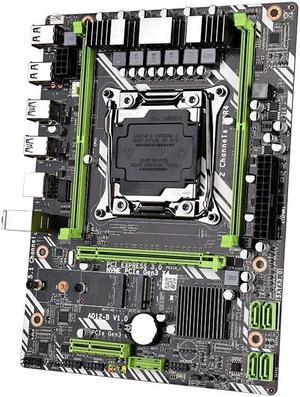
Quick View
X99 Motherboard LGA 2011-3 USB3.0 NVME M.2 SATA3 Support Xeon E5 V3/v4 CPU ECC DDR4 RAM Memory
- CPU Type: Dual Intel Xeon
- Model #: B2B-U-A006
- 690.53Dh –
- More options from 690.53Dh - 757.86Dh
- Free Shipping
Quick View
X99 Motherboard LGA 2011-3 USB3.0 NVME M.2 SATA3 Support Xeon E5 V3/v4 CPU ECC DDR4 RAM Memory
- CPU Type: Intel Atom
- Model #: ff-rr-505
- 690.14Dh –
- More options from 690.14Dh - 757.40Dh
- Free Shipping
Quick View
X79G-A Computer Motherboard Supports 4XDDR3 Memory LGA 2011 Slot CPU Desktop Computer Gaming Office Motherboard
- CPU Type: Intel Atom
- Model #: ff-rr-093
- 654.62Dh –
- More options from 654.62Dh - 718.33Dh
- Free Shipping
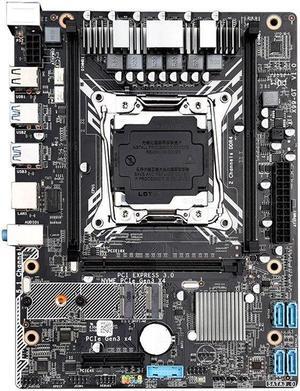
Quick View
X99-GT Motherboard X99 LGA 2011-3/4 Dual Channels Support 2X32G DDR4 for E5 2678V3/2620V3/2650V3/V4 Processors
- CPU Type: Intel Atom
- Model #: ff-rr-504
- 668.47Dh –
- More options from 668.47Dh - 733.56Dh
- Free Shipping
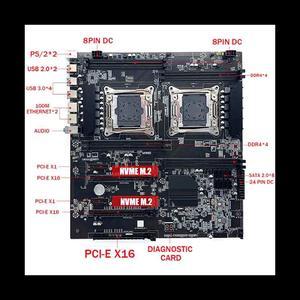
Quick View
X99 Dual-Socket Motherboard LGA2011-3 Dual CPU Support RECC DDR4 Memory Computer Motherboard+2XDDR4 4GB 2666Mhz RAM
- CPU Type: Intel Atom
- Model #: ff-rr-260
- 1,589.48Dh –
- More options from 1,589.48Dh - 1,746.60Dh
- Free Shipping
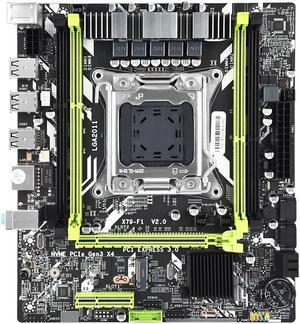
Quick View
X79 Motherboard X79 F1 LGA2011 Support NVME M.2 SSD Xeon E5 V1 V2 REG ECC DDR3 Memory server
- CPU Type: Intel Atom
- Model #: ff-rr-551
- 469.77Dh –
- Free Shipping
Quick View
X79 Motherboard X79 F1 LGA2011 Support NVME M.2 SSD Xeon E5 V1 V2 REG ECC DDR3 Memory server
- CPU Type: Dual Intel Xeon
- Model #: B2B-U-A052
- 470.16Dh –
- Free Shipping
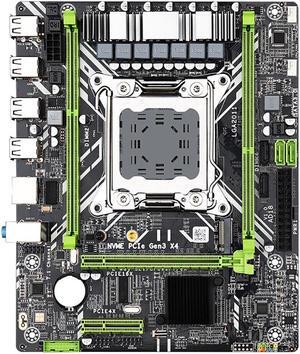
Quick View
X79 Motherboard LGA 2011 USB2.0 NVME M.2 SATA3 Support E5 V2 CPU ECC DDR3 RAM Memory X79 D2
- CPU Type: Dual Intel Xeon
- Model #: B2B-U-A002
- 525.23Dh –
- More options from 525.23Dh - 576.03Dh
- Free Shipping
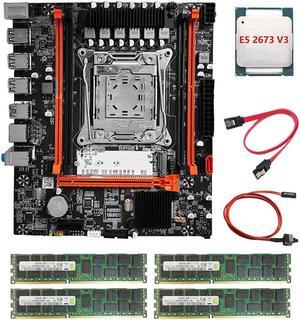
Quick View
X99H Motherboard+E5 2673 V3 CPU+4X4G DDR3 RAM+Switch/SATA Line LGA2011-V3 DDR3X4 ECC RAM Slot M.2 NVME PCI-E X16 SATA3.0
- CPU Type: Intel Atom
- Model #: ff-rr-233
- 1,358.46Dh –
- More options from 1,358.46Dh - 1,492.50Dh
- Free Shipping
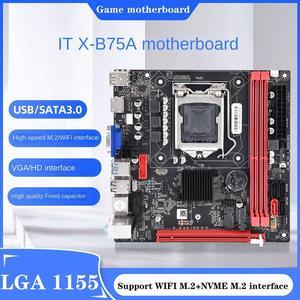
Quick View
B75 (B75A) LGA1155 Motherboard+I3 2120 CPU+SATA Cable Supports 2XDDR3 Slot NVME M.2+WIFI M.2 USB3.0 SATA3.0 Motherboard
- CPU Type: Intel Atom
- Model #: ff-rr-089
- 635.92Dh –
- More options from 635.92Dh - 697.78Dh
- Free Shipping
Quick View
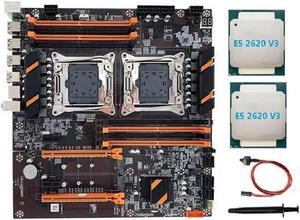
X99 Dual CPU Motherboard LGA2011 Support DDR4 ECC Memory Motherboard+2XE5 2620 V3 CPU+Switch Cable+Thermal Grease
- CPU Type: Intel Atom
- Model #: ff-rr-224
- 1,273.07Dh –
- More options from 1,273.07Dh - 1,398.60Dh
- Free Shipping
Quick View
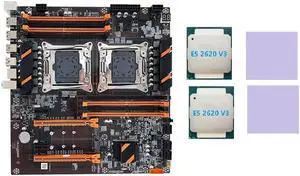
X99 Dual CPU Motherboard LGA2011 Support DDR4 ECC Memory Motherboard with 2XE5 2620 V3 CPU+2XThermal Pad
- CPU Type: Intel Atom
- Model #: ff-rr-225
- 1,274.96Dh –
- More options from 1,274.96Dh - 1,400.68Dh
- Free Shipping
Quick View
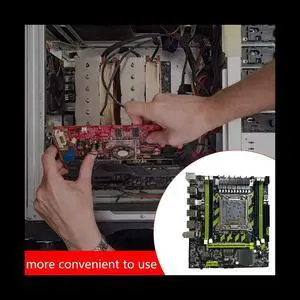
X79G Motherboard+SATA Cable+Bezel LGA2011 4XDDR3 RECC Slot M.2 NVME PCI-E X16 6XUSB2.0 SATA3.0 Server Game Motherboard
- CPU Type: Intel Atom
- Model #: ff-rr-107
- 670.71Dh –
- Free Shipping
A server motherboard provides a common communication channel between CPU and other hardware on a server. Although similar in function with computer motherboards, these are more robust by design. Like all server components, you can expect them to withstand heat, friction and vibration in a high-density IT Network environment. The form factor of a server housing and compatibility with other hardware determine the kind of server motherboard you need. For example, a Mini ITX motherboard can only fit components specific to this form factor. Cooling capabilities and future expansion are other important considerations.
Make the Most of Your Space
Different server form factors fit different motherboards. The typical types are ATX, Mini ITX and Micro ATX motherboards. Take into account the rack type and components to pick the right form factor for your server chassis. If your application requires multiple redundant server power supplies, you may opt for an ATX form factor. It is the same size as a typical tower PC. If you’re building a data center with many servers, a mini or Micro ATX may work better. The smaller size and adaptable orientation of these form factors provide more flexibility.
Be in Control of Your Compute Power
Motherboards can fit only specific CPUs, you must pick a motherboard that fits your CPU. When choosing a workstation motherboard, you consider the CPUs with optimal performance. However, this is always not the case with server motherboards. Servers typically work in a network where the processes are distributed. The software handles the majority of overhead in such a distributed system, leaving enough room for slightly underperforming hardware. This makes it easier to make more efficient choices. With motherboards that support different CPUs from the same brand, you can be flexible in choosing the compute power. This also gives you an edge when upgrading the server memory or CPU. You should be able to keep your motherboard in most cases.
Enhance Storage and Memory Compatibility
When building a server, your goal should be to improve efficiency wherever you can. Storage and memory are a good place to start. To use the type of memory or storage, you will need a compatible server motherboard. For example, an ECC memory carries an extra chip to correct common errors, but you need a supporting motherboard to use it. Cost-effective non-ECC memory is smaller and fits a different kind of motherboard. Pick a server motherboard to enjoy support for ECC and non-ECC memory.
Reduce Cooling Costs
Any data center faces the challenge of cooling efficiently. Even a single server system is vulnerable to heating related failures. Smaller form factor servers are especially prone to heating. A Micro ITX server motherboard has to provide more cooling than an ATX one. Many motherboards have enhanced cooling capabilities even in smaller sizes. While you can always pick components that generate less heat or require smaller server power supplies, efficient in-built cooling of a motherboard is desirable. This design choice will save you in the long run in the cooling costs of your data center. You also leave a smaller footprint on the environment and improve government compliance around the world.