
Your Browsing History
Quick View
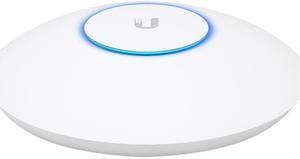
Ubiquiti Networks - UAP-XG - Ubiquiti UniFi XG UAP-XG IEEE 802.11ac 1.70 Gbit/s Wireless Access Point - 5 GHz, 2.40 GHz
- Wireless Data Rates: Up to 4.2Gbps
- Frequency Band: 2.4 GHz / 5 GHz / 5 GHz
- Interface: 1 x 10/100/1000 Ethernet Port 1 x 1/10 Gbps ICM Ethernet Port
- Brand: Ubiquiti Networks
- Model #: UAP-XG
- 3,369.44Dh –
- 918.22Dh Shipping
Quick View
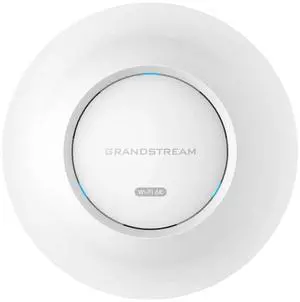
Grandstream GWN7665 | AX5400 Wi-Fi 6E Access Point | Power Adapter Not Included
- Wireless Data Rates: 1000 megabits_per_second
- Interface: 1
- Brand: Grandstream
- Part Number: GWN7665
- Model #: GWN7665
- 684.59Dh –
- 257.08Dh Shipping

Quick View
Ubiquiti UAP-AC-M 802.11AC AP with Plug & Play Mesh
- Interface: 1 x 10/100/1000 Ethernet Port
- Brand: Ubiquiti Networks
- Standards: IEEE 802.11 a/b/g/n/r/k/v/ac
- Security: WEP, WPA-PSK, WPA-Enterprise (WPA / WPA2, TKIP / AES)
- Model #: UAP-AC-M
- 676.19Dh –
- 808.03Dh Shipping
Quick View
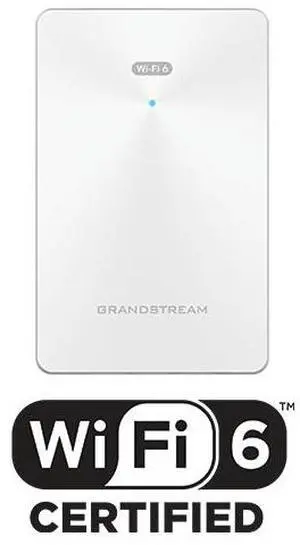
Grandstream 2x2 802.11ax AX3000 Wi-Fi 6 In-Wall AP GWN7661E New Version
- Parts: 1-Year Warranty Manufacturer
- Labor: 1-Year Warranty Manufacturer
- Model #:
- 443.09Dh –
- 257.08Dh Shipping


Quick View
- 783.29Dh –
- 367.27Dh Shipping
Quick View
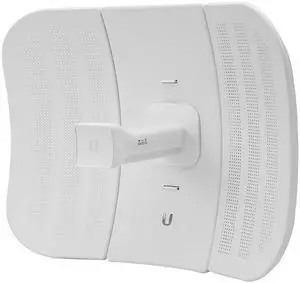
Ubiquiti LBE-M5-23 Long-Range, Lightweight airMAX CPE
- Interface: 1 x 10/100 Ethernet Port
- Brand: Ubiquiti Networks
- Power Supply: Max. Power Consumption: 4W Power Supply: 24V, 0.2A PoE Adapter (Included) Power Method: Passive PoE (Pairs 4, 5+; 7, 8 Return)
- Temperature: Operating Temperature: -40 ~ 70 degree Celsius (-40 ~ 158 degree Fahrenheit)
- Model #: LBE-M5-23
- 324.44Dh –
- More options from 273.70Dh - 324.44Dh
- 587.65Dh Shipping

Quick View
Ubiquiti UAP-AC-SHD-5 Unifi Access Point (5-Pack)
- Model #: UAP-AC-SHD-5
- 8,230.94Dh –
- 2,130.31Dh Shipping
Quick View
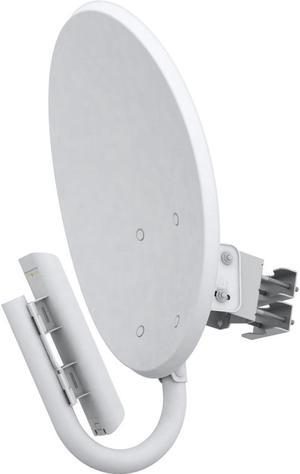
Refurbished UbiQuiTi NBM365 NanoBridge 3.65 GHZ High-Performance AirMAX Bridge
- Interface: 2 x 10/100 Ethernet Ports
- Brand: Ubiquiti Networks
- Series: NanoBridge M
- Antenna: Directive antenna
- Model #: NBM365
- 719.24Dh –
- 1,469.17Dh Shipping
Quick View
- 896.69Dh –
- More options from 896.69Dh - 1,603.47Dh
- 367.27Dh Shipping

Quick View
- 8,605.79Dh –
- More options from 6,532.58Dh - 8,605.79Dh
- 1,138.60Dh Shipping
Quick View
- 954.44Dh –
- More options from 954.44Dh - 1,899.35Dh
- 367.27Dh Shipping
Quick View
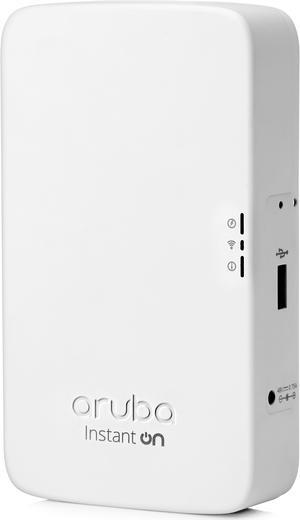
HPE Networking Instant On AP11D Desk/Wall Access Points (R2X15A) - Power Adapter not Included

- Frequency Band: Dual Radio for simultaneous dual-band operation 5 GHz 802.11ac 2x2 MIMO for up to 867 Mbps wireless data rate, with Multi User MIMO support (Wi-Fi 5) 2.4 GHz 802.11n 2x2 MIMO for up to 300 Mbps wireless data rate (Wi-Fi 4)
- Standards: IEEE 802.11ac, 802.11n
- Antenna: Integrated directional antennas with maximum individual antenna gain of 4.3dBi in 2.4GHz and 6.2dBi in 5GHz.
- LAN Ports: (1) uplink Gigabit Ethernet port (E0), with POE-in support (802.3at/802.3af) (3) downlink Gigabit Ethernet ports (E1-E3), with POE-out on E3 (802.3af)
- Model #: R2X15A
- 751.97Dh –
- More options from 480.45Dh - 751.97Dh
- Free Shipping
Quick View
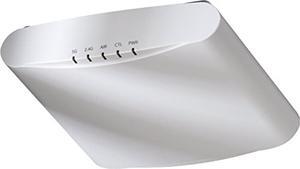
Ruckus Zoneflex R510 High Performance Smart Wireless Access Point (2x2 802.11ac Wave 2, Dual-Band 2.4GHz/5GHz, POE) 901-R510-US00
- Model #: 639042429267
- 1,263.82Dh –
- Free Shipping
Quick View
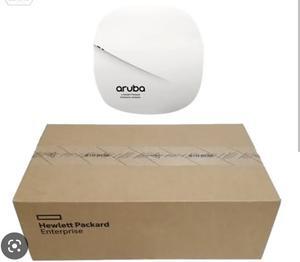
HPE Aruba Instant ON AP12 (RW) - wireless access point - Bluetooth, Wi-Fi 5
- Model #: R2X01A,,...
- 2,136.86Dh –
- Free Shipping
Quick View
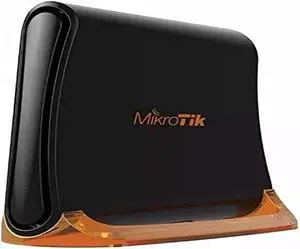
Mikrotik hAP mini RB931-2nD Small 2GHz Wireless Access Point 3 x 10/100 Ethernet ports 650MHz CPU RouterOS
- Model #: LEMPB0711VCLG8
- 740.59Dh –
- Free Shipping

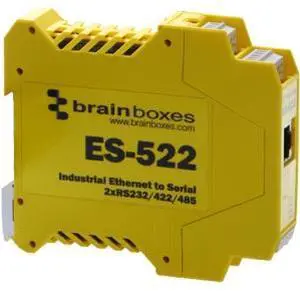
A wireless access point (WAP) is critical for any location that needs to extend the coverage of an existing network and increase the number of potential users. Run a high-speed Ethernet cable from a router to the WAP, which transforms the wired signal from the router into wireless. The local area network (LAN) sub-device provides another location for wireless devices to connect to and benefit from the faster speeds of Wi-Fi® access points.
Helps Increase Users on Your Network
A wireless access point with built-in band steering technology helps devices connect to the least congested wireless grid. Full MU-MIMO support increases the number of simultaneously serviced items to hundreds. A long-range access point can cover up to 600 feet, which is suitable for businesses that cover multiple floors or large office spaces. Another option for boosting Wi-Fi signals is a wireless range extender or media bridge, which creates a separate SSID that extends coverage.
Ensure High-Power Wireless Coverage With a Wireless Access Point
A dual-band AP device uses both 2.4Ghz and 5Ghz frequency bands to create separate wireless networks, so gaming and video streaming devices can operate simultaneously without interference. Tri-band access points run a single 2.4GHz frequency and dual 5GHz frequencies, offering maximum data transfer rates of up to 3,000Mbps. IP-based bandwidth control in a wireless access point allows devices that require more bandwidth power to take it without impacting performance in other clients.
Multiple Modes Encourage Flexible Usage
Access point mode connects to wireless devices and adapter cards, while AP client mode allows the wireless access point to act as a receiver of signals coming from another access point. The wireless repeater mode replicates the signal from a router, switch or AP to a wireless network. In wireless bridge mode, the WAP links a Wi-Fi network to a wired network.
Multi-AP Interconnectivity Allows Seamless Client Roaming
Many buildings do not have preexisting wiring for connecting several access points, so one of the easiest ways to provide whole-building wireless networking is using Wi-Fi itself. A wireless mesh network spreads the network connection among nodes that talk to each other, sharing the link across a large area to laptops and smartphones. As you require more or less coverage, add or remove the mesh nodes, which is convenient in outdoor environments and warehouses.
Multiple Power Options Allow APs to be Set Up Anywhere
WAP devices are active units, which means they require electrical power to work. A wireless access point that supports Power over Ethernet (PoE) depends on a Cat5 or Cat6 cable for power and data, providing for a clean setup. If PoE is not available in a facility, a standard wall outlet will work fine.
Additional Standard Features Improve Security and Networking
Mesh wireless systems include controller software for installing on a Linux™, Mac® or PC machine for fast network administration without specialized training. Set up a wireless access point in minutes with guided visuals in Android™ and iOS® apps. Support for Alexa™ provides for easy voice control, while IFTTT compatibility allows for smart-control customization. Built-in gigabit Ethernet ports provide connectivity for wireless accessories to deliver high-speed connections for connected Wi-Fi-compatible devices.