
Your Browsing History
Quick View
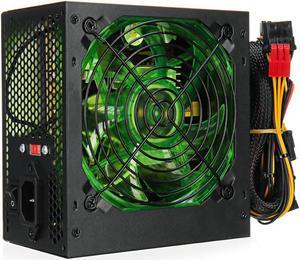
500W Power Supply 120mm LED Cooling Fan 24 Pin PCI SATA ATX 12V Computer Power Supply
- Type: Mount
- Model #: HT-ID233-1634071
- AUD$182.60 –
- Free Shipping
Quick View
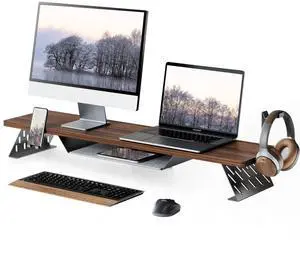
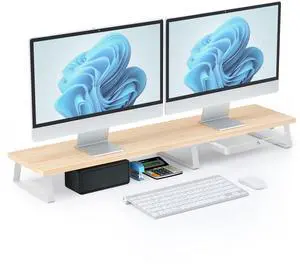
Fenge Dual Monitor Stand, 42.5 Inch Monitor Riser for Desk, Wood Desk Shelf for 2 Monitors, 2 Tier Monitor Shelf with Headphone Stand & Phone Holder
- Model #: 694782058313
- AUD$233.20 –
- Free Shipping
Quick View
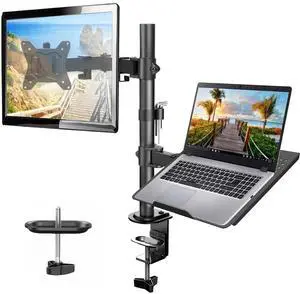
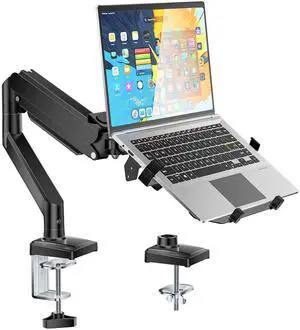
HUANUO Adjustable Monitor Stand, Single Arm Desk Mount for 32 inch Screen and 17 inch Laptop, Heavy Duty Ergonomic Bracket Holds 22lbs
- Model #: 694782002897
- AUD$168.30 –
- Free Shipping

Quick View
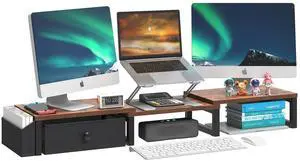
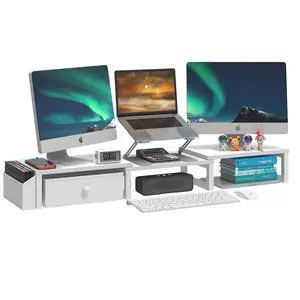
FITUEYES Dual Monitor Stand 3 Shelf Computer Monitor Riser, Wood Desktop Stand with Adjustable Length and Angle, Desk Accessories, Office Supplies Medium White, DT108008WW
- Model #: 694782033105
- AUD$114.40 –
- Free Shipping
![J J-Dream [2 Pack] 19 Inch Privacy Screen for Computer Monitor Blue Light Screen Protector Anti Glare Anti-Scratch Monitor Privacy Shield Screen 19 Inch 16:10 Aspect Ratio](https://c1.neweggimages.com/productimage/nb300/C0XKD2510260ZTKSU88.jpg "J J-Dream [2 Pack] 19 Inch Privacy Screen for Computer Monitor Blue Light Screen Protector Anti Glare Anti-Scratch Monitor Privacy Shield Screen 19 Inch 16:10 Aspect Ratio")
Quick View
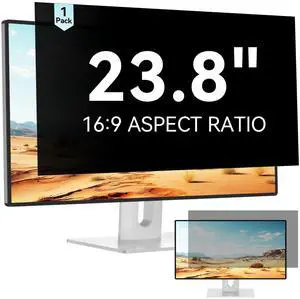
J J-Dream [2 Pack] 19 Inch Privacy Screen for Computer Monitor Blue Light Screen Protector Anti Glare Anti-Scratch Monitor Privacy Shield Screen 19 Inch 16:10 Aspect Ratio
- Model #: 694782004419
- AUD$99.00 –
- Free Shipping
Quick View
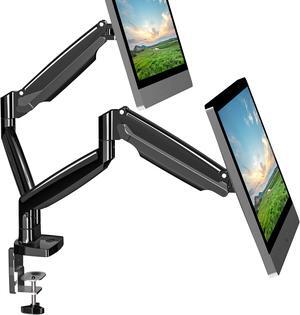
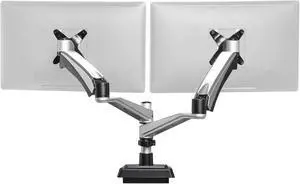
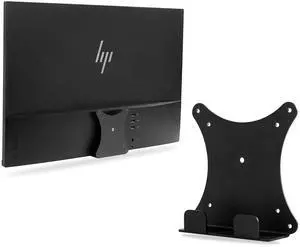
JUNBOMAOYI Monitor Arm/Mount VESA Bracket Adapter Compatible with hp Envy 27s VESA 100 * 100mm 75 * 75mm black
- Model #: 694782038742
- AUD$165.00 –
Quick View
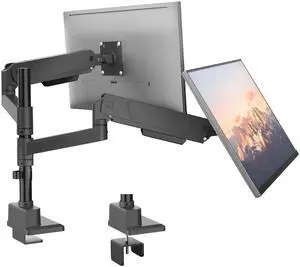
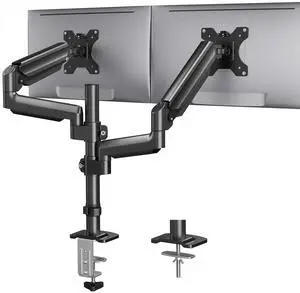
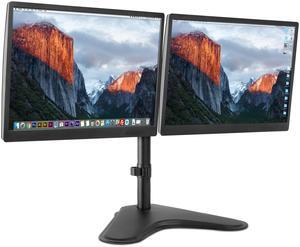
HUANUO Dual Monitor Mount up to 32 inches Screens, Taller Monitor Stand Hold 19.8lbs, Dual Monitor Arm Desk Mount Easy Adjustable with Tilt, Swivel, Rotation, VESA 75/100mm
- Model #: 904465586355
- AUD$254.10 –
- Free Shipping
Quick View
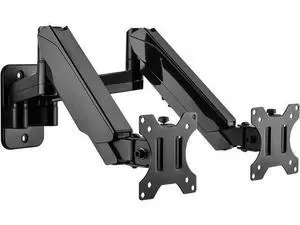
Dual Monitor Wall Mount, Double Monitor Wall Stand for Two 17-32 inch Flat/Curved Computer Screens, Height Adjustable Gas Spring Monitor Wall Monitor, Hold Up to 17.6lbs, VESA 75/100
- Model #: YC7FW0628-441
- AUD$201.30 –
- Free Shipping
Quick View
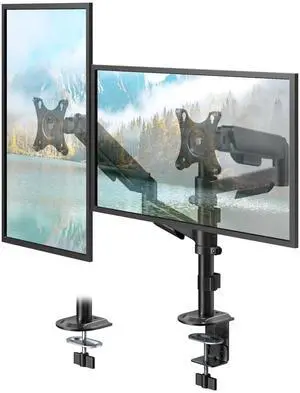
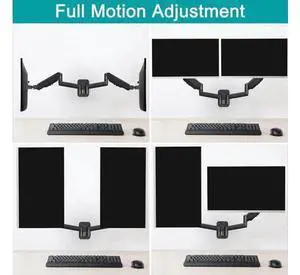
PUTORSEN Dual Monitor Stand for 17-32 Inch Screens,Holds up to 19.8lbs, Full Motion Adjustable Tilt Swivel Rotation, Space-Saving Desk Mount with C-Clamp & Grommet, VESA 75/100mm
- Model #: 374884467670
- AUD$155.10 –
- Free Shipping
Quick View
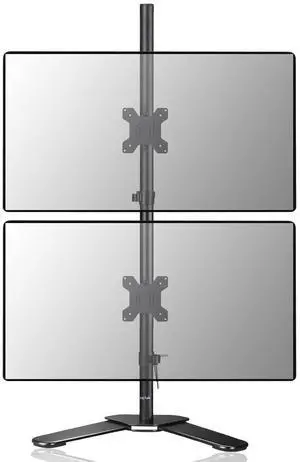
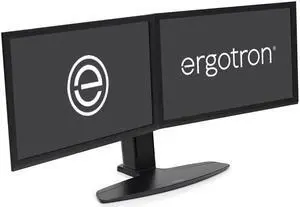
Ergotron - Neo-Flex Dual Monitor Stand for Desk, Double VESA Mount - for 2 Monitors Up to 24 Inches - Black
- Model #: 305340063020
- AUD$1,245.20 –
- Free Shipping
Quick View
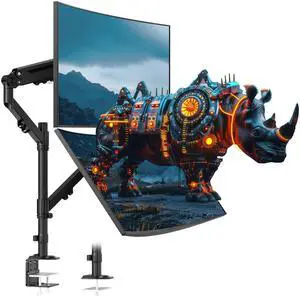
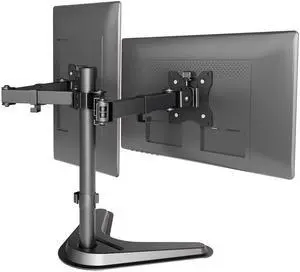
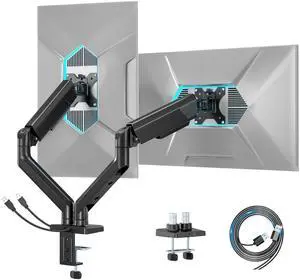
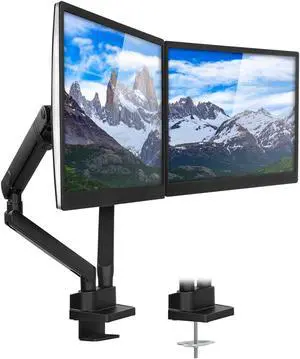
Claiks Dual Monitor Mount, Ergonomic Adjustable Monitor Arm for Max 32 inch Screens, Adjustable Computer Monitor Stand up to 40 lbs, VESA Mounting Holes 75&100mm, Black
- Model #: 542962155430
- AUD$234.30 –
- Free Shipping
Quick View
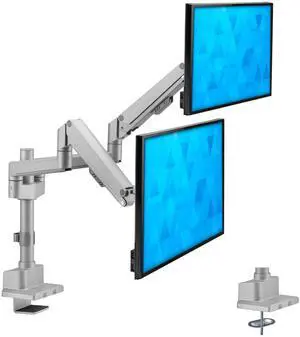
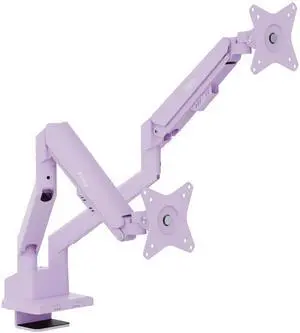
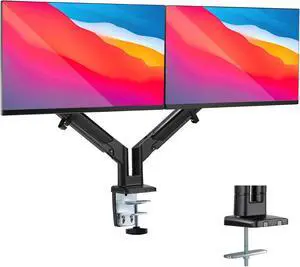
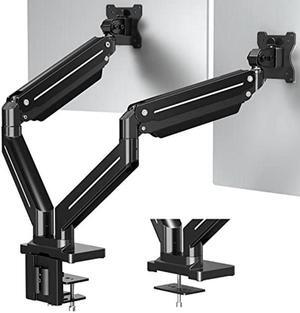
Pixio PS1D Wave Purple Dual Monitor Arm Stand Desk Mount - Fits up to 32 inches Monitors and up to 19.8lbs. VESA Compatibility and Integrated Cable Management
- Model #: 9430159905641
- AUD$491.70 –
- Free Shipping
Quick View
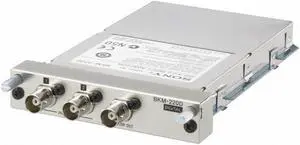
Sony BKM-220D Standard Definition SDI Input Board for LMD Series Professional Monitors-(NOB)
- Model #: BKM-220D .
- AUD$544.50 –
- Free Shipping
Quick View
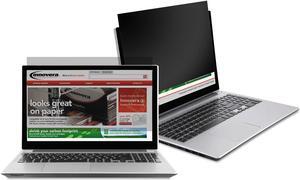
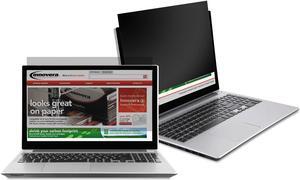
INNOVERA BLF140W Filter, NtBlack, Pvcy, 14", Black
- Type: Privacy Filter
- Color: Black
- Specifications: Diagonal Monitor Size: 14" Fits Device Type: Notebook Frame Type: Frameless Mounting: Mounting tabs or Self adhesive strips Filter Tint: Medium Filter Material: Plastic Widescreen: Yes Width: 12 3/16" Height: 6 13/16" Aspect Ratio: 16:9 Compliance Standards: TAA Compliant
- Weight: 0.75 lbs.
- Model #: IVRBLF140W
- AUD$60.50 –
- Free Shipping
Quick View
Blackout Privacy Filter for 15" Notebook/LCD BLF150
- Type: Privacy Filter
- Color: Black
- Specifications: Fits Device Type: Notebook Diagonal Monitor Size: 15" Widescreen: No Frame Type: Frameless Mounting: Mounting Tabs or Self Adhesive Strips Filter Tint: Medium Filter Material: Plastic Width: 12" Height: 9" Compliance Standards: TAA Compliant
- Features: Helps ensure the privacy of on-screen data on your notebook or LCD monitor. Micro-Louver technology creates a narrow viewing angle. Image is only visible to those directly in front of the screen. Reduces glare and increases contrast.
- Model #: IVRBLF150
- AUD$61.60 –
- Free Shipping
Monitor accessories improve your computing experience and productivity by increasing convenience, comfort and security. The right peripherals enhance the display unit’s functionality and usability, so you get the most out of your PC. Investing in high-quality computer monitor accessories, like adapters, mounts, stands and glare filters, offers the ability to maximize on-screen productivity.
Display Cables Enable Video Transmission From the Computer Tower
Cables and adapters are critical monitor accessories for any workplace computer setup. VGA cables have two male HDDB15 connectors on either side that are compatible with most displays and devices with a female video port. A DVI/VGA cable has blue connectors that provide analog and digital connections, while a long HDMI® cable offers flexible placement options. Use HD DisplayPort® cables with high bandwidth that allow for color depth, resolution and a refresh rate suitable for use with gaming monitors for a complete experience. If you run multiple monitors in parallel, you will need adapters with several connection points for each screen.
Adjust Your Monitor for Comfort Using a Mount
Try an adjustable desk mount LCD arm pedestal with swivel, tilt and vertical functions to alter and lift the monitor into the most ergonomic viewing position. Dual, triple and quad monitor mounts can hold multiple monitors simultaneously, freeing up your desk space for a less cramped and cleaner work area. Most of these monitor accessories have integrated cable management that keeps cords off your desk, while a universal VESA® plate is compatible with most displays. Pole-mounted displays make it easy to reposition the monitor to share work when you collaborate with teams or have frequent visitors. Thin client brackets securely hold compatible small computers to the back of touch screen monitors, creating complete workstation solutions for easy deployment across your business.
Create Space on Desks for Storing Essentials Under LCD Monitor Stands
A monitor stand provides a spacious storage area for paperwork or keyboards on a desktop workstation for the organized user. Some display stands feature aluminum and tempered glass constructions for durability and strength, and are capable of supporting screens weighing up to 35 pounds, while the contemporary design adds a modern touch to any room. Units with integrated USB ports support data transfers from drives and fast charging for handheld devices. Adjustable standing desks are monitor accessories that give you the option of sitting or standing at a worktable for the most ergonomic posture to relieve pressure and maintain productivity.
Ensure Optimum Performance From a Monitor With More Accessories
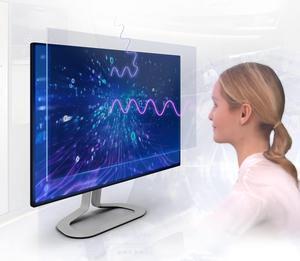
Reduce mirror-like reflections from bright indoor lights to see the screen more easily by using an anti-glare filter. Privacy filters disguise the screen when viewed from any angle other than straight, which is suitable if you often work with sensitive documents or intellectual property. A handy spray bottle of cleaner helps keep the computer monitor screen free from blemishes and dirt, while special wet wipes rub away residue without creating static. Whether you are upgrading from old displays or setting up new stations, having the right monitor accessories helps maximize the full potential of your devices.