


 All CategoriesAll CategoriesAll Categories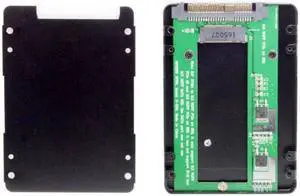
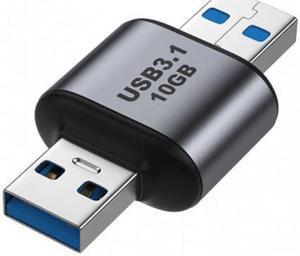
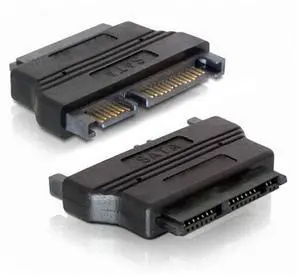
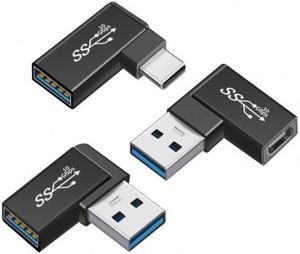

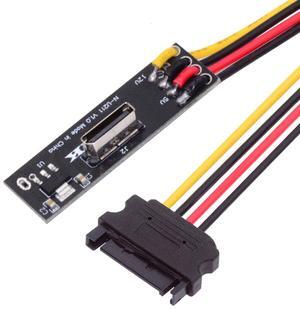
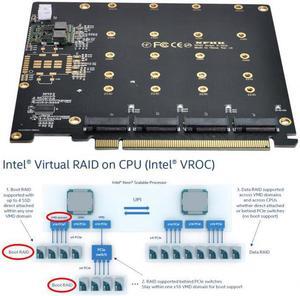
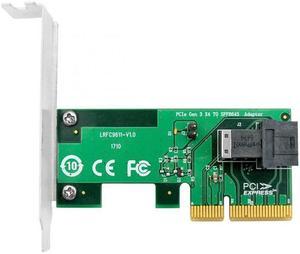

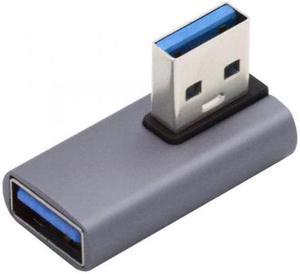
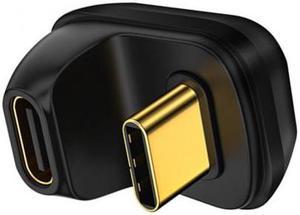
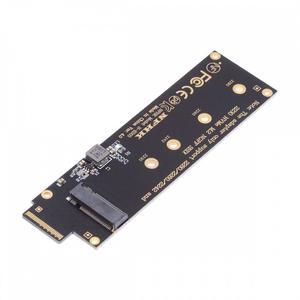
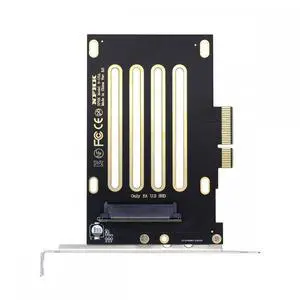

If you've ever connected an optical drive to a motherboard or made improvements to a midrange or data server, you've likely used several different SATA, eSATA or 90-degree SATA cables to do the job. SATA outputs are useful for everything from connecting drives to supplying power to various optical drives and components on your machine. Depending on the layout and design of your machine, you may need to configure your cables creatively to make the space you need. SATA conveniently allows for hot swapping a device without powering down a machine or keeping a drive running while you're troubleshooting or making repairs.
External SATA, or eSATA, is still a preferred standard for a variety of applications, namely high-speed data transfer. You'll find eSATA ports on everything from hard disk drives, external storage drives and devices to data ports on servers and external optical, DVD-ROM and CD-ROM drives. It is still not uncommon to have data or files on a disk or a drive that you need to transfer to a new machine or server. eSATA typically requires an external power source, which is precisely the application for a SATA to eSATA cable. Due to the multiple storage efficiencies of eSATA, which are not quite as widely adopted as other consumer-friendly formats like USB cables, this could be a useful standard for commercial and large data environments.
A new drive usually comes with included hardware, including maybe one or two SATA cables. That's probably not nearly enough for your setup, so it could be time to get a few more cables. Depending on what other internal power cables you are running inside your gaming tower or PC, space is truly at a premium, and a 90-degree SATA cable often provides an ideal fit. SATA III 6Gbps cables help ensure the fastest transfer speeds for SATA setups and systems to match tolerances and devices. A high-speed cable can match slower drives, including 3.0 and 1.5Gbps speeds at those slower transfer rates for backward compatibility. If you're backing up files to a new solid-state drive, you almost always need a SATA cable to transfer all your data.
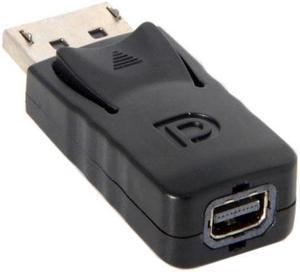
Most cables include a locking capability that holds it in place to prevent slipping. Cables with a flat design cut down on snags and tangles. The thin and flatter design of SATA cables allows for improved airflow within laptops. This flat design also reduces the running temperature of servers and cloud storage systems. Select from both 90-degree SATA cables as well as straight-to-straight outputs. SATA cables with COBOC outputs support data and network ports and connectors. SATA splitter cables provide more adaptability for custom machines and data centers. A splitter cable could eliminate the need for upgrading your power supply when installing numerous SATA drives. Depending on your display needs, new DisplayPort cables support full 4K and 1080p resolutions.