- Model #: C2G26933
- ¥9,462 –
- ¥6,855 Shipping

- ¥255,988 –
- ¥47,155 Shipping

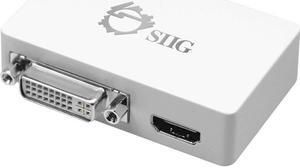
- Type: USB to HDMI Adapters
- Color: Black
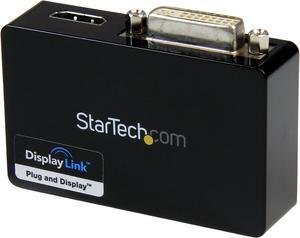
- Specifications: Audio: Yes Memory: 1GB DDR II Industry Standards: Standard HDMI, DVI-I, SuperSpeed USB 3.0, USB 2.0 Chipset ID: DisplayLInk - DL3900 Output Signal: DVI-I (DVI Digital/Analog), HDMI Connector A: 1 - USB 3.0 A (9 pin; SuperSpeed) Male Connector B: 1 - DVI-I (29 pin) Female, 1 - HDMI (19 pin) Female Maximum Digital Resolutions: 2048x1152 Supported Resolutions: - Widescreen(16/32 bit): 2048x1152, 1920x1200, 1920x1080, 1680x1050, 1600x900, 1440x900, 1368x768, 1366x768, 1360x768, 1280x800, 1280x768, 1280x720, 1024x600, 848x480, 800x480, 720X480 - Standard(16/32 bit): 1600x1200, 1400x1050, 1280x1024, 1280x960, 1152x870, 1152x864, 1024x768, 832x624, 800x600, 768X567, 640X480 Wide Screen Supported: Yes Audio Specifications: 5.1-Channel Surround (48Khz) OS Compatibility: Windows 8 (32/64bit), 7 (32/64...
- Model #: USB32HDDVII
- ¥22,761 –
- ¥2,191 Shipping

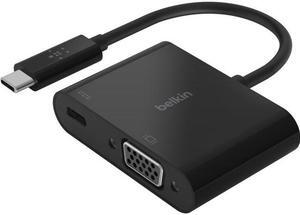
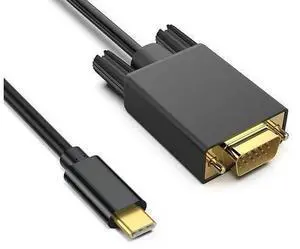
- Type: USB-C to VGA Adapter
- Color: Black
- Cable Length: 3.7"
- Specifications: Converter Type: Format Converter Maximum Analog Resolutions: 2048 x 1280 @ 60hz Maximum Digital Resolutions: 1024 x 768, 1280 x 720, 1920 x 1080, 1920 x 1200, 2048 x 1280 Wide Screen Supported: Yes Connector A: 1 x USB-C (24 pin) Male Input Humidity: 25% to 85% RH Non-Condensing Operating Temperature: 5 to 35 degree C (41 to 95 degree F) Storage Temperature: 5 to 35 degree C (41 to 95 degree F)
- Model #: CDP2VGASA
- ¥12,949 –
- ¥2,191 Shipping

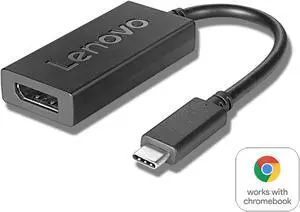
- Type: USB-C to DisplayPort Adapters
- Color: Black
- Specifications: Converter Type: Adapters Output Signal: DisplayPort Ports: 1 Audio Specifications: 7.1 surround sound Maximum Digital Resolutions: 3840 x 2160 (Ultra HD 4K) @ 60hz Supported Resolutions: 1024 x 768 1280 x 720 (High-definition 720p) 1920 x 1080 (High-definition 1080p) 1920 x 1200 2560 x 1600 3840 x 2160 (4K)@ 60hz Wide Screen Supported: Yes Connector A: 1 x USB-C (24 pin) Male Input
- Output Connector: 1 x DisplayPort (20 pin) Female Output
- Model #: CDP2DP
- ¥11,386 –
- ¥2,191 Shipping

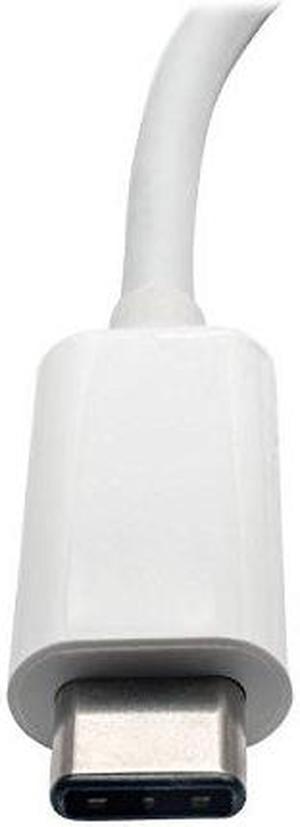
- Type: USB to HDMI Adapters
- Color: White
- Specifications: System Requirements USB-C device that supports USB DisplayPort Alternate Mode HDMI-enabled display
- Thunderbolt 3: Yes
- Model #: U444-06N-H4-C
- ¥9,326 –
- ¥10,096 Shipping

- Type: USB-C to HDMI/VGA 4K Adapter
- Color: White
- Cable Length: 6"
- Specifications: Connector: Connector A - 1 x USB-C male Connector B - 1 x HD15 female / 1 x HDMI female Max Supported Video Resolution: 4K x 2K (3840 X 2160) @30Hz HDMI Specification: 1.4 HDCP Specification: 1.4 USB Specification: USB 3.0 (up to 5 Gbps); USB 3.1 Gen 1 (up to 5 Gbps) Audio Specification: 7.1 channel surround sound via HDMI port Driver Required: No
- Model #: U444-06N-HV4K
- ¥10,814 –
- ¥10,096 Shipping

- Type: USB to HDMI Adapters
- Specifications: Compatible with Ubuntu 14.04.2 Connector A: USB MINI-B 5-PIN (FEMALE) Connector B: HDMI (FEMALE)
- Weight: 0.35
- Model #: U344-001-HDMI-R
- ¥17,859 –
- ¥10,096 Shipping

- Type: USB-C to HDMI Adapters
- Changer Type: USB to HDMI
- Color: Black
- Specifications: Ports: 2 Side A - Connector 1: USB C (MALE) Side B - Connector 1: (2) HDMI (FEMALE) Connector Plating: Nickel Displayport Specification: 1.4 HDCP Specification: 2.2 USB Specification: USB 3.2 Gen 2 (Up to 10 Gbps) Driver Required: No MST Support: Yes Multi-Resolution Support: Yes
- Model #: U444-2H-MST4K6
- ¥11,200 –
- More options from ¥11,200 - ¥19,490
- ¥10,096 Shipping

- Part Number: 4X90Q93303
- Color: Black
- Weight: 1.00 lbs
- Model #: 4X90Q93303
- ¥11,123 –
- ¥10,096 Shipping

- Color: Black
- Model #: DZ-ZHT-247-Black
- ¥3,952 –
- Free Shipping

- Type: USB C to DVI Adapters
- Color: Black
- Cable Length: 3 ft.
- Specifications: Supports USB DisplayPort Alternate Mode for Transmitting Video Reversible USB-C plug connects your device to an existing DVI display, saving you the time, money and effort of additional adapters and cables Extend video to a second monitor, duplicate the same video on both monitors, or make the second monitor your primary display Ideal for multitasking, viewing spreadsheet data, editing documents, giving presentations, watching movies and playing video games Plug and play with no external power supply or drivers required Compatible with USB-C devices that support USB DisplayPort Alternate Mode Vibrant, Superior Video Quality Supports HD video resolutions up to 1920 x 1080 (1080p) @ 60 Hz Supports USB 3.1 Gen 1 data transfer rates up to 5 Gbps Supports DVI digital t...
- Model #: U444-003-D
- ¥18,841 –
- ¥10,096 Shipping

- Model #: B0BKL1YKTR-YIXIN
- ¥2,722 –
- Free Shipping

- Color: Black
- Model #: 65Y65G-768
- ¥4,725 –
- Free Shipping

- Model #: t3dr
- ¥5,815 –
- Free Shipping

- Type: USB to DisplayPort Adapters
- Model #: B0759HSLP1C3FG
- ¥4,251 –
- Free Shipping

- Model #: C22J-X-225048
- ¥17,316 –
- Free Shipping

- Model #: C1JG-L-330017
- ¥11,673 –
- Free Shipping

- Model #: C2N780294028706673
- ¥30,503 –
- Free Shipping

- Model #: 541731874077
- ¥12,625 –
- Free Shipping

- Model #: SJB09313819P
- ¥69,898 –
- Free Shipping

- Model #: 433411529899
- ¥23,747 –
- Free Shipping

OUT OF STOCK
- Type: USB External Device
- Model #: UB01AUMOJLS
- ¥8,093 –
- ¥6,659 Shipping

OUT OF STOCK
- Brand: BUCIER
- Part Number: EP-107
- Type: Extension Card
- Connector Style: Extension Card
- Model #: 8567457858
- ¥3,461 –
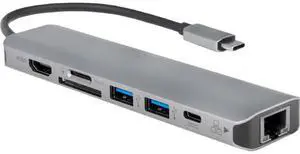
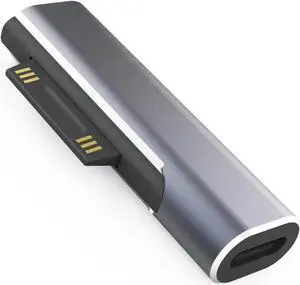
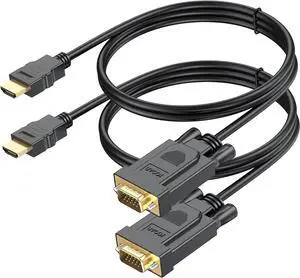
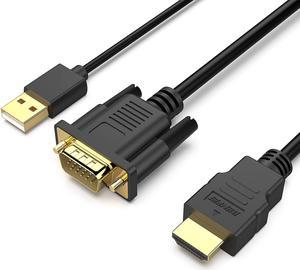
When you need to mirror your display on an additional monitor, and you've used up all of your computer's display ports, a USB display adapter could facilitate that task. USB adapters allow you to connect laptops, Apple® devices and PCs to HD display sources with HDMI inputs, for example. For facilities managers who are trying to maintain a supply budget in their offices or home users wanting to use equipment for as long as possible, display adapters, like USB-to-VGA adapters, help them keep monitors, old drives and video cards in service after display standards evolve.
USB Display Adapters Extend the Life of Dated Equipment
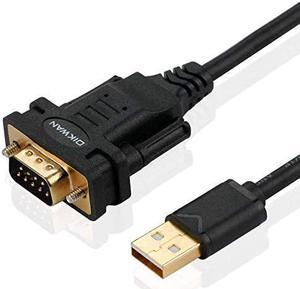
Just because a graphics and audio standard is replaced doesn't mean you have to retire an older piece of equipment, especially if it's still working. If you have a digital projector at home or at the office, you may still be able to connect it to a newer computer with USB outputs with a USB-to-VGA adapter. A perfectly functional computer monitor with a VGA output could still work in some situations if you connect it to a USB-to-VGA adapter. You may also need to confirm whether or not your old equipment is supported by the latest standards for graphics, especially for gaming and video editing.
Applications for USB-to-HDMI Adapters
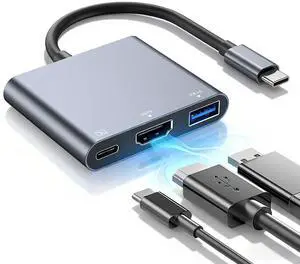
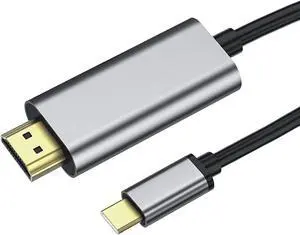
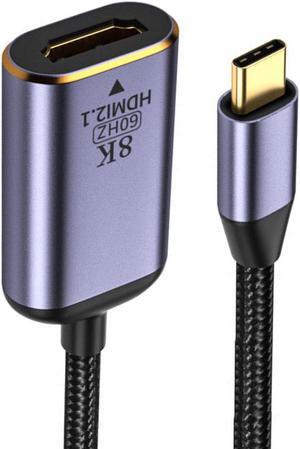
Plugging in a USB-to-HDMI adapter to your tower or laptop provides you with an instant HDMI output, and using the right USB display adapter turns your HDTV into a monitor. If you stream content from a computer or are an MPG enthusiast, you can enjoy all the benefits of the audio and resolution of your full surround sound and home entertainment equipment. Adapters with multiple jacks enable users to connect different outputs, including monitors, to a single source. USB-to-DVI adapters support the same HD video output of HDMI cables, but they don't support sound signals. DVI USB display adapters are still quite useful in office scenarios for hooking up laptops to displays for slide presentations and meeting materials that do not require audio.
USB Display Adapters Support Several Output Standards
DisplayPort was originally developed to replace VGA. Many consider DisplayPort a modern display protocol and therefore, you can sometimes find it on the back of 4K and HD televisions as an input source. USB to DisplayPort provides the flexibility you need at home or at work, in a professional studio or editing room, for example, to work with whatever HD standard best suits your personal preference. When you need the speed and performance of Thunderbolt and USB 3.0, look for cables and adapters that connect USB 3.0 and Thunderbolt outputs to high-definition monitors and televisions. Note that if you're running a USB 3.0-to-VGA adapter, double-check the specs to make sure the graphics card is supported. Adapters are cost-effective and easy to use, but they have some limitations. In many cases, you may be able to swap out your old card with a newer video card.