- Type: DVI to VGA
- Cable Length: 6 ft.
- Connector Number: 2
- Model #: P556-006
- ₩41,329 –
- More options from ₩39,647 - ₩87,998
- ₩51,723 Shipping

- Cable Length: 6 ft.
- Connector Number: 1
- Model #: 54335
- ₩64,512 –
- ₩74,261 Shipping

- Type: DVI to VGA
- Cable Length: 6.56 ft. (2.0m)
- Connector Number: 2
- Specifications: PC-99 Color-Coded: Blue, white Weight: 0.53 lbs.
- Model #: 26954
- ₩48,705 –
- More options from ₩48,705 - ₩129,501
- ₩74,836 Shipping

- Type: DVI-D to DVI-D
- Cable Length: 16.4 ft. (5.0m)
- Connector Number: 2
- Specifications: Connector 1: DVI-D Dual-Link 24-pin Male Connector 2: DVI-D Dual-Link 24-pin Male Jacket Rating: Standard
- Model #: 29527
- ₩72,974 –
- More options from ₩72,974 - ₩249,071
- ₩90,324 Shipping

- Type: DVI-D to DVI-D
- Cable Length: 10 ft.
- Connector Number: 2
- Model #: F2E7171-10-DV
- ₩54,316 –
- More options from ₩54,316 - ₩170,685
- ₩82,475 Shipping

- Type: DVI to VGA
- Cable Length: 1 ft.
- Connector Number: 3
- Model #: F2E7900-01-DV
- ₩54,948 –
- ₩90,324 Shipping

- Type: DVI-I to DVI-I
- Cable Length: 6.56 ft. (2.0m)
- Connector Number: 2
- Specifications: Connector 1: DVI-I 23-pin Male Connector 2: DVI-I 23-pin Male Jacket Rating: Standard
- Model #: 26946
- ₩45,975 –
- ₩74,836 Shipping

- Type: DVI-D to DVI-D
- Cable Length: 9.84 ft. (3.0m)
- Connector Number: 2
- Specifications: Connectors: DVI-D Dual-Link 24-pin Male to DVI-D Dual Link 24-pin Male Dual link digital signaling allows for high speed transmission up to 9.9Gbps Shielded undermold protects against unwanted EMI/RFI interference 28AWG copper conductors are individually insulated in foam-polypropylene to minimize crosstalk, ensuring high-speed, error-free transmission Tri-shielded with dual Mylar foil and braid shield reduces interference Gold-plated contacts provide full conductivity with no data loss Supports hot plugging of DVI display devices PC and Mac compatible Resolutions up to 2048 x 1536 Supports digital signal only Compatible with Flat Panel Displays, Digital CRT Displays, Projectors, and HDTV Meets DVI DDWG Standard PC99 co...
- Model #: 26942 R
- ₩44,169 –
- More options from ₩44,169 - ₩88,152
- ₩74,836 Shipping

- Type: DVI Cables
- Cable Length: 15 ft.
- Connector Number: 1
- Model #: P561-015
- ₩44,573 –
- More options from ₩44,573 - ₩146,023
- ₩82,475 Shipping

- Type: Video Cable
- Cable Length: 3.3 ft.
- Connector Number: 2
- Specifications: •Voltage Rating - 30V •Minimum Bend Radius - 60° •Temperature Rating - 80°C •Operating Temperature Range - -20° - 80°C •Storage Temperature Range - -25° - 85°C •Approvals - RoHS Compliant •Package Type - Polybag Conductor 1 (4 pair) •Conductor Type - 30AWG (7/0.10), Tinned Copper •Insulation - Foamed PE SKIN, Red/White, Brown/White, Blue/White, Green/White, Black/White, O.D. - 0.78mm •Drain Wire - 30AWG (7/0.10), Tinned Copper •Shield - Aluminum Foil, 100% Coverage Conductor 2 (1 pair) •Conductor Type - 30AWG (7/0.10), Tinned Copper •Insulation - HDPE, Yellow, Red, Green, Purple, O.D. - 0.55 Conductor 3 (3 conductors) •Conductor Type - 30AWG (7/0.10), Tinned Copper •Insulation - HDPE, Yellow, Red, Green, Purple, O.D. - 0.55 Overall Cable •Drain Wire - 30AWG (07/0.10...
- Model #: 42514
- ₩24,335 –
- More options from ₩24,335 - ₩83,609
- ₩74,836 Shipping

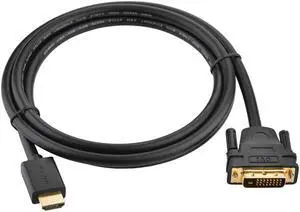
- Type: HDMI to DVI
- Cable Length: 16.4 ft. (5.0m)
- Connector Number: 2
- Shielding: Yes
- Model #: 42518
- ₩46,250 –
- ₩74,836 Shipping

- Type: HDMI to DVI
- Cable Length: 6 ft.
- Connector Number: 2
- Connect From: 1 x HDMI
- Model #: 900941
- ₩48,073 –
- More options from ₩24,919 - ₩89,461
- ₩50,939 Shipping

- Type: HDMI to DVI
- Cable Length: 9.84 ft. (3.0m)
- Connector Number: 2
- Model #: 42517
- ₩29,212 –
- More options from ₩29,212 - ₩61,862
- ₩74,836 Shipping

- Brand: Black Box Innovations
- Model #:
- ₩47,947 –
- More options from ₩47,947 - ₩51,587
- ₩52,531 Shipping

- Model #: DVIIDL003M
- ₩83,129 –
- More options from ₩82,696 - ₩83,129
- ₩65,390 Shipping

- Type: Video
- Conductor: Gold Plated
- Model #: DVI-I-DL-010M
- ₩172,399 –
- More options from ₩127,822 - ₩172,399
- ₩136,386 Shipping

- Model #: 822088069928
- ₩193,173 –
- More options from ₩193,173 - ₩197,656
- ₩52,531 Shipping

- Type: DVI (24+1) To DVI (24+1) Male to Male 24k gold-plated connectors
- Cable Length: 6.56 ft. (2.0m)
- Connector Number: 2
- Connect From: 1 x DVI
- Model #: NTRAUNIDVI2C
- ₩25,263 –
- Free Shipping

- ₩33,903 –
- ₩43,185 Shipping

- Type: DVI 24+5 DVI-I Dual Link to VGA Male to Male Digital Video Cable Gold Plated
- Cable Length: 6.56 ft. (2.0m)
- Connector Number: 2
- Connect From: DVI-I 24+5
- Model #: NTR11677L
- ₩25,250 –
- Free Shipping

- Type: DVI to VGA Converter adapter cable, DVI 24+5 DVI-I Dual Link to VGA Male to Male Digital Video Cable Gold Plated Support 1080P
- Cable Length: 4.92 ft. (1.5m)
- Connector Number: 2
- Connect From: 1 x DVI
- Model #: NTR11617L
- ₩25,263 –
- Free Shipping

- Model #: ADIB00K5K1RS4
- ₩454,396 –
- ₩414,800 Shipping

- Type: DVI-D 24+1 Dual Link Male to Male Digital Video Cable Gold Plated with Ferrite Core
- Cable Length: 9.84 ft. (3.0m)
- Connector Number: 2
- Connect From: DVI-D 24+1 Dual Link Male to Male Digital Video Cable Gold Plated with Ferrite Core
- Model #: NTRAUGDV103-3MC
- ₩25,263 –
- Free Shipping

- Type: HDMI to DVI-D 24+5 Male to Female Converter cable
- Cable Length: 8.66 in.
- Connector Number: 2
- Connect From: 1 x HDMI
- Model #: NTR20136L
- ₩25,263 –
- Free Shipping

- Type: HDMI to DVI D Cable Bi-Directional
- Cable Length: 3.28 ft. (1m)
- Connector Number: 2
- Connect From: HDMI MALE
- Model #: NTR30116L
- ₩25,263 –
- Free Shipping

- Type: Cable Kit
- Cable Length: 16.4 ft. (5.0m)
- Connector Number: 2
- Shielding: Yes
- Model #: NTRAUNIDVI5C
- ₩31,582 –
- Free Shipping

- Model #: SNM_ACUSB
- ₩101,339 –
- ₩346,437 Shipping

- Model #: B083ZJZGH2C0XP
- ₩31,331 –
- Free Shipping

- Model #: B0DHWMX39KC0XP
- ₩45,394 –
- Free Shipping

- Model #: 978446823685
- ₩88,096 –
- Free Shipping

- Model #: B0DFCBYSBVAU6S
- ₩83,691 –
- Free Shipping
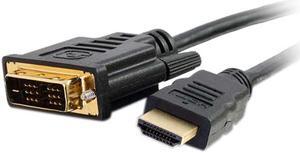
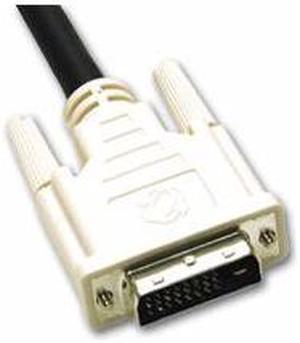
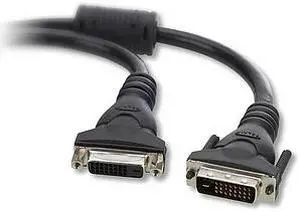
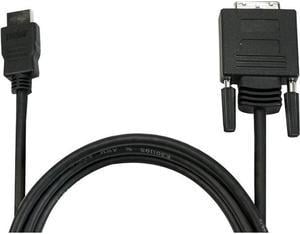
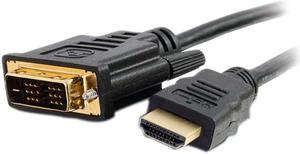
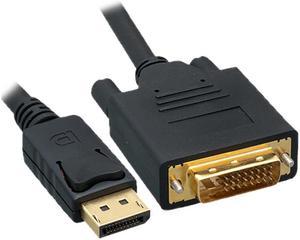
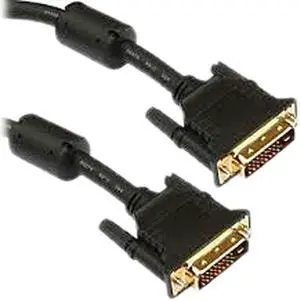
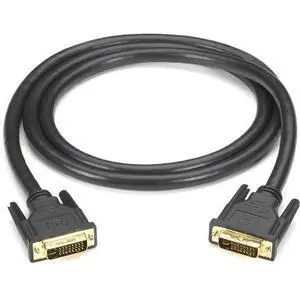
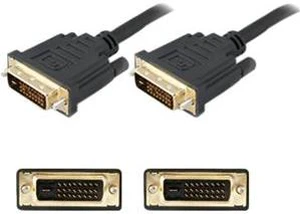
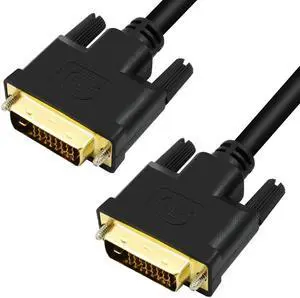
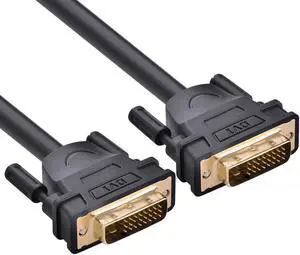
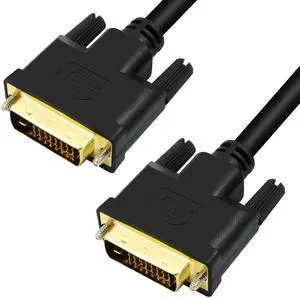
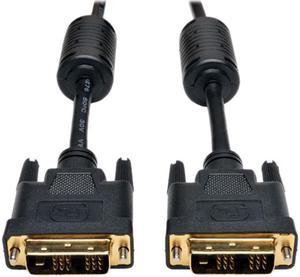
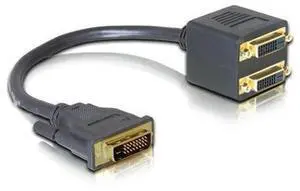
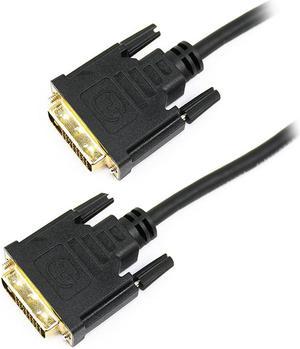
DVI, or Digital Video Interface, is a video interface that gets the highest video quality out of video graphics cards and flat panel LCDs by way of DVI cables. It took the place of the P&D Plug & Display interface and also surpassed in quality the DFP format for old flat panel monitors. Before HDMI, DVI used to be the go-to digital transfer method for high-end video displays for media like DVS, films and television. Now, HDMI is the best interface for high-definition delivery for media, while DVI is the go-to for computer video transfer. There are several different types of DVI cables, and the one you choose will be based on the features the cables offer.
DVD-D Cables Deliver Precise Imagery
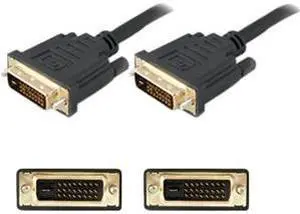
People who are looking for DVI adapters and cables that deliver crystal clear delivery from the source video to monitors should use DVD-D cables. These cables deliver high-quality imagery much better than analog ones do. When it comes to digital video cards, the DVD-D cables get rid of the usual analog conversion process while strengthening the connection between the display and the source.
Can DVI-A Cables Work With DVI Computers and VGA Monitors?
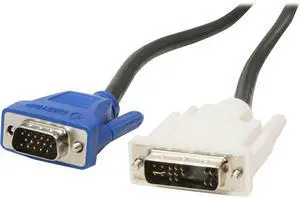
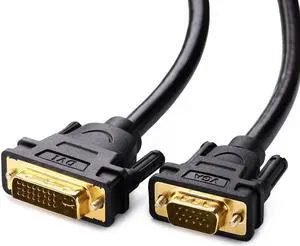
If you're trying to connect a VGA monitor and a DVI computer, go for the DVI-A cable. These cables transfer DVI signals to analog displays like low-cost LCDs or CRT monitors. Many people use DVI-A cables to connect VGA devices since both technologies use the same signals. When you convert digital to analog, there's a loss of quality, so it is best to use a digital signal whenever you can in order to get the best quality transmission.
DVI-I Gives You A Bit of Everything
When you're working with DVI-I cables, you're working with cables that give you the best of both worlds. They transmit both digital to digital signals and analog to analog signals, making them a great choice for a wider range of applications. Keep in mind that you can't use digital and analog systems interchangeably. In order to connect analog sources to digital displays, you're going to have to get a VGA to DVI-D electronic converter. If you're connecting digital displays to analog monitors, you'll need to get a DVI-D to VGA converter.
Know Which Cable You Need
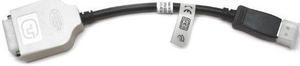
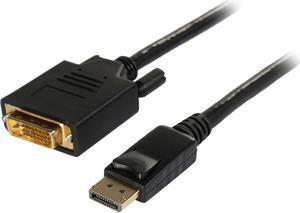
Figuring out which DVI cable you need can be a bit challenging. One simple way to figure which cable to use is to look at both female DVI plugs so that you can figure out with setups the plugs will align. If you have at least one DVI-D connection, consider getting a DVI-D cable. If you have at least one DVI-A connection, opt for a DVI-A cable. If there are two DVI-I connections, you can use either a DVI cable or a DVI-I cable. If you have a DVI connection and a VGA connection, you need to use a DVI to VGA cable or a DVI/VGA connector adapter.