All CategoriesAll CategoriesAll Categories

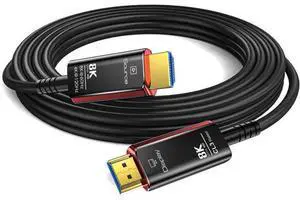
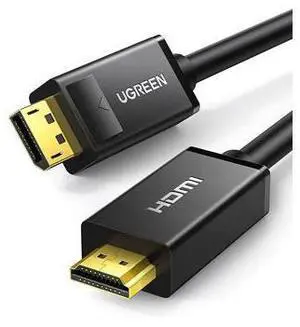


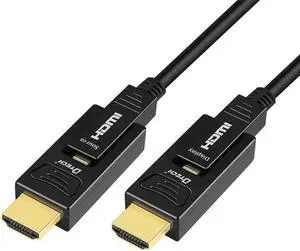

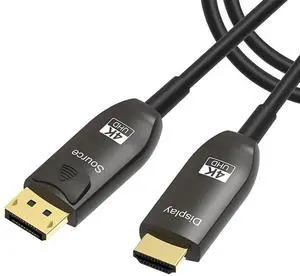
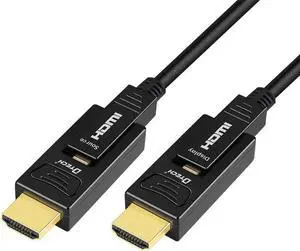
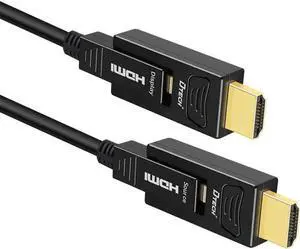
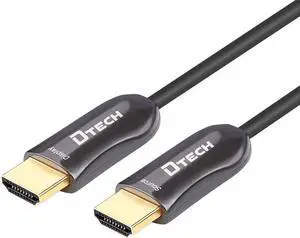
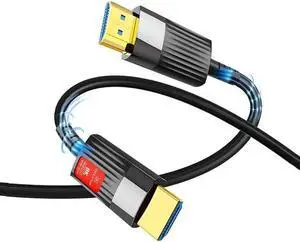

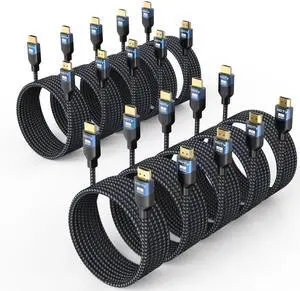
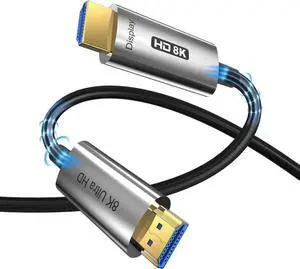
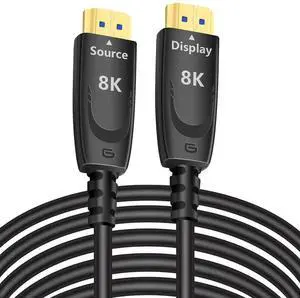
HDMI, or high-definition multimedia interface, has become the default connector for high-definition (HD) devices in the home. HDMI cables became a newly adopted standard when HD televisions and digital video streams grew in popularity, namely because HDMI cables carry both the HD video and audio signal in one. Most external devices today, whether that's your digital cable box, gaming console, or surround sound system, all require an HDMI cable to connect to your TV. As more consumers upgrade to 4K HDR televisions, you may need to shop for high-speed HDMI cables that can handle the full resolution of 4K video signals.
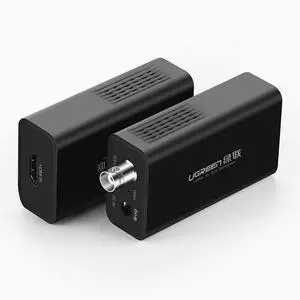
You will typically buy an HDMI cable when you purchase a new peripheral device to watch streaming video or hook up a new satellite or cable receiver. Some devices, like digital projectors and laptops, require a high-speed HDMI cable with a DVI output on one end. Note that a DVI output typically only provides a video signal, which allows employees to run slide and video presentations on a conference room monitor, for example. Some digital devices use BNC cables, especially in professional recording situations. Male-to-male HDMI outputs are more common and provide all the flexibility you require for most home entertainment scenarios. When you have to connect an Apple® device to a wired device, rather than an HDMI cable, look into purchasing one or more lightning cables.
If you are deciding whether or not it's time to upgrade your cable, the right question to ask is "when?" Since HDMI is a relatively new standard, a cable purchased before 2009 may not support the full-frame speed and color spectrum of 4K. Also, any cable eventually wears out. If you watch a lot of TV or play a lot of games, the quality of both sound and picture may deteriorate over time when you're using an older cable. Triple-shielded HDMI cables help improve sound quality by cutting down on potential signal interference. All HDMI cables also support standard definition and lower resolutions, so you can continue to watch your favorite Blu-ray™ movies and DVDs.
Not all HDMI cables include Ethernet functionality. There are some that do allow users to stream data between more than one connected device, so for multiuser gamers, for example, a high-speed HDMI cable with Ethernet allows them to transfer signals between an Xbox and an Internet-enabled TV or monitor. A side note: If you are planning on connecting multiple devices within a network or are networking servers in a home or office, you still need fiber optic cables. While a 6-foot HDMI cable is a standard length, it's easy to find cables as long as 45 or 50 feet for large rooms or offices.
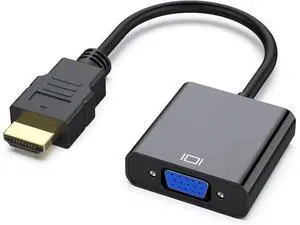
![Kirzi USB C to HDMI Cable 50ft, [4K@60Hz, High-Speed] Type C to HDMI Cable for Home Office, [Thunderbolt 3/4 Compatible] with Chromebook, MacBook Pro/Air 2023, iPad Pro, iMac, XPS 17, S23, Black(50ft)](https://c1.neweggimages.com/productimage/nb300/C0XKD25102610K3RN59.jpg "Kirzi USB C to HDMI Cable 50ft, [4K@60Hz, High-Speed] Type C to HDMI Cable for Home Office, [Thunderbolt 3/4 Compatible] with Chromebook, MacBook Pro/Air 2023, iPad Pro, iMac, XPS 17, S23, Black(50ft)")
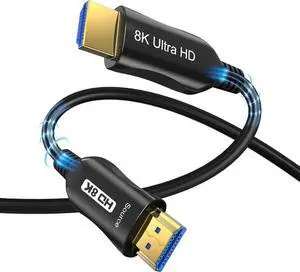
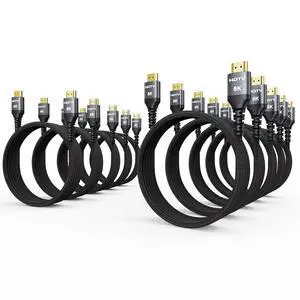
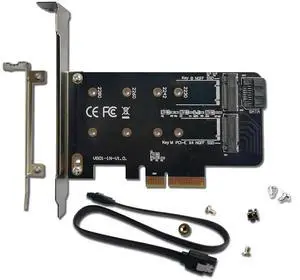
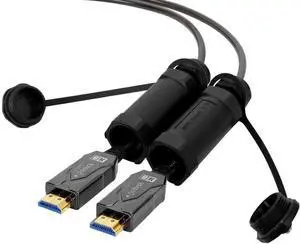
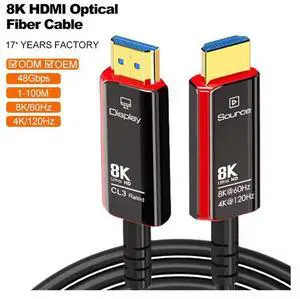
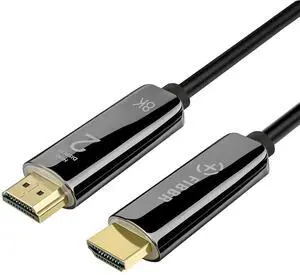
![8K 60hz Fiber Optic HDMI 2.1 Cable [164Feet], Long CL3 Rated HDMI Cable 48Gbps 60hz 120hz HDR/eARC/HDCP 2.2&2.3 Ultra High Speed Compatible with Apple-TV Dolby Vision Atmos PS5 PS4, Xbox RTX 3080 3090](https://c1.neweggimages.com/productimage/nb300/C1JGS26031606L5DQ42.jpg "8K 60hz Fiber Optic HDMI 2.1 Cable [164Feet], Long CL3 Rated HDMI Cable 48Gbps 60hz 120hz HDR/eARC/HDCP 2.2&2.3 Ultra High Speed Compatible with Apple-TV Dolby Vision Atmos PS5 PS4, Xbox RTX 3080 3090")