
Your Browsing History
Quick View
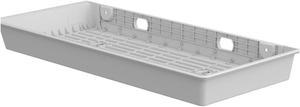
Ergotron CareFit Mounting Tray for CPU Mini PC White 98548251
- Model #: 98548251
- OMR81.52 –
- OMR21.91 Shipping
Quick View
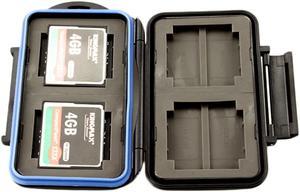
JJC MC-1 Waterproof Holder Storage Memory Card Case For 4PCS CompactFlash (CF) 8PCS MemoryStick Pro Duo
- Type: Accessory
- Labor: 30 days
- Model #: MC-1
- OMR4.53 –
- OMR20.57 Shipping
Quick View
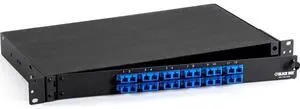
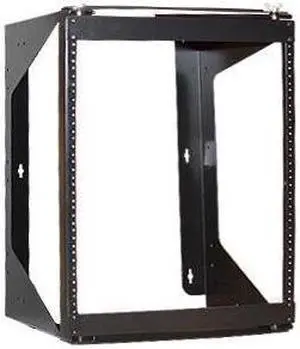
Black Box JPM375A-R2 Duplex 12-Port Network Patch Panel
- Model #: ETY5781399
- OMR278.16 –
- More options from OMR273.14 - OMR278.16
- OMR43.00 Shipping
Quick View
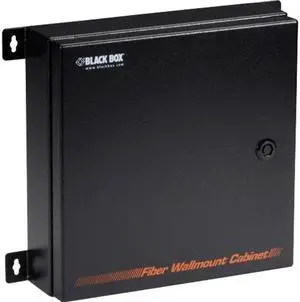
Black Box NEMA-Rated Fiber Splice Tray Wallmount Enclosure
- Model #: ETY5781407
- OMR300.46 –
- More options from OMR300.46 - OMR307.17
- OMR47.59 Shipping

Quick View
Aruba Rack Mount for Switch
- Color: Black
- Weight: 5.7000
- Model #: J9583B
- OMR120.39 –
- OMR48.85 Shipping
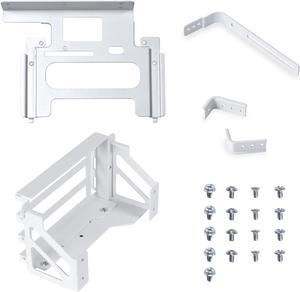
Quick View

- OMR23.09 –
- OMR26.95 Shipping

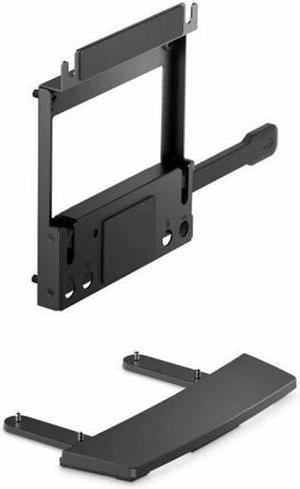
Quick View

- Part Number: AC-074-ONDNAN-A1
- Types: Stand
- Colors: Racing Green
- Specifications: Display stand: 145 x 266 x 459 mm (5.7" x 10.47" x 18.07") Bottom cover panel: 55 x 281 x 342 mm (2.17" x 11.06" x 13.46") Net Weight: 1.1kg / 2.43 lbs.
- Model #: AC-074-ONDNAN-A1
- OMR26.24 –
- OMR61.60 Shipping
Quick View

- Part Number: 7DTNN
- Types: VESA Mount
- Colors: Black
- Model #: 7DTNN
- OMR28.34 –
- OMR38.50 Shipping
Quick View
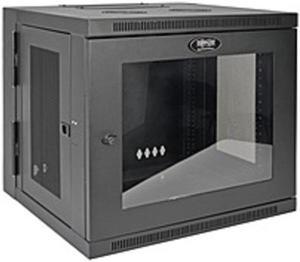
Tripp Lite 10U Wall-Mount Rack Enclosure Server Cabinet, Hinged Back, Clear Acrylic Window (SRW10USG)
- Types: Drive Accessories
- Parts: 5 Year
- Model #: SRW10USG
- OMR375.89 –
- More options from OMR242.54 - OMR430.31
- OMR696.85 Shipping
Quick View
- OMR39.89 –
- OMR107.80 Shipping

Quick View

- Part Number: X8U74AA
- Length: 0.65"
- Features: HP VESA Plate
- Model #: X8U74AA
- OMR31.49 –
- OMR38.50 Shipping

Quick View
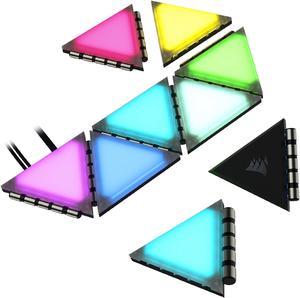
CORSAIR iCUE LC100 Case Accent Lighting Panels - Mini Triangle - 9x Tile Expansion Kit

- Types: Front / Back Panel & Accessories
- Specifications: Rated current: 1.25A Rated voltage: 5V Data connection: USB 2.0 9-pin Power input: SATA Compatible CORSAIR iCUE controller: COMMANDER CORE XT Commander PRO Lighting Node PRO
- Model #: CL-9011115-WW
- OMR32.27 –
- OMR2.50 Shipping

Quick View
Aruba Rack Mount for Network Gateway R1B30A
- Model #: R1B30A
- OMR178.50
- See price in cart
- OMR107.80 Shipping


Quick View
TRANSFORMERS 5 SCREEN PROTECTOR i7 WHITE 3D Curve Edge Tempered Glass Full Screen Coverage
- Model #: SP207W
- OMR12.59 –
- OMR26.95 Shipping
Quick View
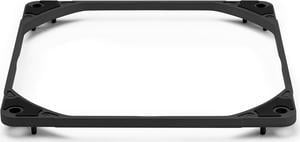
Noctua NA-IS1-14 chromax.black Sx2, Inlet Side Spacers for 140mm Fans (Black)
- Model #: NA-IS1-14 chromax.black Sx2
- OMR16.00 –
- More options from OMR16.00 - OMR34.97
- Free Shipping
Quick View
- OMR13.15 –
- More options from OMR13.15 - OMR23.85
- Free Shipping

Quick View
Noctua NA-FG1-14 Sx5, Fan Grills for 140mm Fans (Set of 5, Black)
- Model #: NA-FG1-14 Sx5
- OMR23.57 –
- More options from OMR23.57 - OMR26.08
- Free Shipping
Quick View
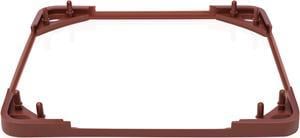
Noctua NA-SAVG1, Anti-Vibration Gasket for 120x25mm Fans (Set of 3, Brown)
- Types: Case Fan Accessories
- Colors: Brown
- Model #: NA-SAVG1
- OMR6.05 –
- Free Shipping
Quick View
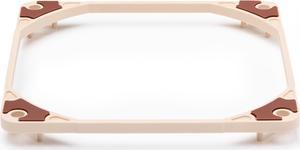
Noctua NA-IS1-12 Sx2, Inlet Side Spacers for 120mm Fans
- Model #: NA-IS1-12 Sx2
- OMR12.93 –
- More options from OMR12.93 - OMR21.63
- Free Shipping
Quick View
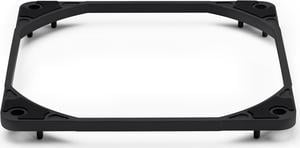
Noctua NA-IS1-12 chromax.black Sx2, Inlet Side Spacers for 120mm Fans (Black)
- Model #: NA-IS1-12 chromax.black Sx2
- OMR14.53 –
- More options from OMR8.88 - OMR30.52
- Free Shipping
Quick View
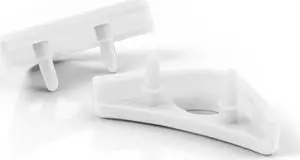
Noctua NA-SAVP1 chromax.white, Anti-Vibration Pads for 120/140mm Noctua Fans (16-pack, White)
- Length: 0 ft.
- Color: White
- Model #: NA-SAVP1 chromax.white
- OMR7.18 –
- Free Shipping
Quick View
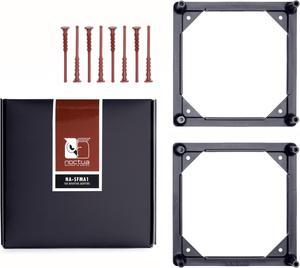
Noctua NA-SFMA1, 140 to 120mm Fan Mounting Adaptors for Watercooling Radiators (2 pieces, Black)
- Types: Case Fan Accessories
- Colors: Black
- Specifications: 2x NA-FMA1 adaptor, 8x NA-AV4 anti-vibration mounts, NO fan included
- Model #: NA-SFMA1
- OMR15.76 –
- Free Shipping
Quick View
- OMR15.76 –
- Free Shipping
Quick View
Noctua NA-FG1-7 Sx2, Fan Grills for 70mm Fans (Set of 2, Black)
- Model #: NA-FG1-7 Sx2
- OMR21.63 –
- Free Shipping
Quick View
Noctua NA-FG1-8 Sx5, Fan Grills for 80mm Fans (Set of 5, Black)
- Model #: NA-FG1-8 Sx5
- OMR18.92 –
- More options from OMR18.92 - OMR34.97
- Free Shipping
Quick View
Noctua NA-FG1-8 Sx2, Fan Grills for 80mm Fans (Set of 2, Black)
- Model #: NA-FG1-8 Sx2
- OMR21.63 –
- Free Shipping
Quick View
Noctua NA-FG1-7 Sx5, Fan Grills for 70mm Fans (Set of 5, Black)
- Model #: NA-FG1-7 Sx5
- OMR19.59 –
- More options from OMR19.59 - OMR26.08
- Free Shipping
Quick View
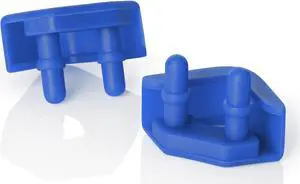
Noctua NA-SAVP5 chromax.blue, Anti-Vibration Pads for 92mm & 80mm Noctua Fans (16-pack, Blue)
- Color: Blue
- Model #: NA-SAVP5 chromax.blue
- OMR19.80 –
- Free Shipping
Quick View
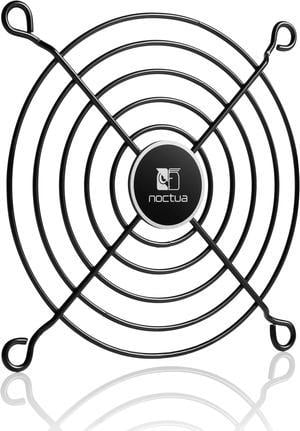
Noctua NA-FG1-9 Sx2, Fan Grills for 92mm Fans (Set of 2, Black)
- Model #: NA-FG1-9 Sx2
- OMR21.63 –
- Free Shipping
Quick View
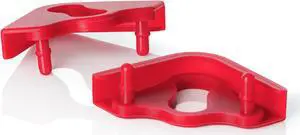
Noctua NA-SAVP6 chromax.red, Anti-Vibration Pads for 200mm Noctua Fans (16-pack, Red)
- Color: Red
- Model #: NA-SAVP6 chromax.red
- OMR19.80 –
- Free Shipping
Quick View
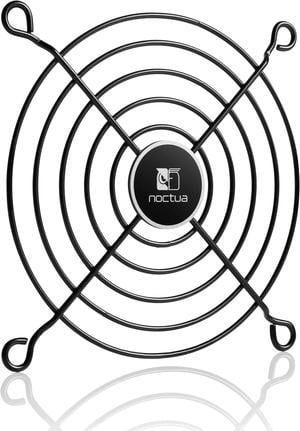
Noctua NA-FG1-9 Sx5, Fan Grills for 92mm Fans (Set of 5, Black)
- Model #: NA-FG1-9 Sx5
- OMR19.65 –
- More options from OMR19.65 - OMR21.63
- Free Shipping
Different computer case accessories allow you to build, repair and upgrade your computer. There are brackets and screws available to install various components, and replacement fan grills, dust filters and wire kits offer upgrades and improvements to systems. LED strips, RGB controllers, colored brackets and transparent side panels are suitable for decorative purposes, while still catering to practical needs. The accessories are available in a variety of styles, sizes and colors to meet everyone's needs. Be sure to check the specifications of each component to be sure it will be suitable for the form factor (size) of your case.
Build Your PC With Computer Case Accessories
Use high and low thread count screws to secure your parts inside the case, such as case fan screws, for example. Keep extra screws on-hand for future upgrades or repairs. The StarTech.com PCSCREWKIT contains an assortment of screws, nuts, and standoffs in a convenient case. Install anti-vibration fan mounts, such as the Noctua NA-SAVP1 Chromax Fan Mount Set, to keep noise to a minimum. Use an HDD slot cover to keep cables from tangling. Find a GPU (Graphics Programming Unit) bracket for a gaming PC, or to fit your HTPC media computer case. Organize and control your fans with a fan controller.
Heavy-duty Protective Cases Protect Computers
Protect your fans with replacement fan grills. Reach the back of your computer and move the device around with a CPU roller. If your replacement HDD (Hard Drive Disk) is a different size, you may need to purchase a drive bay adapter, such as the SIIG SC-SA0H12-S1 3.5"" to Dual 2.5"" Drive Bay Adapter. Fit two SSDs (Solid State Drives) into one HDD cage like the be quiet! HDD Cage, or purchase an SSD rack. Consider installing a new dust filter to keep your components free from dust and other debris. Replace damaged wiring with hookup wire, and set up more SATA (Serial ATA) connections using an HDD/SSD hot-swap back panel, such as the one by Lian Li. Protect your computer case with rubber feet, and replace damaged LED cables with a power reset LED wire kit, like the one from StarTech.com. Close exposed slots using PCI slot covers.
Versatile Gaming Cases Include Cable Sleeves and Other Features
Display your components beautifully with lighting if you've purchased one of the gaming cases with transparent side panels. These tempered glass panels are available separately to install on your existing computer case. Using LED strips, such as the DEEPCOOL RGB 350 Computer Lighting Kit LED Strip, is an easy way to add unique visual features to your system. Neaten up your wires with cable extenders, like the CORSAIR iCUE LS100 Smart Lighting Strip Expansion Kit or cable sleeves. If lighting isn't your thing, purchase cable extenders and sleeves in a color that suits the rest of your components. Use a vertical display VGA holder kit or vertical GPU (Graphics Processing Unit) to display your VGA (Video Graphics Array) card for aesthetics.